1. N'eluview
The Cooler Master ELITE Gold 850W Power Supply Unit (PSU) is a high-efficiency component designed to meet the ATX3.1 standard and PCIe5.1 specifications. It features a quiet and durable rifle bearing fan, making it an optimal choice for daily gaming and demanding PC environments. This fully modular power supply ensures stable power delivery for high-performance systems.

Foto 1: Top view of the Cooler Master ELITE Gold 850W Power Supply Unit, showcasing its design and branding.
2. Ntọala na nwụnye
Before installation, ensure your system is powered off and unplugged from the wall outlet. Handle the PSU with care to avoid damage.
2.1. Nwụnye anụ ahụ
- Mount the PSU into your PC case using the provided screws. Ensure it is securely fastened.
- Connect the main 24-pin ATX power cable to your motherboard.
- Connect the CPU power cables (EPS 4+4-pin or 8-pin) to your motherboard.

Figure 2: The power supply unit integrated into a computer system, demonstrating a typical installation scenario.
2.2. Njikọ eriri
This PSU features a full modular design, allowing you to connect only the cables necessary for your components. This helps improve airflow and cable management within your PC case.
- eriri PCIe: Connect the PCIe 6+2-pin cables to your graphics card(s). Ensure all required power connectors on your GPU are utilized.
- SATA eriri: Connect SATA power cables to storage devices such as SSDs, HDDs, and optical drives.
- eriri ndị dị n'akụkụ: Use peripheral 4-pin (Molex) cables for other components as needed.

Figure 3: Close-up of the modular cable connection ports on the power supply unit, showing clearly labeled connections for various components.
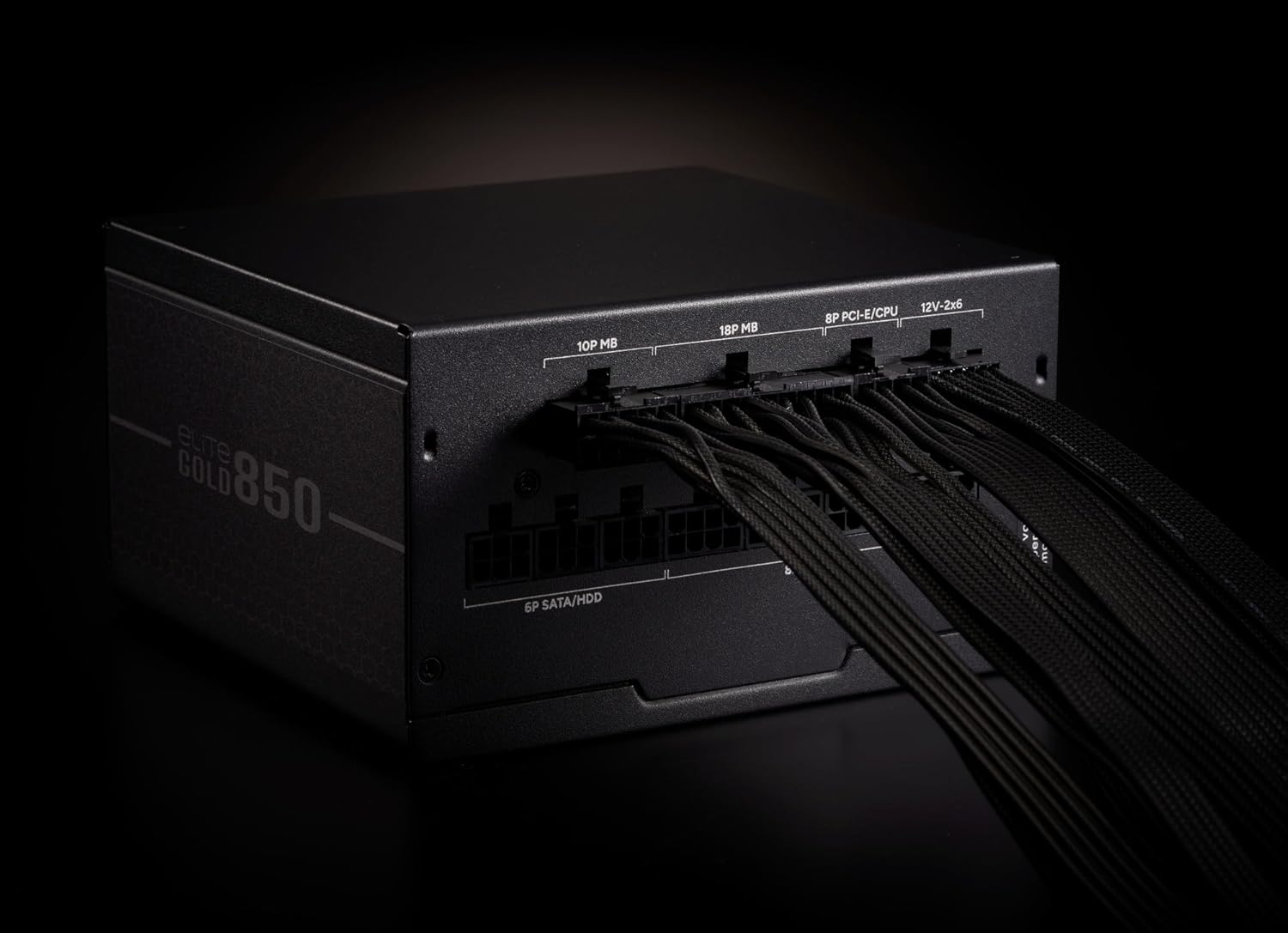
Figure 4: The power supply unit with various modular cables connected, illustrating proper cable management and connection points.
3. Ntuziaka ọrụ
After all components are securely connected and the PSU is mounted, ensure the power switch on the back of the PSU is in the 'OFF' position. Plug the AC power cord into the PSU and then into a wall outlet. Flip the power switch to the 'ON' position. You can now power on your computer system.
3.1. Ọrụ Fans
The 120mm rifle bearing fan is designed for quiet operation and efficient cooling. It features intelligent fan control, adjusting its speed based on the system's load and temperature to maintain optimal performance and minimize noise.
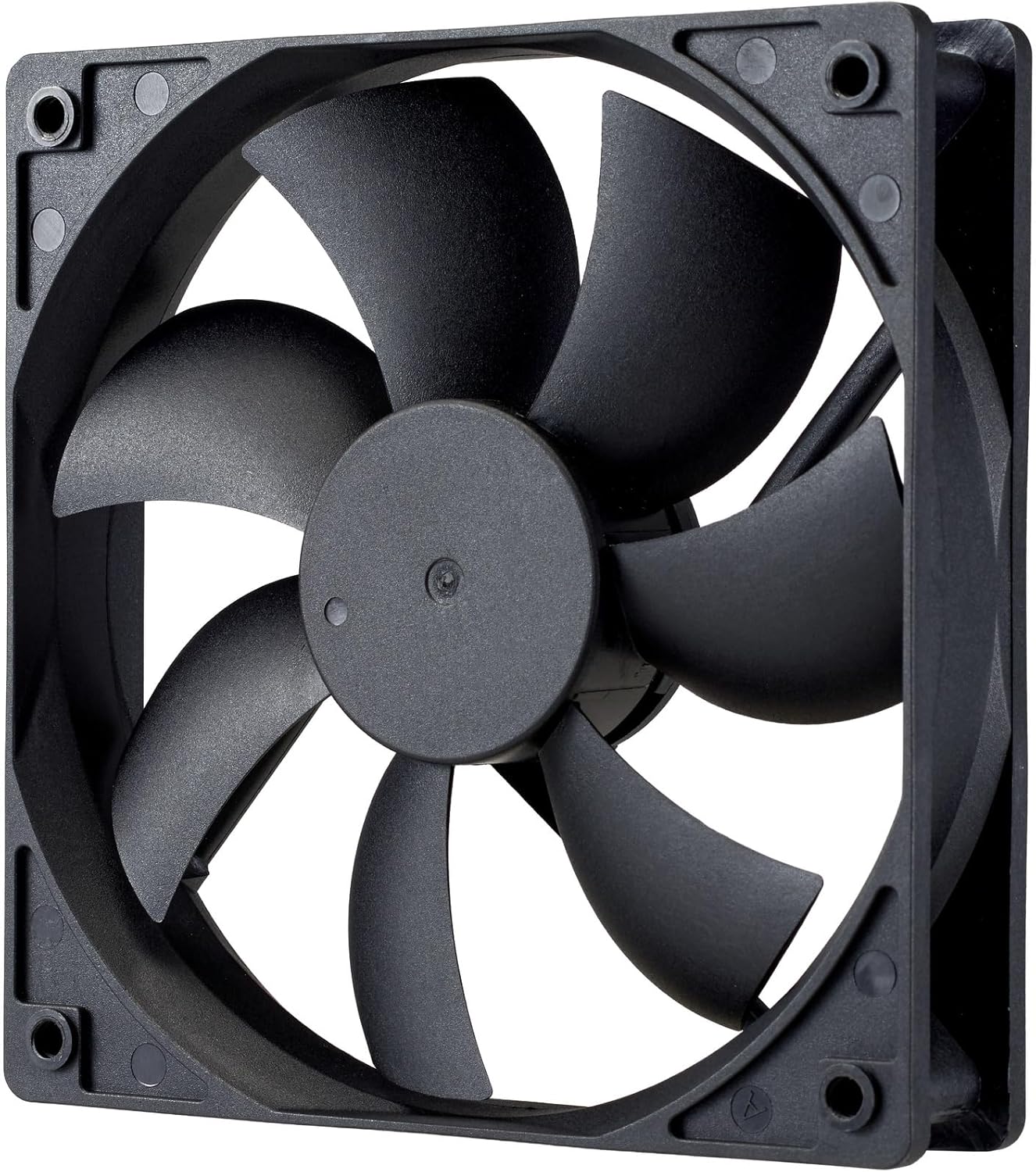
Ọgụgụ 5: A zuru ezu view of the 120mm rifle bearing cooling fan, highlighting its design for efficient heat dissipation.
4. Nlekọta
To ensure the longevity and optimal performance of your Cooler Master ELITE Gold 850W PSU, periodic maintenance is recommended.
- Nhicha: Regularly clean the exterior of the PSU and the fan grille to prevent dust buildup. Use compressed air to gently clear dust from the fan blades and internal components. Always unplug the PSU from the wall outlet before cleaning.
- Igwe ikuku: Ensure your PC case has adequate ventilation. Do not obstruct the PSU's intake or exhaust vents.
- Njikwa USB: Proper cable management not only improves aesthetics but also enhances airflow, contributing to better cooling for the PSU and other components.
5. Nchọpụta nsogbu
If you encounter issues with your PSU, refer to the following common troubleshooting steps:
- Enweghị ike:
- Check if the AC power cord is securely plugged into both the PSU and the wall outlet.
- Ensure the PSU's power switch is in the 'ON' position.
- Verify that all modular cables are correctly and firmly connected to the PSU and the respective components.
- Nwalee ebe a na-esi na mgbidi ahụ site na iji ngwaọrụ ọzọ iji gosi na ọ na-enye ike.
- Sistemu anaghị akwụsi ike/Mgbochi enweghị usoro:
- This could indicate insufficient power or a faulty component. Ensure your system's power requirements do not exceed the PSU's 850W capacity.
- Check for proper ventilation and ensure the PSU fan is spinning. Overheating can cause shutdowns.
- If possible, test the PSU with a different system or components to isolate the issue.
- Oke mkpọtụ mkpọtụ
- Clean the fan and fan grille to remove any dust buildup that might be causing obstruction or imbalance.
- Ensure the PSU is not operating under extreme load for extended periods, which can cause the fan to spin at higher RPMs.
Ọ bụrụ na usoro ndị a akwụsịghị nsogbu a, biko kpọtụrụ nkwado ndị ahịa Cooler Master maka enyemaka ọzọ.
6. Nkọwapụta
| Njirimara | Nkọwa |
|---|---|
| Ụdị | Nna-ukwu oyi |
| Nọmba nlereanya | MPX-8505-AFAG-BJP |
| Usoro | ELITE Gold |
| Product Size (W×L×H) | 150 x 140 x 86 mm |
| Ibu ngwaahịa | 2.0 n'arọ |
| Ụdị Ihe | ATX 12V Ver3.1 |
| Ike ike | 850 W |
| Asambodo 80 PLUS | Ọla edo |
| Ụdị USB | Modul zuru ezu |
| Ntinye AC | 100~240V / 6~12A / 50~60Hz |
| Nha Fans jụrụ oyi | 120mm Rifle Bearing Fan |
| Njikọ | ATX 24-pin×1, EPS 4+4-pin×1, EPS 8-pin×1, SATA×4 + Peripheral 4-pin×2, PCIe 6+2-pin×3, 12+4-pin×1 |
| Sekit nchekwa | OPP (Over Power Protection), OVP (Over Voltage Nchedo), UVP (N'okpuru Voltage Protection), SCP (Short Circuit Protection), OTP (Over Temperature Protection) |
| MTTF (nke pụtara oge ọdịda) | awa 100,000 |
7. Akwụkwọ ikike na nkwado
This Cooler Master ELITE Gold 850W PSU comes with a 5-year warranty from the date of purchase through authorized distributors. For warranty claims, technical support, or service inquiries, please contact your local Cooler Master representative or visit the official Cooler Master websaịtị. Debe ihe akaebe nke ịzụrụ ihe maka nkwado akwụkwọ ikike.
Ndị ọchịchị Websaịtị: www.coolermaster.com