Okwu mmalite
This manual provides essential information for the safe and efficient operation of your Blaupunkt 32HCE4000S LED TV. Please read these instructions thoroughly before use and retain them for future reference.
Ozi nchekwa
Ntuziaka nchekwa dị mkpa:
- Ewepụla TV na mmiri ozuzo ma ọ bụ mmiri.
- Akwụsịla oghere ikuku.
- Gbaa mbọ hụ na ntọ ala kwesịrị ekwesị.
- Kwụpụ n'oge oké ifufe ọkụ ma ọ bụ mgbe ejighi ya ogologo oge.
- Tụtụ aka n'aka ndị ọrụ ruru eru.
Melite
1. Na-ewepụ ihe TV
Carefully remove the TV from its packaging. Ensure all components are present: TV unit, remote control, power cable, and stand components.
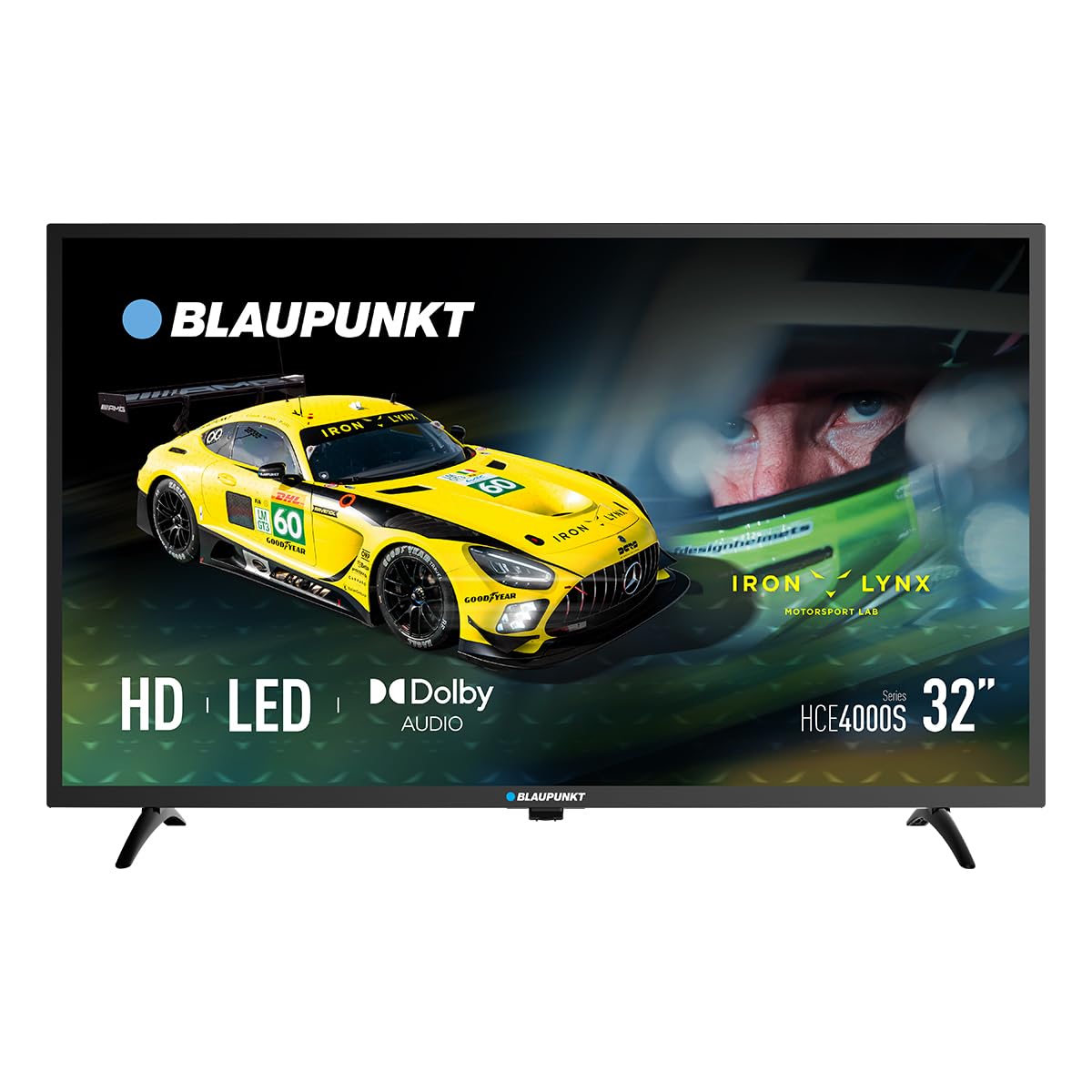
Foto: N'ihu view of the Blaupunkt 32HCE4000S LED TV with its stand.
2. Na-agbakwunye nkwụsi ike
Place the TV screen-down on a soft, flat surface. Align the stand components with the mounting holes on the bottom of the TV. Secure with the provided screws. Ensure the stand is firmly attached before placing the TV upright.
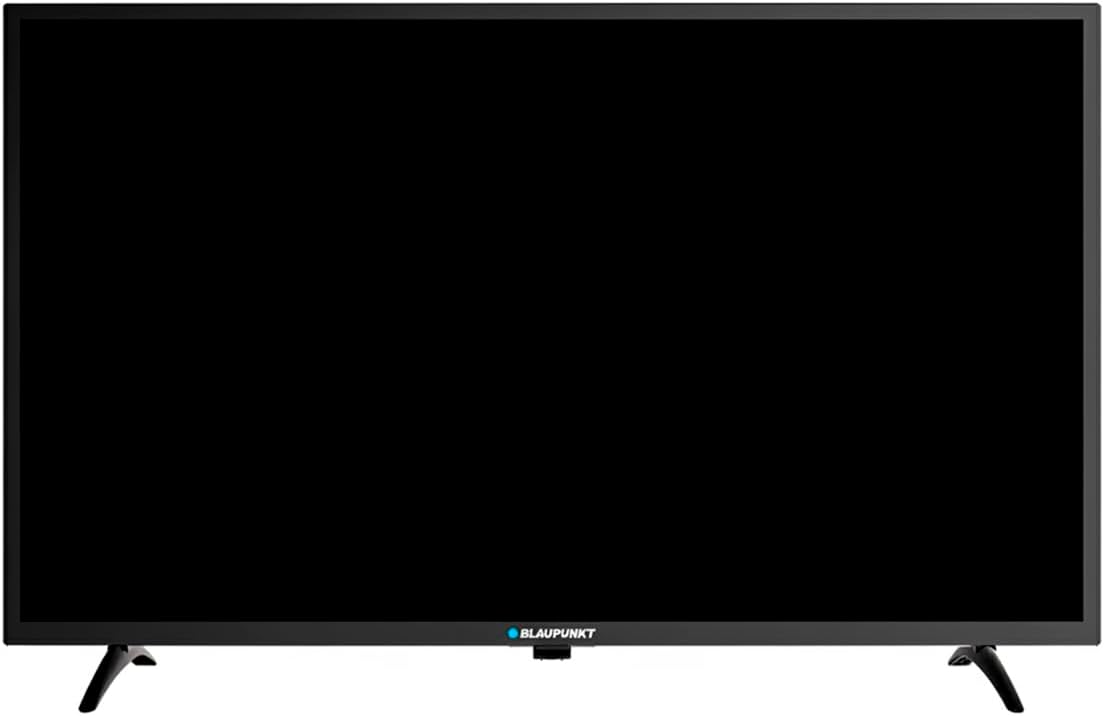
Foto: N'azụ view of the Blaupunkt 32HCE4000S LED TV, highlighting the VESA mounting points and various input/output ports.
Alternatively, for wall mounting, use a VESA-compatible wall mount (not included) and follow the mount's instructions. The TV supports VESA mounting.
3. Ijikọ Mpụga Devices
Ngwaọrụ TV nwere ọtụtụ ụzọ njikọ:
- ọdụ ụgbọ mmiri HDMI: Jikọọ ndị egwuregwu Blu-ray, consoles egwuregwu, ma ọ bụ ngwaọrụ HDMI ndị ọzọ nwere ike.
- Ọdụ ụgbọ mmiri USB: Maka ịkpọghachi mgbasa ozi sitere na ngwaọrụ nchekwa USB.
- DVB-T2 / DVB-S2 Tuners: For terrestrial and satellite digital television reception.
- YPbPr Input: For older analog video devices.
- SPDIF Optical Output: Maka mmepụta ọdịyo dijitalụ na ihe nrụgharị ụda ma ọ bụ sistemụ ihe nkiri ụlọ.
- Oghere CI: For conditional access modules (CAM) for encrypted channels.

Foto: Akụkụ view of the Blaupunkt 32HCE4000S LED TV, illustrating the accessible side ports.

Foto: Akụkụ ọzọ view of the Blaupunkt 32HCE4000S LED TV, showing additional side ports for connectivity.
4. Njikọ ike
Connect the power cable to the TV and then to a suitable power outlet (220 Volts). The TV consumes 33 watts during operation.
Ntuziaka ọrụ
1. Remote Control Overview
The remote control allows full functionality of your TV. Insert two AAA batteries (not included) into the remote control, observing polarity.

Image: Blaupunkt TV remote control, displaying buttons for power, navigation, volume, channel selection, and media playback functions.
Key functions include power on/off, channel selection, volume control, source input selection, and menu navigation.
2. Initial Setup and Channel Scan
Upon first power-on, the TV will guide you through an initial setup process. This includes language selection, country, and channel scanning for DVB-T2 (terrestrial) and DVB-S2 (satellite) signals. Follow the on-screen prompts.
3. Media Playback via USB
Insert a USB storage device into the USB port. The TV's media player will typically launch automatically or can be accessed via the 'Source' menu. Navigate to your desired media files (photos, music, videos) and select to play.
4. Electronic Program Guide (EPG)
Press the 'EPG' button on your remote control to access the Electronic Program Guide. This displays program schedules for digital channels, allowing you to view upcoming shows and set reminders.
5. Audio Atụmatụ
The TV supports Dolby Audio, providing clear and sufficient sound for various content. Adjust volume using the 'VOL +/-' buttons on the remote.

Image: The TV screen shows the Dolby Audio logo, indicating enhanced sound quality, while a family enjoys watching content.
Nlekọta
Na-ehicha TV:
- Kwupuo TV mgbe niile tupu ihicha ya.
- Jiri akwa dị nro dị nro hichaa ihuenyo na kabinet.
- Do not use liquid cleaners or aerosol sprays directly on the TV.
Nchekwa:
- If storing the TV for an extended period, ensure it is in a cool, dry place, protected from dust and extreme temperatures.
Nchọpụta nsogbu
| Nsogbu | Ihe nwere ike ime | Ngwọta |
|---|---|---|
| Enweghị ike | Power cable disconnected; power outlet faulty | Lelee njikọ eriri ọkụ; gbalịa ụzọ ọpụpụ dị iche. |
| Enweghị foto, mana ụda dị | Ahọpụtala isi mmalite ntinye na-ezighi ezi; nsogbu ngwaọrụ mpụga | Press 'Source' button on remote to select correct input; check external device connections. |
| Enweghị ụda, mana foto dị | Emechiri ụda ma ọ bụ dị ala; mbipụta sistemụ ọdịyo dị n'èzí | Unmute or increase volume; check external audio connections if applicable. |
| Njikwa anya anaghị arụ ọrụ | Batrị agwụla ma ọ bụ tinye ya n'ụzọ na-ezighi ezi; ihe mgbochi n'etiti remote na TV | Dochie batrị; hụ na ahịrị anya doro anya na ihe mmetụta IR nke TV. |
Nkọwapụta
- Akara: Blaupunkt
- Ụdị: 32HCE4000S
- Nha ihuenyo: 32 sentimita asatọ
- Ngosipụta teknụzụ: Ikanam
- Mkpebi: HD/Full HD (1366x768 / 1920x1080 pixels) - Note: Product data contains conflicting resolution information (1080p, 800x480, and 1366x768 on energy label). We refer to the product title's 'HD/Full HD' claim.
- Akụkụ akụkụ: 16:9
- Ọnụego ume ọhụrụ: 60 Hz
- Audio: Dolby Audio, 2.0 Channel Surround Sound
- Njikọta: HDMI, USB, YPbPr, SPDIF Optical, CI Slot
- Ntụgharị: DVB-T2 / DVB-S2
- Oriri ike: 33 Watts (Operating) / 26 kWh/1000h (Energy Label)
- Voltage: 220 volts
- Ndakọrịta nkwanye ugwu: Wall mount, Table stand (VESA compatible)
- Akụkụ ngwaahịa: 1 x 1 x 1 cm (ihe dị ka kwa data ngwaahịa)
- Arọ ngwaahịa: 88.2 n'arọ (Note: This weight appears unusually high for a 32-inch TV and may be an error in the source data.)
- Afọ Nlereanya: 2024

Image: Energy efficiency label for the Blaupunkt 32HCE4000S TV, indicating an energy class F rating and 26 kWh/1000h energy consumption. A QR code is also visible for more information.
For more detailed energy information, scan the QR code or visit: https://eprel.ec.europa.eu/qr/238597900
Akwụkwọ ikike & Nkwado
Your Blaupunkt 32HCE4000S TV comes with a standard manufacturer's warranty. Please refer to the warranty card included in your packaging for specific terms and conditions.
For technical support, service, or inquiries, please contact Blaupunkt customer service. Contact details can typically be found on the manufacturer's official websaịtị ma ọ bụ na akwụkwọ ikike.
The product includes a user manual. Software updates are guaranteed until an unknown date, as per product information.


