Introduction to the OPPO Find X9 Series
This manual provides a detailed guide to understanding and utilizing the full capabilities of your OPPO Find X9 Series smartphone, including the Find X9 and Find X9 Pro models. It covers essential functions, advanced features, and practical tips to enhance your user experience. The goal is to help you navigate your device efficiently and securely.
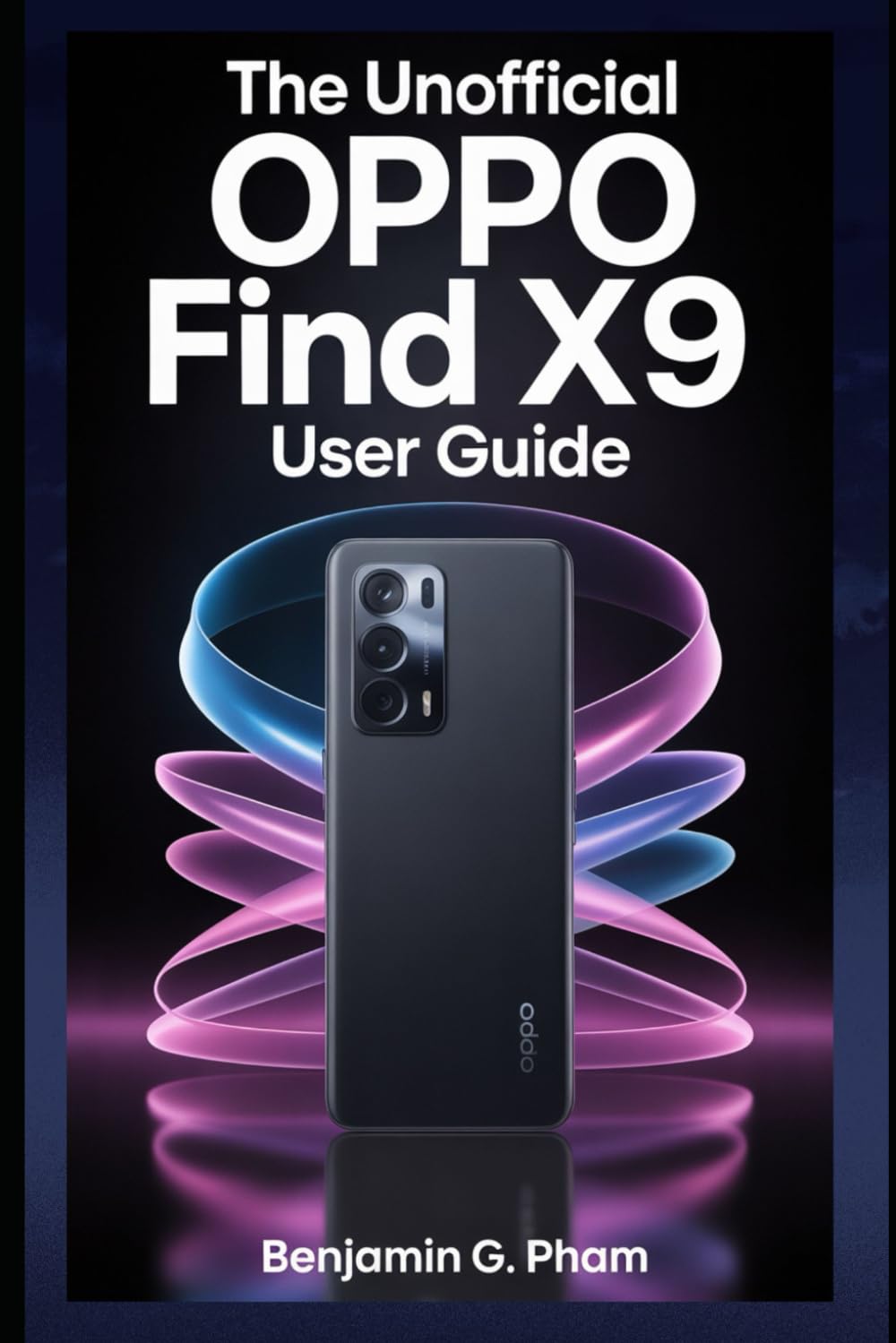
Image: Front cover of the user manual for the OPPO Find X9 Series, displaying the title and design.
1. Ntọala mbụ na nhazi
Upon first powering on your OPPO Find X9 Series device, you will be guided through a series of steps to set up your phone. This section outlines the process for initial configuration.
- Ike Na: Press and hold the power button until the OPPO logo appears.
- Nhọrọ asụsụ: Họrọ asụsụ ọkacha mmasị gị na listi ahụ.
- Nhọrọ mpaghara: Select your geographical region.
- Njikọ Wi-Fi: Connect to a stable Wi-Fi network to download necessary updates and complete setup.
- Ntọala Akaụntụ Google: Banye na akaụntụ Google gị ma ọ bụ mepụta nke ọhụrụ. Nke a dị mkpa maka ịnweta ụlọ ahịa Google Play na ọrụ Google ndị ọzọ.
- Nnyefe Data (Nhọrọ): Follow prompts to transfer data from an old device if desired.
- Ntọala nchekwa: Configure screen lock methods such as PIN, pattern, password, fingerprint, or facial recognition.
- Review and Finish: Accept terms and conditions, and complete the setup process.
2. Ọrụ na Nhazi Isi
Familiarize yourself with the fundamental operations and navigation gestures of your OPPO Find X9 Series device.
- Ihuenyo ụlọ: Access apps, widgets, and notifications. Swipe left or right to navigate between home screens.
- Drawer ngwa: Si na ala ihuenyo pịgharịa ka ị nweta ngwa niile arụnyere.
- Ogwe ngosi: Si n'elu ihuenyo gaa ala view ọkwa na ntọala ngwa ngwa.
- Ngwa ọhụrụ: Swipe up and hold from the bottom of the screen (or tap the recent apps button) to view ma jikwaa ngwa ndị ejiri n'oge na-adịbeghị anya.
- Mmegharị ahụ: Customize navigation gestures in Settings > System Settings > System Navigation.
3. Akụkụ igwefoto na foto
The OPPO Find X9 Series offers advanced camera capabilities. This section guides you through various camera modes and settings to capture high-quality photos and videos.
- Ụdị igwefoto: Explore modes such as Photo, Video, Portrait, Night, Pro, Panorama, and Slow-motion.
- Ntọala: Adjust resolution, aspect ratio, timer, grid lines, and advanced camera parameters.
- AI Enhancements: Utilize AI Scene Enhancement for optimized photo quality based on detected subjects.
- Ndụmọdụ ndị ọkachamara: Learn about composition, lighting, and focus techniques for improved photography.
4. AI Tools and Smart Settings
Discover the integrated AI features and smart settings designed to personalize and optimize your device's performance and user experience.
- Ogwe akụkụ Smart: Access frequently used apps and tools quickly.
- Flexible Windows: Utilize split-screen and floating windows for enhanced multitasking.
- AI System Booster: Optimize system performance and app launch speeds.
- Nhazi onwe: Customize themes, wallpapers, always-on display, and icon styles.
5. Productivity Tools and Connectivity
Enhance your productivity with various built-in tools and seamless connectivity options.
- File Na-ekekọrịta: Use Nearby Share or OPPO Share for quick file na-enyefe n'etiti ngwaọrụ.
- Multi-Screen Connect: Mirror your phone screen to a PC or tablet for a larger workspace.
- Ọdịmma Dijitalụ: Monitor and manage your screen time and app usage.
- Ọrụ igwe ojii: Sync data and back up your device using Google Drive or OPPO Cloud.
6. Nchekwa na nzuzo
Protect your personal data and maintain your privacy with the security features available on your OPPO Find X9 Series device.
- Biometric Security: Configure and manage fingerprint and facial recognition for secure unlocking and app access.
- Mkpọchi ngwa: Protect individual applications with a password or biometric authentication.
- Nchekwa onwe: Securely store private photos, videos, and documents.
- Permission Manager: Control which apps have access to your device's features and data.
- Dashboard nzuzo: Monitor app access to sensitive permissions.
7. Mmezi Ngwaọrụ
Regular maintenance helps ensure optimal performance and longevity of your OPPO Find X9 Series smartphone.
- Mmelite ngwanrọ: Regularly check for and install system updates via Ntọala > Gbasara ngwaọrụ > Emelitere.
- Nkwalite batrị: Manage battery usage in Ntọala > Batrị ịgbatị ndụ batrị.
- Njikwa nchekwa: Kpochapụ adịghị mkpa files and cache to free up storage space.
- Nhicha: Use a soft, lint-free cloth to clean the screen and device body. Avoid harsh chemicals.
8. Ịchọpụta nsogbu nkịtị
Akụkụ a na-eleba anya n'okwu ndị nkịtị ị nwere ike izute ma nye azịza ya.
| Okwu | Ngwọta |
|---|---|
| Ngwaọrụ anaghị agbanye ọkụ | Gbaa mbọ hụ na agbagoro batrị. Pịa ma jide bọtịnụ ike opekata mpe 10 sekọnd. |
| Ngwa na-akụda ma ọ bụ na-ajụ oyi | Hichapụ cache ngwa ahụ (Ntọala > Ngwa > Njikwa ngwa > [Aha ngwa] > Ojiji nchekwa > Hichapụ ebe nchekwa). Malitegharịa ngwaọrụ ahụ. |
| Ndụ batrị adịghị mma | Check battery usage in settings to identify power-hungry apps. Reduce screen brightness. Disable unnecessary features like GPS or Bluetooth when not in use. |
| Nsogbu njikọ netwọkụ | Toggle Wi-Fi/Mobile Data off and on. Restart the device. Reset network settings (Settings > System settings > Back up and reset > Reset phone > Reset network settings). |
9. Product Specifications (OPPO Find X9 Series)
This manual details the specifications of the OPPO Find X9 and Find X9 Pro models. For precise technical specifications, please refer to the official OPPO website or the packaging of your specific device model.
Note: As this document is a general guide, specific hardware details such as processor type, RAM, storage, and camera sensor models are covered within the guide's content rather than listed here.
ISBN for this user guide: 979-8270541873

Image: Back cover of the user manual, showing the ISBN barcode and additional details.
10. Akwụkwọ ikike na nkwado
For information regarding your device's warranty, please refer to the warranty card included with your OPPO Find X9 Series smartphone or visit the official OPPO support website. For technical assistance, contact OPPO customer service through their official channels.
- Official OPPO Websaịtị: For product information, FAQs, and support resources.
- Ndị ọrụ nlekọta ndị ahịa: Contact details for phone, chat, or email support can be found on the official websaịtị.


