1. Okwu mmalite
Thank you for choosing the GOBOULT Mustang Thunder Bluetooth Headphones. This manual will guide you through the features, setup, and operation of your new headphones, ensuring an optimal audio experience. Please read these instructions carefully before use.

Image 1.1: GOBOULT Mustang Thunder Bluetooth Headphones in Silver Black.
2. Ihe ngwugwu
Gbaa mbọ hụ na ihe niile dị na ngwugwu gị:
- GOBOULT Mustang Thunder Bluetooth Headphones
- USB Type-C Nchaji USB
- 3.5mm Audio USB (maka wired njikọ)
- Akwụkwọ ntuziaka onye ọrụ
3. Ngwaahịa gafereview
Mara ihe ndị bụ isi na njikwa nke ekweisi gị.

Image 3.1: Illustration of tactile controls and AI Voice Assistant feature on the headphone.
Akụkụ ndị bụ isi:
- 40mm Bass Drivers: For powerful and immersive sound.
- Zen ENC Mic: Environmental Noise Cancellation for clear calls.
- Bluetooth v5.4: Stable and low-latency wireless connectivity.
- Ụdị-C Nchaji ngwa ngwa: Efficient power replenishment.
- Oge egwuregwu awa 70: Ogologo ndụ batrị maka ojiji ogologo oge.
- 4 EQ Sound Modes: Customizable audio profiles (Rock, Pop, Vocal, Bass).
- 3 Brightness LED Modes: Adjustable LED lighting on the earcups.
4. Ntọlite na mbido ojiji
4.1 Ịchaji ekweisi
Tupu iji nke mbụ, chajịa ekweisi gị nke ọma.
- Connect the USB Type-C charging cable to the charging port on the headphones.
- Jikọọ nsọtụ nke ọzọ nke eriri na ihe nkwụnye ọkụ USB (anaghị etinye ya) ma ọ bụ ọdụ ụgbọ USB nke kọmputa.
- The LED indicator will show charging status. It will turn off or change color once fully charged.
A full charge provides up to 70 hours of playtime without LED lights, or 50 hours with LED lights active.
4.2 Gbanyụọ/ gbanyụọ
- Iji gbanye: Pịa ma jide bọtịnụ ike maka ihe dịka sekọn 3 ruo mgbe ihe ngosi LED na-enwu.
- Iji gbanyụọ: Pịa ma jide bọtịnụ ike maka ihe dịka sekọnd 3 ruo mgbe ihe ngosi LED gbanyụrụ.
4.3 Njikọ Bluetooth
Pair your headphones with a Bluetooth-enabled device.
- Gbaa mbọ hụ na agbanyụrụ ekweisi.
- Press and hold the Power button for 5-7 seconds until the LED indicator flashes red and blue alternately, indicating pairing mode.
- Na ngwaọrụ gị (smartphone, tabletị, kọmpụta), mee ka Bluetooth nwee ike wee chọọ ngwaọrụ dị.
- Select "GOBOULT Mustang Thunder" from the list of found devices.
- Once connected, the LED indicator will flash blue slowly or remain solid blue.
The headphones support Bluetooth v5.4 for a stable connection up to 10 meters.
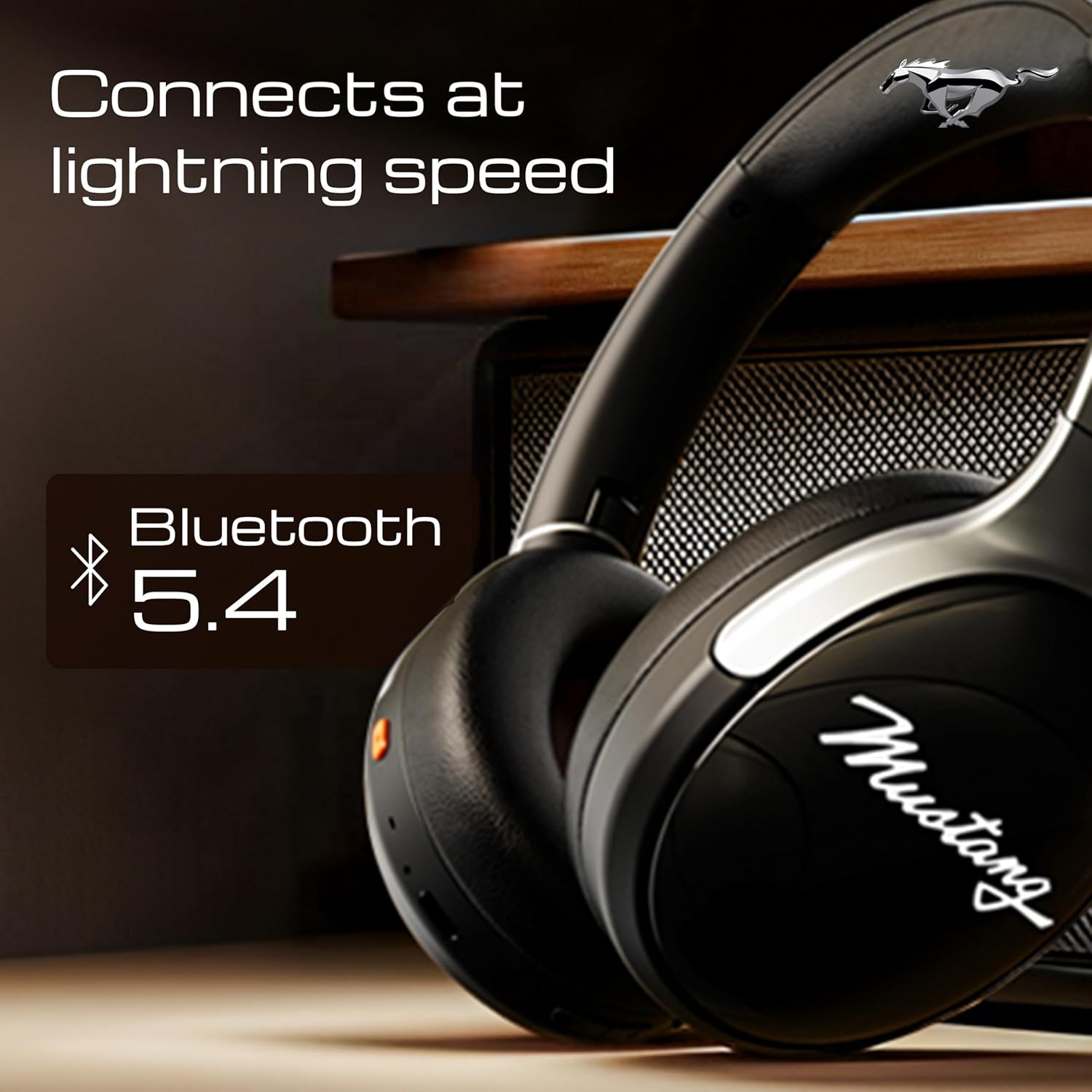
Image 4.1: Bluetooth 5.4 connectivity for fast and stable pairing.
5. Ntuziaka ọrụ
5.1 Nghaghachi egwu
- Gwuo/kwụsịtụ: Pịa bọtịnụ Multi-function ozugbo.
- Track na-esote: Press and hold the Volume Up button.
- Gara aga Track: Pịa ma jide bọtịnụ ụda ala.
- Olu elu: Pịa obere bọtịnụ Mpịakọta Elu.
- Olu ala: Pịa obere bọtịnụ Mbelata Olu.
5.2 Njikwa oku
The integrated Zen ENC Mic ensures clear communication.
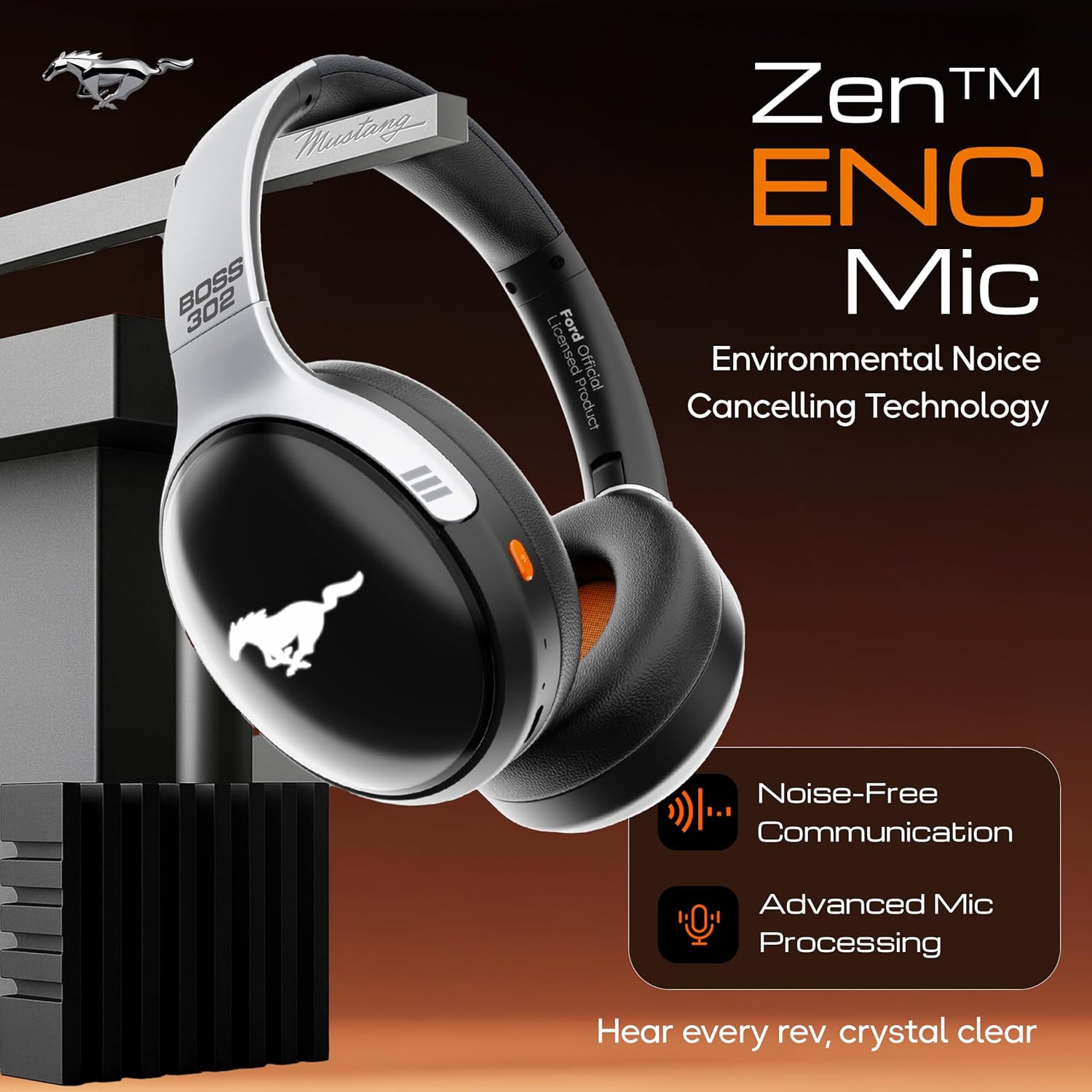
Image 5.1: Zen ENC Mic technology for noise-free communication.
- Azịza/Kwụsị Oku: Pịa bọtịnụ Multi-function ozugbo.
- Jụ oku: Pịa ma jide bọtịnụ ọtụtụ ọrụ maka sekọnd iri na abụọ.
- Nọmba Ikpeazụ emegharịgharịrị: Pịa bọtịnụ Multi-function ugboro abụọ.
5.3 EQ Sound Modes
Customize your audio experience with 4 distinct EQ modes.
- Ụdị mgbanwe: Press the EQ button (refer to product diagram for location) to cycle through Rock, Pop, Vocal, and Bass modes.
Ụdị ọkụ ọkụ 5.4 LED
Activate and change the dynamic LED lights on your earcups.

Image 5.2: Dynamic LED lights and glowing Mustang emblem on the headphones.
- Activate/Change Modes: Press the LED button (refer to product diagram for location) to cycle through the 3 brightness LED modes.
5.5 AI onye enyemaka olu
Access your device's voice assistant directly from the headphones.
- Mee ọrụ: Triple-press the Multi-function button to activate Google Assistant or your device's default voice assistant.
5.6 Njikọ waya (Ụdị AUX)
Use the included 3.5mm audio cable for a wired connection, conserving battery or connecting to non-Bluetooth devices.
- Plug one end of the 3.5mm audio cable into the AUX port on the headphones.
- Tinye nsọtụ nke ọzọ n'ime jakị ọdịyo 3.5mm nke ngwaọrụ gị.
- The headphones will automatically switch to AUX mode.
6. Nlekọta na nlekọta
Proper care ensures the longevity and performance of your headphones.
- Nhicha: Jiri akwa dị nro dị nro hichaa ekweisi. Ejila kemịkalụ siri ike ma ọ bụ ihe abrasive.
- Nchekwa: Store the headphones in a cool, dry place, away from direct sunlight and extreme temperatures. The foldable design allows for compact storage.
- Nguzogide mmiri: Igwe ekweisi anaghị egbochi mmiri. Zere itinye ha n'ime mmiri ma ọ bụ ikpughe ha nye nnukwu mmiri ozuzo.
- Batrị: To preserve battery life, charge the headphones at least once every three months if not in regular use.
7. Nchọpụta nsogbu
Ọ bụrụ na ị na-enwe nsogbu, rụtụ aka na azịza nkịtị ndị a:
| Nsogbu | Ihe nwere ike ime | Ngwọta |
|---|---|---|
| Igwe ekweisi anaghị agba ọkụ | Batrị dị ala | Charge the headphones fully using the provided Type-C cable. |
| Enweghị ike ijikọ na ngwaọrụ | Headphones not in pairing mode; Bluetooth off on device; device too far | Ensure headphones are in pairing mode (flashing red/blue). Turn on Bluetooth on your device. Move device closer to headphones (within 10m). |
| Enweghị ụda mgbe a na-akpọghachi ya | Volume too low; incorrect audio source; headphones not connected | Increase volume on headphones and device. Check if headphones are properly connected via Bluetooth or AUX. Ensure correct audio output is selected on your device. |
| Ogo oku na-adịghị mma | Environmental noise; weak Bluetooth connection | Move to a quieter environment. Ensure a stable Bluetooth connection. |
8. Nkọwapụta
Detailed technical specifications for the GOBOULT Mustang Thunder Bluetooth Headphones:
| Njirimara | Nkọwapụta |
|---|---|
| Aha Nlereanya | Airbass |
| Teknụzụ Njikọta | Ikuku (Bluetooth v5.4) |
| Oke Bluetooth | 10 mita |
| Nha ọkwọ ụgbọ ala ọdịyo | 40 Millimita |
| Nzaghachi ugboro ugboro | 20 Hz |
| Mmetụta | 118 dB |
| Jack ekweisi | 3.5mm ọkpụrụkpụ |
| Ndụ Batrị (Oge Egwuregwu) | Up to 70 Hours (without LEDs), 50 Hours (with LEDs) |
| Ngwakọta batrị | Lithium polymer |
| Nchaji ọdụ ụgbọ mmiri | USB Ụdị-C |
| Ibu Ibu | 234 grams |
| Akụkụ ngwaahịa | 18 x 5 x 19.5 cm |
| Ọkwa Nguzogide mmiri | Mmiri na-eguzogide |
| Ụdị njikwa | Button Control, Google Assistant |
9. Akwụkwọ ikike na nkwado
9.1 Ozi akwụkwọ ikike
The GOBOULT Mustang Thunder Bluetooth Headphones come with a Akwụkwọ ikike onye nrụpụta afọ 1 from the date of purchase. This warranty covers manufacturing defects and ensures trusted performance and premium build quality.
Biko dowe ihe akaebe nke ịzụrụ ihe maka akwụkwọ ikike.
9.2 Nkwado ndị ahịa
For any questions, technical assistance, or warranty claims, please contact GOBOULT customer support through their official websaịtị ma ọ bụ onye na-ere ahịa ebe a zụrụ ngwaahịa ahụ.


