1. Okwu mmalite
Welcome to the NIMO N15A 15.6" Laptop User Manual. This guide provides essential information for setting up, operating, maintaining, and troubleshooting your new laptop. Please read this manual thoroughly to ensure optimal performance and longevity of your device.

Figure 1: NIMO N15A 15.6" Laptop
2. Ozi nchekwa
To prevent damage to your NIMO N15A laptop and ensure your safety, please observe the following guidelines:
- Use only original chargers and regularly inspect cables for any signs of damage.
- Handle the laptop by its base and consider using a protective case to prevent physical damage.
- Zere itinye ihe dị arọ na laptọọpụ ahụ.
- Ensure the laptop is placed on a hard, flat surface to allow for proper ventilation and prevent overheating.
- Keep the device away from extreme temperatures and moisture.
- Do not overcharge the battery. Discontinue use immediately if the battery shows signs of swelling or damage.
- Set strong passwords, keep your software updated, use antivirus protection, and regularly back up your data.
- In case of liquid spills, immediately unplug the laptop and allow it to dry completely before attempting to power it on.
- For any issues, consult qualified professionals. Do not attempt to disassemble or repair the laptop yourself, as this may void the warranty and cause further damage.
3. Kedu ihe dị na Igbe ahụ
Your NIMO N15A laptop package includes the following items:
- 1 x NIMO N15A Laptop
- 1 x Type-C 100W PD Fast Charger
- Akwụkwọ ntuziaka onye ọrụ 1 x (akwụkwọ a)
- Windows 11 Home (pre-installed)
- Warranty Information (2 Years Warranty, 90 Days Return)
Video 1: Unboxing and Initial Setup of the NIMO 15.6" Laptop. This video demonstrates the contents of the package and the first steps to power on the device.
4. Ngwaahịa gafereview
4.1. Akụkụ anụ ahụ
The NIMO N15A laptop features a durable metal shell, combining a sleek aesthetic with robust protection. Its slim profile and lightweight design (3.75 lbs) make it highly portable.
4.2. Ports na Njikọta
The laptop is equipped with a variety of ports for versatile connectivity:
- Micro SD kaadị Reader
- Ọdụ ụgbọ mmiri USB 2.0
- USB 3.2 Ports (multiple)
- Jack ekweisi
- Oghere Mkpọchi Kensington
- HDMI Port
- Type-C (Multifunction) Ports (multiple, supporting 100W PD fast charging)

Figure 2: High-Speed Interfaces and Ports
Video 2: NIMO Laptop Overview. This video highlights the laptop's design, display, camera, keyboard, and various ports.
5. Nhazi
5.1. Ike izizi
- Unpack your NIMO N15A laptop and all accessories from the box.
- Connect the 100W Type-C PD Fast Charger to the laptop's Type-C port and a power outlet.
- Mepee mkpuchi laptọọpụ ahụ. Laptọọpụ ahụ nwere ike ịgbanwuo na akpaghị aka, ma ọ bụ ị nwere ike pịa bọtịnụ ike.
- Soro ntuziaka dị na ihuenyo iji mezue ntọala Windows 11 Home, gụnyere asụsụ, mpaghara, njikọ netwọk, na ịmepụta akaụntụ onye ọrụ.
5.2. Ijikọ na Wi-Fi
During the initial setup or at any time, you can connect to a Wi-Fi network:
- Click the Wi-Fi icon in the taskbar (bottom right corner of the screen).
- Họrọ netwọk Wi-Fi nke ịchọrọ na listi ahụ.
- Tinye paswọọdụ netwọk ma ọ bụrụ na ịchọrọ, wee pịa 'Jikọọ'.
6. Ịrụ ọrụ Laptọọpụ gị
6.1. Ngosipụta
The NIMO N15A features a 15.6" Full HD (1920x1080) IPS anti-glare display with an 85% screen-to-body ratio, providing clear and vibrant visuals for work, entertainment, and light gaming.
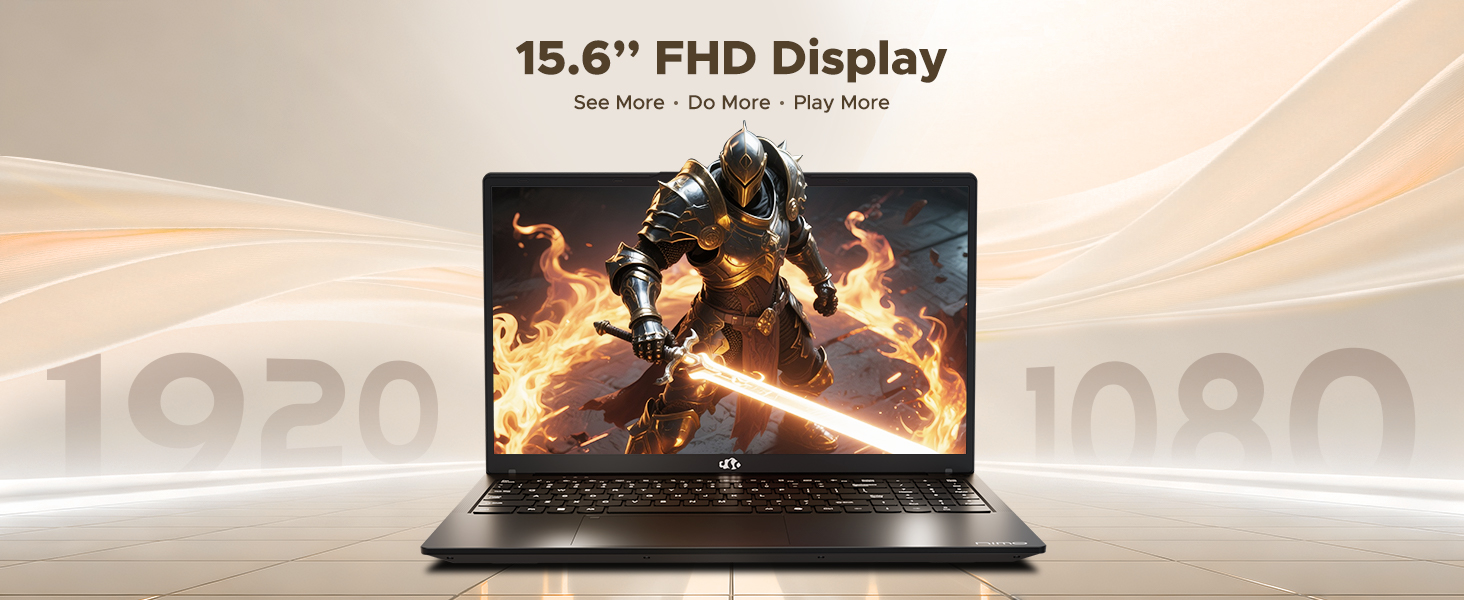
Figure 3: 15.6" FHD IPS Display
6.2. Ahụigodo na Touchpad
The laptop includes an ergonomic backlit keyboard for comfortable typing in various lighting conditions and a precision gesture touchpad for smooth navigation.
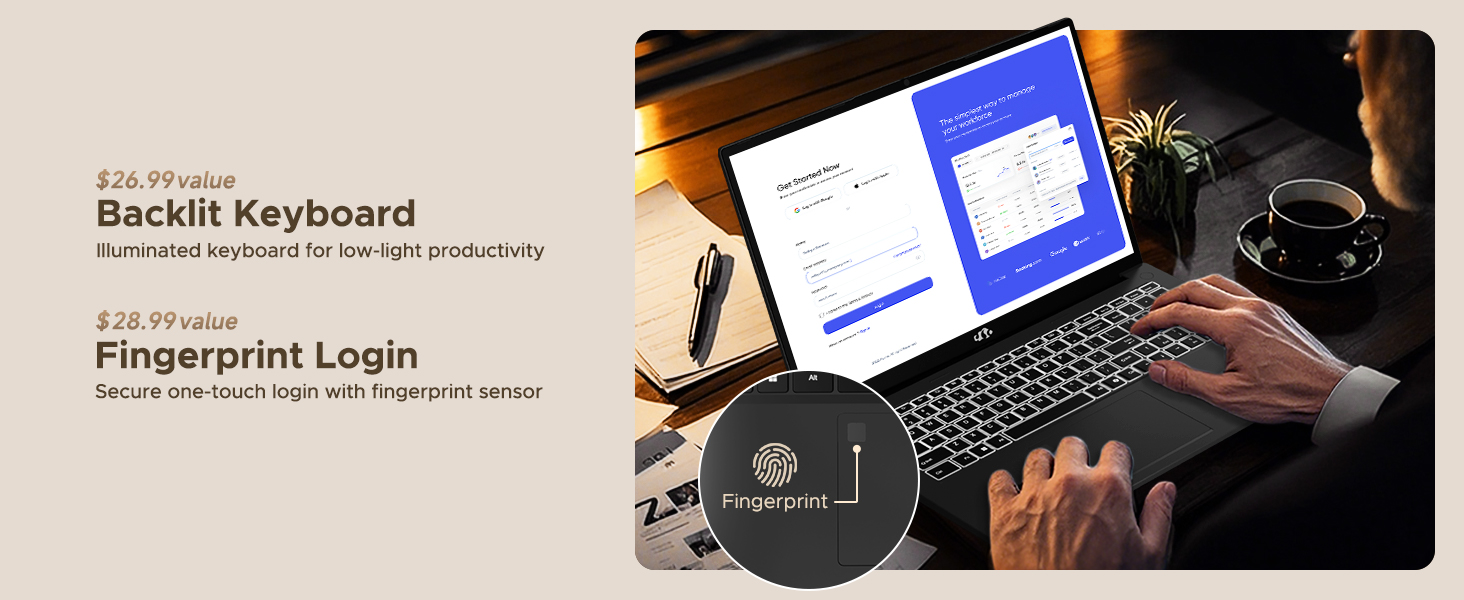
Figure 4: Backlit Keyboard and Fingerprint Sensor
6.3. Fingerprint Login
For enhanced security and convenience, the laptop features a fingerprint reader integrated into the touchpad. You can set up fingerprint login through Windows Settings for quick and secure access.
6.4. Igwefoto
The integrated 2MP front camera is suitable for video calls and online meetings. It includes a privacy shutter for when the camera is not in use.

Figure 5: Privacy-Focused Camera Convenience
6.5. Arụmọrụ
Powered by the AMD Ryzen 7 Pro 6850U processor (8 cores, 16 threads, up to 4.7GHz) and AMD Radeon 680M GPU, the NIMO N15A delivers balanced performance for productivity, content creation, and light gaming.
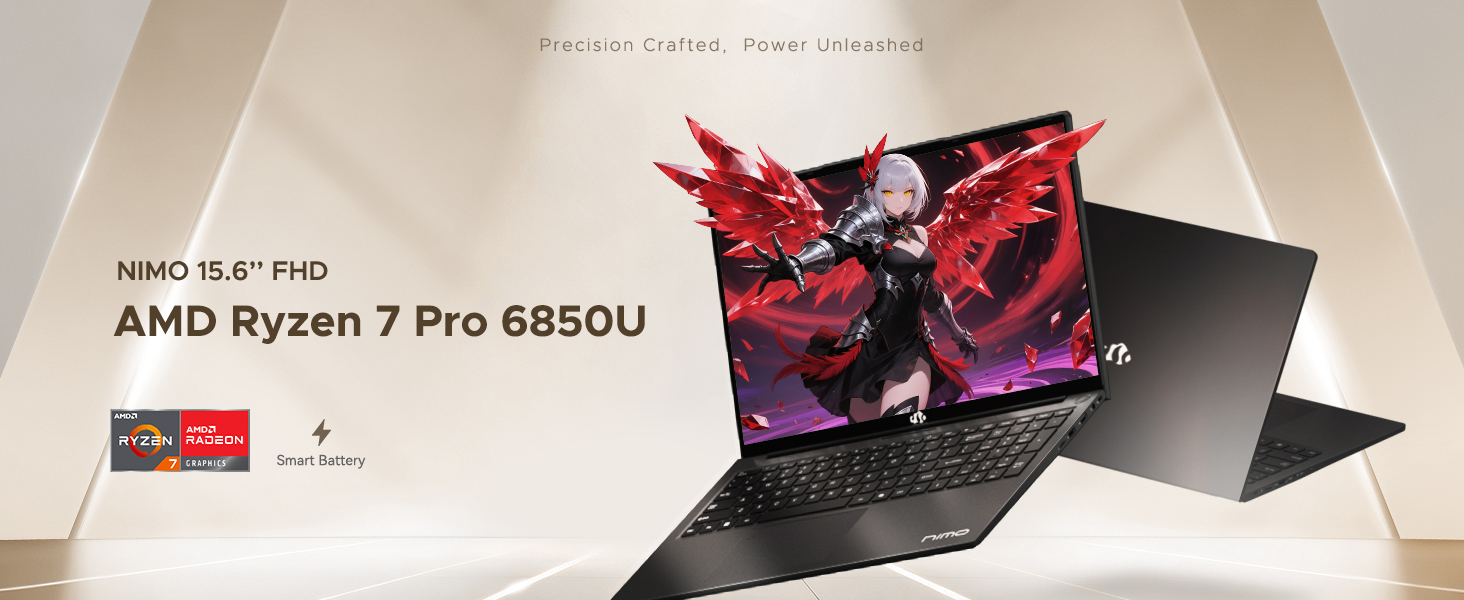
Figure 6: AMD Ryzen 7 Pro 6850U Processor Details
Video 3: NIMO Gaming Laptop Demonstration. This video showcases the laptop's performance in gaming and creative applications.
7. Nchaji na batrị
The NIMO N15A is equipped with a 53.58 Watt-Hour Lithium Polymer battery, offering up to 9 hours of typical use and 12.75 hours of standby time. It supports 100W USB-C PD fast charging, allowing for approximately 2 hours of use from just a 15-minute charge.
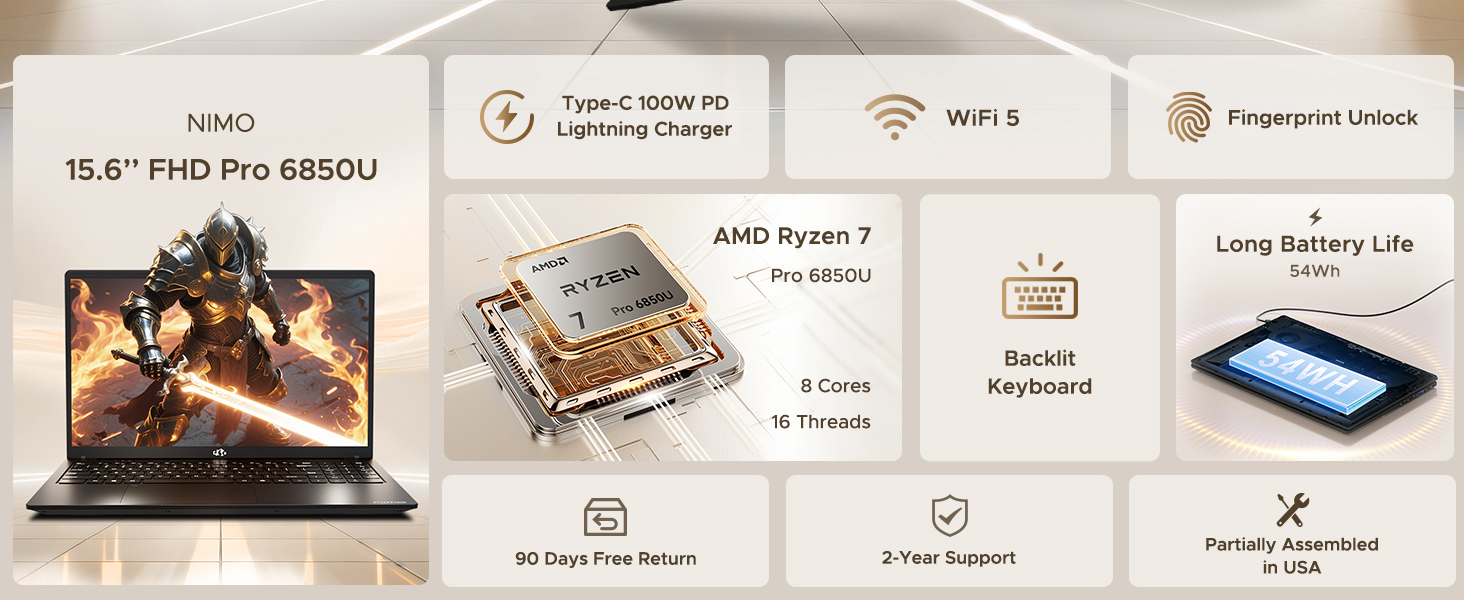
Figure 7: 100W USB-C Fast Charging
8. Nchekwa na Ebe Nchekwa
The laptop features 16GB of lightning-fast LPDDR5 RAM (6400 MHz) for seamless multitasking and a pre-installed 1TB PCIe 4.0 SSD for rapid boot times and file na-enyefe.
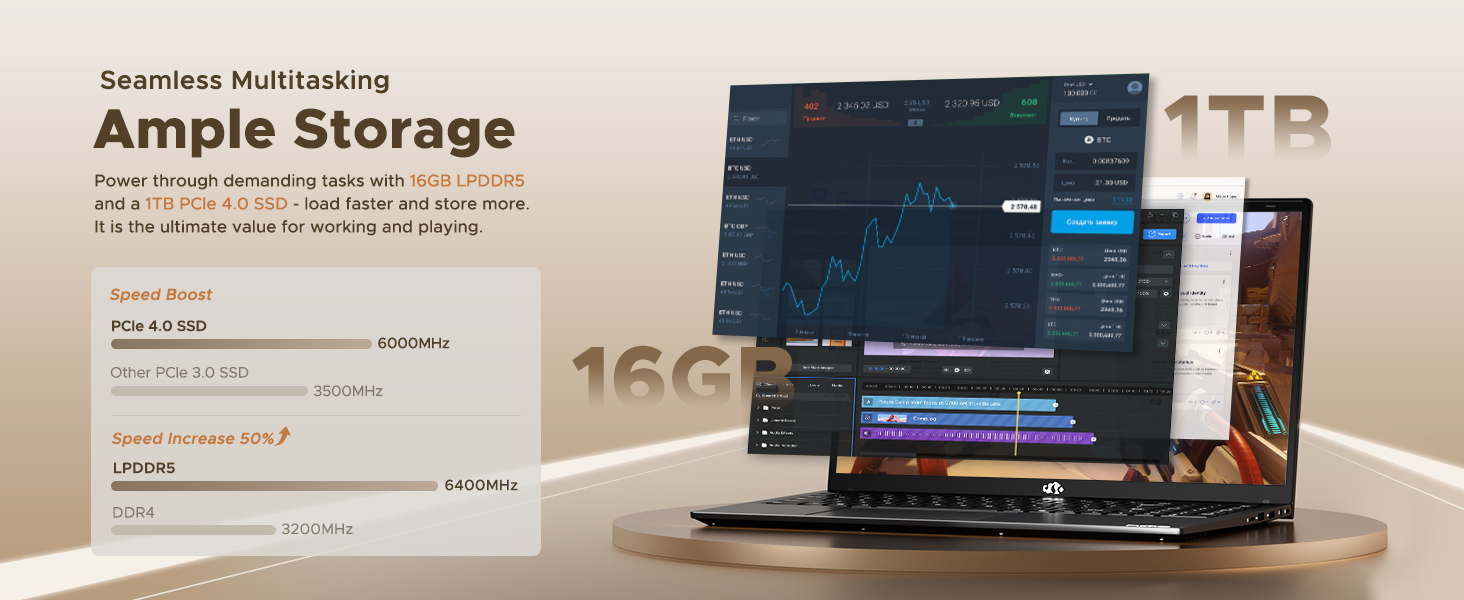
Figure 8: 16GB LPDDR5 RAM and 1TB PCIe 4.0 SSD
9. Nlekọta
Regular maintenance helps ensure the longevity and optimal performance of your NIMO N15A laptop:
- Nhicha: Jiri ákwà dị nro, nke na-enweghị ihe e ji ehicha ákwà hichaa ihuenyo na mpụta ya. Maka ihe ndị siri ike, jiri obere ihe kpuchie ya.ampen akwa na mmiri ma ọ bụ ihe na-echebe ihuenyo. Zere kemịkalụ siri ike.
- Mmelite ngwanrọ: Regularly install operating system and driver updates to ensure security and performance improvements.
- Igwe ikuku: Keep the ventilation openings clear of obstructions to prevent overheating. Avoid using the laptop on soft surfaces like beds or couches for extended periods.
- Nlekọta batrị: To prolong battery life, avoid fully discharging the battery frequently. If storing the laptop for a long time, charge it to about 50-60%.
- Ndabere data: Kwado ihe dị mkpa gị mgbe niile files gaa na draịva mpụga ma ọ bụ nchekwa igwe ojii iji gbochie mfu data.
10. Nchọpụta nsogbu
If you encounter issues with your NIMO N15A laptop, try the following basic troubleshooting steps:
- Laptọọpụ adịghị arụ ọrụ: Ensure the charger is securely connected and the power outlet is functional. Try a different outlet or charger if available.
- Ihuenyo oghere: Connect an external monitor to check if the display is the issue. If the external monitor works, the laptop's screen may require service.
- Ịrụ ọrụ nwayọ: Mechie ngwa ndị na-adịghị mkpa, lelee malware, hụ na enwere ohere nchekwa zuru oke, ma melite draịva.
- Nsogbu njikọ Wi-Fi: Restart your router and modem. Ensure Wi-Fi is enabled on your laptop and try reconnecting to the network.
- Ahụigodo ma ọ bụ touchpad anaghị aza: Restart the laptop. If the issue persists, check for driver updates.
For more complex issues, please refer to the support section or contact NIMO customer service.
11. Nkọwapụta
Below are the detailed specifications for the NIMO N15A laptop:
| Njirimara | Nkọwapụta |
|---|---|
| Ụdị | NIMO |
| Aha Nlereanya | NIMO N15A |
| Nha ihuenyo | 15.6 sentimita asatọ |
| Mkpebi | 1920x1080 Pixels (FHD IPS) |
| Agba | Nwa |
| Ụdị CPU | AMD Ryzen 7 Pro 6850U (8 Cores, 16 Threads, up to 4.7 GHz) |
| Ihe eserese eserese | AMD Radeon 680M (Agbakwunyere) |
| Ogo etinyere ebe nchekwa RAM | 16 GB LPDDR5 (6400 MHz) |
| Nha diski ike | 1024 GB (1TB PCIe 4.0 SSD) |
| Sistemụ nrụọrụ | Windows 11 Ụlọ |
| Atụmatụ pụrụ iche | Backlit Keyboard, Fingerprint Reader, HD Audio, Numeric Keypad |
| Teknụzụ Njikọta | Bluetooth, Wi-Fi (802.11a/b/g/n/ac) |
| Mgbakọta ọdụ ụgbọ mmiri USB | 5 |
| Mgbakọta ọdụ ụgbọ mmiri HDMI | 1 |
| Ndụ batrị | 9 Hours (typical use), 12.75 Hours (standby) |
| Ọdịnaya Ike batrị | 53.58 Watt awa |
| Webcam Capability | Yes (2 MP Front Camera) |
| Ibu Ibu | 3.75 pound |
| Akụkụ akụkụ L x W x Ọkpụrụkpụ | 14.07"L x 8.98"W x 0.76"th |
12. Akwụkwọ ikike na nkwado
12.1. Akwụkwọ ikike Ozi
Your NIMO N15A laptop comes with a Akwụkwọ ikike onye nrụpụta afọ 2 from NIMO Direct Inc. This warranty covers manufacturing defects and ensures peace of mind for your purchase.
12.2. Nlaghachi amụma
A 90-day hassle-free return policy is provided, allowing you to return the product if you are not completely satisfied.
12.3. Nkwado ndị ahịa
For any technical assistance, warranty claims, or support inquiries, please contact NIMO customer service. Our dedicated support team is ready to provide quick and effective assistance.
Please visit the official NIMO website or refer to the contact information provided with your product for the most up-to-date support details.


