1. Okwu mmalite
This manual provides detailed instructions for the SJCAM C300W 4K Dual Touchscreen Action Camera. Please read this guide thoroughly before using your device to ensure proper operation and maintenance. The SJCAM C300W is a compact, high-performance action camera designed to capture your adventures in stunning 4K resolution with the convenience of dual touchscreens.

Figure 1: SJCAM C300W 4K Dual Touchscreen Action Camera with included accessories.
2. Gịnị gụnyere
Verify that all the following items are present in your package:
- SJCAM C300 4K Dual Touchscreen Action Camera (White)
- 64GB Extreme Pro microSDXC Memory Card
- Ihe nkwụnye USB-C
- Ngwa nhicha Deluxe
- Obere akpa kaadị ebe nchekwa
- Onye na-agụ kaadị ebe nchekwa
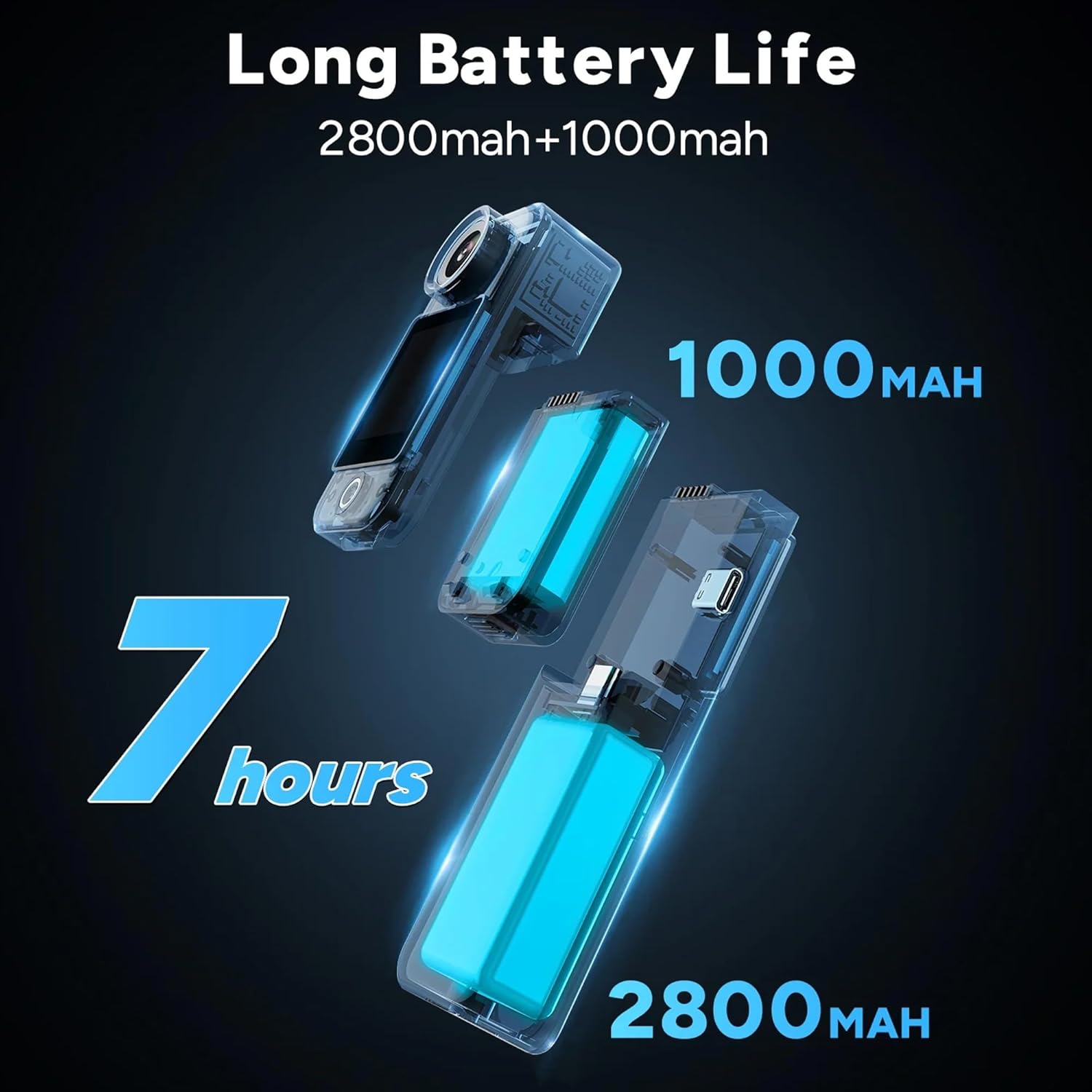
Figure 2: All components included in the SJCAM C300W bundle.
3. Ngwaahịa gafereview
The SJCAM C300W features a compact design with dual touchscreens for versatile operation. The main camera unit is detachable from the larger battery stick, offering flexibility in usage scenarios.
3.1 Atụmatụ
- Ndekọ 4K Ultra HD: Capture video at 30 frames per second.
- Dual Touchscreens: Front and rear 1.3-inch displays for easy framing and control.
- Modular Battery System: Main unit (1000mAh) and battery stick (2700mAh) for extended recording times.
- 6-Axis EIS: Electronic Image Stabilization for smooth footage.
- Nhazi mgbochi mmiri: IP65 rating, with optional waterproof housing for deeper dives.
- Njikọ Wi-Fi: Connect to the SJCAM Zone app for remote control and live streaming.

Nyocha 3: N'eluview of key features of the SJCAM C300W.
3.2 Akụkụ anụ ahụ
- Igwefoto oghere: Front-facing lens with 154° FOV.
- Dual Touchscreens: 1.3-inch screens on both front and rear.
- Power/Record Button: Located on the main unit.
- Ọdụ ụgbọ mmiri Ụdị-C: Maka ịchaji na ịnyefe data.
- Oghere Kaadị MicroSD: Supports cards up to 128GB.
- Igwe okwu: Integrated for audio recording.
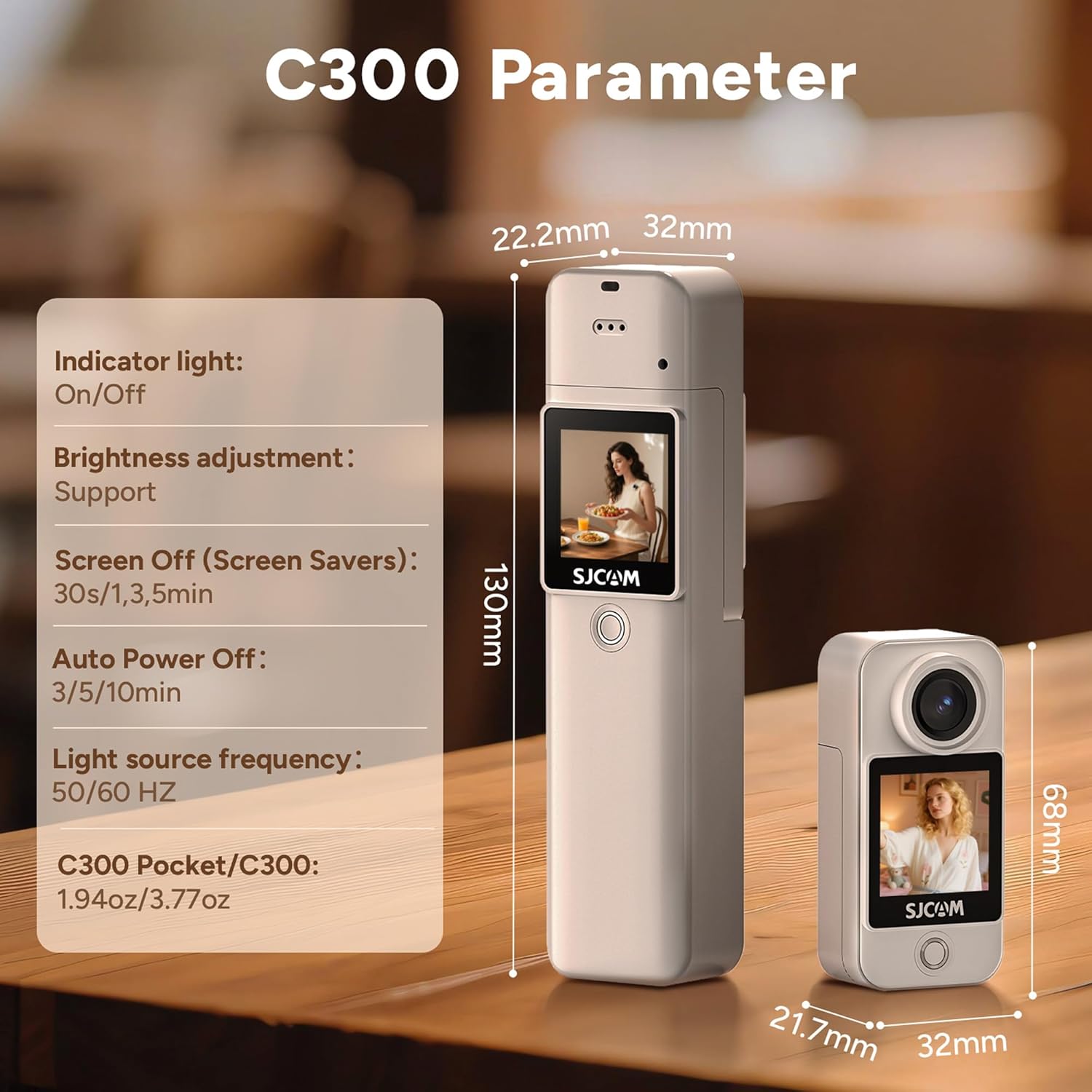
Figure 4: The SJCAM C300W in its waterproof housing for underwater use.
4. Nhazi
4.1 Ntinye batrị na Nchaji
- Ensure the main camera unit is securely attached to the battery stick.
- Connect the provided USB Type-C cable to the camera's port and a power source.
- Ọkụ ihe ngosi chaja ga-enwu. A ga-achacha chaja mgbe ọkụ gbanyụrụ.
Ntinye Kaadị MicroSD 4.2
- Locate the microSD card slot on the side of the camera unit.
- Insert the 64GB Extreme Pro microSDXC Memory Card with the gold contacts facing the back of the camera until it clicks into place.
- Iji wepụ ya, jiri nwayọ pịa kaadị ahụ ruo mgbe ọ ga-apụta.
4.3 Gbanyụọ/ gbanyụọ
- Ike Na: Press and hold the Power/Record button for a few seconds until the screen illuminates.
- Gbanyụọ: Press and hold the Power/Record button for a few seconds until the screen turns off.
4.4 SJCAM Zone App Installation & Connection
- Budata ya
Akwụkwọ ndị emetụtara - C300W

Ntuziaka onye ọrụ SJCAM C300 & C300
Ntuziaka onye ọrụ zuru oke maka igwefoto ọrụ SJCAM C300 na C300 POCKET, nhazi mkpuchi, atụmatụ, ntọala vidiyo na foto, yana nchọpụta nsogbu.
SJCAM C300 and C300 Pocket User Manual
User manual for the SJCAM C300 and C300 Pocket action cameras, covering setup, features, and operation. Includes specifications, diagrams, and troubleshooting.
SJ10 PRO Dual Screen Action Camera User Manual
User manual for the SJCAM SJ10 PRO Dual Screen Action Camera, detailing its features, operating instructions, safety guidelines, and specifications. Learn about video recording, photo taking, playback, remote control, and WiFi connection.
SJCAM SJ8 Dual Screen Action Camera User Manual and Guide
Official user manual for the SJCAM SJ8 Dual Screen Action Camera. Learn about safety, features, specifications, operation, accessories, and installation for your SJ8 camera.
SJCAM SJ20 Dual Lens Action Camera User Manual
Explore the SJCAM SJ20 Dual Lens Action Camera with this comprehensive user manual. Learn about setup, operation, features, safety guidelines, and accessories for your SJ20 camera.
SJ4000 Dual Screen Action Camera User Manual - SJCAM
Comprehensive user manual for the SJCAM SJ4000 Dual Screen Action Camera, covering product features, specifications, operational procedures, and safety information.