Okwu mmalite
This manual provides detailed instructions for the setup, operation, and maintenance of your ULEXOR R8 Mini 4K WiFi Spy Camera. Designed for discreet surveillance, this camera features 4K Ultra HD video, dual-band 2.4/5 GHz WiFi connectivity, AI-powered motion detection, infrared night vision, and a 150° wide-angle lens. Please read this manual thoroughly before using the device to ensure optimal performance and safety.

Image: ULEXOR R8 Mini 4K WiFi Spy Camera highlighting its 2.4/5 GHz dual-band Wi-Fi connectivity for faster and more stable connections.
Ihe ngwugwu
Biko lelee ihe dị n'ime ngwugwu ahụ mgbe ị na-emepe igbe ahụ. Ọ bụrụ na ihe ọ bụla efuola ma ọ bụ mebie, kpọtụrụ ndị ọrụ nkwado ndị ahịa.
- Obere igwefoto
- USB-C eriri USB
- Onye na-agụ kaadị TF
- User Manual (EN/DE/FR)
- Ugwu igwefoto
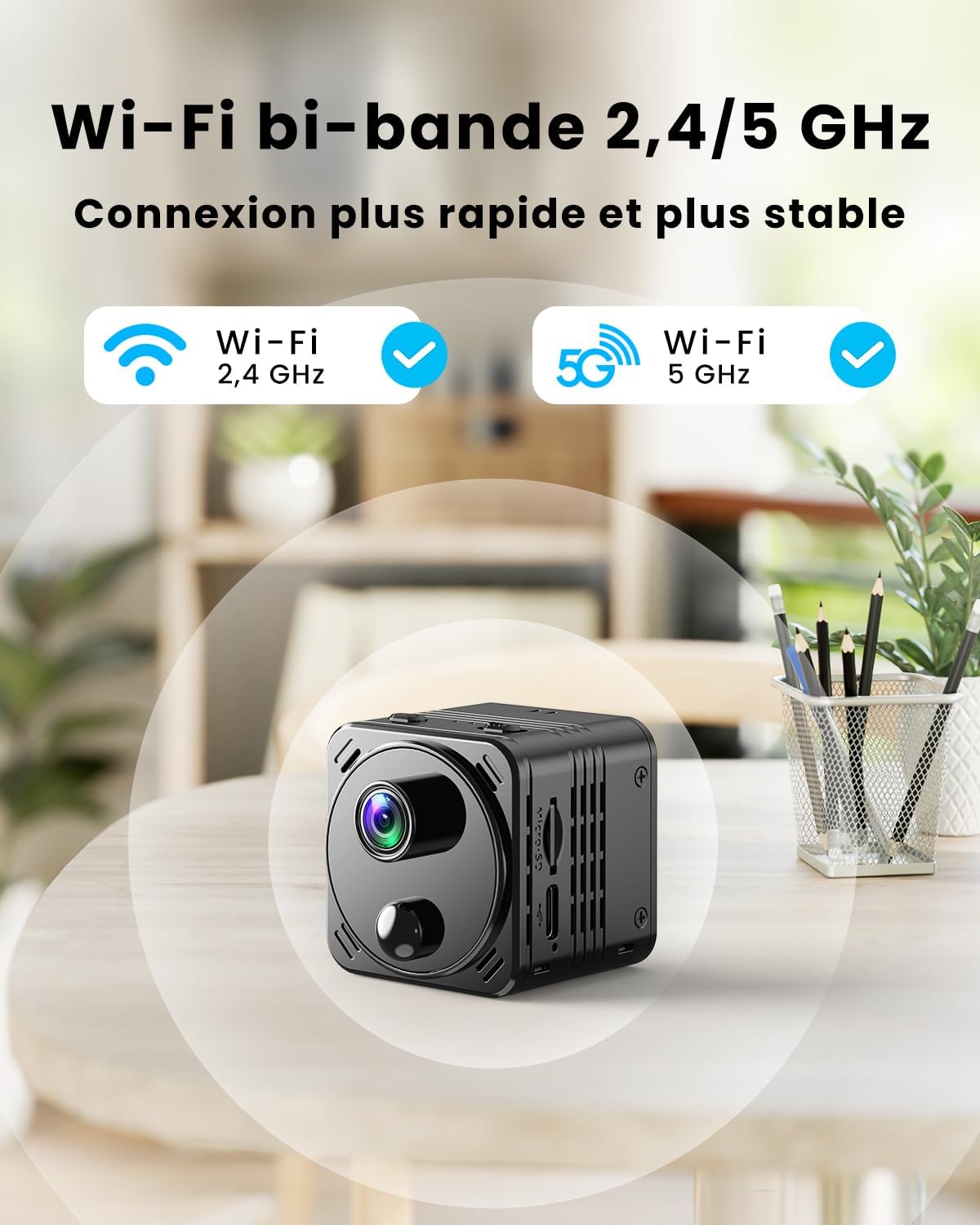
Image: The ULEXOR R8 Mini 4K WiFi Spy Camera shown with its included accessories, such as the charging cable and mount.
Ntuziaka nhazi
1. Ịchaji igwefoto
Before first use, fully charge the camera using the provided USB-C cable and a standard 5V USB power adapter (not included). The charging indicator light will show the charging status.
Vidiyo: obere oge tupuview demonstrating the ULEXOR Mini Camera's features, including charging, 4K resolution, and Wi-Fi compatibility.
The camera is equipped with a 3000 mAh rechargeable battery, offering up to 15 hours of continuous operation. In energy-saving mode, battery life can extend from several days to weeks, and up to 150 days in remote shutdown standby mode.

Image: Illustration of the camera's long battery life in different modes: 15 hours continuous, days to weeks in energy-saving, and up to 150 days in ultra-long standby.
2. Itinye Kaadị MicroSD (Nhọrọ)
For local storage, insert a MicroSD card (up to 256GB, not included) into the designated slot. Ensure the camera is powered off before inserting or removing the card.

Image: The camera's secure storage options, including MicroSD card support up to 256GB and 3 days of free cloud storage.
3. App Download and Wi-Fi Connection
Download the dedicated mobile application (refer to the included manual for app name and QR code). Follow the in-app instructions to connect the camera to your 2.4 GHz or 5 GHz Wi-Fi network. This enables remote access, live viewing, and settings management.
Ntuziaka ọrụ
Gbanyụọ/ Gbanyụọ
Press and hold the power button to turn the camera on or off. Refer to the specific button layout in your included manual.
Dị ndụ View na Ndekọ
Once connected to the app, you can access the live video feed. The camera records in 4K Ultra HD resolution, capturing clear details with its 150° wide-angle lens. You can initiate manual recordings or configure automatic recording settings via the app.

Image: Visual comparison demonstrating the superior clarity of 4K Ultra HD resolution compared to lower resolutions.
The app also allows for 5x digital zoom to focus on specific areas of interest.

Image: A smartphone screen displaying the camera's live view with a 5x digital zoom function, allowing users to observe fine details.
Nchọpụta Motion AI
The camera features intelligent AI and PIR sensor-based motion detection. This system can distinguish between humans and other moving objects like animals or vehicles, reducing false alarms. You will receive instant alerts on your smartphone only for relevant movements.

Image: The camera's intelligent motion detection system highlighting human figures while ignoring pets, ensuring only relevant alerts are sent.
You can customize detection zones and schedules within the app to focus on specific areas and times.

Image: An illustration showing how to customize motion detection zones and set schedules within the camera's application.
Ọhụụ abalị
The camera is equipped with infrared LEDs for automatic night vision. This feature activates in low-light conditions, providing clear video footage even in complete darkness. The camera automatically switches between day and night modes for continuous surveillance.

Image: The camera's night vision feature, showing clear visibility up to 8 meters in dark environments using infrared LEDs.
Nhọrọ nchekwa
The camera supports both local MicroSD card storage (up to 256GB, not included) and cloud storage. You receive 3 days of free cloud storage for motion-triggered videos, accessible anytime via the app.
Nlekọta
Nlekọta batrị
To prolong battery life, avoid extreme temperatures and fully charge the camera regularly. If the camera will not be used for an extended period, charge it to about 50% and store it in a cool, dry place.
Nhicha
Use a soft, dry cloth to clean the camera lens and body. Do not use liquid cleaners or abrasive materials, as they may damage the device.
Nchọpụta nsogbu
| Nsogbu | Ihe nwere ike ime | Ngwọta |
|---|---|---|
| Igwefoto anaghị agbanwu | Batrị dị ala | Chajie igwefoto ahụ nke ọma. |
| Enweghị ike ijikọ na Wi-Fi | Incorrect Wi-Fi password, camera too far from router, or incorrect band (2.4GHz/5GHz) selected. | Verify password, move camera closer to router, ensure correct Wi-Fi band is selected in the app. |
| No recording to MicroSD card | Card not inserted correctly, card full, or card corrupted. | Reinsert card, format card via app, or replace card. |
| Frequent false motion alerts | Sensitivity too high, or non-human movement triggering alerts. | Adjust motion detection sensitivity in the app. Utilize AI human detection and customize detection zones. |
Nkọwapụta
- Aha nlereanya: R8
- Akara: ULEXOR
- Akụkụ (L x W x H): 40 x 40 x 40 mm (1.57 x 1.57 x 1.57 inch)
- Arọ: 260 grams
- Mkpebi ndekọ vidiyo: 4K Ultra HD
- Teknụzụ Njikọta: Wireless (Wi-Fi 2.4 GHz & 5 GHz)
- Atụmatụ pụrụ iche: HD Resolution, AI Motion Detection, Infrared Night Vision, 150° Wide Angle Lens
- Ụdị batrị: Lithium-ion (3000 mAh)
- Ndụ batrị: Up to 15 hours continuous, up to 150 days standby (remote shutdown mode)
- Nchekwa: MicroSD card (up to 256GB, not included), 3-day free cloud storage
- Eji akwadoro: Nchebe ime ụlọ
- Ụdị nkwụnye: Ugwu okpokoro

Image: The ULEXOR R8 Mini Camera with its compact dimensions of 4cm x 4cm x 4cm highlighted.
Akwụkwọ ikike na nkwado
Your ULEXOR R8 Mini 4K WiFi Spy Camera comes with a standard manufacturer's warranty. For detailed warranty information, technical support, or customer service, please refer to the contact information provided in your product packaging or visit the official ULEXOR websaịtị. Biko dowe ihe akaebe nke ịzụrụ ihe maka akwụkwọ ikike.


