1. Okwu mmalite
Welcome to your new Xiaomi 32-inch G QLED Smart TV. This manual provides essential information for setting up, operating, and maintaining your television. Please read it thoroughly before use and retain it for future reference.
Ozi nchekwa
- Gbaa mbọ hụ na ikuku ikuku dị na gburugburu TV.
- Ewepụla TV na mmiri ozuzo ma ọ bụ mmiri.
- Zere idobe TV n'akụkụ ebe okpomọkụ ma ọ bụ na ìhè anyanwụ.
- Jiri naanị eriri ọkụ enyere na TV.
- Tụtụ aka n'aka ndị ọrụ ruru eru.

Foto 1.1: N'ihu view of the Xiaomi 32-inch G QLED Smart TV.
2. Kedu ihe dị na Igbe ahụ
Chọpụta na akụrụngwa niile dị na nkwakọ ngwaahịa:
- 1 x Xiaomi 32-inch G QLED Smart TV
- 1 x Njikwa anya
- Akwụkwọ ntuziaka onye ọrụ 1 x (akwụkwọ a)
- 2 x TV Stands
- 4 x kposara maka ihe nkwụnye TV
- Batrị 2 x AAA (maka njikwa anya)
- 1 x Cdọ Ike

Figure 2.1: Illustration of included items in the product packaging.
3. Nhazi
3.1 Ịgbakwunye ihe nkwụnye TV
- Jiri nlezianya dobe TV ihu ala n'elu ala dị nro ma dịkwa larịị iji gbochie mmebi ihuenyo.
- Dozie ihe nkwụnye nke ọ bụla na oghere mkpọsa kwekọrọ na ala TV.
- Secure each stand using the provided screws.
- Lift the TV upright and place it on a stable, level surface.
3.2 Mgbidi mgbidi (nhọrọ)
If you choose to wall mount your TV, ensure you use a compatible VESA mount (not included) and follow the instructions provided with the wall mount kit. Professional installation is recommended.
3.3 Njikọta Peripherals
Refer to the port diagram below for connecting external devices.
Ọgụgụ 3.1: N'azụ view of the TV showing various input/output ports.
- ọdụ ụgbọ mmiri HDMI (x2): Connect Blu-ray players, gaming consoles, set-top boxes.
- ọdụ ụgbọ mmiri USB (x2): Jikọọ ngwaọrụ nchekwa USB maka ịkpọghachi mgbasa ozi.
- Netwọk (Ethernet): Jikọọ na netwọk ụlọ gị site na njikọ waya.
- Ntinye antenna: Jikọọ antenna maka mgbasa ozi n'elu ikuku.
- Ntinye AV: Jikọọ ngwaọrụ ndị ochie site na iji eriri vidiyo na ụda stereo.
- Jack Audio: 3.5mm Jikọọ ekweisi ma ọ bụ igwe okwu mpụga.
3.4 Njikọ ike
Connect the power cord to the TV's power input and then to a wall outlet. The TV will enter standby mode.
4. Na-arụ ọrụ TV gị
4.1 Ime Remote
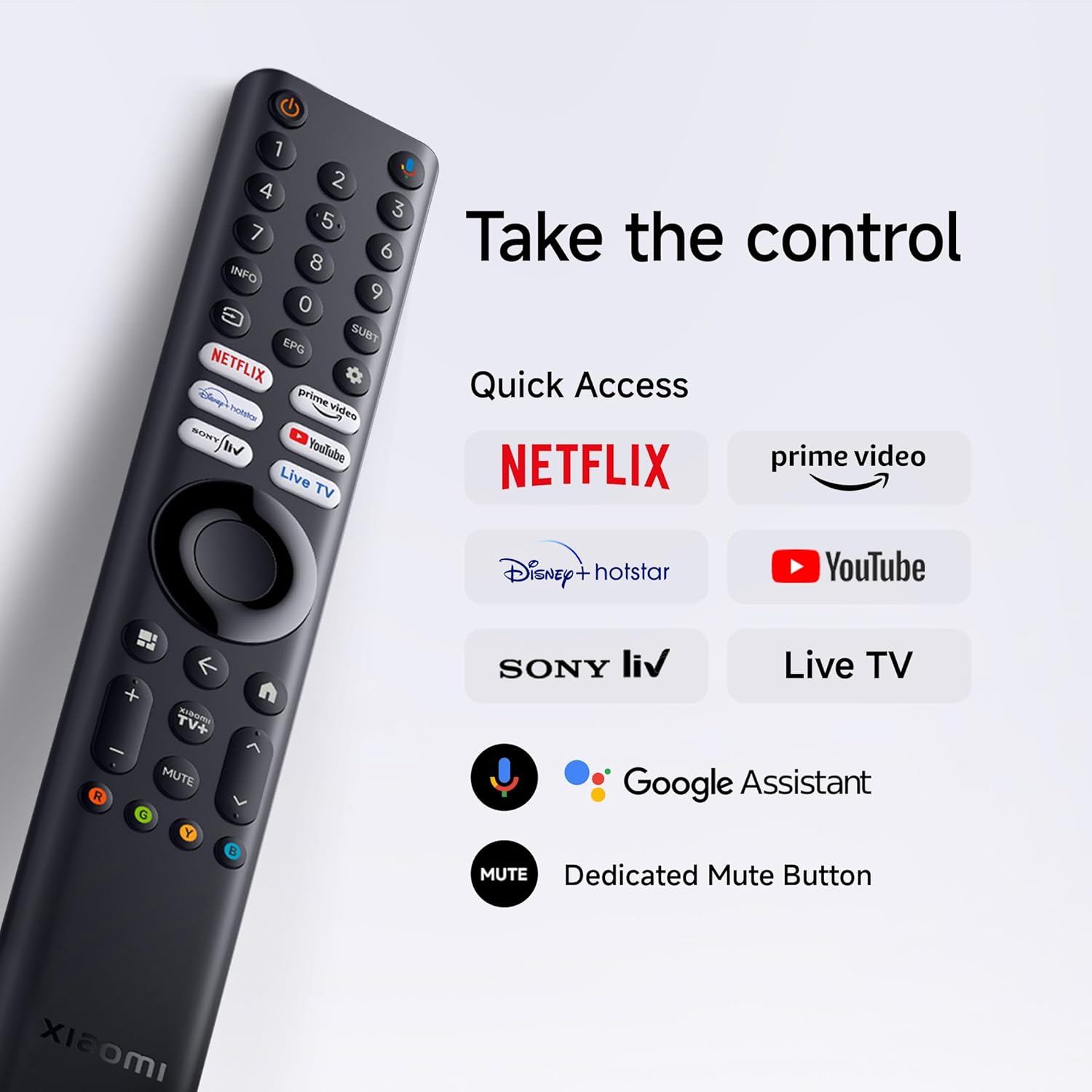
Insert the two AAA batteries into the remote control, observing polarity. The remote allows navigation, volume control, channel selection, and quick access to streaming services and Google Assistant.
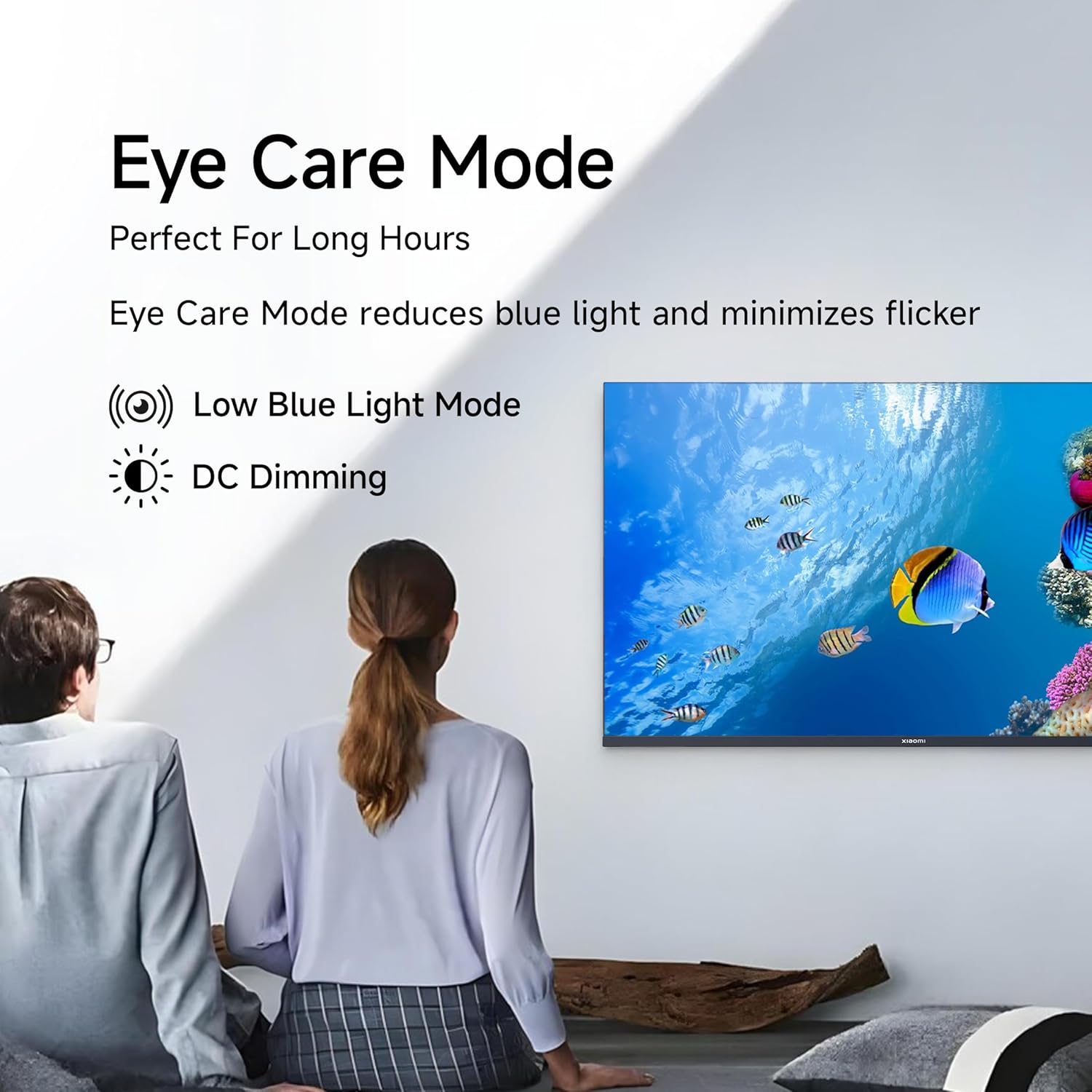
Figure 4.1: Xiaomi Smart TV remote control layout.
- Bọtịnụ ike: Turns the TV on/off or to standby.
- Mpempe igodo ụzọ: Maka igodo menu.
- OK bọtịnụ: Na-akwado nhọrọ.
- Bọtịnụ azụ: Na-alaghachi na ihuenyo gara aga.
- Bọtịnụ ụlọ: Na-abanye na ihuenyo ụlọ Google TV.
- Mpịakọta +/-: Na-edozi olu.
- Oghere bọtịnụ: Mebie/na-ewepụ ụda olu.
- bọtịnụ enyemaka Google: Na-eme ka njikwa olu rụọ ọrụ.
- Bọtịnụ nweta ngwa ngwa: Dedicated buttons for Netflix, Prime Video, YouTube, and other streaming services.
4.2 Smart TV atụmatụ (Google TV)
Your TV runs on Android 14 OS with Google TV, offering a personalized entertainment experience.

Nyocha 4.2: N'eluview of Google TV features.
- UI mbụ dị n'ime: Prioritizes content discovery.
- Personal Profiles: Mepụta profiles maka ndụmọdụ ahaziri ahazi.
- Onye enyemaka Google: Jiri iwu olu maka ọchụchọ, njikwa na ozi.
- Chromecast arụnyere: Cast content from compatible mobile devices.
- Watchlist: Keep track of movies and shows you want to watch.
- Ọnọdụ gburugburu: Display photos or useful information when the TV is idle.
- Ụmụaka Profile: Curated content and parental controls for children.
- Nkwanye: Personalized suggestions based on your viewing àgwà.
4.3 Ngwa Ndị A Na-akwado
The TV comes with pre-installed applications and supports downloads from the Google Play Store. Popular supported apps include Netflix, Prime Video, YouTube, JioCinema, JioHotstar, SonyLiv, and Zee5.

Ọgụgụ 4.3: Ọpụamples of supported streaming applications.
5. Ngosipụta atụmatụ
Experience enhanced visuals with the following display technologies:
- QLED Display: Quantum Dot technology delivers vivid, vibrant, and sharp picture quality.
- HD Ready (1366 x 768) Resolution: Na-enye onyonyo doro anya na nkọwa zuru ezu.
- HDR 10 & HLG Support: Enhances contrast and color accuracy for compatible content.
- Vivid Picture Engine 2: Proprietary technology that fine-tunes every frame for improved clarity and realism.
- Wide Colour Gamut: Offers a broad spectrum of colors (up to 16.7 million) for rich and vivid visuals.
- Ụdị nkasi obi anya: Reduces blue light and minimizes flicker for comfortable long-term viewing.
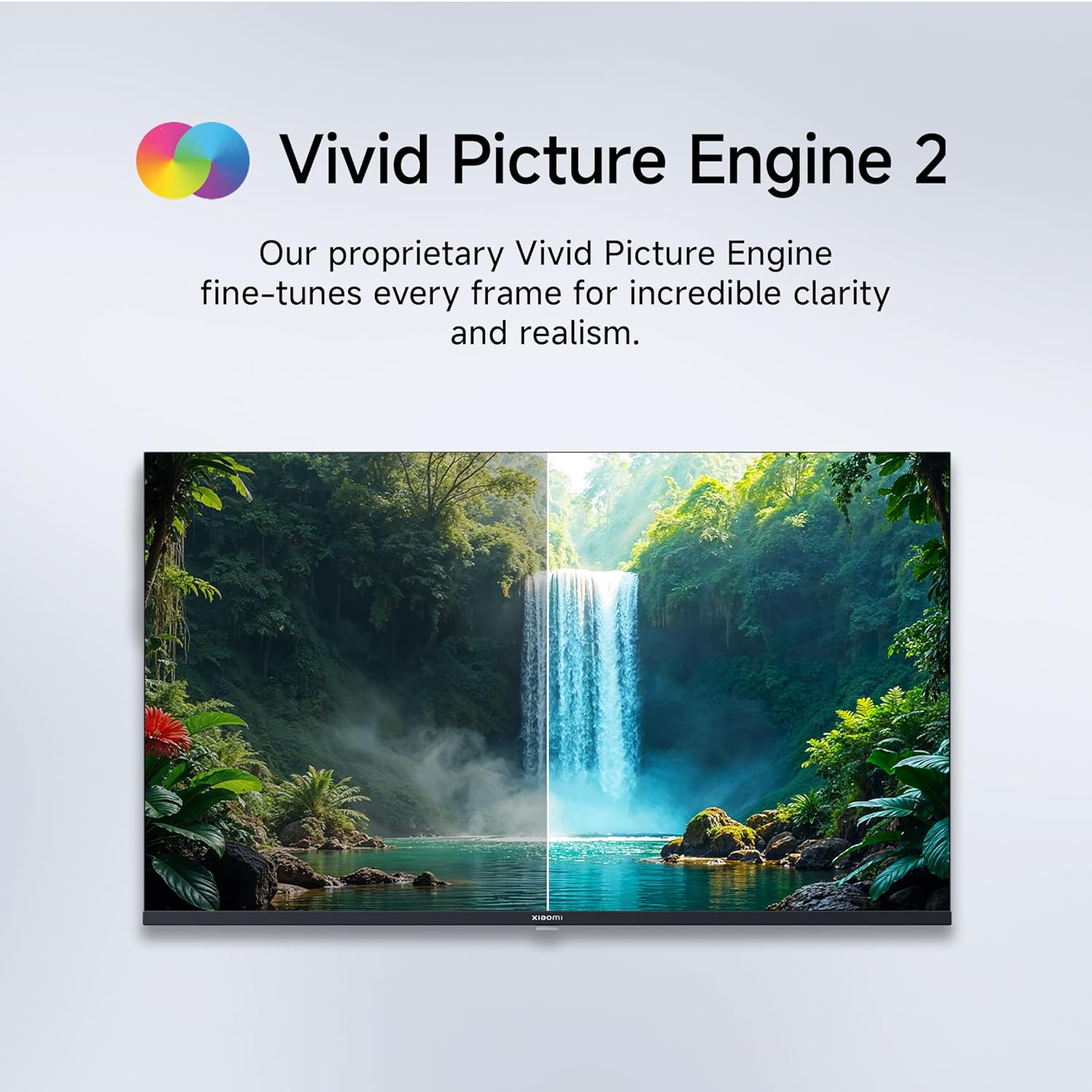
Figure 5.1: Quantum Clarity for exceptional contrast and color.
Figure 5.2: Vivid Picture Engine 2 for enhanced realism.
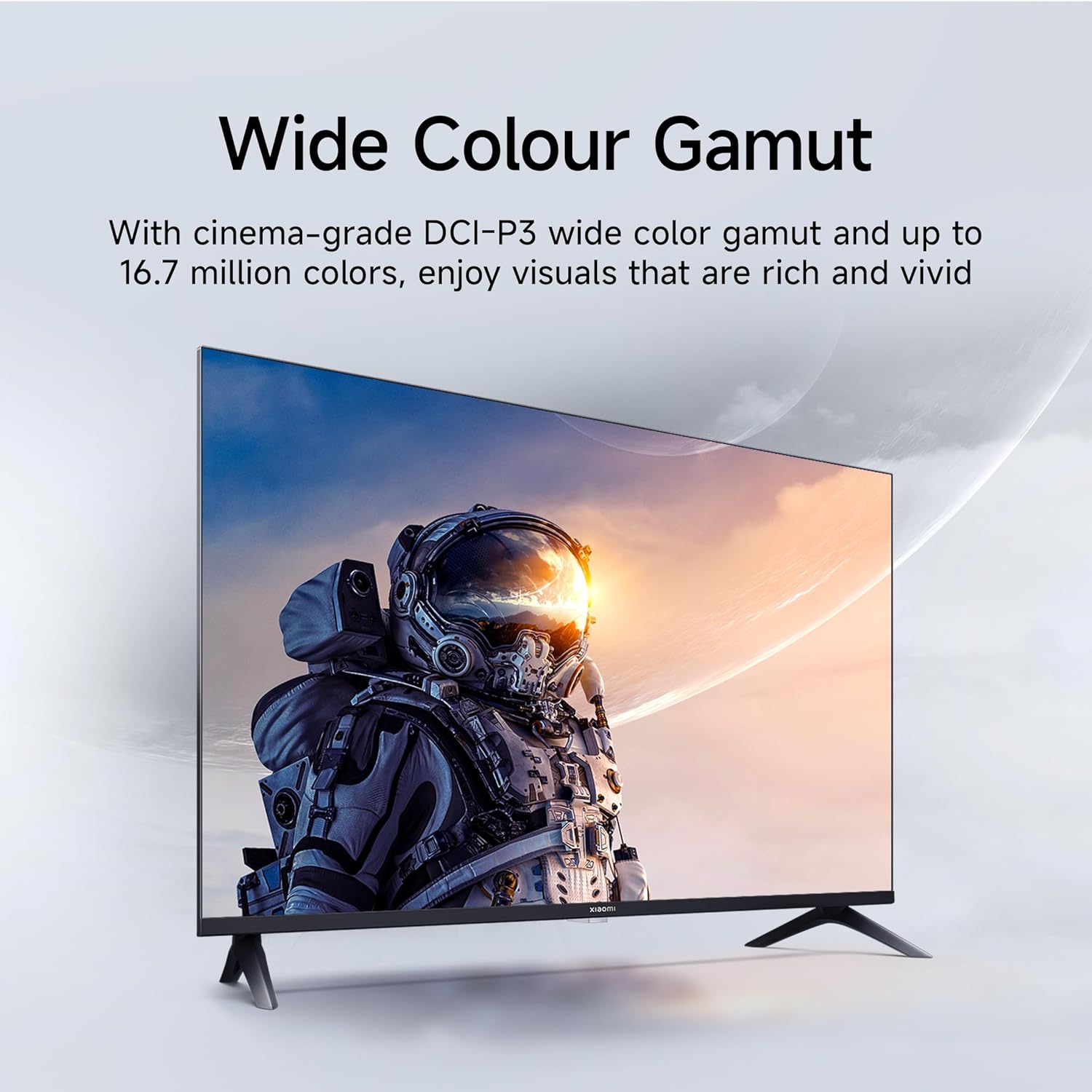
Figure 5.3: Eye Care Mode for reduced eye strain.
6. Audio Atụmatụ
Your TV is equipped with advanced audio technologies for an immersive sound experience:
- 20 Watts mmepụta: Powerful stereo speakers deliver clear and dynamic sound.
- Dolby Audio: Provides rich, clear, and powerful sound for movies, shows, and games.
- DTS-X na DTS Mebere:X: Creates a multi-dimensional audio experience, simulating surround sound without additional speakers.
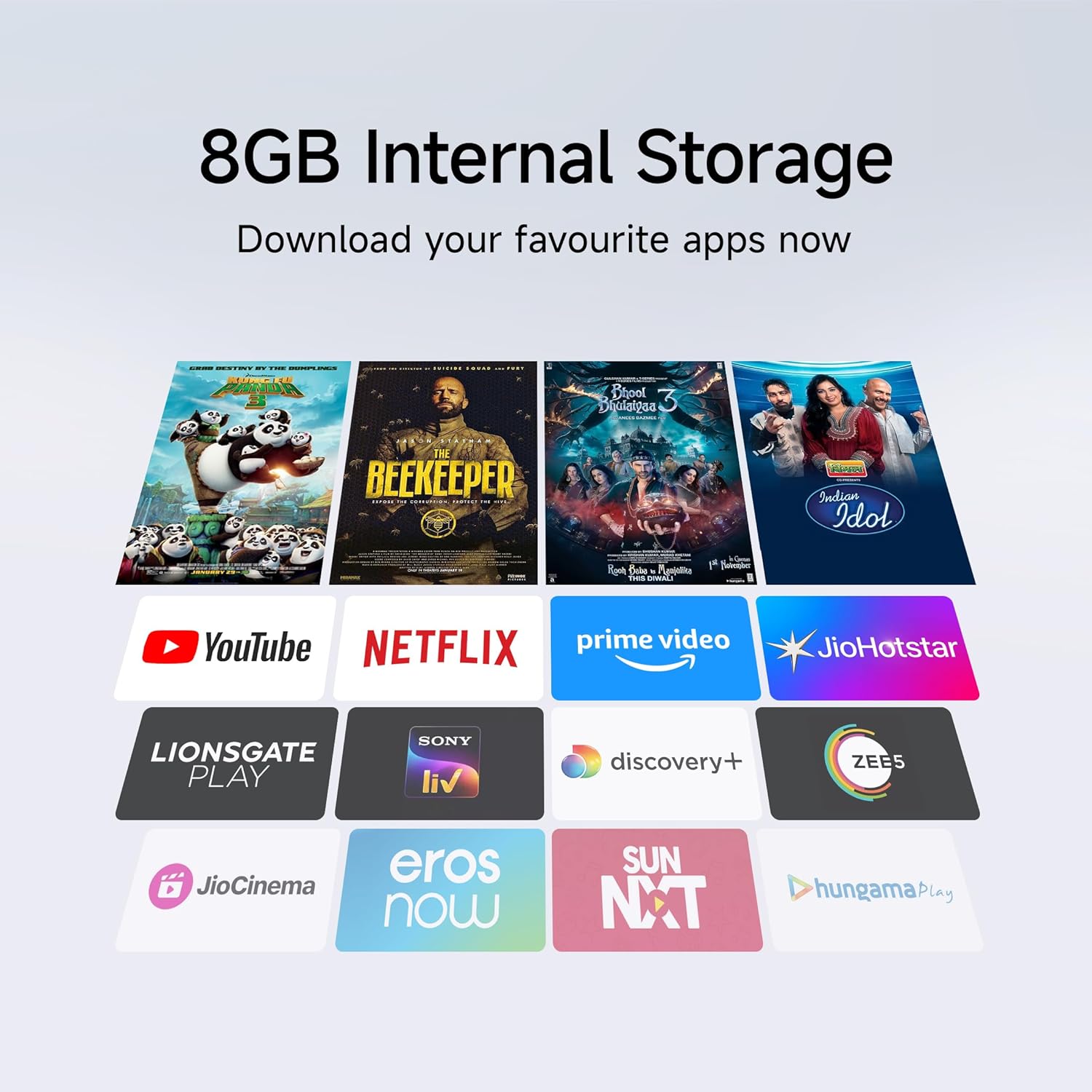
Figure 6.1: Enhanced audio experience with 20W speakers and Dolby/DTS technologies.
7. Njikọta
The TV offers various options for connecting to networks and other devices:
- Dual Band Wi-Fi: Connect wirelessly to your home network (2.4GHz and 5GHz).
- Ethernet: Maka njikọ ịntanetị kwụsiri ike.
- Bluetooth: Connect wireless headphones, speakers, or other Bluetooth-enabled accessories.
- HDMI (x2) with ARC: Audio Return Channel (ARC) allows audio to be sent from the TV to a compatible sound system via a single HDMI cable.
- USB (x2): For connecting external storage.
8. Nlekọta
8.1 Ihicha TV
- Kwupuo TV mgbe niile tupu ihicha ya.
- Jiri akwa dị nro, kpọrọ nkụ, akwa enweghị lint iji hichaa ihuenyo na kabinet.
- Maka akara ndị isi ike, dị obere dampna akwa na mmiri ma ọ bụ ihe nhicha ihuenyo pụrụ iche (zere kemịkalụ siri ike).
- Do not spray liquid directly onto the TV.
8.2 Nlekọta n'ozuzu
- Zere itinye ihe ndị dị arọ na TV.
- Protect the TV from extreme temperatures and humidity.
- Ọ bụrụ na ị na-ebugharị TV ahụ, hụ na e tinyere ya n'ọrụ nke ọma ma jiri ya mee ihe iji gbochie mmebi.
9. Nchọpụta nsogbu
Before contacting customer support, try these common solutions:
| Nsogbu | Ihe nwere ike ime | Ngwọta |
|---|---|---|
| Enweghị ike | Akwụsịla eriri ọkụ eletrik; Nsogbu nke mgbasa ọkụ eletrik | Lelee njikọ eriri ike; Jiri ngwaọrụ ọzọ nwalee ọpụpụ. |
| Enweghị foto, mana ụda dị | Isi mmalite ntinye ezighi ezi; Igwe anaghị agba nchara HDMI/AV | Press the "Input" button on the remote to select the correct source; Reconnect cables securely. |
| Enweghị ụda, mana foto dị | Volume muted or too low; External audio device issue | Unmute or increase volume; Check connections to external audio systems. |
| Njikwa anya anaghị arụ ọrụ | Batrị nwụrụ anwụ; Ihe mgbochi n'etiti remote na TV | Dochie batrị; Wepu ihe mgbochi ọ bụla. |
| Enweghị ike ijikọ na Wi-Fi | Paswọọdụ ezighi ezi; Nsogbu rawụta; TV dị anya na rawụta | Verify Wi-Fi password; Restart router; Move TV closer or use Ethernet. |
10. Nkọwapụta
| Njirimara | Nkọwa |
|---|---|
| Ụdị | XIAOMI |
| Nlereanya | L32MB-APIN |
| Nha ihuenyo | 32 sentimita (80 cm) |
| Ngosipụta teknụzụ | QLED |
| Mkpebi | Njikere HD (1366 x 768 pikselụ) |
| Ọnụego ume ọhụrụ | 60 Hz |
| Sistemụ nrụọrụ | Android 14 OS, Google TV |
| Ebe nchekwa RAM | 1 GB |
| Nchekwa nke ime | 8 GB |
| Nhazi | A53 Quad Core Processor |
| Mmepụta ọdịyo | 20 Watt |
| Teknụzụ ọdịyo | Dolby Audio, DTS-X, DTS Virtual:X |
| Njikọta | Dual Band Wi-Fi, Bluetooth, 2 x HDMI (ARC), 2 x USB, Ethernet, 3.5mm Audio, AV Input |
| Viewna n'akuku | 178 ogo |
| Akụkụ ngwaahịa (LxWxH) | 19.8 x 71.6 x 46.9 cm (ya na nkwụnye) |
| Ibu Ibu | 3.2 n'arọ |
| Afọ Nlereanya | 2025 |

Foto nke 10.1: Nha na ibu nke ngwaahịa.

Figure 10.2: A53 Quad Core Processor for optimal performance.

Figure 10.3: Energy efficiency label.
11. Akwụkwọ ikike na nkwado
11.1 Ozi akwụkwọ ikike
Xiaomi TV gị na-abịa na Akwụkwọ ikike zuru oke nke afọ 1 on the product and an additional 1-year warranty on the panel, provided by the brand from the date of purchase. Please retain your purchase receipt for warranty claims.
11.2 Nkwado ndị ahịa
For technical assistance, service requests, or warranty claims, please contact Xiaomi customer support. Refer to the official Xiaomi websaịtị ma ọ bụ akwụkwọ ịzụrụ ihe maka ozi kọntaktị kacha ugbu a.


