1. Okwu mmalite
The NICGIGA 24 Port 2.5Gb Ethernet Switch (Model S25-2400) is an unmanaged network switch designed to provide high-speed connectivity for your home or office network. Featuring 24 2.5 Gigabit Ethernet ports, this switch offers a robust solution for expanding your network capacity and enhancing data transfer rates. Its plug-and-play design ensures easy installation without complex configuration, making it suitable for various environments, including desktop and 19-inch rack mount setups. The fanless metal design ensures quiet operation and efficient heat dissipation, contributing to device stability and longevity.
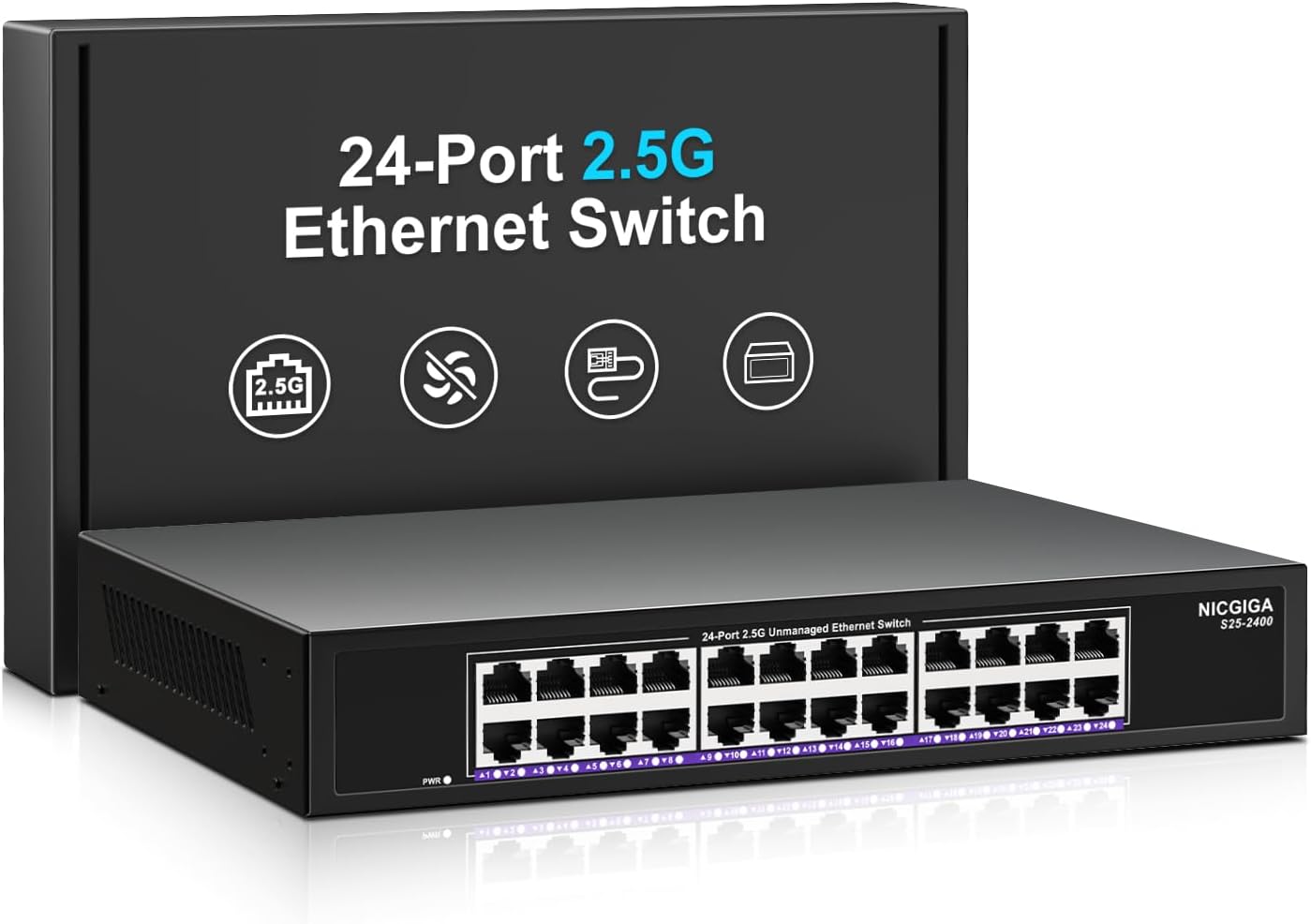
Foto 1.1: N'ihu view of the NICGIGA 24 Port 2.5Gb Ethernet Switch, showcasing its 24 RJ45 ports and LED indicators.
2. Ihe ngwugwu
Verify the following items are included in your package:
- NICGIGA 24 Port 2.5Gb Ethernet Switch (Model S25-2400)
- Ihe nkwụnye ọkụ
- Rack Mount Kit (for 19-inch rack installation)
- Akwụkwọ ntuziaka (akwụkwọ a)
3. Ngwaahịa gafereview
3.1 Ogwe ihu
The front panel of the NICGIGA 24 Port 2.5Gb Ethernet Switch features 24 RJ45 ports and LED indicators for monitoring network activity.
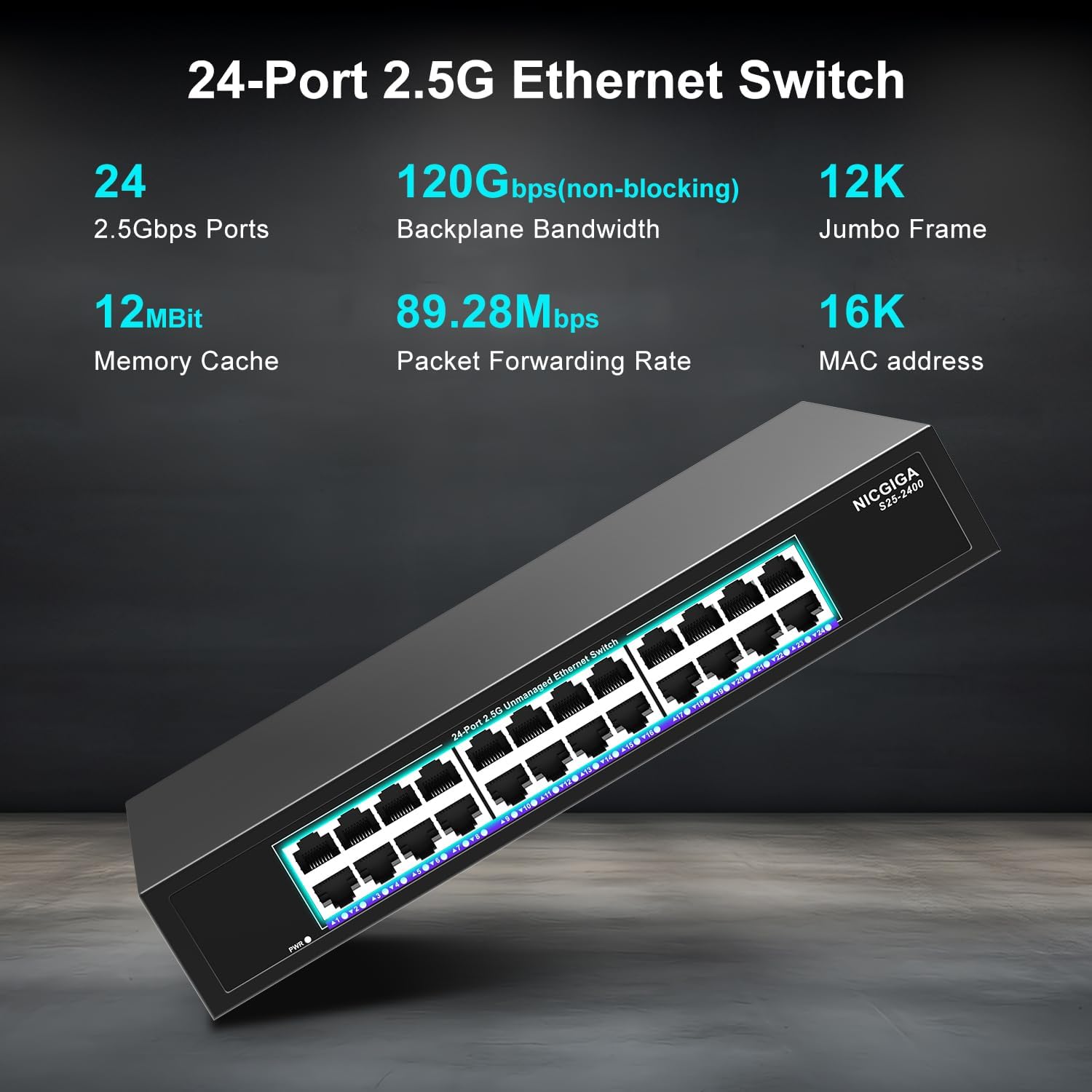
Foto 3.1: Zuru ezu view of the switch's front panel, highlighting the 24 RJ45 ports and power input.
- Ọdụ ụgbọ mmiri RJ45 (1-24): These ports support 100/1000/2500Mbps Ethernet connections. They automatically detect and adjust to the speed of the connected device.
- Ihe ngosi LED: Each port has an associated LED that indicates link status and activity.
- Green siri ike: A stable link is established at 2.5Gbps.
- Yellow siri ike: A stable link is established at 1Gbps.
- Orange siri ike: A stable link is established at 100Mbps.
- Na-egbuke egbuke: Data activity is occurring on the port.
- Gbanyụọ: No link is established or the device is not connected.
- Igwe ọkụ ọkụ: Na-egosi ọkwa ike nke mgba ọkụ.
- Green siri ike: A gbanye ọkụ ahụ.
- Gbanyụọ: Agbanyụrụ ọkụ.
3.2 Ogwe azụ
The rear panel typically contains the power input and ventilation openings.
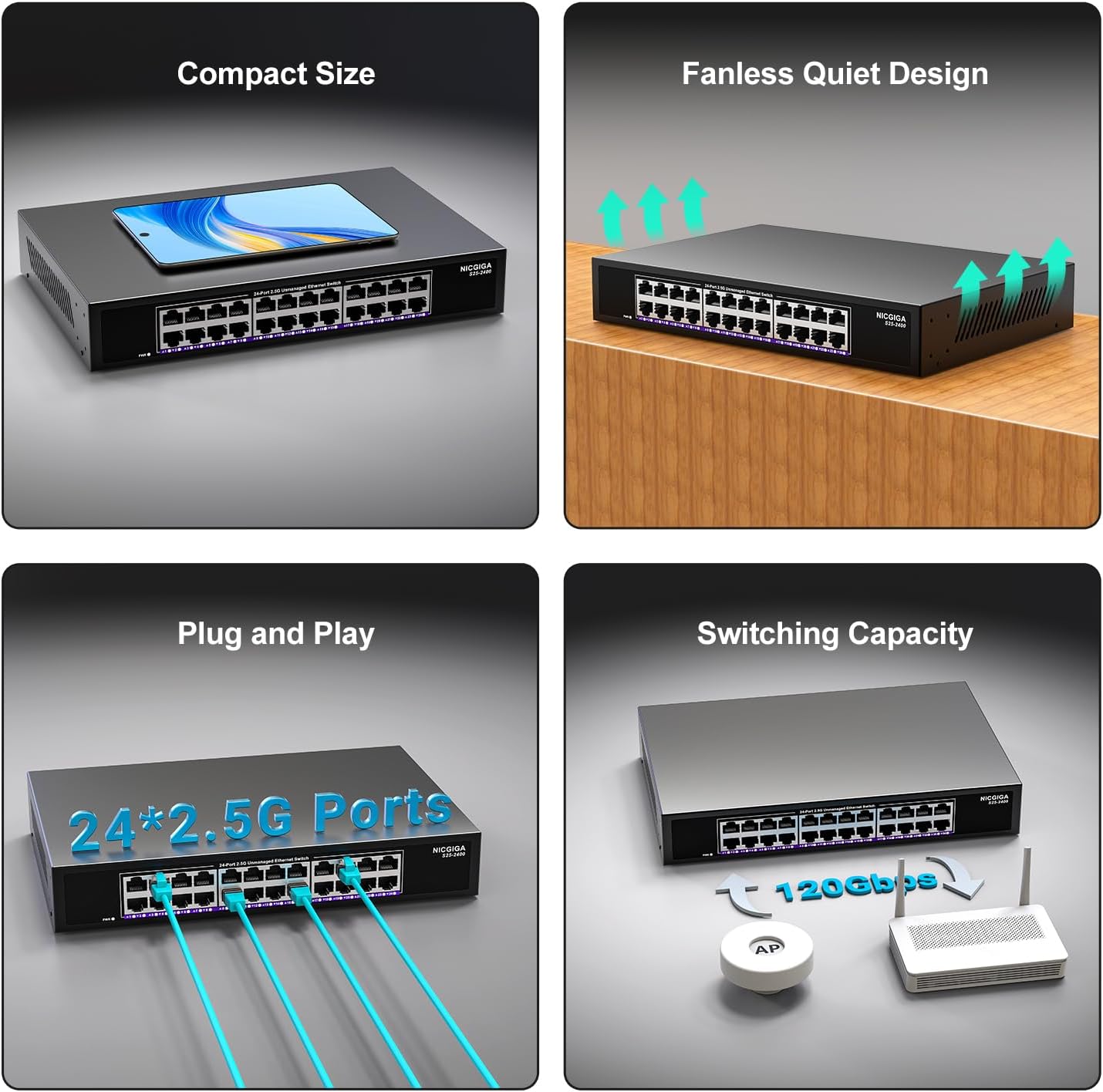
Foto 3.2: N'azụ view of the switch, showing the power input and fanless design.
4. Nhazi
The NICGIGA 24 Port 2.5Gb Ethernet Switch is designed for simple plug-and-play operation, requiring no software installation or complex configuration.
4.1 Nwụnye na Desktọpụ
- Place the switch on a stable, flat surface, ensuring adequate ventilation around the device.
- Connect the power adapter to the switch's power input and then to a power outlet.
- Connect your network devices (e.g., computers, NAS, Wi-Fi 6 APs, routers) to any of the 24 RJ45 ports using standard Ethernet cables. The switch will automatically detect the link speed.

Foto 4.1: Ọpụample of desktop setup, showing the switch connected to a laptop and a Wi-Fi router.
4.2 19-inch Rack Mount Installation
The switch can be installed in a standard 19-inch equipment rack using the included rack mount kit.
- Attach the two rack-mount brackets to the sides of the switch using the provided screws.
- Secure the switch into an available slot in your 19-inch rack using appropriate rack screws (not included).
- Connect the power adapter and network cables as described in the desktop installation.

Image 4.2: Diagram illustrating the dimensions for rack mounting and an example of the switch installed in a 19-inch rack.
5. Ntuziaka ọrụ
Once the switch is powered on and devices are connected, it operates automatically.
- Mkparịta ụka akpaaka: Each port automatically detects the speed (100Mbps, 1Gbps, or 2.5Gbps) and duplex mode (half/full) of the connected device and adjusts accordingly. This ensures optimal performance and compatibility across various network devices.
- Non-Blocking Architecture: The switch provides full wire-speed forwarding on all ports simultaneously, ensuring maximum throughput for all connected devices without bottlenecks.
- Unmanaged Operation: No configuration or software is required. Simply connect your devices, and the switch will manage data traffic efficiently.

Image 5.1: Illustration of the auto-negotiation feature, showing how the switch adapts to different link speeds.
6. Nlekọta
The NICGIGA 24 Port 2.5Gb Ethernet Switch is designed for minimal maintenance.
- Nhicha: Jiri akwa dị nro dị nro hichaa mpụta nke mgba ọkụ. Ejila ihe nhicha mmiri ma ọ bụ ikuku ikuku.
- Igwe ikuku: Ensure that the ventilation openings are not blocked to allow for proper airflow and heat dissipation. The fanless design relies on natural convection.
- gburugburu: Operate the switch within its specified environmental conditions (temperature, humidity) to ensure optimal performance and longevity.
7. Nchọpụta nsogbu
If you encounter issues with your NICGIGA 24 Port 2.5Gb Ethernet Switch, refer to the following common troubleshooting steps:
- Enweghị ike:
- Gbaa mbọ hụ na ejikọrọ ihe nkwụnye ọkụ na nke ọma na ma mgba ọkụ na ebe ọkụ na-arụ ọrụ.
- Nyochaa na ntinye ọkụ na-arụ ọrụ site na nkwụnye na ngwaọrụ ọzọ.
- Check the Power LED on the switch; it should be solid green when powered on.
- Enweghị njikọ/ọrụ na ọdụ ụgbọ mmiri:
- Verify that the Ethernet cable is securely connected to both the switch port and the connected device.
- Gbaa mbọ hụ na agbanyere ngwaọrụ ejikọrọ na ihe nkwụnye netwọkụ ya na-arụ ọrụ nke ọma.
- Try a different Ethernet cable to rule out cable issues.
- Test with a different port on the switch.
- Check the LED indicator for the specific port; if it's off, there's no link.
- Ọsọ netwọk dị nwayọ:
- Ensure all connected devices and network adapters support 2.5Gbps speeds for optimal performance. The switch will auto-negotiate to the highest common speed.
- Use Cat5e or higher-rated Ethernet cables for 2.5Gbps connections.
- Check for excessive network traffic or bottlenecks on other network devices.
- Njikọta na-adịte aka:
- Inspect Ethernet cables for damage.
- Ensure the switch is placed in a well-ventilated area to prevent overheating, although it has a fanless design.
- Lelee maka ndabichi eletrọnịkị ndị ọzọ nwere ike ime.
8. Nkọwapụta
| Njirimara | Nkọwapụta |
|---|---|
| Nlereanya | S25-2400 |
| Ọnụọgụ nke ọdụ ụgbọ mmiri | 24 x 2.5Gbps RJ45 Ports |
| Ụdị interface | RJ45 |
| Ọnụego mbufe data | 100/1000/2500Mbps (Auto-Negotiation) |
| Ike ịgbanwee | 160Gbps |
| Ogwe osisi Jumbo | 12K |
| MAC Okwu Isiokwu Size | 16K |
| Cache ebe nchekwa | 12Mbit |
| Ọnụego mbugharị ngwugwu | 89.28Mpps |
| Nhazi | Fanless Metal Design |
| Nchekwa ọkụ | 4KV |
| Nwụnye | Desktop or 19-inch Rack Mount |
| Akụkụ (L x W x H) | 270.5 x 181 x 44.5 mm (10.6 x 7.1 x 1.7 inch) |
| Ibu Ibu | 1.9 Kilogram (4.18 pound) |
| Ngwa dakọtara | Desktop, Gaming Console, Laptọọpụ |
| UPC | 790885830235 |
Mara: Nkọwapụta ga-agbanwe na-enweghị ọkwa.
9. Akwụkwọ ikike na nkwado
NICGIGA provides a one-year warranty for this product, ensuring reliability, quality, and performance. Additionally, lifetime technical support is available for the entire product lifecycle.
For technical assistance or warranty claims, please contact NICGIGA customer support through the official websaịtị ma ọ bụ ikpo okwu ịzụrụ ihe.


