1. Okwu mmalite
This manual provides essential information for setting up, operating, and maintaining your NIMO 15.6-inch FHD Laptop (Model N152). Please read through these instructions carefully to ensure optimal performance and longevity of your device.
2. Nhazi
2.1 Unboxing na nlele mbụ
Upon receiving your NIMO laptop, carefully open the packaging and ensure all components are present and undamaged. The box should contain:
- 1 x NIMO N152 Laptop
- 1 x Type-C 65W PD Fast Charger
- Akwụkwọ ntuziaka onye ọrụ 1 x (akwụkwọ a)
- Windows 11 Home (pre-installed)
2.2 Ike izizi na ịchaji
Before first use, connect the laptop to the 65W Type-C PD Fast Charger. A full charge is recommended. The laptop can provide up to 2 hours of use from a 15-minute charge.

Foto: The included 65W PD GaN USB-C Adapter, designed for fast and efficient charging of your NIMO laptop and other compatible devices.
2.3 Operating System Setup (Windows 11 Home)
Follow the on-screen prompts to complete the initial setup of Windows 11 Home. This includes selecting your region, connecting to a Wi-Fi network, and creating a user account.
2.4 Ntọala ihe mmetụta mkpịsị aka
For enhanced security and quick login, configure the built-in fingerprint sensor located on the touchpad during the Windows setup or via Windows Settings.

Foto: Close-up of the fingerprint sensor integrated into the touchpad, allowing for secure and instant login.
3. Operating Your NIMO Laptop
3.1 Ngosipụta
The NIMO N152 features a 15.6-inch Full HD (1920x1080) IPS display, providing clear and vibrant visuals for work, study, and entertainment.
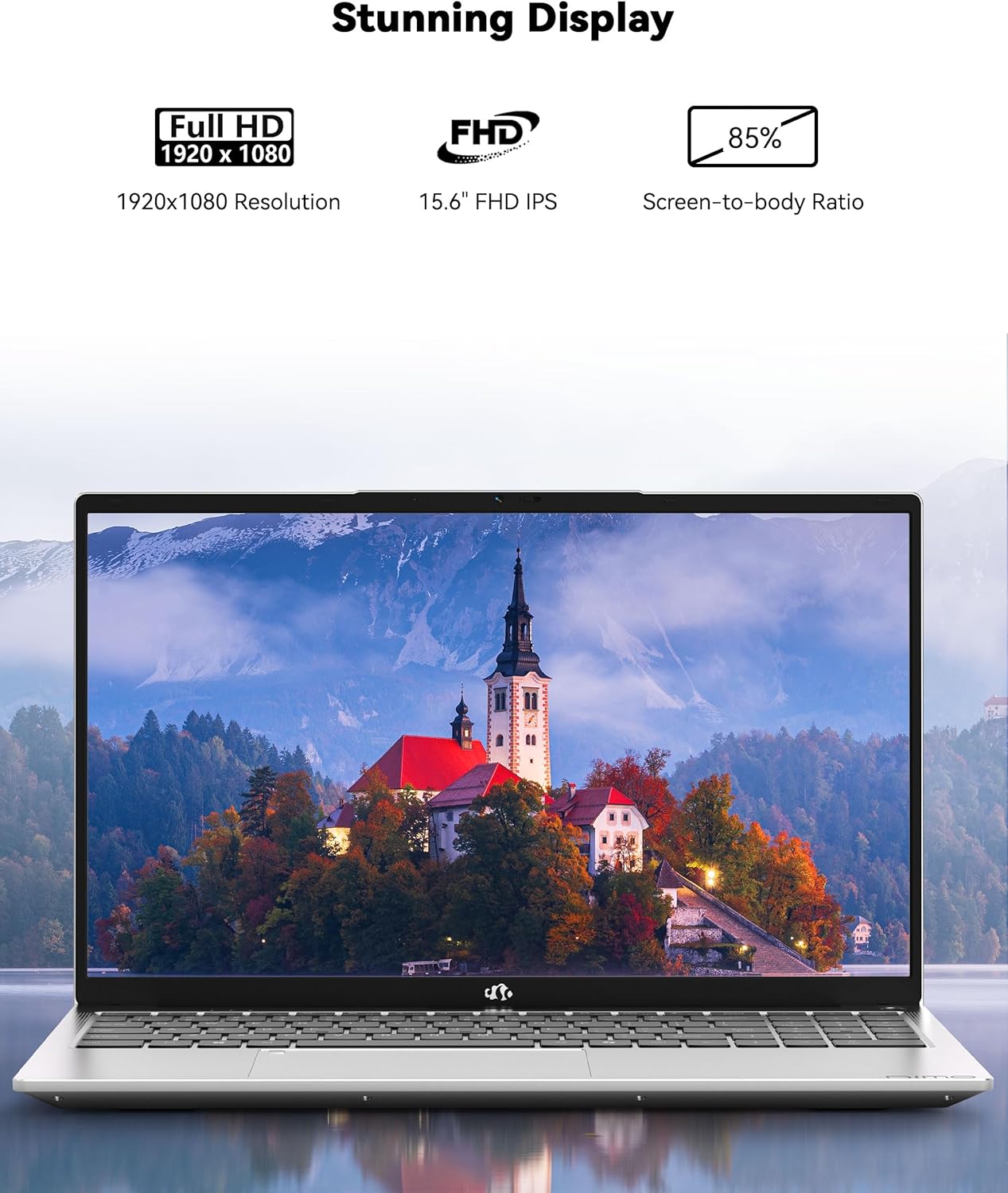
Foto: The NIMO laptop showcasing its 15.6-inch Full HD IPS display with vivid colors and sharp details.
3.2 Ahụigodo na Touchpad
The laptop is equipped with an ergonomic backlit keyboard, allowing for comfortable typing in various lighting conditions. The touchpad supports multi-touch gestures and includes an integrated fingerprint sensor for secure access.
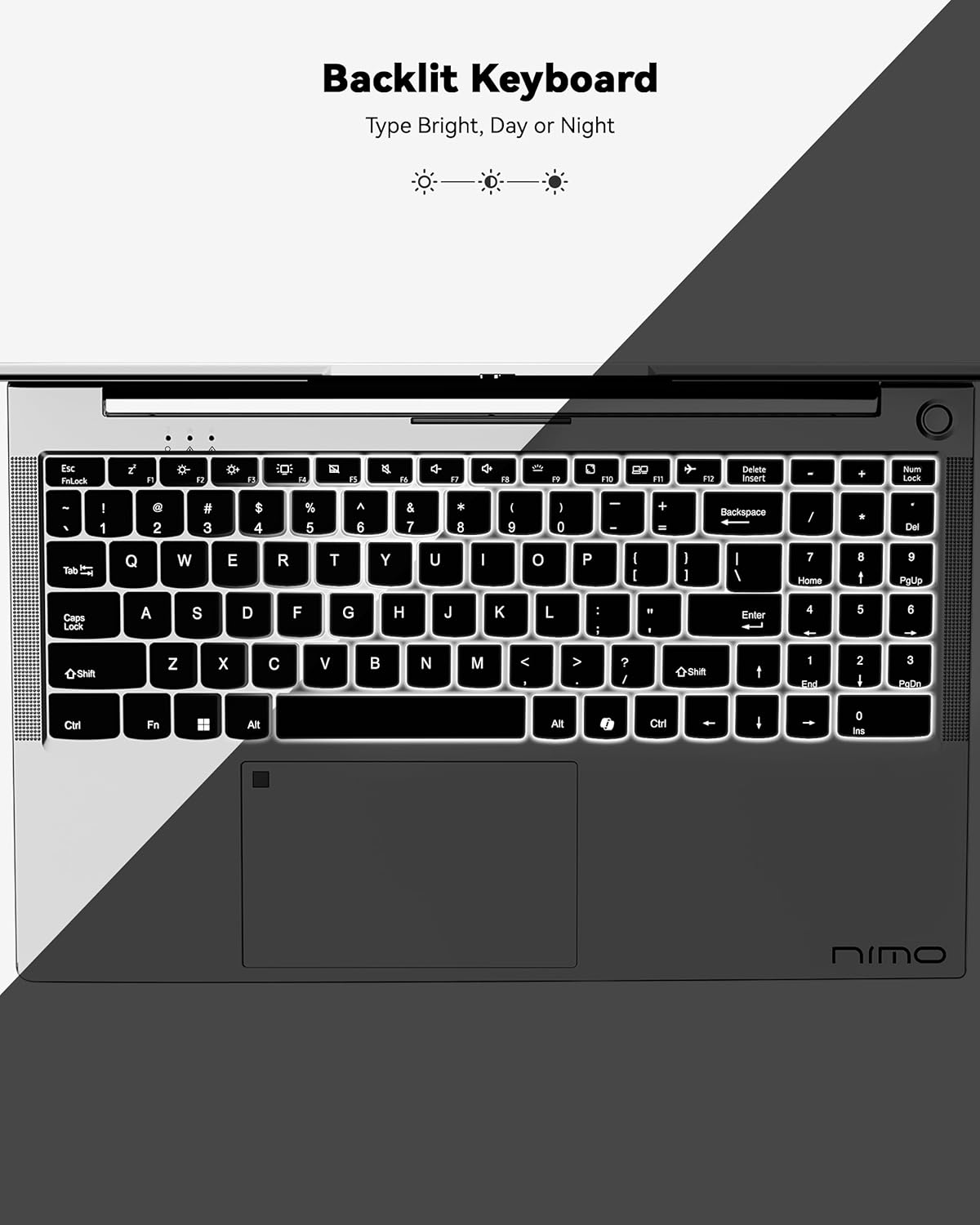
Foto: A view of the backlit keyboard, illustrating its illumination for use in low-light environments.
3.3 Ọdụ ụgbọ mmiri na njikọ
The NIMO N152 offers a range of ports for versatile connectivity:
- USB 2.0: 1 ọdụ ụgbọ mmiri
- USB 3.0: 3 ọdụ ụgbọ mmiri
- -Dị-C: Maka ịchaji na ịnyefe data
- HDMI1.4: For external display connections
- Micro SD Reader: For memory cards
- Jack ọdịyo: For headphones/microphone
- Mkpọchi Kensington: For security

Foto: Akụkụ view of the NIMO laptop, highlighting the various input/output ports available for connecting peripherals and external devices.
Wireless connectivity includes Wi-Fi 5 (802.11a/b/g/n/ac) and Bluetooth 5.2.
3.4 Webigwefoto na ọdịyo
The laptop features a 2 MP webcam for video calls and online meetings. Dual 2W, 4Ω speakers provide audio output.
3.5 Arụmọrụ
Powered by an AMD Ryzen 5 processor with 4 cores up to 3.7GHz, 8GB DDR4 RAM, and a 256GB SSD, the NIMO N152 is designed for smooth multitasking and quick application loading.
Vidiyo: Nfefeview of the NIMO 15.6-inch FHD Laptop, demonstrating its use for students, home, and work environments.
Vidiyo: Ihe ngosiasing the NIMO Laptop as a versatile tool for work and study, suitable for various settings and tasks.
4. Nlekọta
4.1 Nlekọta batrị
The laptop is equipped with a 54WH battery, offering an average battery life of 9 hours. To prolong battery lifespan, avoid extreme temperatures and fully discharging the battery frequently. The 65W PD fast charger supports quick power-ups.

Foto: Nke ime view of the laptop highlighting the 54WH battery and smart battery optimization features.
4.2 Upgradability
The NIMO N152 features an expandable RAM slot for easy self-upgrades and an upgradable SSD slot, allowing you to expand storage as needed.
5. Nchọpụta nsogbu
If you encounter any issues with your NIMO laptop, please refer to the following general troubleshooting tips:
- Okwu ike: Ensure the charger is properly connected and the power outlet is functional. Try a different outlet if necessary.
- Arụmọrụ Lag Close unnecessary applications, check for Windows updates, and ensure sufficient free storage space.
- Nsogbu Njikọta: Restart your Wi-Fi router and the laptop. Check network settings to ensure correct connection.
- Okwu ngwanrọ: Ensure all drivers and software are up to date. Consider running a system diagnostic or restoring to a previous point if a recent change caused the issue.
For persistent problems, contact NIMO customer support.
6. Nkọwapụta
| Njirimara | Nkọwapụta |
|---|---|
| Ụdị | NIMO |
| Aha Nlereanya | NIMO N152 |
| Nha ihuenyo | 15.6 sentimita asatọ |
| Mkpebi ihuenyo | 1920 x 1080 pikselụ (FHD) |
| Nhazi | AMD Ryzen 5 (4 Cores, up to 3.7 GHz) |
| RAM | 8 GB DDR4 (Upgradable) |
| Draịvụ ike | 256 GB SSD (Upgradable) |
| Ihe eserese eserese | AMD Integrated graphics |
| Sistemụ nrụọrụ | Windows 11 Ụlọ |
| Ụdị ikuku | 802.11a/b/g/n/ac (Wi-Fi 5) |
| Bluetooth | BT5.2 |
| ọdụ ụgbọ mmiri USB | 1 x USB 2.0, 3 x USB 3.0 |
| Ọdụ ụgbọ mmiri ndị ọzọ | Type-C (65W PD), HDMI, Micro SD, Audio Jack, Kensington Lock |
| Webcam | 2 MP |
| Nkezi Ndụ batrị | Awa 9 |
| Ibu Ibu | 3.75 pound |
| Akụkụ ngwaahịa | 14.07 x 8.98 x 0.76 sentimita asatọ |
| Atụmatụ pụrụ iche | Backlit Keyboard, Fingerprint Reader, HD Audio, Numeric Keypad |
7. Akwụkwọ ikike na nkwado
Your NIMO N152 Laptop comes with a Akwụkwọ ikike onye nrụpụta afọ 2. Additionally, NIMO offers a 90-day hassle-free return and exchange policy. For any product-related questions, technical assistance, or warranty claims, please contact NIMO customer support.
NIMO is committed to providing professional and high-quality customer service. You can find contact information on the official NIMO webweebụsaịtị ma ọ bụ ibe ngwaahịa.
Vidiyo: A seller-provided video highlighting features of a NIMO laptop, including its design and functionality.
Vidiyo: A seller-provided video demonstrating the NIMO laptop with a Ryzen 5 3500U processor, showcasing ikike ya.


