1. Okwu mmalite
This manual provides essential information for the safe and efficient operation of your VariForma 5000W Split Phase Hybrid Solar Inverter. This device integrates a 5000W pure sine wave inverter, a 120A MPPT solar charge controller, and a battery charger into one unit. It is designed to provide reliable power for various applications, including home, RV, and truck installations, supporting both 110V and 240VAC output from a 48V battery system.

Image 1.1: The VariForma 5000W Split Phase Hybrid Solar Inverter, showcasing its 5000W rated output, 120A MPPT charge controller, 110V/220VAC output, 6400W max PV array power, and 150VDC max PV open circuit voltage.
2. Ntuziaka nchekwa
Please read all instructions and warnings in this manual carefully before installation and operation. Failure to follow these instructions may result in electric shock, fire, severe injury, or death. Keep this manual for future reference.
- Ndị ọrụ ruru eru ga-arụrịrị nrụnye.
- Hụ na waya niile nha ha ziri ezi ma nwee mkpuchi kwesịrị ekwesị.
- Ekwula ihe na-agbanwe agbanwe. Enweghị akụkụ ọ bụla dị n'ime ya nke a ga-eji rụọ ọrụ.
- Disconnect all power sources (PV, battery, AC input) before performing any maintenance or wiring.
- Gbaa mbọ hụ na ikuku ventilashị kwesịrị ekwesị na gburugburu inverter iji gbochie ikpo oke ọkụ.
- Do not expose the inverter to rain, snow, spray, or any liquids.
- Yiri akụrụngwa nchedo onwe nke kwesịrị ekwesị (PPE) n'oge ntinye na mmezi.
3. Product Appearance and Components
Familiarize yourself with the physical layout and connections of the inverter.

Foto 3.1: Ihu na ala view of the inverter, highlighting key components. 1. LCD Display, 2. LED Indicators, 3. Function Keys, 4. Power on/off switch, 5. AC input, 6. AC output, 7. Communication port, 8. PV input, 9. Battery input.
4. Nwụnye na Ntọala
4.1 eserese waya
Proper wiring is crucial for safe and efficient operation. Refer to the diagrams below for AC and overall system connections.

Image 4.1: Split-phase 110V/220VAC wiring diagram. Connect the ground wire (green), live wire (red), and neutral wire (blue) to the corresponding terminals for AC input and output. The diagram illustrates how 110V and 220V loads are connected.

Image 4.2: Inverter connection diagram. This illustrates the connections for AC input (from grid or generator), PV input (from solar panels), AC output (to loads), and Battery input (to 48V battery bank).
4.2 Setting Output Voltage (110V/220V)
To configure the output voltage:
- Press and hold the set button for approximately 10 seconds to enter the settings mode.
- After entering the settings mode, navigate to the 11th setting item to select the output voltage. The default output is 110V/220V.
- At this point, the screen will display "OU" on the left, "11" in the middle, and either "110" or "220" on the right, indicating the selected output voltage.
5. Ntuziaka ọrụ
5.1 Gbanyụọ/ gbanyụọ
Use the power on/off switch (component 4 in Image 3.1) to control the inverter's operation. Ensure all connections are secure before powering on.
5.2 LCD Display and LED Indicators
The LCD display (component 1) provides real-time operational data, including input/output voltage, current, power, and system status. The LED indicators (component 2) provide quick visual cues for the inverter's status (e.g., power, fault, charging).
5.3 igodo ọrụ
The function keys (component 3) allow navigation through the LCD menu and adjustment of various settings, such as battery type, charging current, and output voltage. Refer to the detailed settings section in the full manual for specific key functions.
6. Atụmatụ nchedo
The VariForma inverter is equipped with multiple layers of protection to ensure stable and reliable power delivery, safeguarding both the inverter and connected equipment.
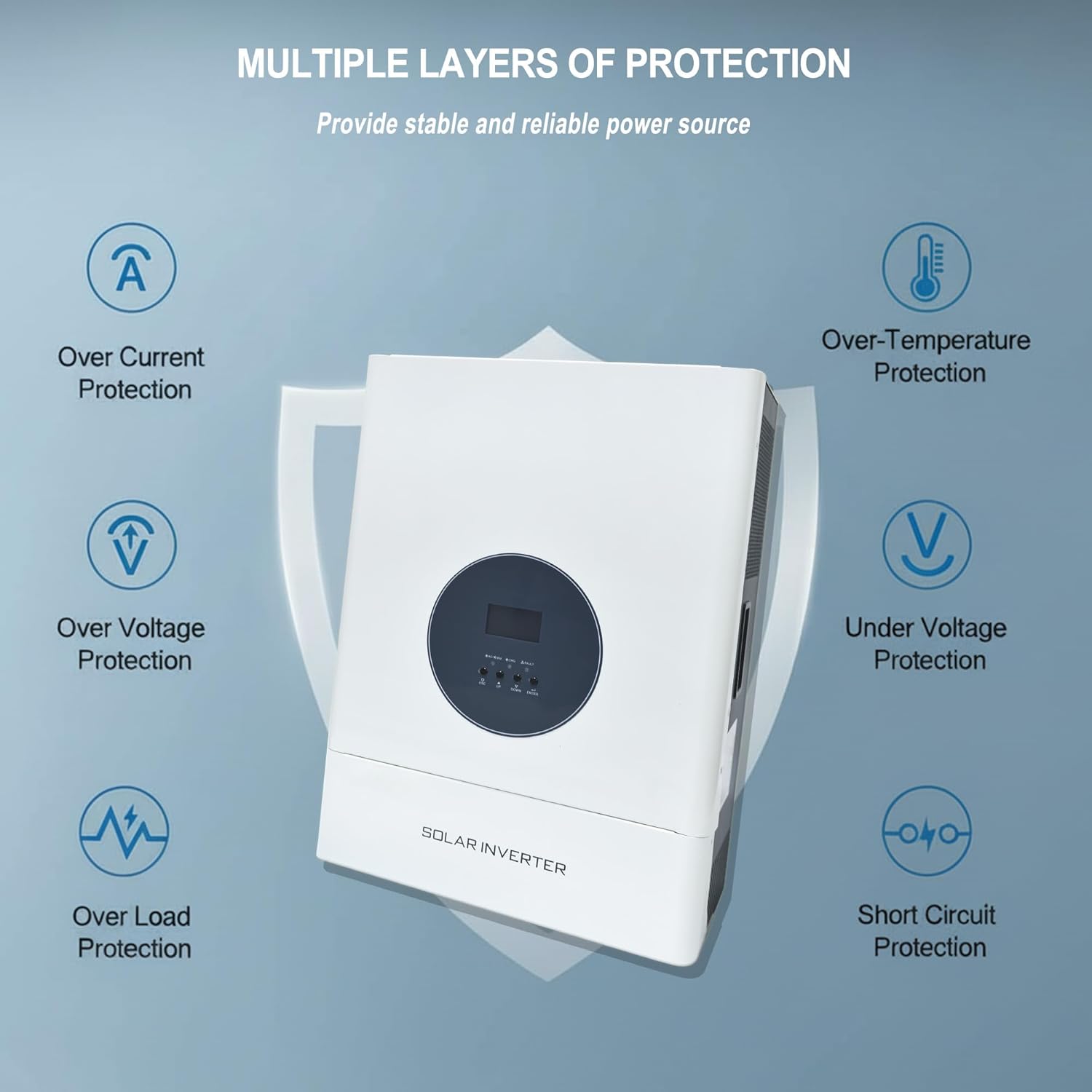
Image 6.1: Multiple layers of protection. The inverter includes protection against Over Current, Over Voltage, Over-Temperature, Under Voltage, Over Load, and Short Circuit conditions.
- Karịrị Nchedo Ugbu a: Na-egbochi mmebi site na oke erute ugbu a.
- N'ime Voltage Nchedo: Safeguards against input or output voltage exceeding safe limits.
- Nchekwa oke okpomọkụ: Shuts down the unit if internal temperatures become too high.
- N'okpuru Voltage Nchedo: Protects batteries from deep discharge.
- Nchedo karịrị ibu: Prevents damage when connected loads exceed the inverter's capacity.
- Nchekwa sekit dị mkpụmkpụ: Automatically disconnects in case of a short circuit.
7. Ndakọrịta batrị
This inverter is designed to work with various 48V battery types, offering flexibility for different energy storage solutions.
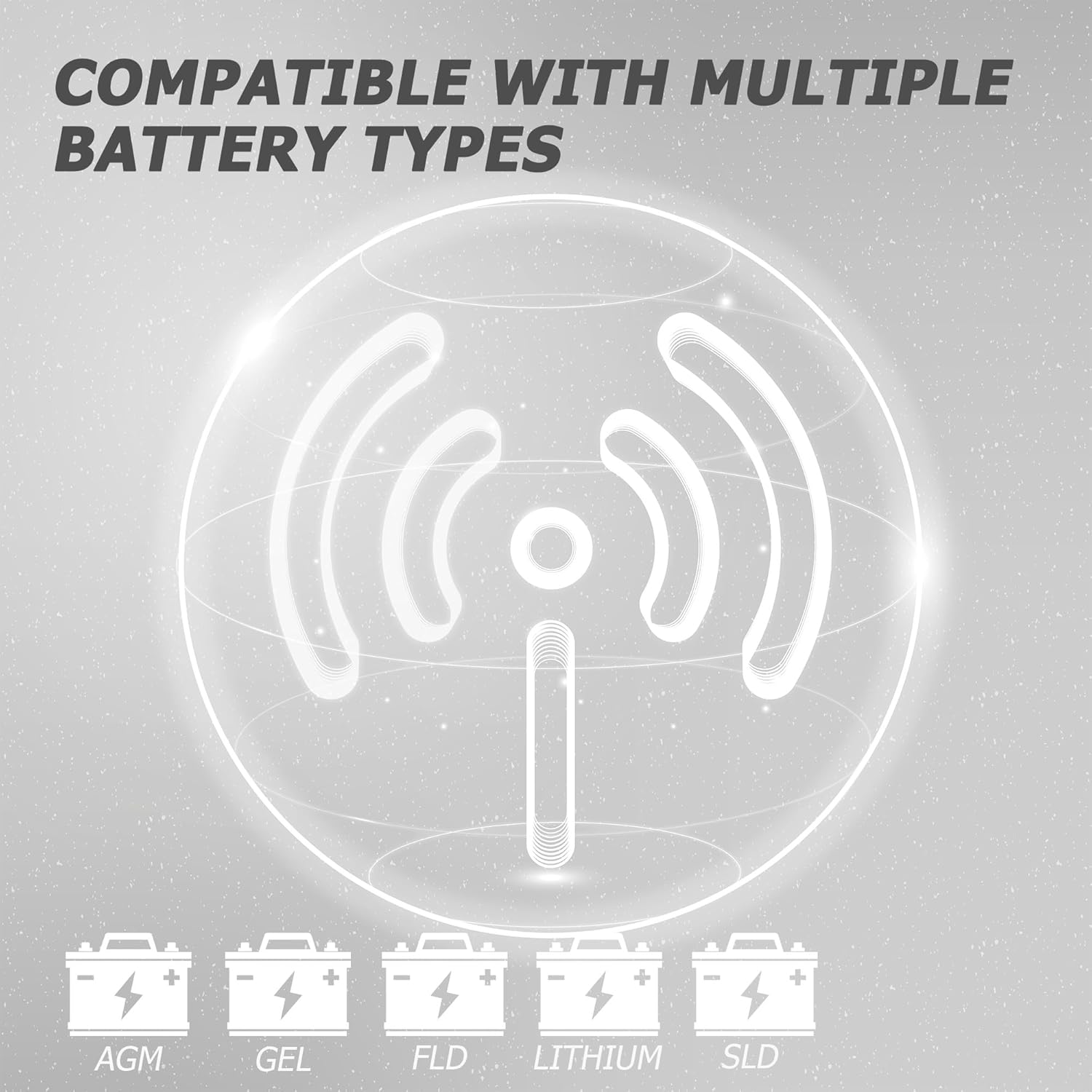
Image 7.1: Compatible with multiple battery types. The inverter supports AGM, GEL, FLD (Flooded), Lithium, and SLD (Sealed Lead Acid) batteries.
8. Ngwa
The VariForma 5000W Split Phase Hybrid Solar Inverter is suitable for a wide range of applications requiring reliable off-grid or hybrid power solutions.

Image 8.1: Application examples. The inverter can be integrated into rooftop solar systems for homes or used in mobile applications such as RVs and trucks.
9. Nkọwapụta
| Oke | Uru |
|---|---|
| Ike Mmepụta | 5000 Watt |
| Ntinye Voltage (DC) | 48 volts |
| Mmepụta Voltage (AC) | 110V (AC) / 240V (AC) |
| Onye na-ahụ maka chaja anyanwụ MPPT | 120A |
| Oke. Ike ntinye PV | 6400W |
| Oke. PV Open Circuit Voltage | 150VDC |
| Ịchaji batrị ugbu a | 60A |
| Ibu Ibu | 58 pound |
10. Nlekọta
Mmezi mgbe niile na-eme ka ogologo ndụ na arụmọrụ kachasị mma nke inverter gị.
- Nhicha: Periodically clean the inverter's exterior with a dry, soft cloth. Ensure ventilation openings are free from dust and debris.
- Njikọ: Annually check all electrical connections for tightness and corrosion. Loose connections can cause overheating and damage.
- gburugburu: Gbaa mbọ hụ na gburugburu ebe arụ ọrụ ka dị n'ime oke okpomọkụ na iru mmiri akọwapụtara.
- Ahụike batrị: Nyochaa batrị voltage na ahụike dịka ntuziaka ndị nrụpụta batrị si dị.
11. Nchọpụta nsogbu
This section provides solutions for common issues. For problems not listed here, contact customer support.
| Nsogbu | Ihe nwere ike ime | Ngwọta |
|---|---|---|
| Inverter anaghị agba ọkụ | No battery connection or low battery voltage | Check battery connections and ensure battery voltage is above the minimum operating threshold. |
| Enweghị mmepụta AC | Overload, short circuit, or inverter fault | Reduce load, check for short circuits, or restart the inverter. Check error codes on the LCD. |
| PV not charging batteries | Insufficient PV input, incorrect PV wiring, or PV fault | Check PV panel connections, ensure adequate sunlight, and verify PV voltage/ugbua. |
12. Akwụkwọ ikike na nkwado
For warranty information, technical support, or service inquiries, please refer to the contact details provided with your purchase documentation or visit the official VariForma website. Do not attempt to repair the inverter yourself, as this may void the warranty and pose safety risks.


