1. Okwu mmalite
The Baseus Inspire XP1 Adaptive Noise Cancelling Earbuds are designed to provide a high-fidelity audio experience with advanced noise cancellation capabilities. Featuring Sound by Bose technology and Dolby Spatial Audio, these earbuds offer immersive sound and clear communication. This manual provides instructions for setup, operation, and maintenance to ensure optimal performance.
2. Ihe ngwugwu
Chọpụta na ihe niile dị na ngwugwu gị:
- Baseus Inspire XP1 Noise Cancelling Wireless Earbuds
- Nchaji case
- Eartips (S/M/L sizes)
- USB-C eriri USB
- Akwụkwọ ntuziaka onye ọrụ

Image: Package contents of the Baseus Inspire XP1 earbuds.
3. Ngwaahịa gafereview
The Baseus Inspire XP1 earbuds feature a contoured in-ear fit with umbrella-shaped liquid silicone tips for comfort and noise isolation. They are equipped with a 6-mic sound sensor array for clear calls and touch-sensitive surfaces for control.

Image: Baseus Inspire XP1 Earbuds.
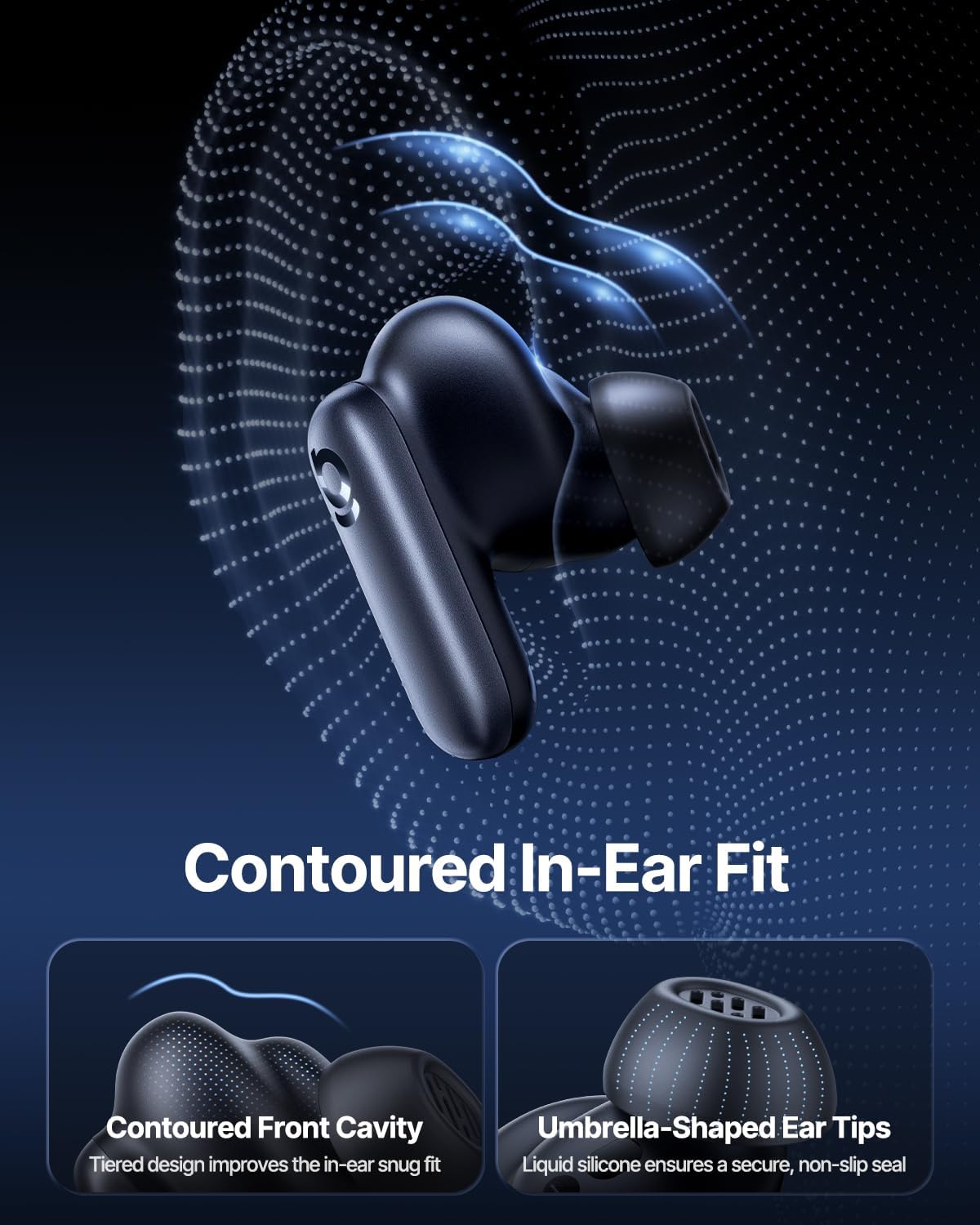
Image: Contoured In-Ear Fit and Umbrella-Shaped Ear Tips.
4. Nhazi
4.1 Mmakọ mbụ
- Chajịa ekwe ntị: Place both earbuds into the charging case and close the lid. Connect the USB-C charging cable to the case and a power source. The indicator light on the case will show charging status.
- Mee ka ọnọdụ njikọkọ rụọ ọrụ: Open the charging case. The earbuds will automatically enter pairing mode, indicated by a flashing light on the earbuds or case.
- Jikọọ site na Bluetooth: On your device (smartphone, tablet, laptop), go to Bluetooth settings and enable Bluetooth. Chọọ maka "Baseus Inspire XP1" in the list of available devices and select it to connect.
- nkwenye: Once connected, a voice prompt will confirm successful pairing, and the indicator light will turn solid or off.
4.2 Nwụnye Ngwa Baseus
For full functionality, including Dolby Audio, custom EQ settings, and adaptive tuning, download the official Baseus App from your device's app store (iOS App Store or Google Play Store). The app allows for personalized control of your listening experience.
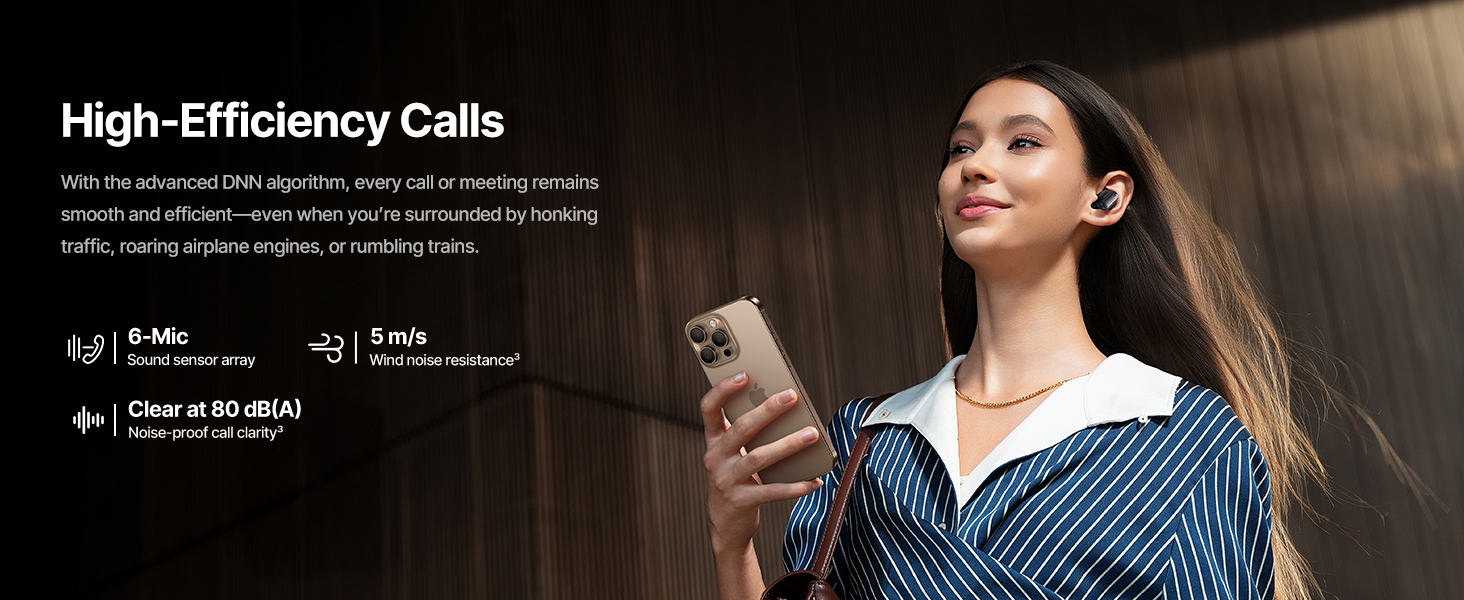
Image: Smart App Control interface.
5. Ntuziaka ọrụ
5.1 Gbanyụọ ma ọ bụ gbanyụọ
- Ike Na: Mepee igbe nchaji, na earbuds ga-agbanye ozugbo wee nwaa ijikọ na ngwaọrụ ejikọtara ikpeazụ.
- Gbanyụọ: Tinye ihe ntị ntị n'ime akpa nchaji wee mechie mkpuchi. Ha ga-agbanyụ ozugbo wee malite ịchaji.
5.2 Njikwa mmetụ
The earbuds feature touch-sensitive surfaces for various functions:
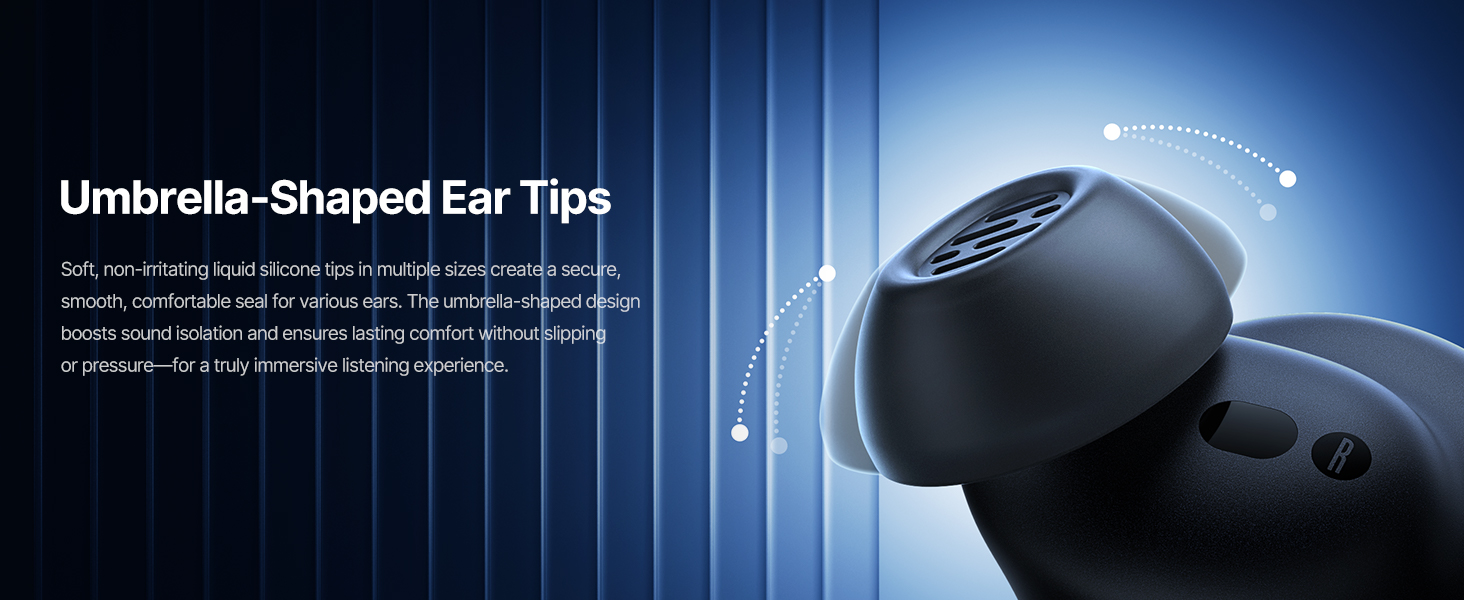
Image: Touch Control Guide.
- Kpọọ/Kwụsị Egwu: Pịa ntị nke ọ bụla ugboro abụọ.
- Zaa/Kwụsị Oku: Pịa ntị nke ọ bụla ugboro abụọ.
- Jụ oku: Kpatụ ma jide otu ntị ntị maka sekọnd 1.5.
- Gbanwee ANC/Ụdị Nghọta: Kpatụ ma jide otu ntị ntị maka sekọnd 1.5.
- Mee ka onye enyemaka olu rụọ ọrụ: Pịa aka ntị nke ọ bụla ugboro atọ.
5.3 Adaptive Noise Cancellation (ANC) and Transparency Mode
The Inspire XP1 earbuds feature Premium Adaptive ANC, which dynamically adjusts noise reduction up to -50 dB based on your environment. Transparency Mode allows you to hear your surroundings without removing the earbuds.

Image: Premium Adaptive ANC in use.
Switch between ANC and Transparency Mode by tapping and holding the touch surface for 1.5 seconds, or manage settings via the Baseus App.
5.4 High-Efficiency Clear Calls
Equipped with a 6-mic sound sensor array and AI algorithms, the earbuds provide clear calls by reducing wind noise and environmental distractions up to 80 dB(A).
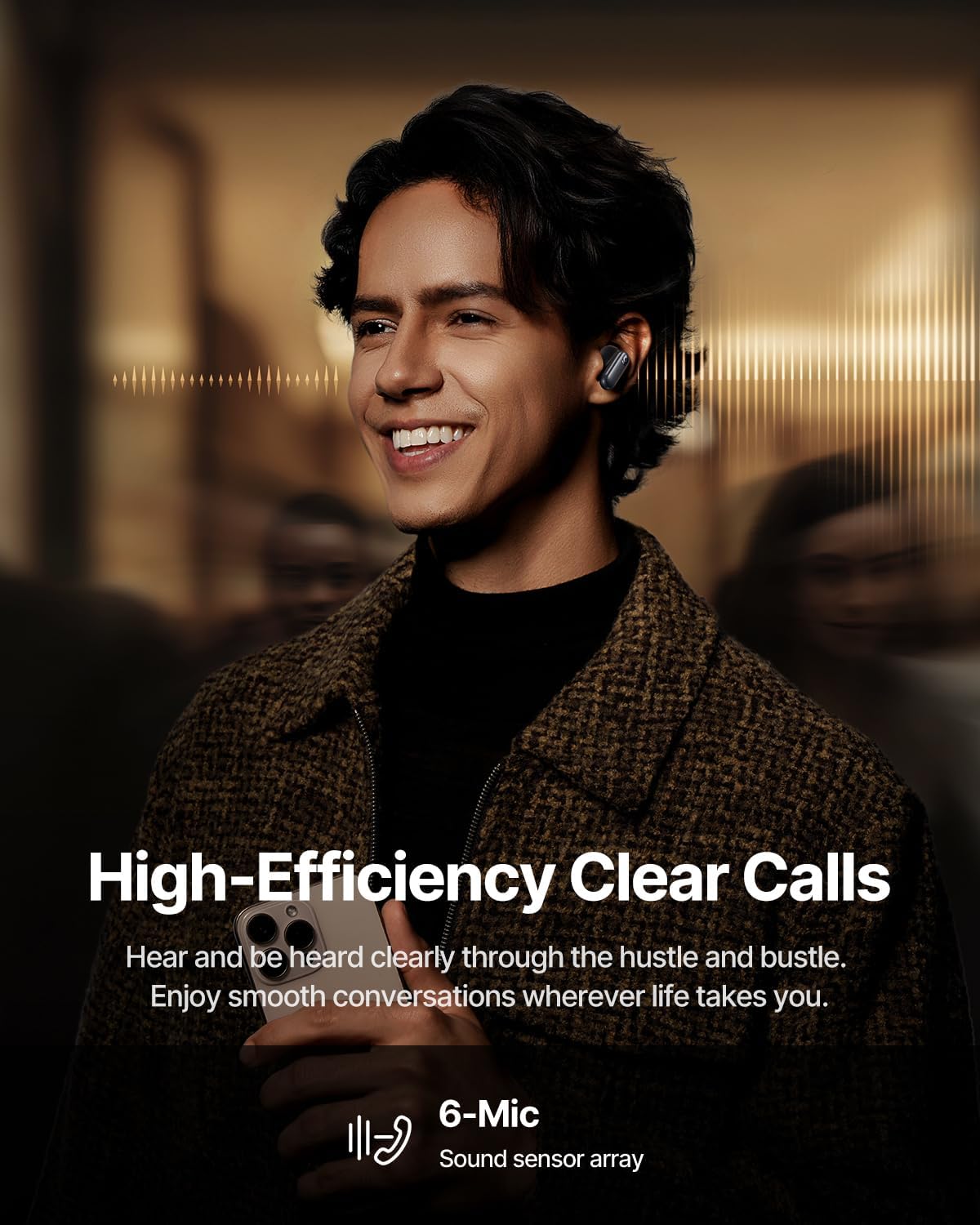
Image: High-Efficiency Clear Calls.
5.5 Charging and Battery Life
The earbuds offer extended playtime with the charging case:
- ANC kwụsịrị: Up to 8 hours per charge, and up to 45 hours with the charging case.
- ANC na: Up to 6 hours per charge, and up to 35 hours with the charging case.
- Nchaji ngwa ngwa: Nkeji ise nke ịchaji na-enye ihe dị ka awa atọ nke egwu.

Image: Day-and-Night Playtime.
5.6 Instant Multipoint Connection
Utilize Baseus Smart-Connect and Bluetooth 6.1 for seamless switching between two paired devices, such as a phone and a laptop, enabling uninterrupted calls and multitasking.
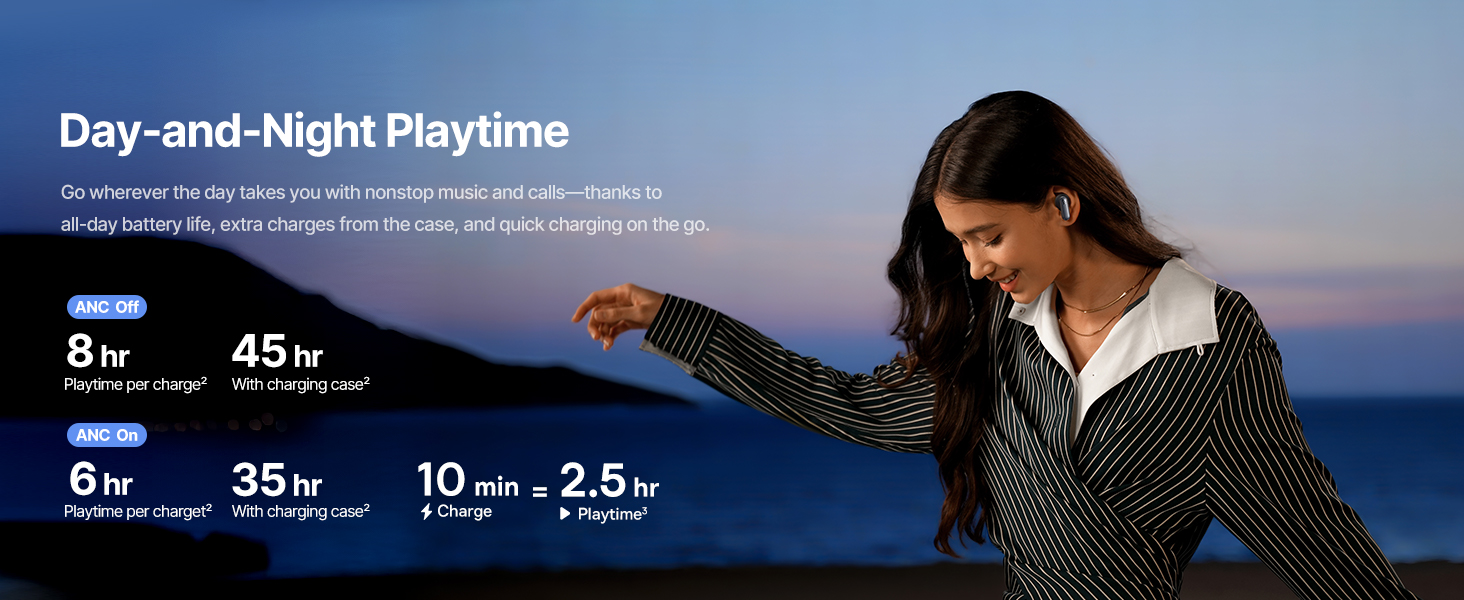
Image: Instant Multipoint Connection.
6. Nlekọta
- Nhicha: Regularly clean the earbuds and charging case with a soft, dry, lint-free cloth. Do not use abrasive materials or harsh chemicals.
- Atụmatụ: Remove and clean the silicone eartips with mild soap and water if necessary. Ensure they are completely dry before reattaching.
- Ọdụ ụgbọ mmiri na-ebufe: Debe ọdụ ụgbọ mmiri chaja USB-C n'enweghị uzuzu na ihe mkpofu.
- Nchekwa: When not in use, store the earbuds in their charging case to protect them and maintain battery life. Avoid extreme temperatures.
7. Nchọpụta nsogbu
7.1 Ekwe ntị anaghị ejikọta
- Ensure the earbuds are charged and the charging case lid is open.
- Gbanyụọ ma gbanye Bluetooth nke ngwaọrụ gị.
- Forget the device in your Bluetooth settings and attempt to re-pair.
- Try resetting the earbuds (refer to the Baseus App or Baseus support for specific reset instructions).
7.2 Enweghị ụda ma ọ bụ olu dị ala
- Lelee ọkwa olu dị na ngwaọrụ gị na ekweisi gị.
- Gbaa mbọ hụ na ekwe ntị na-anọdụ ala nke ọma na ntị gị.
- Hụ na e jikọrọ ntị ekwe ntị na ihe ọdịyo kwesịrị ekwesị dị na ngwaọrụ gị.
- Hichaa irighiri ihe ọ bụla sitere na igwe okwu ntị.
7.3 Okwu nchaji
- Gbaa mbọ hụ na ejikọrọ eriri chajị na echekwabara na ikpe ahụ yana isi iyi ike.
- Gbalịa eriri USB-C dị iche na nkwụnye ọkụ.
- Hichaa kọntaktị ịchaji na ma ntị ntị yana n'ime akpa ahụ.
8. Nkọwapụta
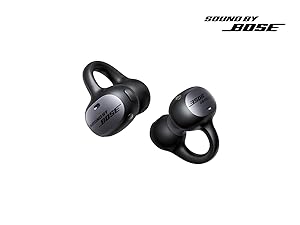
Foto: Nkọwapụta Ngwaahịa.
| Aha Nlereanya | Baseus kpaliri XP1 |
| Teknụzụ Njikọta | Bluetooth 6.1, ikuku |
| Teknụzụ nzikọrịta ozi ikuku | Bluetooth 6.1 |
| Njikwa mkpọtụ | Adaptive Noise Cancellation, Environmental Noise Cancellation |
| Nha ọkwọ ụgbọ ala ọdịyo | 10 millimeters |
| Oke ugboro ugboro | 20 Hz - 20,000 Hz |
| Ndụ Batrị (ANC gbanyụrụ) | Awa iri na abụọ (earbuds), Awa iri abụọ na anọ (ya na akpa chaja) |
| Nchaji ọdụ ụgbọ mmiri | USB-C |
| Usoro njikwa | Ngwa, metụ |
| Ihe onwunwe | Silikoni |
| Ibu Ibu | 7.8 ounces |
9. Akwụkwọ ikike na nkwado
Baseus products are covered by a limited warranty. For detailed warranty information, product support, or to contact customer service, please visit the official Baseus websaịtị ma ọ bụ rụtụ aka na kaadị ikike etinyere na ngwugwu gị.
Ị nwekwara ike ịga na Ụlọ Ahịa Baseus dị na Amazon maka akụrụngwa ndị ọzọ na ozi ngwaahịa.