1. Okwu mmalite
Welcome to the iFFALCON 75-Inch Class QLED 4K Smart TV, Model 75F75. This television combines cutting-edge display technology with smart features to enhance your viewing experience. Its ultra-slim design allows for seamless integration into any living space, functioning as both a high-performance TV and a digital art display. This manual provides essential information for setting up, operating, and maintaining your new television.

Figure 1.1: The iFFALCON Mural TV in Art Mode, showcasing its ultra-slim design.
2. Ozi nchekwa
Please read all safety instructions carefully before using your television. Keep this manual for future reference. Ensure the television is placed on a stable surface or securely mounted. Avoid exposing the unit to rain or moisture. Do not open the television casing; refer all servicing to qualified personnel. Keep ventilation openings clear to prevent overheating. Disconnect the power cord during lightning storms or when unused for long periods.
3. Kedu ihe dị na Igbe ahụ
- iFFALCON TV
- Igwe ọkụ
- Batrị 2 x AAA maka ime ime
- 6 x Guzoro kposara
- Okpokoro eguzo
- 2 x Mkpuchi oghere
- 2 x Ihe nchekwa roba
- Ihe nkwado mgbidi ugwu
- Ntuziaka mmalite ngwa ngwa
- Igwepụ TV
4. Nhazi
4.1 Nwụnye anụ ahụ
Your iFFALCON Mural TV is designed for versatile installation. You can choose between using the included table stands or the seamless wall mount bracket for a flush, art-like appearance. Ensure proper ventilation around the TV regardless of the installation method.

Figure 4.1: Seamless Wall Mount installation for a minimalist look.
4.2 Njikọ
Connect your external devices using the available ports:
- HDMI: Maka ngwaọrụ ọdịyo na vidiyo dị elu.
- USB: Maka ijikọ ngwaọrụ nchekwa USB.
- Ethernet: Maka njikọ ịntanetị ejikọrọ.
- Wi-Fi: Maka njikọ ịntanetị ikuku.
- Bluetooth: For wireless audio devices and accessories.
4.3 Ike mbido
After connecting all necessary cables, plug in the power cable and press the power button on the remote control or the TV. Follow the on-screen instructions to complete the initial setup, including network connection and Google TV account setup.
Video 4.1: Official iFFALCON guide on wall mount and stand installation for the Mural TV.
5. Ntuziaka ọrụ
5.1 Google TV Smart Entertainment
The iFFALCON Mural TV is powered by Google TV, offering personalized content recommendations across your streaming apps. Use the Google Assistant voice remote for hands-free control, searching for content, and managing smart home devices.

Figure 5.1: Explore personalized content with Google TV.
5.2 Ụdị Nka
Transform your TV into a digital canvas with Art Mode. Display classic masterpieces, AI-generated artworks, or your personal photos to complement your home decor. This feature allows the TV to blend seamlessly into your environment when not actively used for viewọdịnaya.

Figure 5.2: The TV in Art Mode, showcasing a masterpiece.
Video 5.1: Official iFFALCON tutorial on using Art Mode and Photo Frame features.
5.3 Game Master Mode
For gamers, the 144Hz refresh rate combined with Game Master Mode provides ultra-smooth visuals and responsive gameplay. This mode optimizes for low latency, Variable Refresh Rate (VRR), and HDR, giving you a competitive edge. Note: Initially in Energy Saving Mode; switch to HDR Mode for best picture quality during gaming.

Figure 5.3: Experience next-level speed with 144Hz native refresh rate.
6. Foto na Ntọala ụda
6.1 4K QLED Brilliance & Wide Color Gamut
The 4K QLED display delivers lifelike visuals with over a billion colors. With a 93% DCI-P3 wide color gamut, every scene is rendered with exceptional clarity, vibrant hues, and intricate detail.

Figure 6.1: Vivid, true-to-life colors with Ultra Wide Color Gamut.

Figure 6.2: Ultra-high Contrast for more detailed images.
6.2 Dolby Vision IQ & Dolby Atmos
Experience cinematic quality with Dolby Vision IQ, which intelligently adjusts picture settings based on your room's ambient lighting. Coupled with Dolby Atmos surround sound, you'll enjoy immersive audio that places you right in the center of the action.
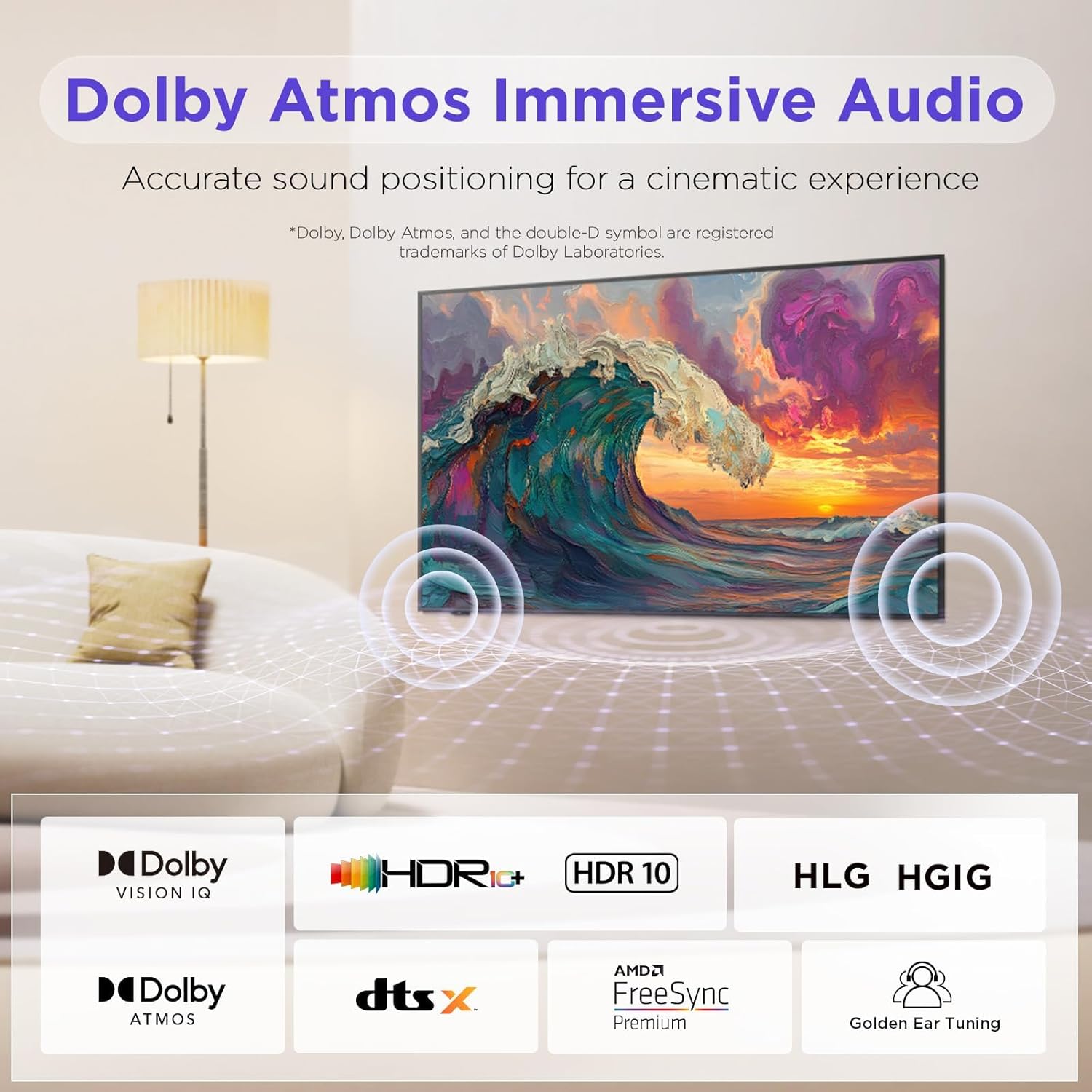
Figure 6.3: Dolby Atmos Immersive Audio for a cinematic experience.
7. Teknụzụ Nlekọta anya
The iFFALCON Mural TV incorporates advanced Eye Care Technology, including low blue light and flicker-free features. These technologies are designed to reduce eye strain and discomfort during extended viewing sessions, making it suitable for all ages.
8. Nlekọta
To ensure the longevity and optimal performance of your iFFALCON TV, follow these maintenance guidelines:
- Na-ehicha ihuenyo: Jiri nwayọ hichaa ihuenyo ahụ site na iji akwa dị nro na-enweghị lint. Maka akara ndị isi ike, dị obere dampen akwa na mmiri ma ọ bụ pụrụ iche ihuenyo Cleaner. Zere kemịkalụ siri ike.
- Na-ehicha Frame: Use a dry, soft cloth to clean the TV frame.
- Igwe ikuku: Gbaa mbọ hụ na egbochighị oghere ikuku na azụ TV ka ọ ghara ikpo oke ọkụ.
- eriri ike: Lelee eriri ọkụ mgbe niile maka mmebi ọ bụla.
9. Nchọpụta nsogbu
If you encounter any issues with your television, refer to the following common troubleshooting steps:
- Enweghị ike: Lelee ma eriri ọkụ eletrik ahụ dị n'ime TV na ebe a na-etinye ya n'ime mgbidi. Nwaa ebe a na-etinye ya n'ime mgbidi ọzọ.
- Enweghị foto/ụda: Verify that all HDMI or other input cables are correctly connected. Ensure the correct input source is selected on the TV.
- Ogo Foto adịghị mma: Check the source device's resolution settings. Adjust picture settings (brightness, contrast, color) on the TV.
- Remote anaghị arụ ọrụ: Replace the batteries. Ensure there are no obstructions between the remote and the TV.
- Okwu njikọ netwọkụ: Malitegharịa rawụta na modem gị. Jikọọ TV ahụ ọzọ na netwọk Wi-Fi gị ma ọ bụ lelee njikọ eriri Ethernet.
For more complex issues, please refer to the full user manual available online or contact iFFALCON customer support.
10. Nkọwapụta
| Njirimara | Nkọwa |
|---|---|
| Ụdị | iFFALCON |
| Nọmba nlereanya | 75F75 |
| Nha ihuenyo | 75 sentimita asatọ |
| Ngosipụta teknụzụ | QLED |
| Mkpebi | 4K |
| Ọnụego ume ọhụrụ | 144 Hz |
| Atụmatụ pụrụ iche | Art Mode, Game Mode, Dolby Vision IQ, Dolby Atmos, Google Assistant |
| Teknụzụ Njikọta | Bluetooth, Ethernet, HDMI, USB, Wi-Fi |
| Akụkụ ngwaahịa | 37.99"D x 65.94"W x 1.17"H |
| Ibu Ibu | 96.8 pound |
11. Akwụkwọ ikike na nkwado
Your iFFALCON 75-Inch QLED 4K Smart TV is covered by a manufacturer's warranty. Please refer to the warranty card included in your packaging for specific terms and conditions. For technical support, service inquiries, or further assistance, please visit the official iFFALCON website or contact their customer service department. Keep your purchase receipt and model number (75F75) handy when contacting support.
Video 11.1: Official iFFALCON Introduction to the Mural TV.


