1. Okwu mmalite
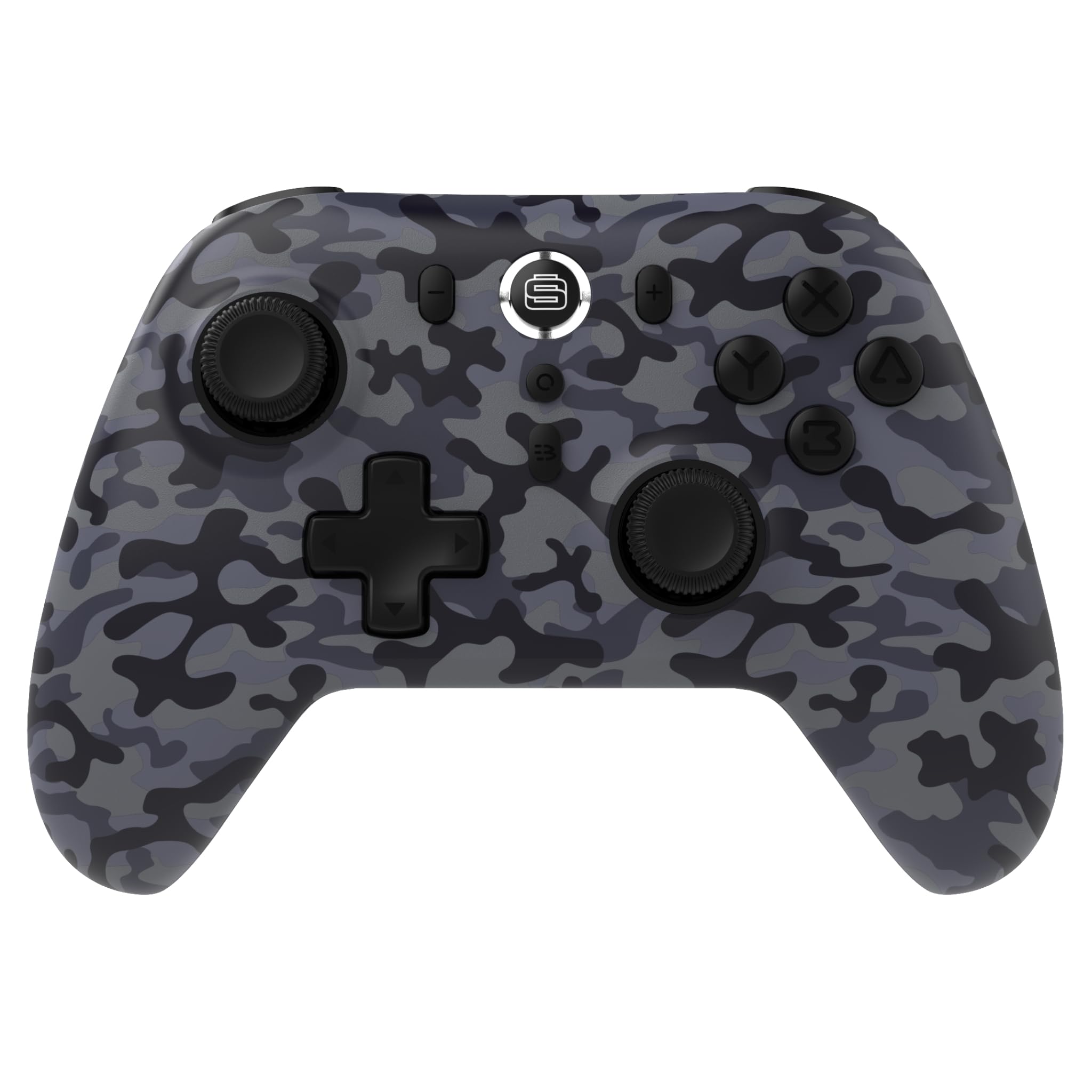
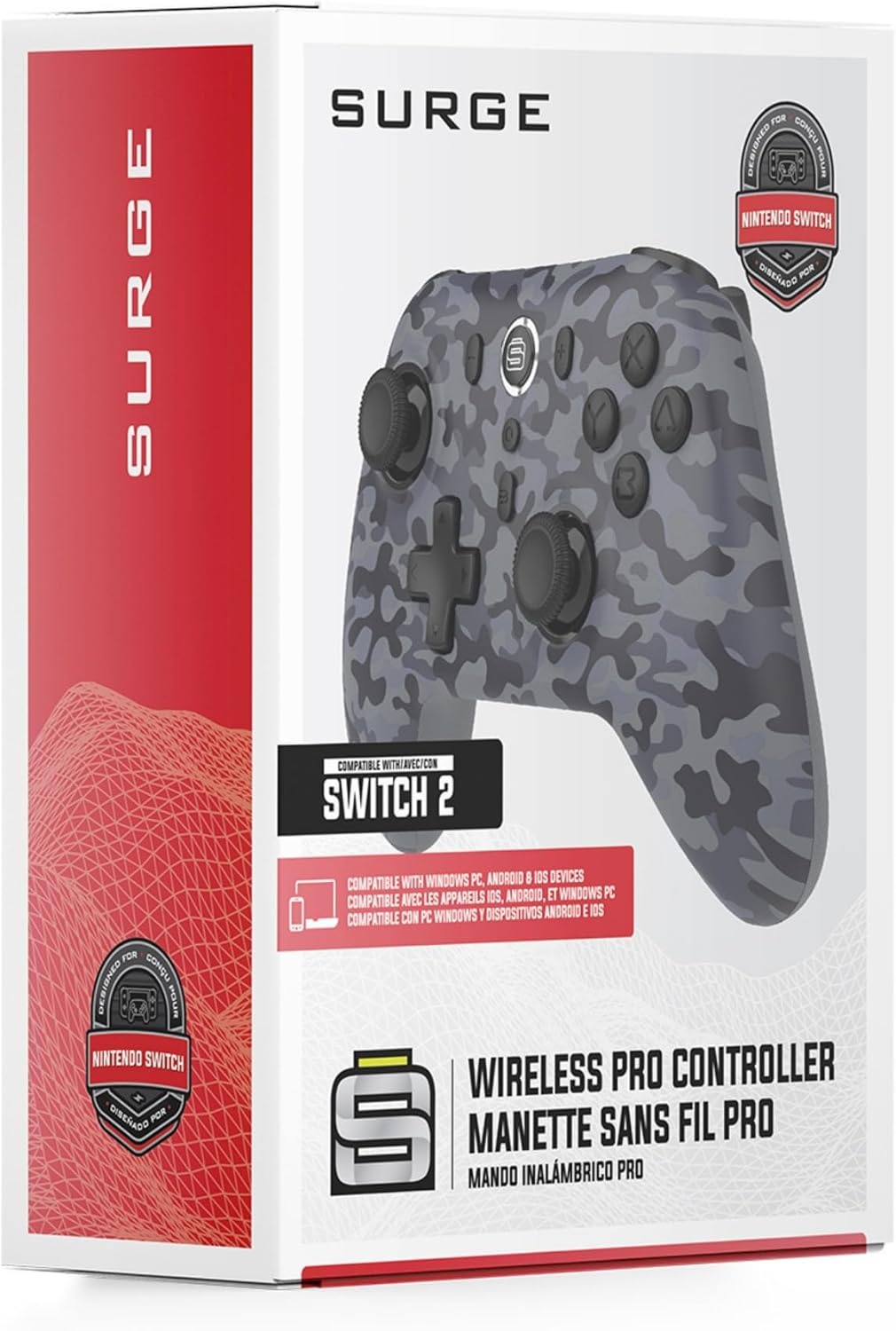
Thank you for choosing the Surge Wireless Pro Controller. This multi-platform Bluetooth controller is designed to enhance your gaming experience across various devices, including Nintendo Switch/Switch 2, Windows PC, Android, and iOS. Featuring Hall Effect sticks and triggers, adjustable turbo functionality, and customizable vibration feedback, this controller offers precision and comfort. Please read this manual thoroughly before use to ensure optimal performance and longevity of your device.
2. Akụrụngwa Ngwaahịa
- Ndakọrịta ọtụtụ Platform: Compatible with Nintendo Switch/Switch 2 (Note: No C Button/Audio Port), Windows PC, Steam Deck, Android, and iOS devices.
- Hall Effect Thumb Sticks & Triggers: Delivers precision control and prevents stick drift, ensuring accurate input.
- Ọrụ Turbo: Offers 3 adjustable turbo levels for rapid-fire control in compatible games.
- Nzaghachi nke ịma jijiji: Choose from 4 vibration levels for tailored haptic feedback, enhancing immersion.
- Njikwa ngagharị: Supports motion controls for compatible games on supported platforms.
- Console Wake Up: Ability to wake your Nintendo Switch console from sleep mode instantly (Nintendo Switch Only).
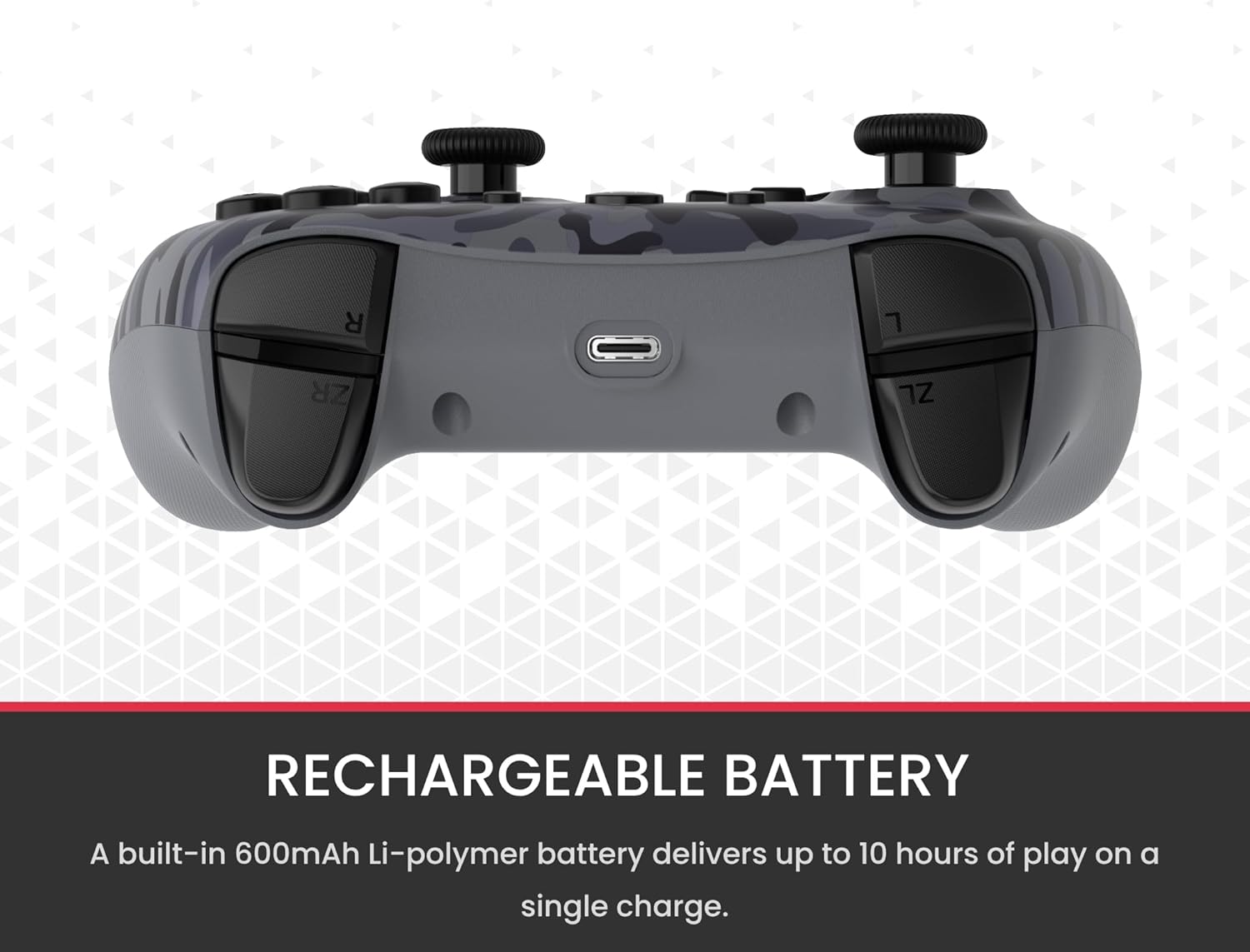
- Batrị enwere ike ịchaji: A built-in 600mAh Li-polymer battery provides up to 10 hours of gameplay on a single charge.
- USB-C eriri USB: Includes a 1-meter USB-C cable for convenient recharging.

3. Ihe ngwugwu
Biko hụ na ihe niile dị na ngwugwu gị:
- 1 x Surge Wireless Pro Controller (Model: SG60096)
- 1 x USB-C eriri USB (1 mita)
- 1 x Akwụkwọ ntuziaka onye ọrụ
4. Ntọala na Njikọta
4.1. Ịchaji njikwa
Before first use, fully charge the controller using the provided USB-C cable. Connect the USB-C end to the controller's charging port and the USB-A end to a power source (e.g., console, PC, USB wall adapter). The LED indicators on the controller will show charging status.
4.2. Pairing with Nintendo Switch/Switch 2
- Site OMlọ menu, họrọ Ndị njikwa, mgbe ahụ Gbanwee njide/usoro.
- Na njikwa ahụ, pịa ma jide Bọtịnụ njikọta (usually a small button on the top edge or back) for a few seconds until the player LEDs begin to flash.
- Ozugbo ejikọtara ya, ihe ọkpụkpọ LED (s) kwekọrọ na nọmba njikwa ga-adị ọkụ.
- To wake the console from sleep mode, press the Bọtịnụ ụlọ na njikwa.
4.3. Pairing with Windows PC
- Jide n'aka na kọmputa gị nwere Bluetooth.
- Na njikwa ahụ, pịa ma jide Bọtịnụ njikọta until the LEDs flash rapidly.
- Na PC gị, gaa na Bluetooth & other devices settings, mgbe ahụ Tinye Bluetooth ma ọ bụ ngwaọrụ ọzọ.
- Họrọ Bluetooth ma họrọ nke
Akwụkwọ ndị emetụtara - SG60096

Ntuziaka Onye Ọrụ: Onye njikwa ikuku SURGE SwitchPad Pro maka Nintendo Switch
Akwụkwọ ntuziaka maka onye njikwa SURGE SwitchPad Pro Wireless Pro (Ụdị: IX-SW055) maka Nintendo Switch. Gụnyere ntọala, atụmatụ, chaja, mmekọrịta, nsogbu nchọpụta, na nkwupụta FCC.
Ntuziaka Onye Ọrụ SURGE QuickType SG20021 maka PlayStation 5 DualSense Controllers
Akwụkwọ ntuziaka onye ọrụ gọọmentị maka ngwa nkata Bluetooth SURGE QuickType SG20021, na-enye ntuziaka ntọala, ihe mgbochi, ndụmọdụ mmezi, na ozi gbasara nrubeisi FCC maka ndị njikwa PlayStation 5 DualSense.
SURGE 20,000 mAh Powerbank: Quick Charge 4.0 & 20W PD Fast Charging
High-capacity 20,000 mAh SURGE powerbank featuring 22.5W Quick Charge 4.0 and 20W USB-C PD fast charging. Supports multiple input/output options for various devices.
Surge Credit Card Agreement: Terms, Fees, and Disclosures
Detailed account opening disclosures, terms and conditions, fees, interest rates, and cardholder rights for the Surge credit card issued by Celtic Bank.
Ngwaọrụ Nchekwa ọkụ eletrik Schneider: Ngwaahịa gafereview na data teknụzụ
Nyochaa ụdị ngwaọrụ nchebe ịwa ahụ nke Schneider Electric, gụnyere usoro Acti 9, Multi 9 na Easy 9. Akwụkwọ a na-enye ngwaahịa zuru okeview, nkọwa nka zuru oke, yana ndenye ngwaahịa maka ngwọta nchebe ịwa ahụ dị iche iche.
Ngwaahịa Nchekwa Ịwa Ahụ Siemens: Nhọrọ na Ntuziaka Ngwa
Ntuziaka zuru oke maka ngwaahịa nchekwa ịwa ahụ obibi nke Siemens, gụnyere FirstSurge™ ụlọ niile na-echebe ịwa ahụ, FSPHONE/FSPHONE4X maka ahịrị ekwentị, FSCATV maka njikọ coaxial, yana ebe ibu ibu. Mụta maka nchebe ịwa ahụ, nrụnye, na nkọwa nka.