1. Okwu mmalite
This manual provides detailed instructions for the BIGGERFIVE Vigor 3 Kids Fitness Tracker Watch. This device is designed to help children aged 5-15 track their daily activity, monitor heart rate and sleep, and encourage healthy habits. It features an AMOLED screen and is 3ATM waterproof, making it suitable for various activities without requiring a smartphone for basic functions.
2. Kedu ihe dị na Igbe ahụ
- BIGGERFIVE Vigor 3 Fitness Tracker Watch
- Igwe Oji Magnetik
- Akwụkwọ ntuziaka onye ọrụ

3. Ngwaahịa gafereview
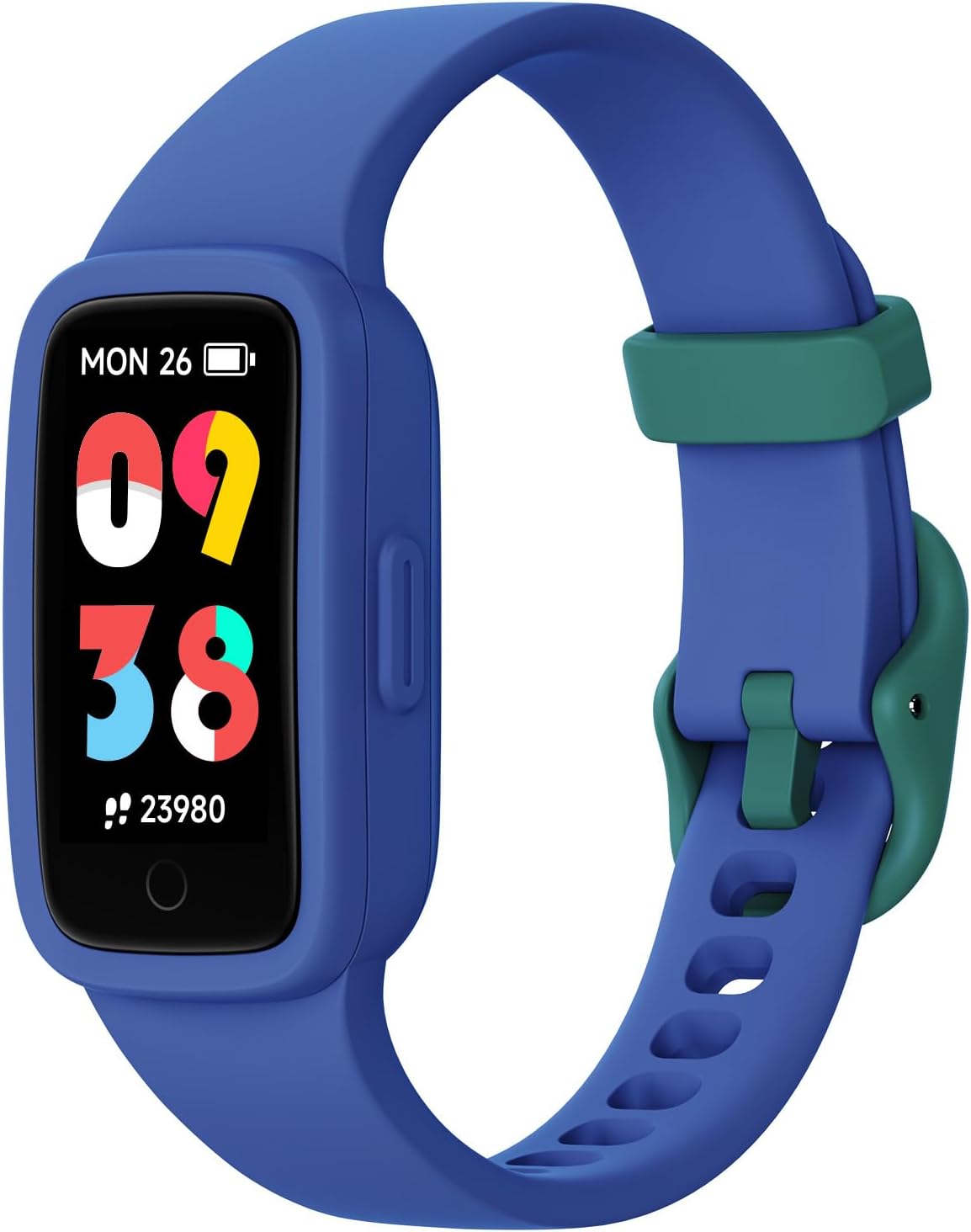
The BIGGERFIVE Vigor 3 features a vibrant AMOLED screen and a durable, comfortable silicone strap. The watch is designed for ease of use, with a single touch button for navigation and interaction.
3.1. Isi ihe
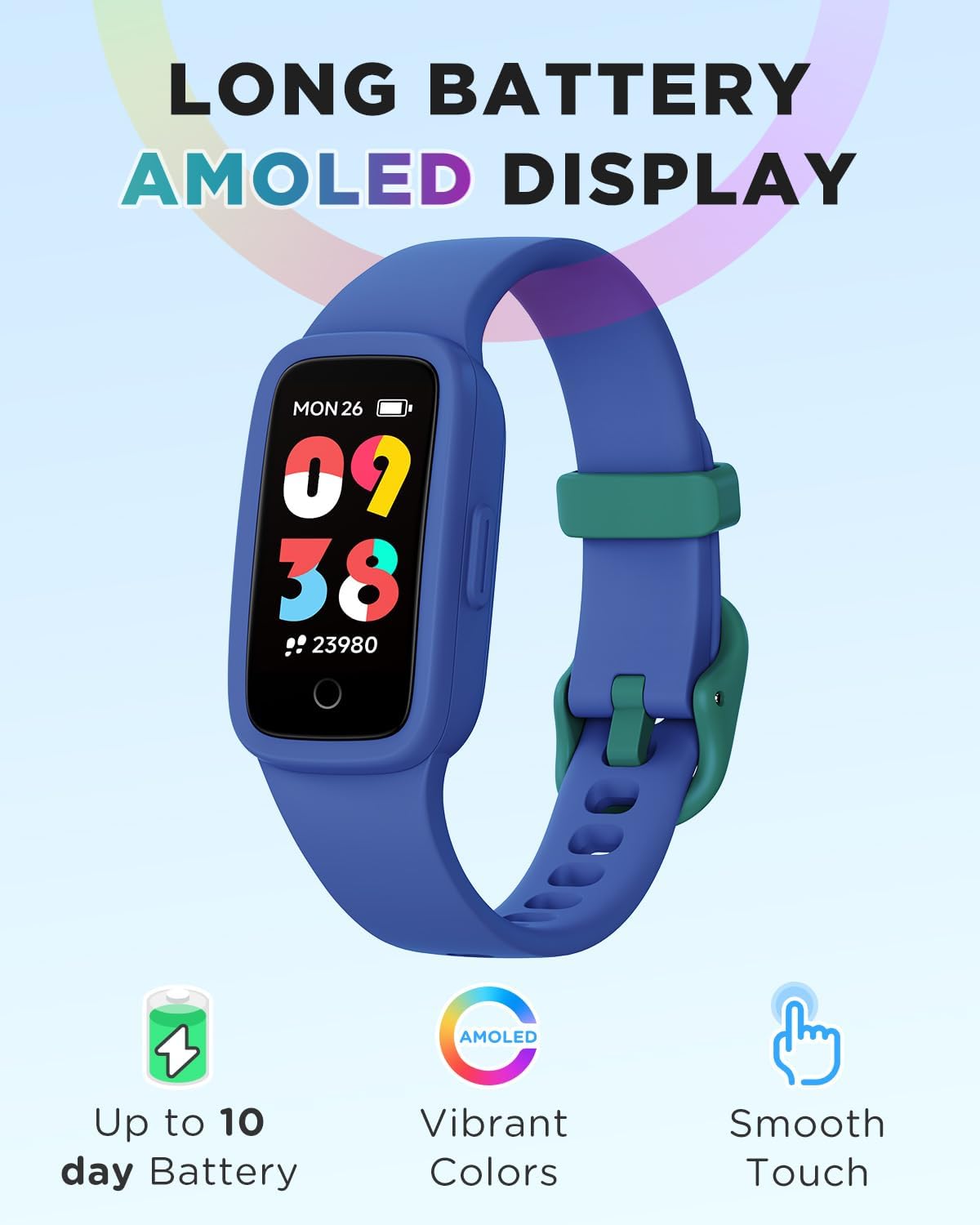
- Ngosipụta AMOLED: High-resolution, colorful touch screen for clear visibility.
- eriri: Adjustable, skin-friendly silicone strap.
- Kọntaktị na-akwụ ụgwọ: Located on the back for magnetic charging.
- Ihe mmetụta anya: For heart rate and sleep monitoring.
4. Nhazi
4.1. Ịchaji ngwaọrụ
- Jikọọ eriri chaja magnetik na kọntaktị chaja dị n'azụ elekere ahụ.
- Tinye njedebe USB nke eriri ahụ n'ime ihe nkwụnye ike USB nkịtị (anaghị etinye ya) ma ọ bụ ọdụ USB kọmputa.
- The watch will display a charging indicator. A full charge typically takes about 1 hour and provides up to 10 days of battery life.
4.2. Initial Setup (No App Required)
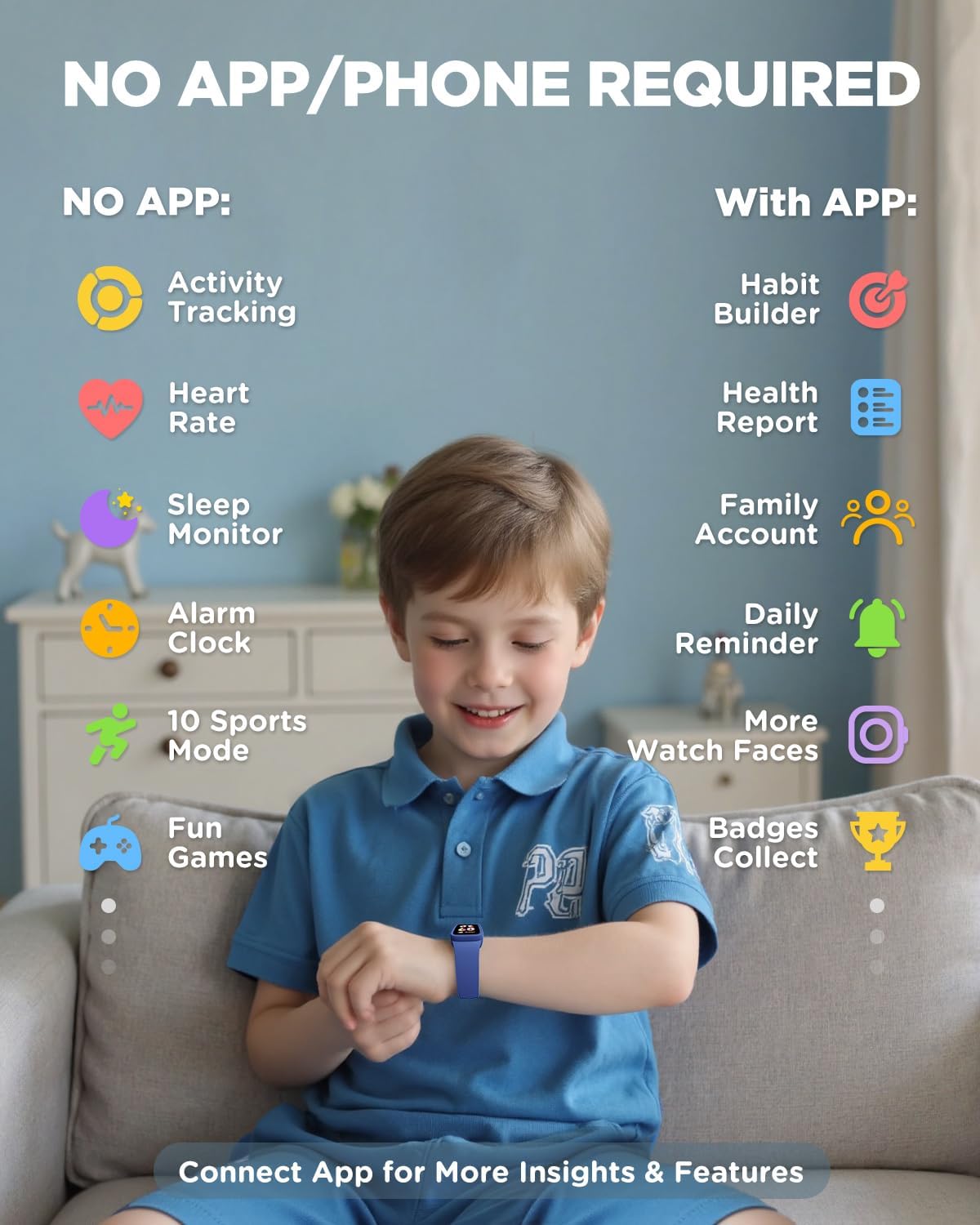
The BIGGERFIVE Vigor 3 can be used independently without a smartphone or app for essential functions. You can set the time, alarm, and step goals directly on the watch.
- Upon first use or after a factory reset, follow the on-screen prompts to set the basic information.
- Navigate through menus using swipes and taps on the screen.
4.3. Optional App Connection (For Enhanced Features)
To unlock advanced features such as habit building, health reports, family accounts, and more watch faces, you can connect the watch to the BIGGERFIVE app.
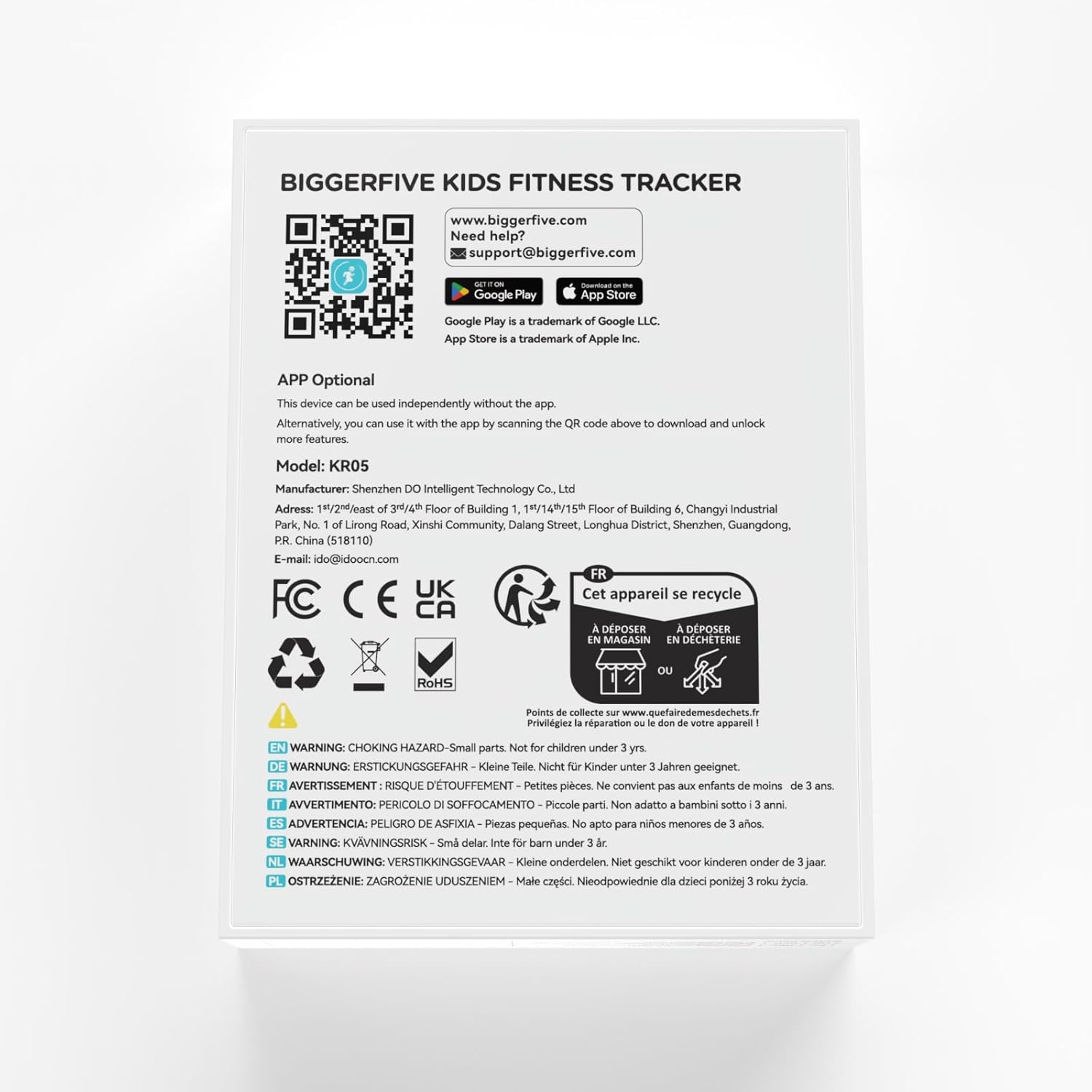
- Download the BIGGERFIVE app from the App Store (iOS) or Google Play Store (Android). You can find the app by scanning the QR code provided in the packaging or by visiting https://t.ido.ink/eMFrqm.
- Open the app and follow the on-screen instructions to create an account and pair your watch.
- Gbaa mbọ hụ na agbanyere Bluetooth na ama gị n'oge usoro njikọta.

5. Ntuziaka ọrụ
5.1. Ntugharị
The watch features a touch-sensitive AMOLED screen. Swipe up, down, left, or right to navigate through different menus and functions. Tap to select an option or confirm an action.
5.2. Nlekota Ọrụ
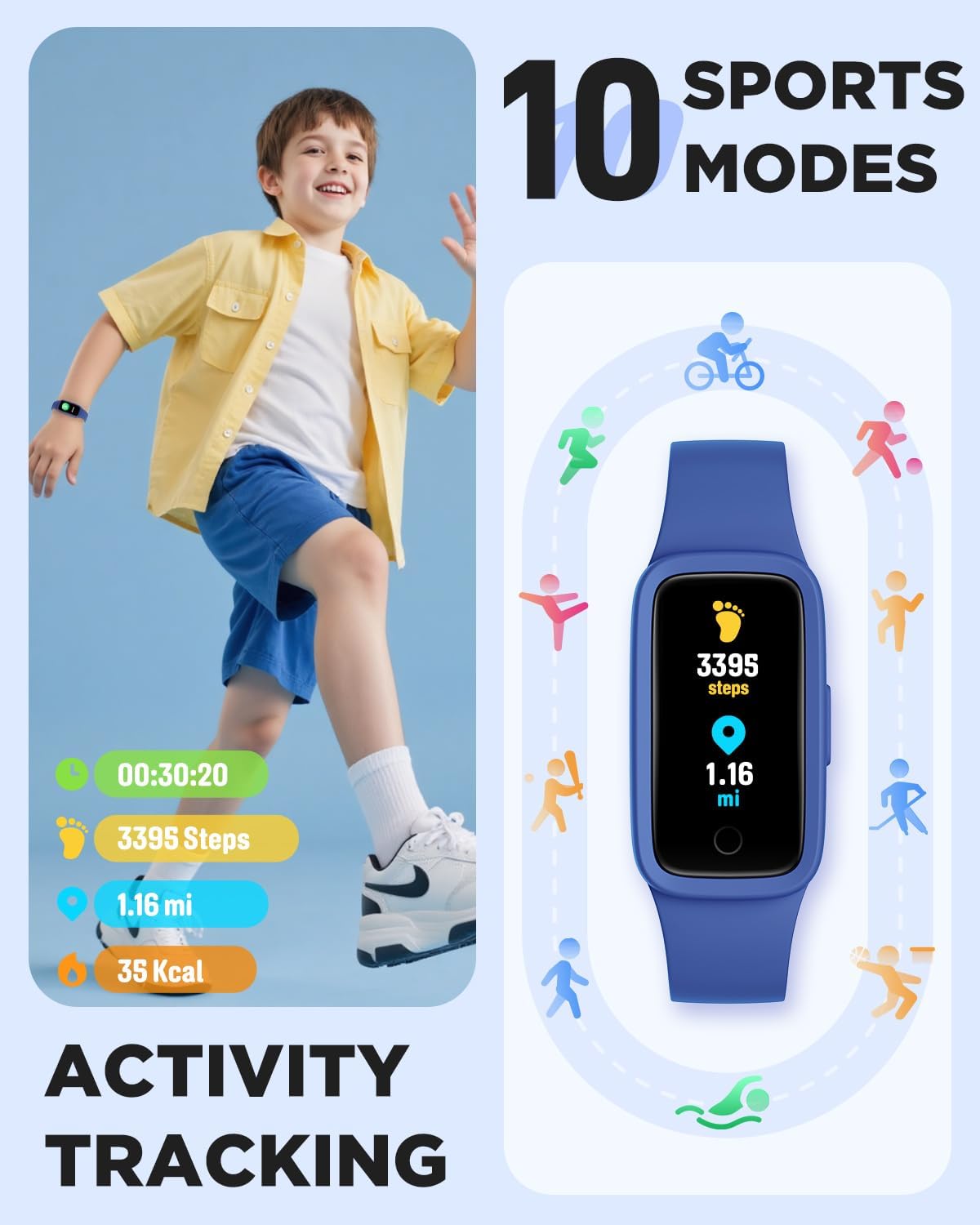
The watch automatically tracks steps, distance, and calories burned throughout the day. This data is displayed directly on the watch face and can be viewed in more detail within the activity menu.
5.3. Ọnụ ọgụgụ nyochaa obi
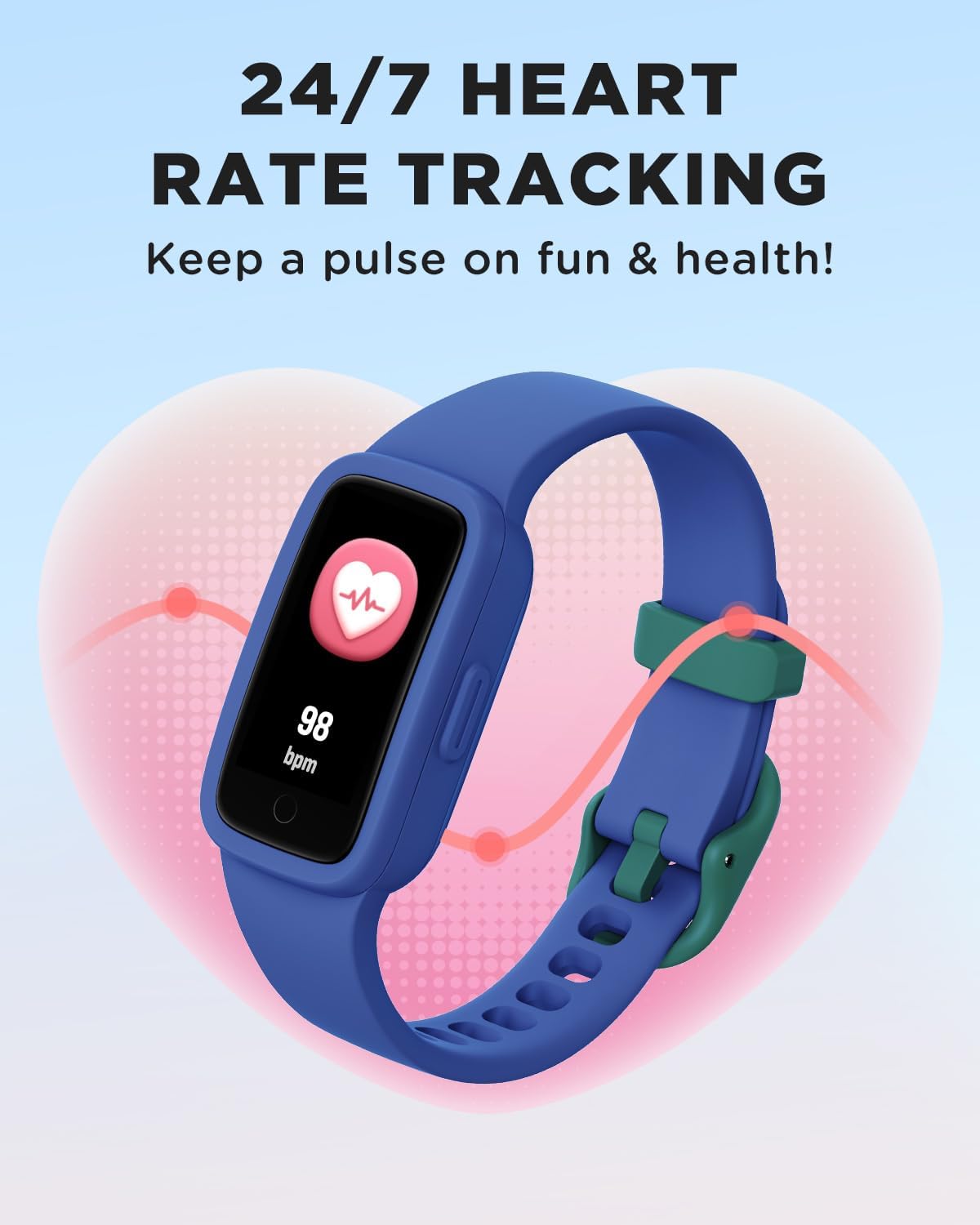
The watch provides continuous heart rate monitoring. To view your current heart rate, navigate to the heart rate screen. The watch will display your beats per minute (BPM).


5.4. Nlekọta ụra
The watch automatically tracks sleep patterns, including deep sleep, light sleep, and awake times. This data helps in understanding sleep quality and can be viewed on the watch or in the app for more detailed analysis.

5.5. Ụdị egwuregwu
The watch supports 10 different sports modes to track specific activities. To select a sport mode:
- Swipe to the 'Sports' menu on the watch.
- Tap to select your desired activity (e.g., Run, Basketball, Cycling, Swimming).
- The watch will begin tracking metrics specific to that activity.

5.6. Habit Reminders, Games & Virtual Pet
The watch includes features to encourage healthy habits and engagement:
- Habit Reminders: Set reminders for daily routines like study time, meals, or exercise.
- Interactive Mini-Games: Engage with simple games directly on the watch.
- Virtual Pet: An e-pet that grows as the child stays active, providing motivation.
5.7. Ihu nche
Customize the watch face to personalize the device. Multiple watch face options are available directly on the watch, with more options accessible via the BIGGERFIVE app.
6. Mmiri Nguzogide
The BIGGERFIVE Vigor 3 is rated 3ATM waterproof, meaning it is resistant to splashes, rain, and can be worn during swimming. It is not suitable for diving or high-pressure water activities.
- Kwesịrị ekwesị maka: Hand-washing, rain, swimming.
- Zere: Hot water (showers, saunas), salt water (sea water), or corrosive liquids, as these can compromise the water resistance and device integrity over time.

7. Nlekọta
- Nhicha: Regularly clean the watch screen and strap with a soft, damp akwa . Zere kemịkalụ siri ike ma ọ bụ ihe na-emebi emebi.
- ihicha: Ensure the watch is completely dry after exposure to water, especially the charging contacts, to prevent corrosion.
- Nchekwa: Chekwaa elekere n'ebe dị jụụ, kpọrọ nkụ mgbe anaghị eji ya. Zere oke okpomọkụ.
- Ịchaji: Charge the device regularly to maintain battery health, even if not used frequently.
8. Nchọpụta nsogbu
- Lelee anaghị agbanye: Gbaa mbọ hụ na chajịrị elekere ahụ nke ọma. Jikọọ ya na chaja opekata mpe nkeji iri atọ.
- Nsochi na-ezighi ezi: Ensure the watch is worn snugly on the wrist, about one finger's width above the wrist bone. Restart the watch if issues persist.
- Ihuenyo anaghị anabata: Try restarting the watch by pressing and holding the side button (if available) or connecting it to the charger to force a restart.
- Enweghị ike ijikọ ya na ngwa: Ensure Bluetooth is enabled on your phone, the watch is charged, and it is within range. Restart both the watch and the phone, then try pairing again.
- Ndụ batrị dị mkpụmkpụ: Reduce screen brightness, disable unnecessary notifications, and ensure the watch is fully charged before use.
9. Nkọwapụta
| Njirimara | Nkọwapụta |
|---|---|
| Nọmba nlereanya | KR05 |
| Ụdị ngosi | Ihuenyo AMOLED |
| Mmiri Nguzogide | 3ATM |
| Ike batrị | 88 ndeamp Oge awa |
| Ndụ batrị | Ruo ụbọchị 10 (ojiji nkịtị) |
| Njikọta | Bluetooth |
| Ike Nchekwa ebe nchekwa | 64 MB |
| Ibu Ibu | 0.02 Kilogram (0.704 ounces) |
| Sistemụ nrụọrụ | KR05 |
| Atụmatụ pụrụ iche | 3ATM Waterproof, AMOLED Screen, Activity Tracker, Multisport Tracker |
10. Akwụkwọ ikike na nkwado
BIGGERFIVE products are designed for quality and reliability. For warranty information, please refer to the documentation included with your purchase or visit the official BIGGERFIVE websaịtị.
Maka nkwado teknụzụ ma ọ bụ ajụjụ, biko kpọtụrụ:
- Email: support@biggerfive.com


