1. Okwu mmalite
Thank you for choosing the Gtheos Captain 370 Wireless Gaming Headset. This manual provides essential information for setting up, operating, and maintaining your new headset. Designed for an immersive audio experience, the Captain 370 offers versatile connectivity and comfortable wear for extended gaming sessions and communication.
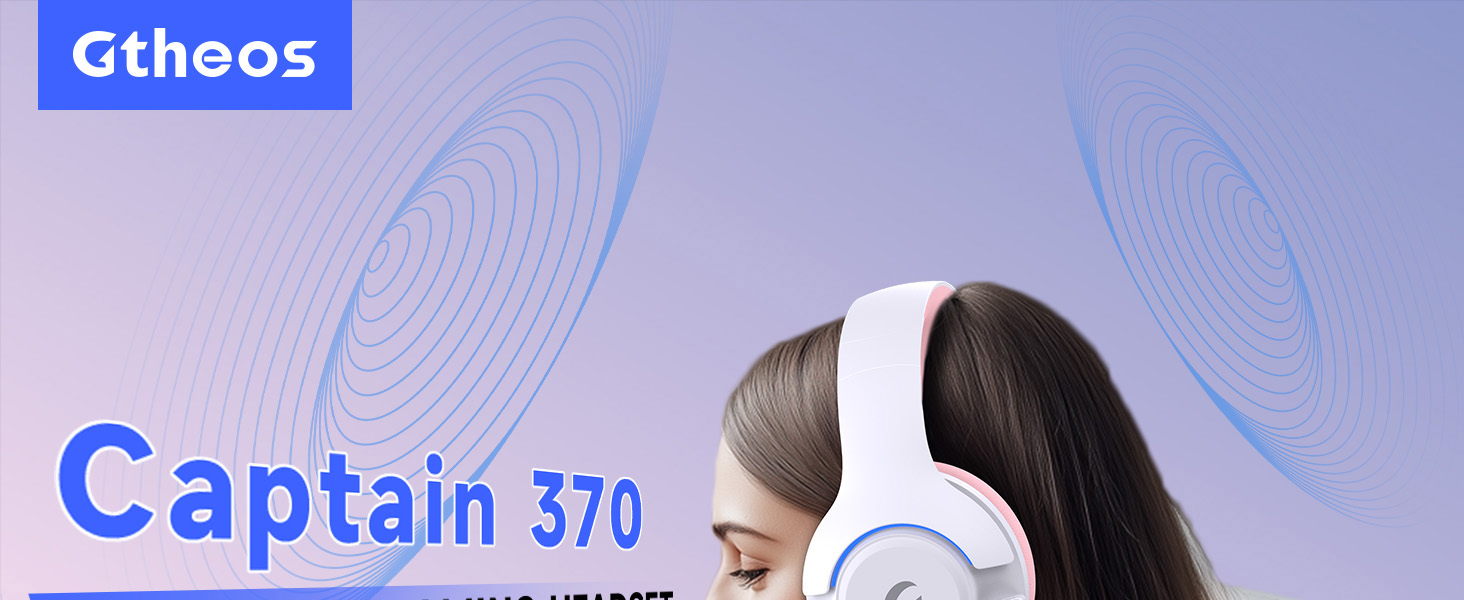
Image 1: The Gtheos Captain 370 Wireless Gaming Headset, showcasing its sleek design and comfortable earcups.
Akụkụ ndị bụ isi:
- Njikọ 4-na-1: Seamlessly switch between 2.4GHz wireless, Bluetooth 5.3, and 3.5mm wired modes for broad device compatibility.
- Ndị ọkwọ ụgbọ ala dị ike 50mm: Experience realistic and immersive sound quality for gaming and multimedia.
- Igwe okwu na-akagbu mkpọtụ: Detachable microphone designed to reduce background noise for clear communication.
- Ndụ batrị agbatịkwuru: Nwee anụrị ruo awa 45 iji na-aga n'ihu n'otu ụgwọ.
- Nhazi dị mma: Ergonomically designed earcups and headband for prolonged comfort during use.
- RGB ọkụ: Customizable LED lighting effects on the earcups.
2. Nhazi
2.1 Kedu ihe dị na igbe ahụ
- 1 x Gtheos Captain 370 Gaming Headset
- 1 x Detachable Noise Cancelling Microphone
- 1 x Ụdị-C eriri USB
- 1 x USB Transmitter (2.4GHz dongle)
- 1 x 3.5mm USB USB
- 1 x Akwụkwọ ntuziaka onye ọrụ
2.2 Ịchaji ekweisi
Before first use, fully charge the headset. Connect the Type-C charging cable to the headset's charging port and the other end to a USB power source (e.g., computer USB port, USB wall adapter). The LED indicator will show charging status and turn off when fully charged.

Image 2: Headset highlighting the 45-hour battery life and charging port.
2.3 Ịtinye Igwe okwu
The Captain 370 comes with a detachable noise-canceling microphone. Insert the microphone into the dedicated port on the left earcup until it clicks into place. Ensure it is securely connected for optimal voice pickup.

Image 3: Close-up of the headset showing the detachable noise-canceling microphone.
3. Ntuziaka ọrụ
3.1 Gbanyụọ ma ọ bụ gbanyụọ
To power on the headset, press and hold the Power button located on the earcup until the LED indicator lights up. To power off, press and hold the Power button again until the LED indicator turns off.
3.2 Ụdị Njikọta
The Gtheos Captain 370 supports four connectivity modes:
- Ọnọdụ ikuku 2.4GHz: For PS4, PS5, PC, Mac, Nintendo Switch (via Type-C), and Phones/Pads (via Type-C). Insert the USB transmitter into your device. The headset will automatically connect.
- Ụdị Bluetooth 5.3: For Phones, Pads, and Notebooks. Enable Bluetooth on your device, put the headset into pairing mode (refer to device-specific instructions if needed), and select "Gtheos Captain 370" from the available devices.
- Ụdị eriri 3.5mm: For PS4, PS5, Xbox, PC, Mac, and Laptops/Tablets with a 3.5mm jack. Connect the included 3.5mm audio cable to the headset and your device.
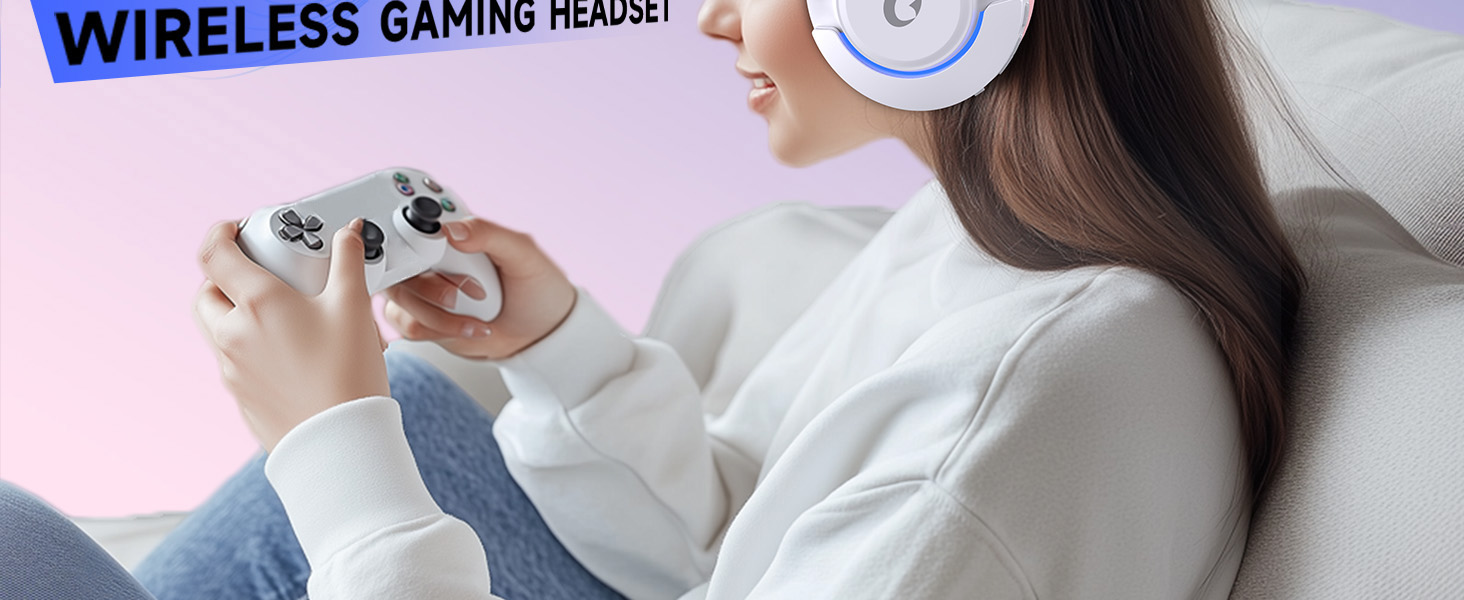
Image 4: Visual representation of the four connectivity modes and compatible devices.

Image 5: Detailed compatibility matrix for voice and microphone functions across 2.4G, Bluetooth, and 3.5mm wired modes.
3.3 Njikwa olu
Adjust the volume using the dedicated volume roller or buttons on the headset's earcup. For optimal sound, also check the volume settings on your connected device.
3.4 Igwe okwu anaghị agba ogbi
Press the Microphone Mute button on the headset to toggle the microphone on or off. An indicator light (often red) will typically show when the microphone is muted.
3.5 Njikwa Ọkụ LED
The headset features customizable RGB lighting. Press the dedicated LED control button (often integrated with the mic mute button or a separate button) to cycle through different lighting effects or turn them off. A quick press may change colors, while a long press might toggle the lights on/off.
4. Nlekọta
To ensure the longevity and performance of your Gtheos Captain 370 headset, follow these maintenance guidelines:
- Nhicha: Use a soft, dry cloth to clean the headset. Avoid using harsh chemicals or abrasive materials. For earcups, gently wipe with a damp akwa ma kwe ka ikuku kpoo kpamkpam.
- Nchekwa: Chekwaa ekweisi n'ebe dị jụụ, kpọrọ nkụ na-adịghị na ìhè anyanwụ kpọmkwem na oke okpomọkụ.
- Ijikwa: Avoid dropping the headset or exposing it to excessive force. Do not pull on cables forcefully.
- Nlekọta batrị: Maka ndụ batrị kacha mma, zere iwepụ chajị ekweisi ahụ mgbe niile. Chajị ya mgbe niile, ọbụlagodi na ọ naghị adị mgbe niile.
5. Nchọpụta nsogbu
5.1 Enweghị ụda ma ọ bụ olu dị ala
- Gbaa mbọ hụ na agbanyere ekweisi wee chajịa nke ọma.
- Lelee ọkwa olu na ma ekweisi yana ngwaọrụ ejikọrọ.
- Nyochaa ngwaọrụ mmepụta ọdịyo ziri ezi ahọpụtara na ntọala ụda ngwaọrụ gị.
- If using 2.4GHz wireless, ensure the USB transmitter is securely plugged in and recognized by your device.
- If using Bluetooth, ensure the headset is properly paired and connected.
- If using 3.5mm wired, ensure the cable is fully inserted into both the headset and the device.
5.2 Igwe okwu anaghị arụ ọrụ
- Hụ na ejiri igwe okwu ahụ jikọọ nke ọma na ekweisi ahụ.
- Check if the microphone is muted using the headset's mute button.
- Nyochaa ngwaọrụ ntinye igwe okwu ziri ezi ahọpụtara na ntọala ụda ngwaọrụ gị.
- Test the microphone in different applications or with another device.
5.3 Okwu Njikọta
- 2.4GHz: Try unplugging and re-plugging the USB transmitter. Ensure no other 2.4GHz devices are causing interference.
- Bluetooth: Unpair and re-pair the headset with your device. Ensure the headset is within the Bluetooth range (10 meters).
- Izugbe: Restart both the headset and your connected device.
6. Nkọwapụta
| Njirimara | Nkọwa |
|---|---|
| Aha Nlereanya | Captain 370 |
| Ụdị | Gtheos |
| Teknụzụ Njikọta | 2.4GHz Wireless, Bluetooth 5.3, 3.5mm Wired |
| Nha ọkwọ ụgbọ ala ọdịyo | 50 millimeters |
| Ụdị ọkwọ ụgbọ ala ọdịyo | Ọkwọ ụgbọala dị ike |
| Nzaghachi ugboro ugboro | 20 kHz |
| Mgbochi | 32 ohms |
| Njikwa mkpọtụ | Sound Isolation, Noise Cancellation (Microphone) |
| Ndụ batrị | Ruo awa 45 |
| Ụdị Bluetooth | 5.3 |
| Oke Bluetooth | 10 mita |
| Oge Latịn | 20 nkeji |
| Ngwa dakọtara | PS5, PS4, PC, Mac, Laptop, Tablets, Phones, Nintendo Switch, Xbox (wired) |
| Ihe onwunwe | ABS, Leather, PC |
| Ibu Ibu | 0.51 Kilogram (1.12 pound) |
| Agba | Pink gbara ọchịchịrị |
7. Akwụkwọ ikike & Nkwado
7.1 Ozi akwụkwọ ikike
The Gtheos Captain 370 Wireless Gaming Headset comes with a standard manufacturer's warranty. Please refer to the warranty card included in your product packaging for specific terms and conditions, including warranty period and coverage details.
7.2 Nkwado ndị ahịa
For technical assistance, troubleshooting, or any questions regarding your Gtheos Captain 370 headset, please contact Gtheos customer support. You can find contact information on the official Gtheos websaịtị ma ọ bụ site na onye na-ere ahịa ebe ịzụrụ ngwaahịa ahụ.
Gaa leta Gtheos Store on Amazon maka ozi ndị ọzọ na mmelite ngwaahịa.


