1. Ngwaahịa gafereview
The Baseus S1 Lite Solar Security Camera is a wireless outdoor surveillance solution designed for continuous 24/7 protection. Featuring 2K QHD resolution, a wide 135° field of view, and advanced AI human detection, it provides clear and reliable monitoring. The integrated solar panel and 5,200mAh battery ensure uninterrupted operation without the need for frequent recharging. With IP67 weather resistance, local storage options up to 512GB, and no monthly fees, this camera offers a secure and convenient way to monitor your property. It also supports two-way audio and is compatible with Alexa and Google Home for smart integration.

Figure 1: Baseus S1 Lite Solar Security Camera
2. Kedu ihe dị na Igbe ahụ
- S1 Lite Camera ×1
- Camera Charging Cable (USB-A to USB-C) ×1
- Screw Mount ×1
- Screw Pack ×1

Onyonyo 2: Akụrụngwa gụnyere
3. Ntuziaka Nhazi
3.1 Ntinye
The Baseus S1 Lite camera is designed for quick and easy installation, typically taking less than 5 minutes. Its wireless design allows for flexible placement outdoors.
- Choose a suitable outdoor location for mounting the camera. Ensure the solar panel receives adequate direct sunlight for optimal charging.
- Use the provided screw mount and screw pack to securely attach the camera to a wall or desired surface.
- Adjust the camera angle to achieve the desired monitoring coverage.

Figure 3: Quick and Easy Installation
3.2 Ngwa njikọ
To fully manage your S1 Lite Camera, download the official Baseus Security app. The camera connects easily to your WiFi router for seamless operation.
- Download the "Baseus Security" app from the Ụlọ ahịa Google Play or Ụlọ ahịa Apple App.
- Follow the in-app instructions to add your S1 Lite camera and complete the setup process.
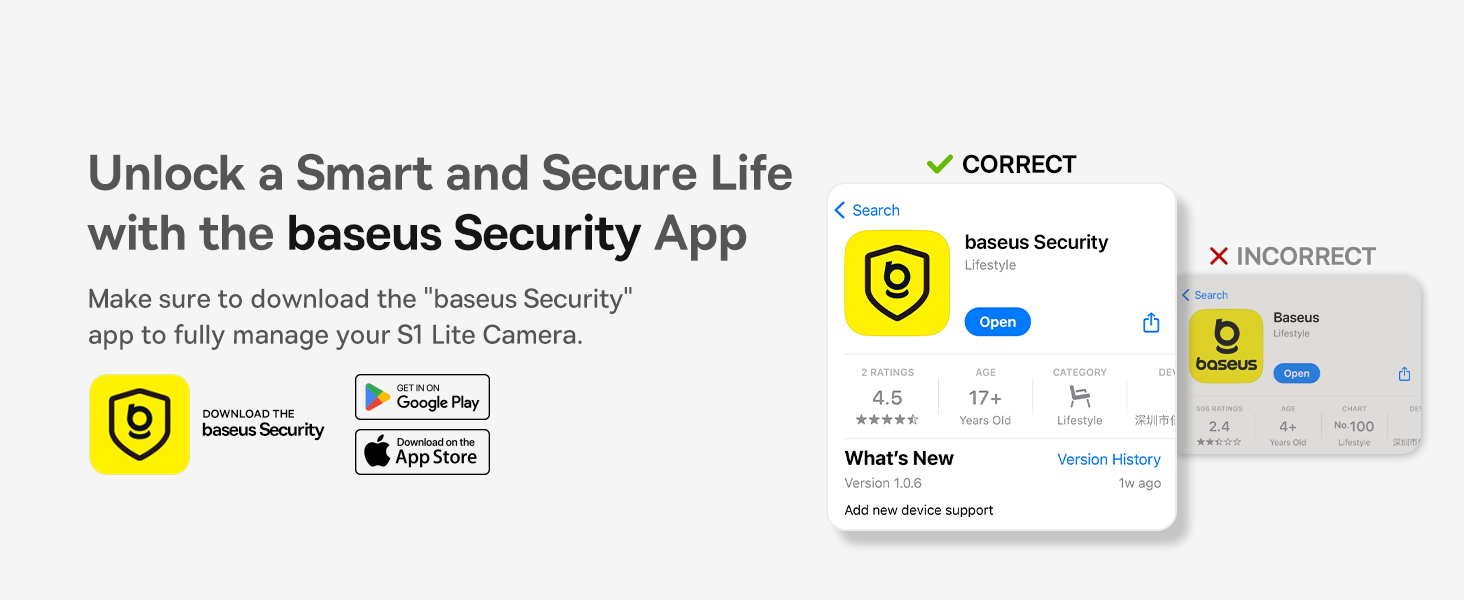
Figure 4: Download the Baseus Security App
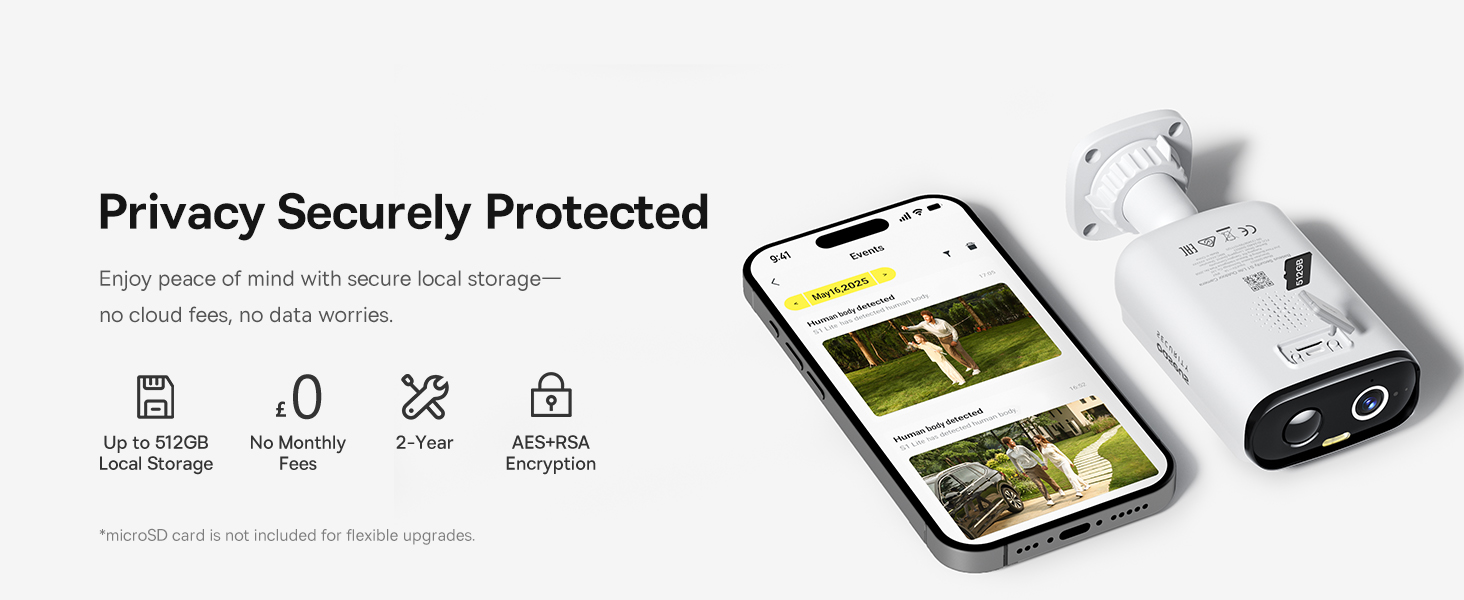
Figure 5: Flexible WiFi Connection
4. Ntuziaka ọrụ
4.1 Power and Charging
The Baseus S1 Lite is powered by a 5,200mAh battery and features a built-in solar panel. Just 2.25 hours of direct sunlight per day can keep the camera fully charged, ensuring continuous 24/7 surveillance without manual recharging or battery swaps.
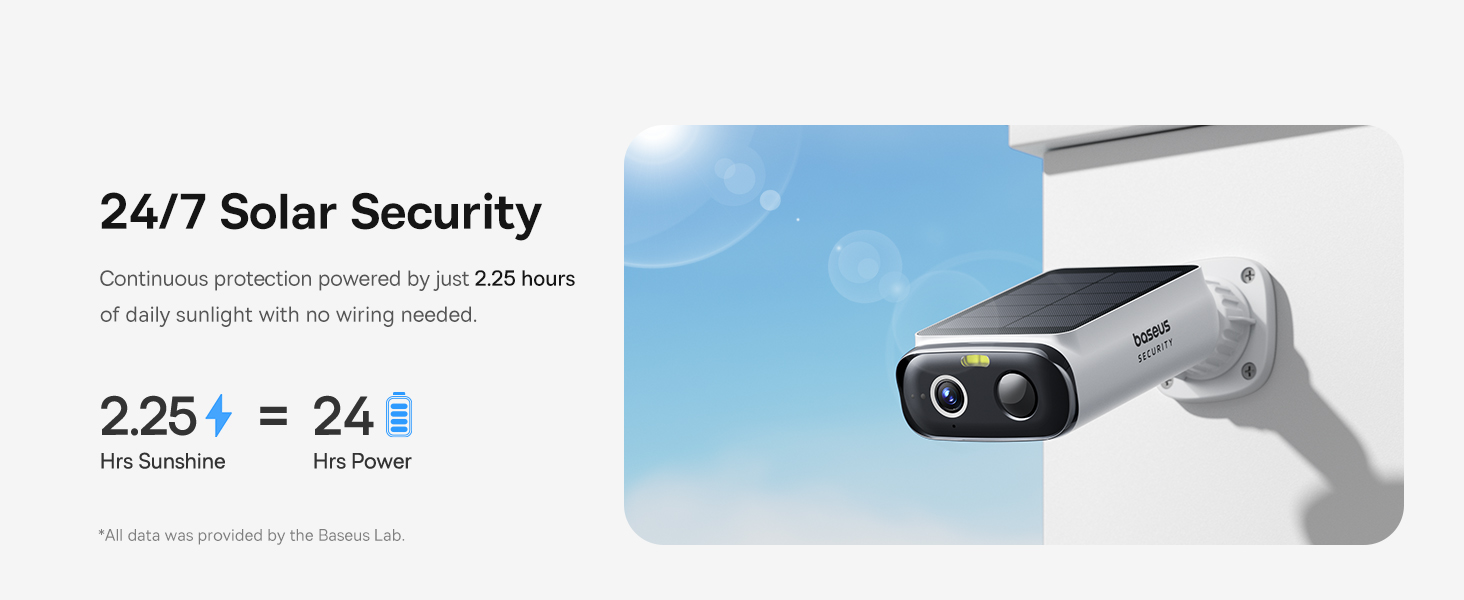
Figure 6: 24/7 Solar Security
4.2 Video Quality and Field of View
The camera delivers clear 2K resolution (2304 effective video resolution) and a wide 135° field of view, allowing you to monitor your entire porch or yard with wide-angle coverage. It also features 8x digital zoom for closer inspection of details. The camera captures clear footage up to 8m (26ft) in daylight.
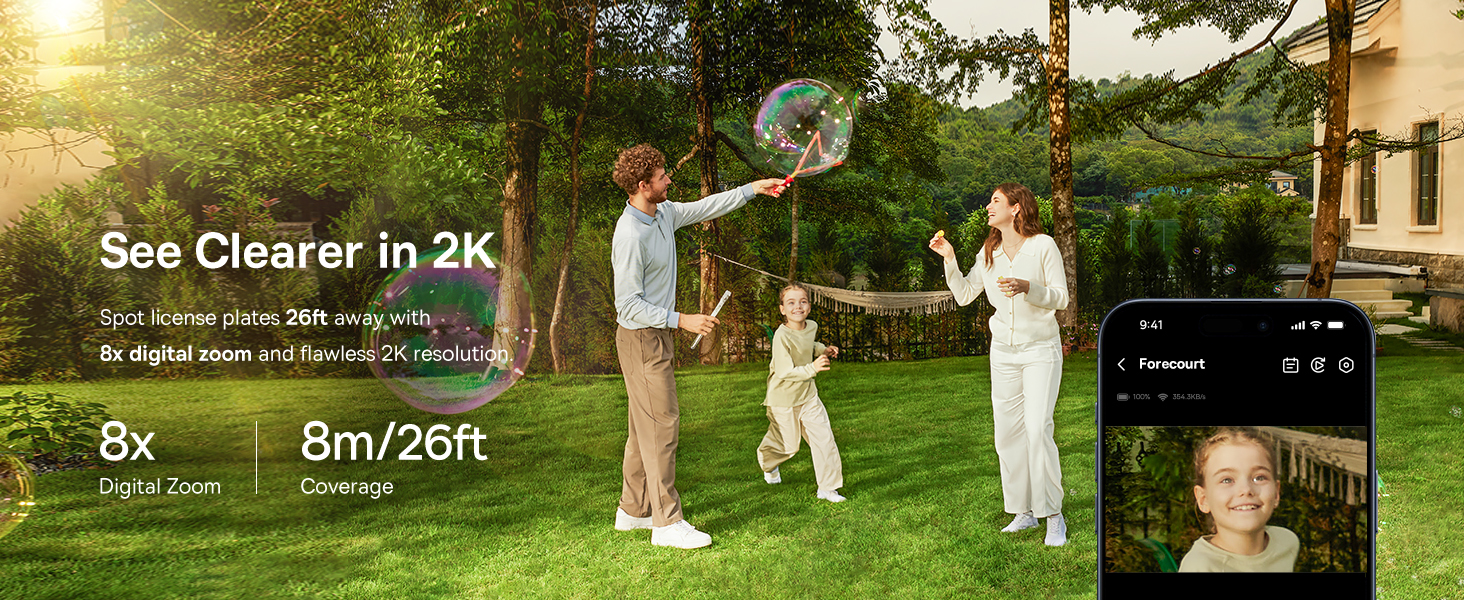
Figure 7: Crystal-Clear 2K Resolution
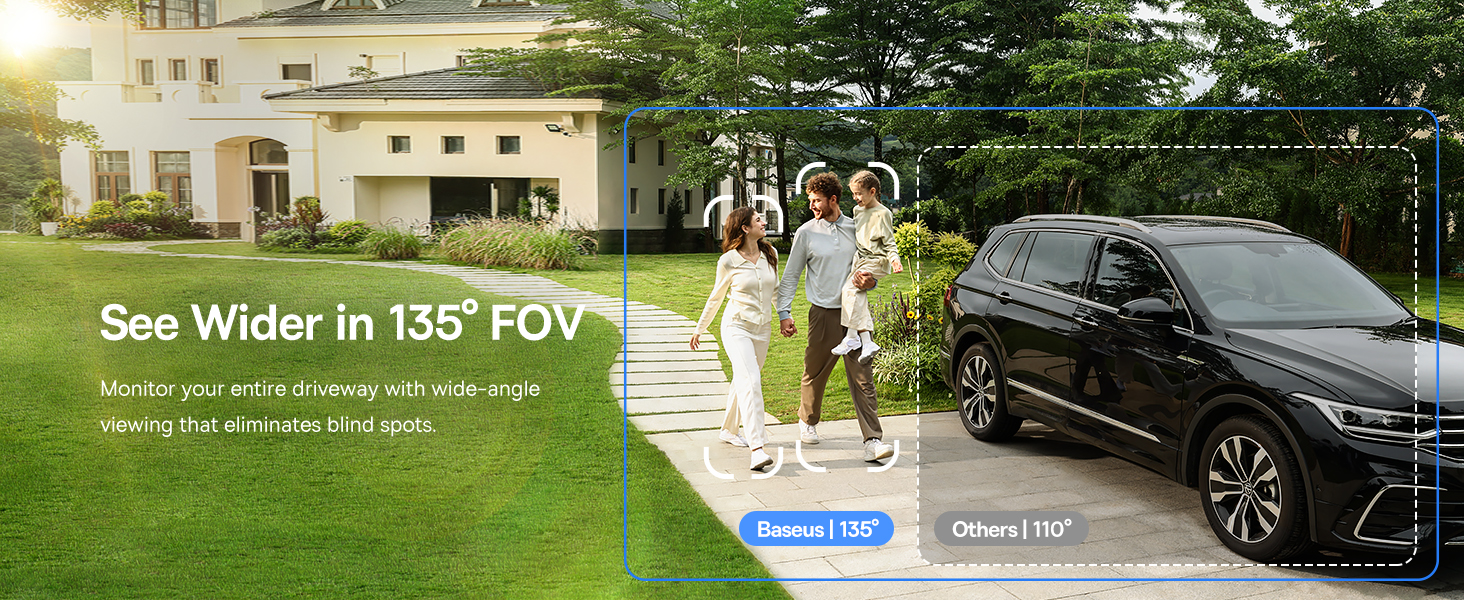
Figure 8: Ultra-Wide 135° FOV
4.3 Ọhụụ abalị
For nighttime monitoring, the camera is equipped with an integrated 100lm spotlight, enabling full-color night vision up to 6m (20ft) in complete darkness. This ensures clear and vivid recordings even at night.
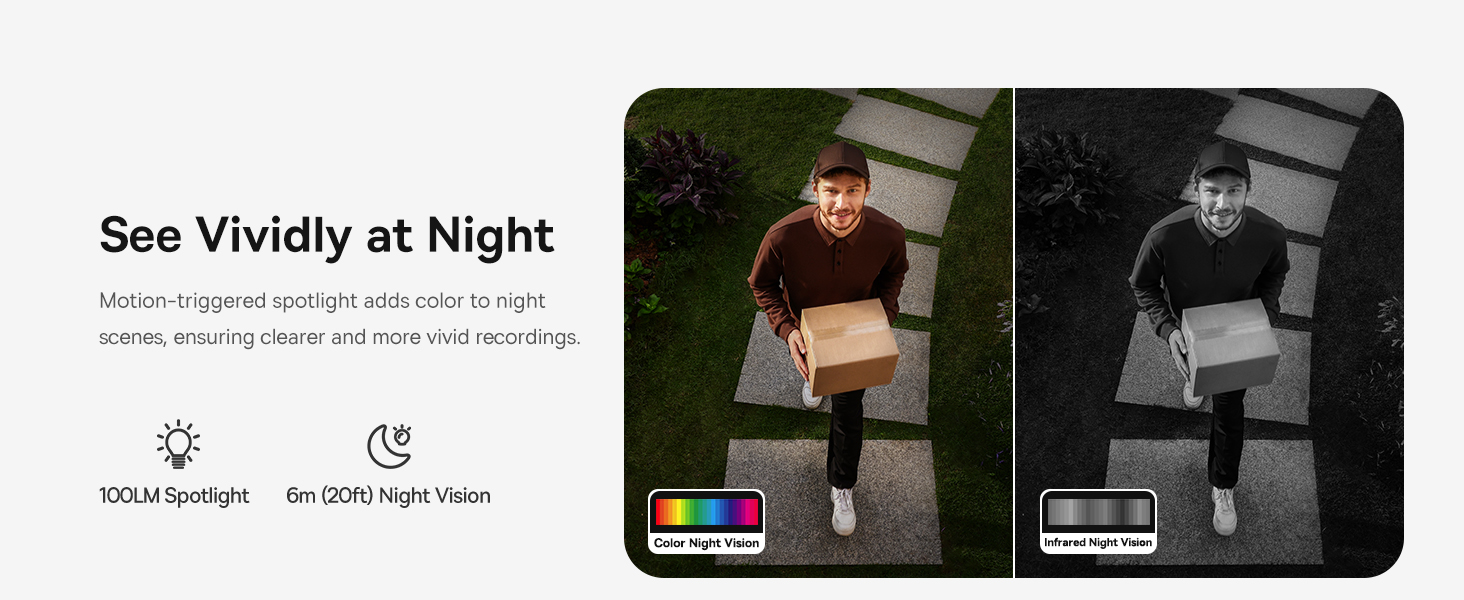
Figure 9: Full-Color Night Vision
4.4 Smart AI Detection and Privacy Zones
The camera features smart AI detection for precise monitoring of human and motion events, reducing false alerts. You can set up to 2 custom activity zones for focused monitoring and 2 ignore zones to respect privacy, ensuring you only receive alerts for what matters.
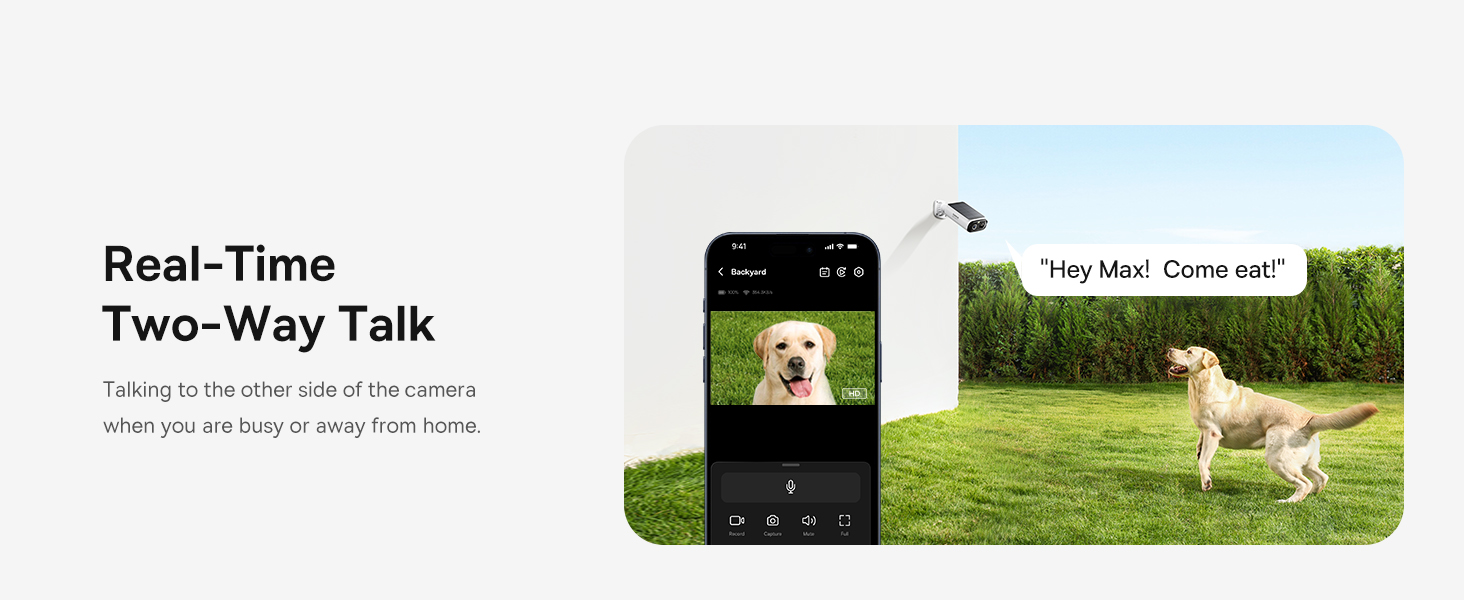
Figure 10: Smart AI Motion Detection

Figure 11: Custom Privacy Zones
4.5 Local Storage and Security
The camera supports up to 512GB microSD card storage, allowing you to save up to 4 years of footage locally without any subscription fees. Your data is protected with AES+RSA encryption, ensuring privacy and security.
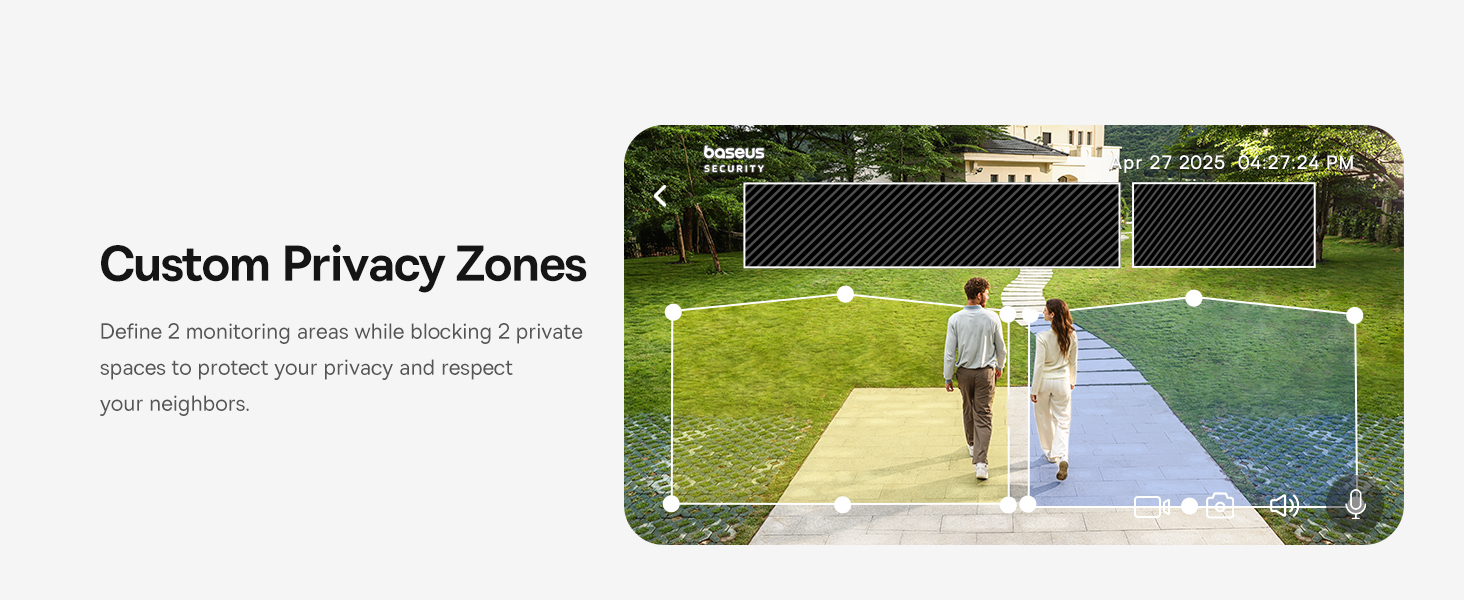
Figure 12: Secure Local Storage
4.6 Two-Way Audio and Voice Assistant Compatibility
Engage in clear two-way audio communication with built-in noise cancellation. The camera also works seamlessly with Amazon Alexa and Google Home for convenient hands-free control and integration into your smart home system.
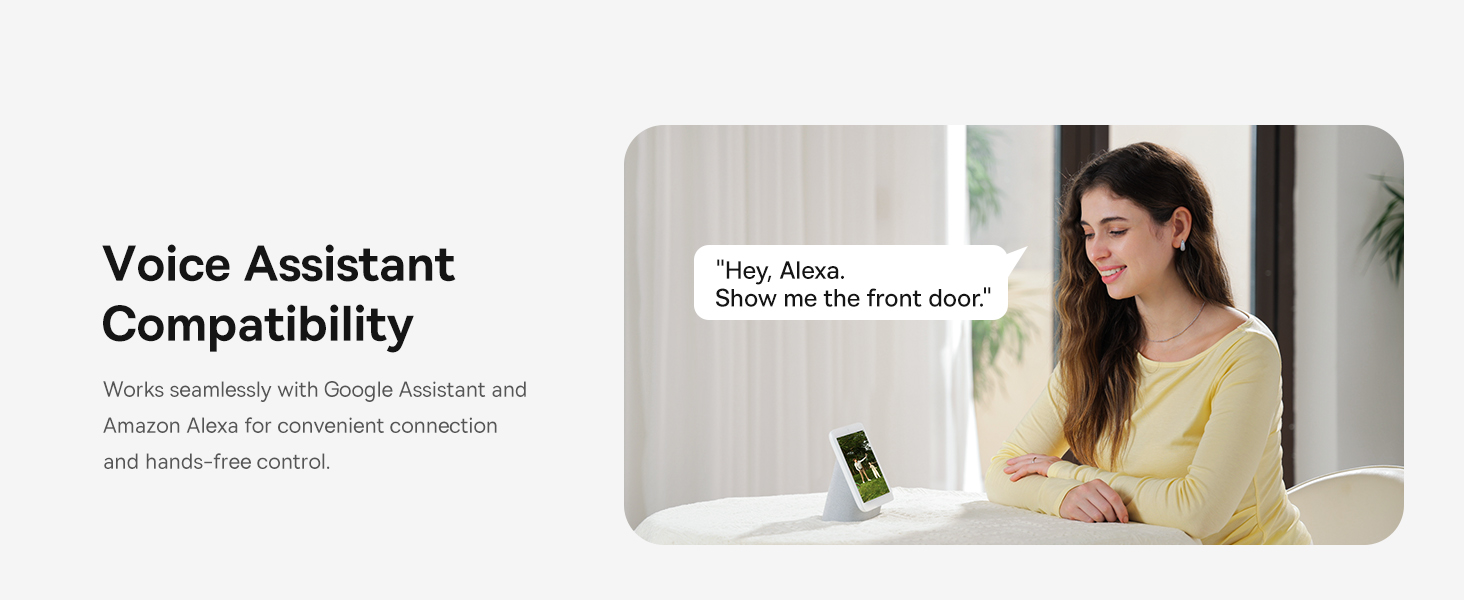
Figure 13: Real-Time Two-Way Talk
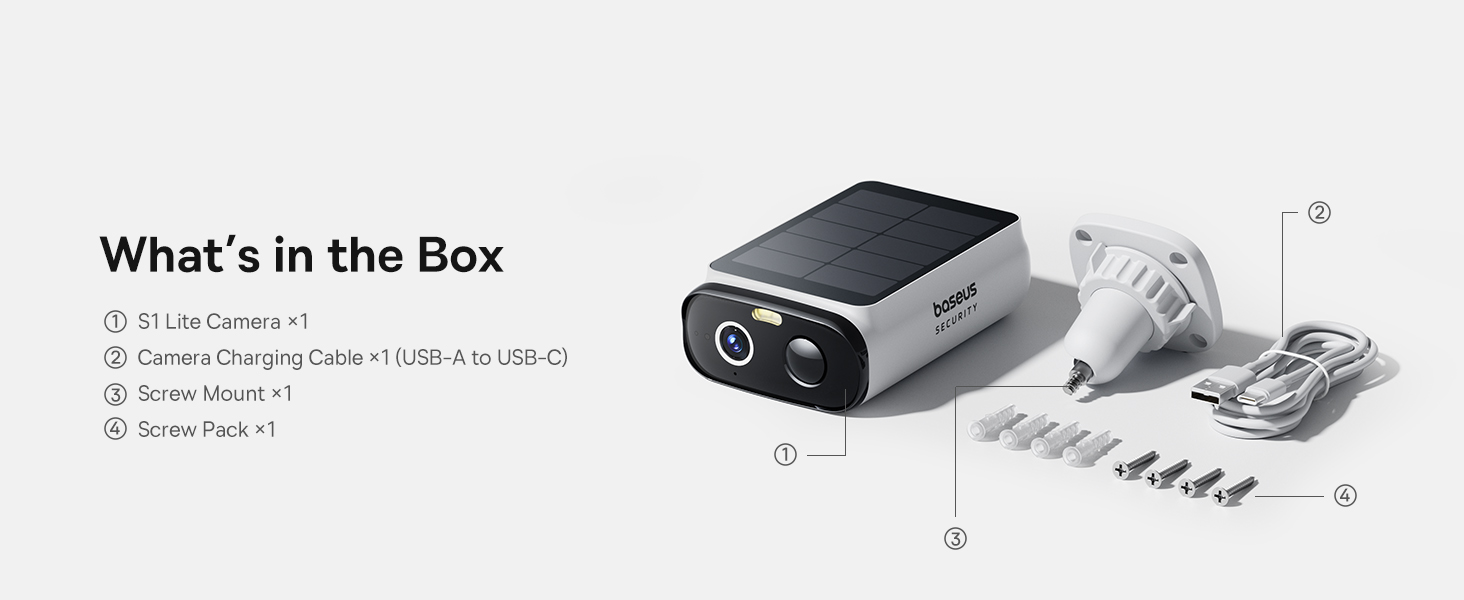
Figure 14: Voice Assistant Compatibility
4.7 Video ngwaahịa
Vidiyo 1: Ihe ngosi vidiyo ngwaahịa gọọmentịasing features of the Baseus S1 Lite Solar Security Camera, including its solar power, 2K clarity, AI detection, and two-way audio.
5. Nlekọta
The Baseus S1 Lite camera is designed to be durable and withstand various outdoor conditions. Its IP67-rated weatherproof design ensures it can operate reliably in temperatures ranging from -4°F to 122°F (-20°C to 50°C).
- Regularly check the camera lens for dirt or debris and clean it gently with a soft, damp cloth to maintain optimal image clarity.
- Ensure the solar panel is free from obstructions like leaves or snow to maximize charging efficiency.
- Periodically check the mounting for stability, especially after severe weather conditions.
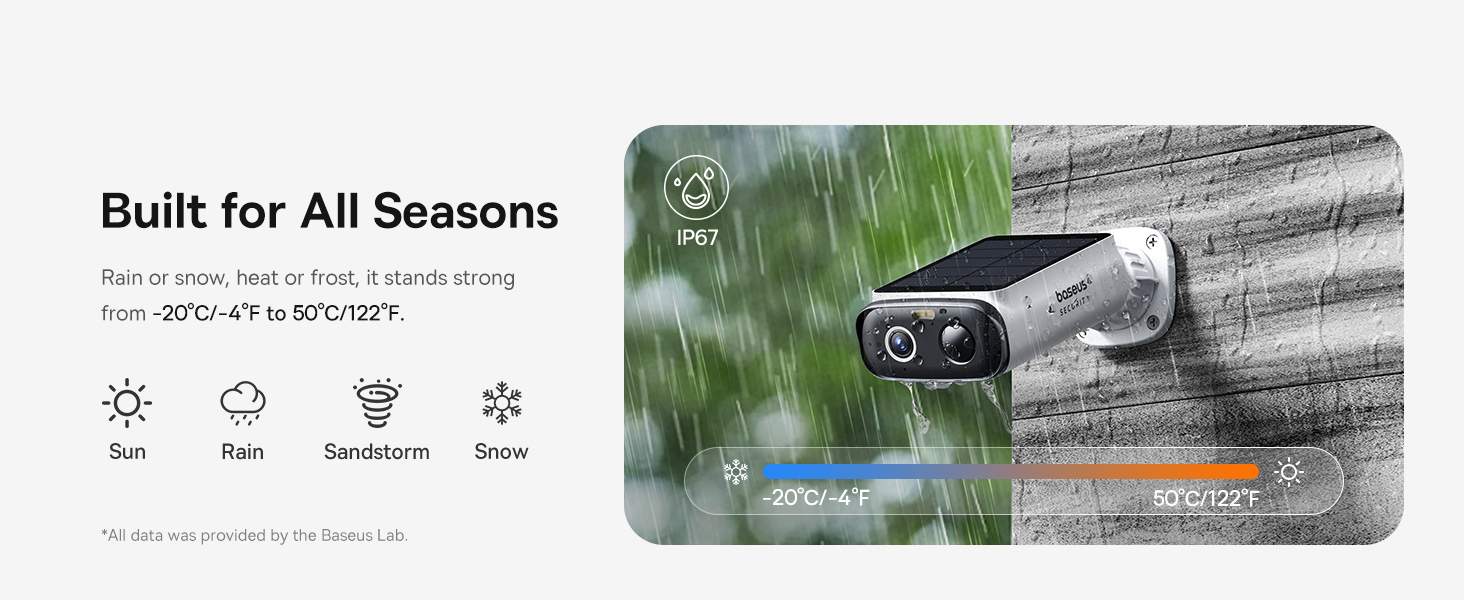
Figure 15: All-Weather Durability (IP67)
6. Nchọpụta nsogbu
If you encounter any issues with your Baseus S1 Lite camera, please refer to the following common troubleshooting steps:
- Enweghị ike/anaghị akwụ ụgwọ: Ensure the solar panel is exposed to direct sunlight for at least 2.25 hours daily. Check for any physical obstructions on the panel. If the issue persists, try charging the camera using the provided USB-C cable.
- Ogo vidiyo na-adịghị mma: Clean the camera lens with a soft cloth. Ensure there are no physical obstructions in the camera's field of view. Check your Wi-Fi signal strength at the camera's location.
- No Motion Detection Alerts: Verify that motion detection is enabled in the Baseus Security app. Check the sensitivity settings and adjust them if necessary. Ensure the camera's Wi-Fi connection is stable.
- Enweghị ike ijikọ na Wi-Fi: Ensure your Wi-Fi network is 2.4GHz (the camera supports Wi-Fi connectivity). Double-check your Wi-Fi password. Try restarting your Wi-Fi router and the camera.
- Okwu ọdịyo ụzọ abụọ: Check the microphone and speaker settings in the app. Ensure there are no physical obstructions blocking the microphone or speaker on the camera.
For more detailed troubleshooting or persistent issues, please contact Baseus customer support.
7. Nkọwapụta
| Njirimara | Nkọwa |
|---|---|
| Aha Nlereanya | S1 Lite |
| Nọmba Nlereanya ihe | S00033 |
| Ojiji ime ime/n'èzí | N'èzí |
| Isi Iyi Ike | Ike anyanwụ |
| Ike batrị | 5200 ndeamp Oge awa |
| Mkpebi ịse vidiyo | 2K (2304 Pixels) |
| Viewna n'akuku | 135 ogo |
| Dijitalụ mbugharị | 8x |
| Oke ọhụụ abalị | 6 Mita (20ft) |
| Spotlight Brightness | 100lm |
| Teknụzụ Njikọta | Ikuku (Wi-Fi) |
| Ngwa dakọtara | Alexa, Android phone, Google Home, iOS phone |
| Ụdị Nchekwa | Micro SD (ihe ruru 512GB) |
| Ogo nchekwa mba ụwa | IP67 (ihe mgbochi mmiri) |
| Oke okpomoku na-arụ ọrụ | -4°F ruo 122°F (-20°C ruo 50°C) |
| Rtdị Alert | Motion and Human |
| Atụmatụ pụrụ iche | Local Recording, HD Resolution, 2-Way Audio, Night Vision, Built-In Light |
| Akụkụ akụkụ L x W x H | 3.33 x 5.17 x 1.56 sentimita asatọ |
| Ibu Ibu | 1.32 pound (0.6 Kilogram) |
8. Akwụkwọ ikike na nkwado
The Baseus S1 Lite Solar Security Camera comes with a Akwụkwọ ikike nke afọ 2. Baseus is committed to providing high-quality products and offers Nkwado nka na ụzụ ndụ oge niile for this product. If you have any questions, require assistance with setup, or encounter any issues, please do not hesitate to contact Baseus customer service.
Maka nkwado, biko gaa na Baseus gọọmentị websaịtị ma ọ bụ rụtụ aka na ozi kọntaktị enyere na nkwakọ ngwaahịa gị.


