1. Okwu mmalite
Thank you for choosing the STRICH SDP-300W Digital Piano. This manual provides essential information for the proper setup, operation, and maintenance of your instrument. Please read it thoroughly to ensure optimal performance and longevity of your digital piano.

Figure 1: STRICH SDP-300W Digital Piano in Black with included headphones and music stand.
2. Ihe ngwugwu
Nyochaa na etinyere ihe niile edepụtara n'okpuru na ngwugwu gị. Ọ bụrụ na ihe ọ bụla na-efu ma ọ bụ mebie, biko kpọtụrụ nkwado ndị ahịa.
- STRICH SDP-300W Digital Piano Unit
- Furniture Stand Components
- Ngalaba Pedal Atọ
- Egwu Ezumike
- Power Adapter (Input AC: 100V-240V, Output DC: 12V 3A)
- Igwe ekweisi
- Assembly Hardware (screws, screwdriver)
- Akwụkwọ ntuziaka onye ọrụ
3. Ntuziaka Mgbakọ
Follow these steps to assemble your digital piano. It is recommended to have two people for assembly due to the weight of the main unit.
- Unpack all components and lay them out on a soft, flat surface to prevent scratches.
- Assemble the furniture stand using the provided screws and screwdriver. Ensure all connections are secure.
- Attach the three-pedal unit to the designated area on the assembled stand.
- Carefully place the digital piano unit onto the assembled stand, aligning the mounting holes. Secure the piano unit to the stand using the remaining screws.
- Insert the music rest into the slot on top of the piano unit.
- Connect the pedal cable from the three-pedal unit to the 'PEDAL' port on the back of the piano.
- Connect the power adapter to the 'POWER' port on the back of the piano and then to a wall outlet.
For a visual guide on assembly, please refer to the following video:
Vidiyo 1: nkọwa zuru ezu review of the STRICH SDP-300W, including assembly and key feel demonstration.
4. Controls and Features Overview
Your STRICH SDP-300W Digital Piano is equipped with a range of controls and features designed to enhance your playing experience.
4.1. Ahụigodo
- 88 Hammer-Action Weighted Keys: Provides a realistic piano feel with simulated ivory texture.
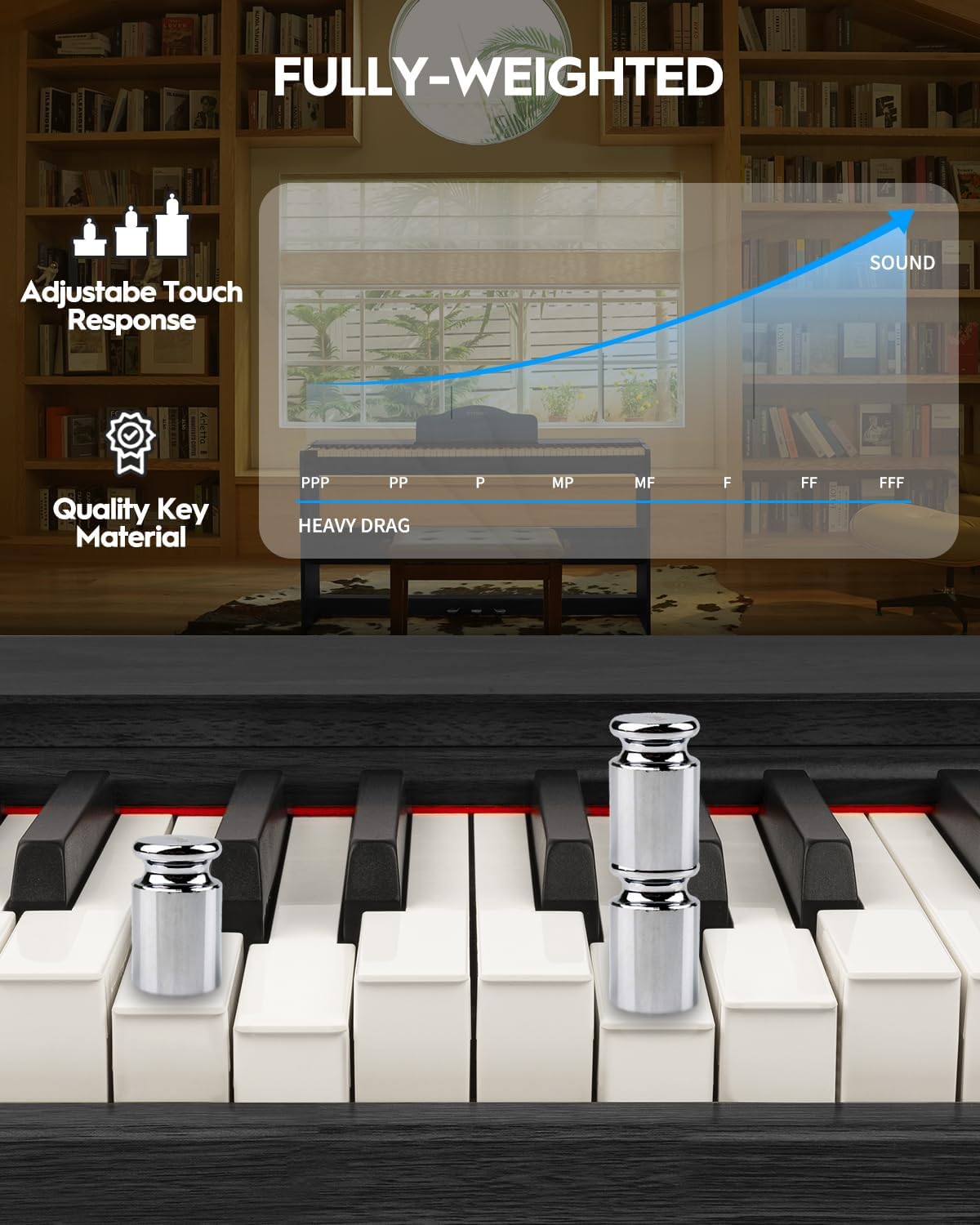
Figure 2: Detail of the fully-weighted, hammer-action keys with adjustable touch response.
4.2. Ogwe njikwa
The intuitive control panel allows easy access to various functions:
- Bọtịnụ ike: Turns the piano on or off.
- Njikwa olu: Na-edozi olu mmepụta n'ozuzu ya.
- Nhọrọ ụda: Choose from 128 preset timbres.
- Nhọrọ Rythm: Select from 200 drum rhythms.
- Egwu ngosi: Access 110 built-in demonstration songs.
- Record/Playback: Record and listen to your performances.
- Nyefee: Adjust the pitch of the keyboard in semitone steps.
- Layer/Split: Combine two voices or split the keyboard into two sections.
- Octave Mgbanwe: Shift the pitch of the keyboard up or down by octaves.
- Chorus Effects: Apply chorus effects to your sound.
- Smart Chord Function: Provides intelligent auto-chord accompaniment.

Ọgụgụ 3: Zuru ezu view nke panel njikwa nwere bọtịnụ ọrụ dị iche iche.
4.3. Pedal
- Ngalaba pedal atọ: Includes Sustain, Sostenuto, and Soft pedals for expressive playing.
5. Ntuziaka ọrụ
5.1. Gbanyụọ / Gbanyụọ na Mgbanwe olu
To power on the piano, press the 'POWER' button. Adjust the volume using the dedicated volume control knob or buttons on the control panel.
5.2. Selecting Tones and Rhythms
Use the 'TONE' and 'RHYTHM' buttons on the control panel to browse and select from the available 128 timbres and 200 drum rhythms. The display will show the selected number.

Figure 4: The digital piano offers a wide range of sounds and rhythms for musical exploration.
5.3. Ndekọ na ịkpọghachi
Utilize the 'RECORD' and 'PLAYBACK' functions to capture your performances. This feature is ideal for self-assessment and practice.
5.4. Njikọta Nhọrọ
The SDP-300W offers versatile connectivity:
- USB-MIDI: Connect to a computer or smart device for MIDI functionality, compatible with teaching apps.
- Igwe anaghị ekwe ntị (Bluetooth): Connect wirelessly to teaching apps on iPad or phone for interactive learning and composition.
- Audio-in Port: Connect external audio sources to play through the piano's 25Wx2 speakers, allowing you to play along with your favorite tracks.
- Jack ekweisi (6.35mm): For private practice without disturbing others.

Figure 5: Rear panel connections for power, MIDI, USB, headphones, audio input, and sustain pedal.
See the piano's connectivity in action:
Video 2: Demonstration of MIDI, Bluetooth, weighted keys, and pedals on the STRICH digital piano.
5.5. Silent Practice
Connect headphones to the 6.35mm headphone jack for silent practice sessions. The internal speakers will automatically mute when headphones are connected.

Figure 6: Enjoy private practice sessions using headphones.
6. Nlekọta
Proper care will ensure your digital piano remains in excellent condition.
- Nhicha: Jiri akwa dị nro ma kpọọ nkụ hichaa elu piano. Maka unyi isi ike, ntakịrị dampen the cloth with water and a mild soap, then wipe dry immediately. Avoid abrasive cleaners or solvents.
- Isi nlekọta: Wipe the keys with a soft, slightly damp ákwà. Ejila oke mmiri mmiri mee ihe.
- Nkwanye: Avoid placing the piano in direct sunlight, near heat sources, or in areas with extreme temperature fluctuations or high humidity.
7. Nchọpụta nsogbu
Ọ bụrụ na ị na-enwe nsogbu ọ bụla, rụtụ aka na nsogbu na ngwọta ndị a na-emekarị:
| Nsogbu | Ihe nwere ike ime | Ngwọta |
|---|---|---|
| Enweghị ụda | Olu dị oke ala; ekweisi ejikọrọ; nsogbu ọkụ eletrik. | Mmụba olu; gbanyụọ ekweisi; lelee njikọ ike. |
| Igodo anaghị aza | Piano not powered on; internal malfunction. | Ensure piano is on; contact customer support if issue persists. |
| Connectivity issues (USB-MIDI/Bluetooth) | Incorrect connection; device not paired. | Ensure cables are correctly connected; follow device pairing instructions. |
8. Nkọwapụta
- Aha nlereanya: SDP-300W
- Ọnụọgụ nke igodo: 88
- Dị Key: Hammer-Action Weighted Keys with Simulated Ivory Texture
- Akụkụ: 12.4"D x 51.2"W x 27.8"H
- Ibu ihe: 59.4 pound (27 Kilogram)
- Ndị na-ekwu okwu: 25W x 2
- Timbre: 128 atọrọ
- N'afọ iri na ụma: 200 drum rhythms
- Polyphony: 128 (kacha)
- Njikọta: USB-MIDI, Wireless (Bluetooth), Audio-in, 6.35mm Headphone Jack
- Isi mmalite ike: Corded Electric (Input AC: 100V-240V, Output DC: 12V 3A)
- Ụdị ihe: Wood (Casing), Plastic (Keys)
- Agba: Nwa
9. Akwụkwọ ikike na nkwado
For warranty information, please refer to the documentation included with your purchase or contact STRICH customer support. For technical assistance or service inquiries, please visit the official STRICH websaịtị ma ọ bụ kpọtụrụ ngalaba ọrụ ndị ahịa ha.