1. Ngwaahịa gafereview
The Baseus EnerGeek 145W Power Bank is a high-capacity portable charging device designed to provide fast and efficient power to a wide range of electronic devices, including laptops, smartphones, and tablets. It features a 20000mAh battery, a maximum output of 145W, and an integrated 60cm retractable USB-C cable for convenience.

Image: The Baseus EnerGeek 145W Power Bank, showcasing its compact design and the integrated retractable USB-C cable. The digital display is visible, indicating battery status.
Akụkụ ndị bụ isi:
- 145W kacha pụta: Supports Power Delivery for rapid charging of high-power devices.
- Ike 20000mAh: Provides multiple charges for smartphones and laptops.
- Integrated 60cm Retractable USB-C Cable: Durable and convenient for storage and use.
- Multi-Port Charging: Two USB-C ports and two USB-A ports allow simultaneous charging of up to four devices.
- Ngosipụta dijitalụ nwere ọgụgụ isi: Real-time display of battery level, charging power, and remaining time.
- Sistemụ jụrụ oyi dị elu: Features conductive graphene, aerogel insulation, and an AI-powered chip for effective temperature regulation.
2. Ihe ngwugwu
Biko lelee ngwungwu maka ihe ndị a:
- Baseus EnerGeek 145W Power Bank (EnerGeek GR11)
- Akwụkwọ ntuziaka onye ọrụ
- (Additional accessories may vary by region or package)
3. Ntọala na ojiji mbụ
3.1 Nchaji izizi
Before first use, it is recommended to fully charge the Baseus EnerGeek Power Bank. This ensures optimal battery performance and longevity.
- Connect the integrated USB-C cable or a separate USB-C cable to the power bank's input port (USB-C1 or USB-C2).
- Connect the other end of the cable to a compatible USB-C wall charger (100W charger recommended for fastest charging).
- The digital display will show the charging status and battery percentage. A na-achaji ike ahụ nke ọma mgbe ihe ngosi ahụ gosiri 100%.

Image: The Baseus EnerGeek Power Bank connected to a wall charger via its integrated USB-C cable, illustrating the fast charging input capability.
4. Ntuziaka ọrụ
4.1 Ngwaọrụ Nchaji
The Baseus EnerGeek Power Bank can charge up to four devices simultaneously using its various output ports.
- Using the Integrated USB-C Cable: Pull out the 60cm retractable USB-C cable and connect it to your device's USB-C port.
- Using External Cables: Connect your device's charging cable to one of the available USB-C (C2, C3) or USB-A (A1) output ports on the power bank.
- The power bank will automatically detect the connected device and begin charging. The digital display will show the output power.
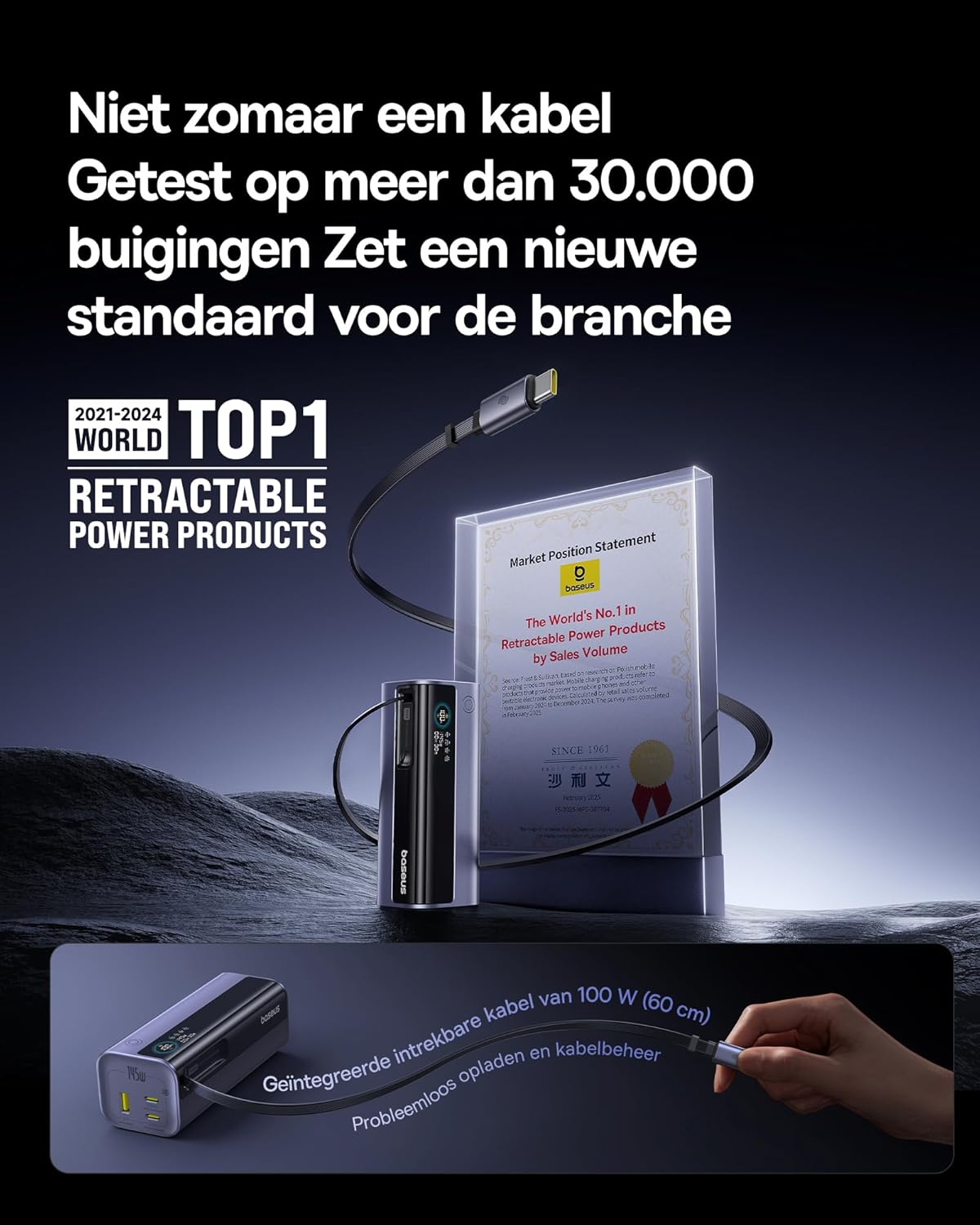
Image: The Baseus EnerGeek Power Bank connected to a laptop and an iPhone, demonstrating its ability to charge multiple devices simultaneously with high power output.
4.2 Ịghọta Ngosipụta Dijitalụ
The intelligent digital display provides real-time information:
- Ọkwa batrị: Na-egosi pasentị batrị fọdụrụnụtage.
- Charging Power (Input/Output): Displays the current wattage being drawn or delivered.
- Oge fọdụrụ: Estimates the time left for the power bank to fully charge or discharge.
- Ọnọdụ I/O: Indicates which ports are active for input or output.

Foto: nkọwa zuru ezu view of the Baseus EnerGeek Power Bank's digital display, showing battery percentage, current wattage, na atụmatụ oge fọdụrụnụ.
4.3 Retracting the Cable
To retract the integrated USB-C cable, gently pull it out slightly further, then release it. The cable will automatically retract into the power bank's housing.
5. Nlekọta na nlekọta
- Keep the power bank away from extreme temperatures (hot or cold), direct sunlight, and humid environments.
- Ewepụla ụlọ akụ ike na mmiri ma ọ bụ mmiri mmiri ndị ọzọ.
- Zere idobe ma ọ bụ idobe ụlọ akụ ike na mmetụta siri ike.
- Clean the surface of the power bank with a soft, dry cloth. Do not use harsh chemicals or abrasive materials.
- Debe ebe a na-echekwa ike eletrik n'ebe dị jụụ ma kpọọ nkụ mgbe a naghị eji ya ruo ogologo oge. A na-atụ aro ka ị chajịa ya ihe dịka 50-70% tupu echekwara ya ogologo oge.
6. Nchọpụta nsogbu
| Nsogbu | Ihe nwere ike ime | Ngwọta |
|---|---|---|
| Ụlọ akụ ọkụ anaghị akwụ ụgwọ | Low battery on power bank; faulty charging cable; incompatible wall adapter. | Ensure the power bank has some charge. Try a different USB-C cable and a compatible wall adapter (e.g., 100W PD charger). |
| Ngwaọrụ anaghị akwụ ụgwọ site na ụlọ akụ ọkụ | Power bank battery is empty; faulty device cable; device not compatible with power bank output. | Recharge the power bank. Try a different charging cable for your device. Ensure your device supports the power bank's output specifications. |
| Nchaji nwayọ | Cable or adapter not supporting fast charging; multiple devices connected reducing individual output. | Use a high-quality, fast-charging compatible cable and adapter. Disconnect other devices to maximize output to a single device. |
| Ngosipụta dijitalụ anaghị arụ ọrụ | Power bank is off; temporary software glitch. | Press the power button to activate the display. If the issue persists, try fully discharging and recharging the power bank. |
7. Nkọwapụta
| Njirimara | Nkọwa |
|---|---|
| Nọmba nlereanya | EnerGeek GR11 |
| Ike batrị | 20000mAh |
| Ike kacha mma | 145W (Ngụkọta) |
| Mbupụta eriri USB-C1 | 100W Max |
| USB-C2 mmepụta | 100W Max |
| USB-C3 mmepụta | 100W Max |
| USB-A1 mmepụta | 33W Max |
| Ntinye (USB-C) | 100W Max |
| Akụkụ | 13 x 5.2 x 4.9 cm |
| Ibu | 465 g |
| Ụdị batrị | Lithium-ion |
| Atụmatụ pụrụ iche | Digital display, Integrated cable, Fast charging |
8. Akwụkwọ ikike na nkwado
Maka ozi gbasara akwụkwọ ikike na nkwado ndị ahịa, biko gaa na Baseus gọọmentị webma ọ bụ kpọtụrụ onye na-ere ahịa nke ị zụtara ngwaahịa ahụ n'aka ya. Debe ihe akaebe nke ịzụrụ ihe gị maka akwụkwọ ikike.
Onye nrụpụta: Baseus
ASIN: B0F83VMZJT
Ụbọchị mbụ enwere: Mee 9, 2025
Maka enyemaka ọzọ, ị nwere ike ịga na Ụlọ Ahịa Baseus dị na Amazon.


