Okwu mmalite
Welcome to the user manual for your new Loluka Big Screen Smart Watch, Model NX23. This advanced tactical fitness tracker is designed to enhance your daily life with its robust features and durable construction. Equipped with a vibrant 2.0-inch HD display, Bluetooth calling capabilities, an integrated LED flashlight, and 5ATM water resistance, it is built to withstand various environments while keeping you connected and active. This manual provides essential information on setting up, operating, maintaining, and troubleshooting your device to ensure optimal performance.
Kedu ihe dị na Igbe ahụ
Biko chọpụta na ihe niile dị na ngwugwu gị:
- 1 x Loluka Smart Watch (Model NX23)
- 1 x eriri nchaji
- 1 x Akwụkwọ ntuziaka onye ọrụ
- 1 x Watch Box
Melite
Nchaji mbụ
Before first use, fully charge your smart watch. Connect the provided charging cable to the charging port on the back of the watch and plug the USB end into a standard USB power adapter (not included). The watch display will indicate charging status. A full charge typically takes approximately 2 hours.

Image: The Loluka Smart Watch, ready for charging and initial setup.
App Installation and Device Pairing
To unlock the full potential of your smart watch, download and install the companion application:
- Budata ngwa: Chọọ maka "Fitcloudpro" in your smartphone's app store (Google Play Store for Android or Apple App Store for iOS).
- Wụnye wee mepee: Install the app and open it. Ensure your phone's Bluetooth is enabled.
- Na-ejikọta: In the Fitcloudpro app, navigate to the device section and search for your watch. Select the device (e.g., "NX23") from the list to initiate pairing. Follow the on-screen prompts on both your phone and watch to confirm the connection.
- ndakọrịta: The app is compatible with Android 5.0 and above, and iOS 10.0 and above. The watch uses Bluetooth 5.3 for stable connectivity.

Image: The watch display illustrating the capability to receive notifications from various social media and communication applications.
Ntuziaka ọrụ
Ngosipụta na igodo
The Loluka Smart Watch features a 2.0-inch HD full touch screen with a resolution of 320x385 pixels. Navigate through menus and functions by swiping left, right, up, or down, and tap to select options. The side buttons provide quick access to specific features like 'START' and 'SPORT'.

Foto: Zuru ezu view of the watch's large widescreen display, highlighting its specifications and always-on capability.
Na-ahazi ihu nche
Your watch comes with 8 built-in watch faces. Connect to the Fitcloudpro app to download a wider variety of styles. You can also personalize your watch face by uploading your favorite photos, such as family pictures or pets, directly through the app.
Kpọọ Bluetooth
The watch supports Bluetooth calling, allowing you to answer and make calls directly from your wrist. It integrates microphones and speakers with unique noise reduction technology for clear communication. You can also synchronize contacts and call records from your phone to the watch, ensuring you don't miss important calls.
Iji ọkụ ọkụ ọkụ
The tactical smartwatch is equipped with a bright LED flashlight on the side for practical emergency lighting. Activate it with a quick touch, providing strong illumination in dark environments.

Image: The watch's integrated LED flashlight in operation, demonstrating its powerful beam.
Ụdị egwuregwu
The watch offers over 100 sport modes to track your physical activity. These include Walking, Running, Cycling, Swimming, Hiking, Skipping Rope, Soccer, Badminton, Dancing, Yoga, and many more. The watch monitors key data such as steps taken, distance covered, and calories burned, helping you track your fitness progress.

Foto: Ofeview of the various sport modes available on the watch, designed to help users track diverse physical activities.
Amamọkwa smart
Receive smart notifications directly on your watch. When connected to your phone, the watch will vibrate to alert you of incoming calls, messages, and app notifications, ensuring you stay informed without needing to check your phone constantly.
Ọrụ ndị ọzọ
The Loluka Smart Watch includes a variety of other useful functions:
- Njikwa egwu: Jikwaa egwu egwu na ekwentị gị ozugbo site na elekere gị.
- Njikwa igwefoto: Jiri elekere gị dị ka ihe mkpuchi anya maka igwefoto ekwentị gị.
- Ncheta ịnọdụ ala: Get alerts when you've been inactive for too long, encouraging you to move.
- Elekere mkpu: Set alarms to wake you up or remind you of important tasks.
- Oge elekere: A precise stopwatch for timing activities.
- Nleba anya ụra: Tracks your sleep patterns (sleep time and quality) to help you understand and improve your sleep health.
- Mgbako: A basic calculator for quick computations.
Nlekọta
Water Resistance (IP68 / 5ATM)
The watch features a fully enclosed 5ATM waterproof design with IP68 technology, making it suitable for daily water sports such as swimming, hand washing, and exposure to rain. It is resistant to water splashing and sweat dripping. However, it is not recommended for hot water baths, saunas, or deep-sea diving, as steam and high pressure can compromise the seal.
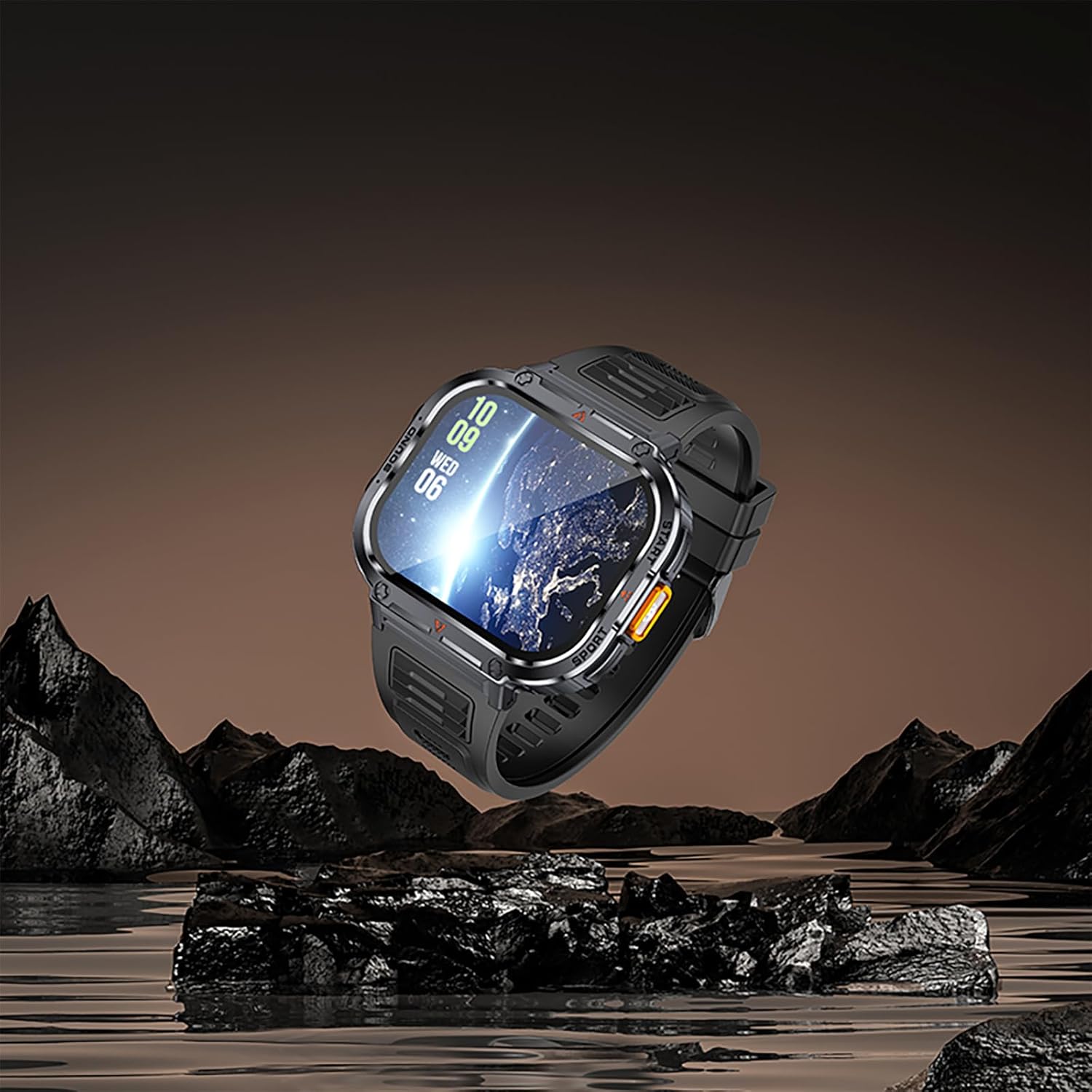
Image: The watch demonstrating its IP68 waterproof capabilities, suitable for various water-related activities.
Cleaning Your Smart Watch
To keep your watch in optimal condition, regularly clean the watch body and strap. Use a soft, damp cloth to wipe away dirt, sweat, or debris. Avoid using harsh chemicals or abrasive materials, which can damage the watch's finish or sensors. Ensure the charging contacts are clean and dry before charging.
Nchekwa
When not in use for extended periods, store the watch in a cool, dry place away from direct sunlight and extreme temperatures. It is advisable to charge the watch periodically (e.g., every few months) to maintain battery health.
Nchọpụta nsogbu
If you encounter issues with your Loluka Smart Watch, please refer to the following common solutions:
- Lelee anaghị agbanye: Hụ na elekere ahụ chajịchara nke ọma. Jikọọ ya na chaja ma chere nkeji ole na ole tupu ị nwaa ịgbanwuo ya.
- Enweghị ike ijikọ na ekwentị:
- Gbaa mbọ hụ na agbanyere Bluetooth na ekwentị gị na elekere.
- Hụ na elekere ahụ dị n'ime oke Bluetooth nke ekwentị gị.
- Restart both your watch and your phone.
- Check if the Fitcloudpro app is updated to the latest version.
- If previously paired, try unpairing the device from your phone's Bluetooth settings and then re-pairing through the app.
- Inaccurate Activity Data: Ensure the watch is worn snugly on your wrist, about one finger's width above your wrist bone. Calibrate the app settings if necessary.
- Amamọkwa anaghị apụta: Check app permissions on your phone to ensure Fitcloudpro has access to notifications. Verify that notification push is enabled within the Fitcloudpro app settings.
- Ndụ obere batrị: Reduce screen brightness, disable unnecessary features, and limit frequent screen wake-ups. Ensure background app refresh for Fitcloudpro is optimized on your phone.
For persistent issues, please refer to the support section or contact customer service.
Nkọwa nka nka
| Aha Nlereanya | NX23 |
| Ụdị | Loluka |
| APP | Fitcloudpro |
| Ụdị Bluetooth | 5.3 |
| Nha ihuenyo | 2.0 sentimita asatọ |
| Mkpebi ihuenyo | 320*385 |
| Ndakọrịta | Android 5.0 na n'elu, iOS 10.0 na n'elu |
| Ngwa igwe | Silikoni |
| Dayameta ikpe | 51.3 mm (2.02 sentimita asatọ) |
| Ọkpụrụkpụ ikpe | 12.7 mm (0.5 sentimita asatọ) |
| Ogologo band | 250 mm (9.84 sentimita asatọ) |
| Ibu | 70g (2.47 oz) |
| Ngosi nke enweghị mmiri | IP68 / 5ATM |
| Atụmatụ pụrụ iche | Activity Tracker, Multisport Tracker, Notifications, Phone Call, Sedentary Reminder, LED Flashlight |
Akwụkwọ ikike na nkwado
Your Loluka Smart Watch is covered by a manufacturer's warranty. Please refer to the warranty card included in your package for specific terms and conditions. For technical support, troubleshooting assistance beyond this manual, or warranty claims, please contact the seller or manufacturer directly through the contact information provided with your purchase or on the official Loluka websaịtị.
