Okwu mmalite
Thank you for choosing the JOYROOM Open Ear Headphones JR-OE4. These headphones are designed to provide a comfortable listening experience while maintaining environmental awareness. This manual will guide you through the setup, operation, and maintenance of your new headphones.
Ihe ngwugwu
Gbaa mbọ hụ na ihe niile dị na ngwugwu gị:
- JOYROOM Open Ear Headphones (Left and Right)
- Nchaji case
- USB-C eriri USB
- Akwụkwọ ntuziaka (akwụkwọ a)
Ngwaahịa gafereview
The JOYROOM JR-OE4 headphones feature an open-ear design for comfort and situational awareness, advanced Bluetooth 5.4 connectivity, and intuitive touch controls. They are also IPX4 water-resistant, making them suitable for sports and outdoor activities.
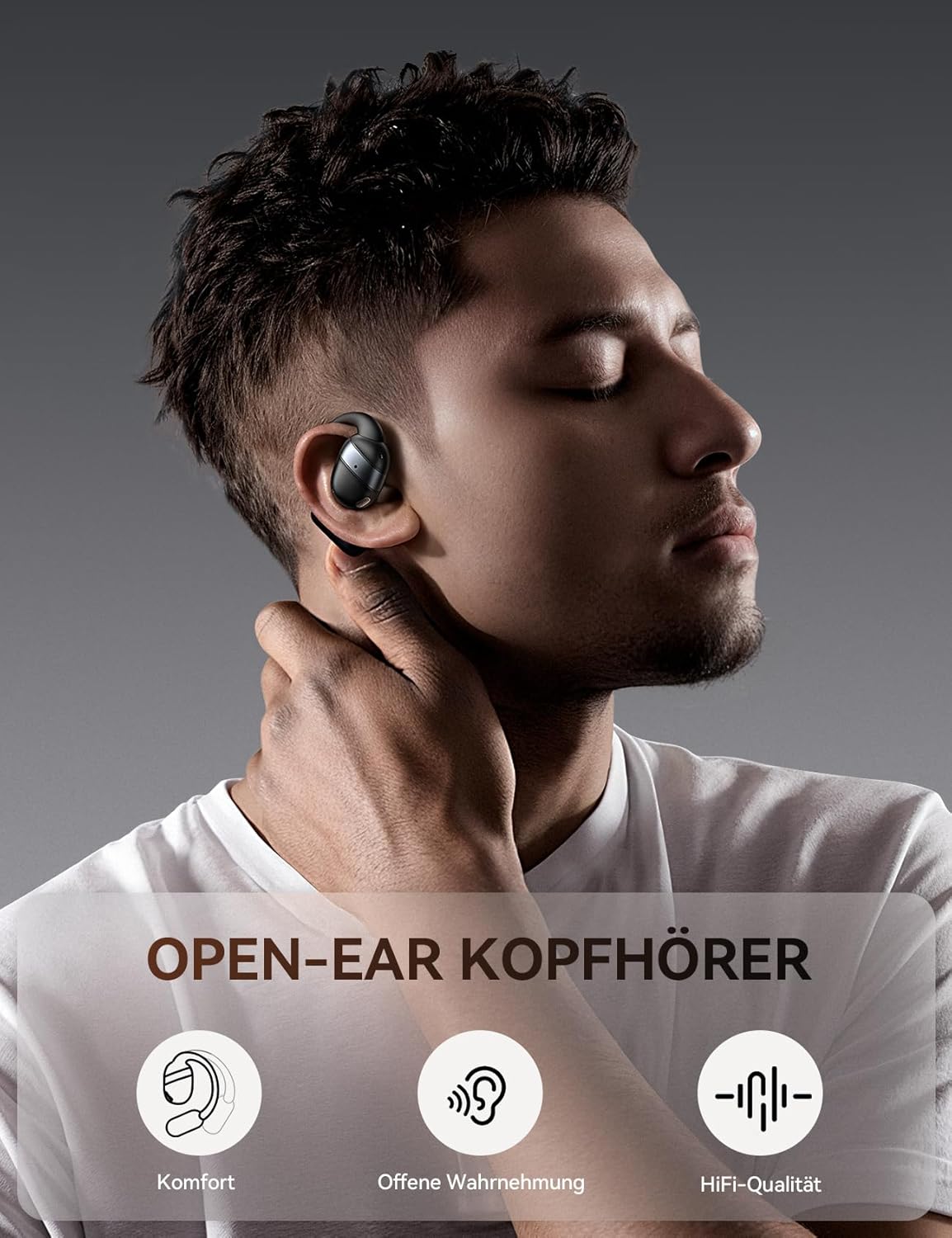
Image: JOYROOM Open Ear Headphones JR-OE4 with their charging case.
Akụkụ ndị bụ isi:
- Imeghe Ntị: Provides comfort without blocking the ear canal, allowing for environmental awareness.
- Bluetooth Bluetooth: Ensures stable and fast wireless connection with low latency.
- Ogologo ndụ batrị: Up to 50 hours of total playback with the charging case, 12.5 hours on a single charge.
- Ndị ọkwọ ụgbọ ala dị ike 16mm: Delivers powerful sound and enhanced bass.
- IPX4 Mgbochi mmiri: Protects against sweat and splashes, ideal for workouts.
- Njikwa mmetụ aka: Easy management of music, calls, and voice assistant.
- Ngosipụta batrị LED: The charging case features a digital LED display to show battery status.

Image: A user wearing the JOYROOM Open Ear Headphones, highlighting the comfortable, non-intrusive design that allows for ambient sound awareness.

Image: The charging case for the JOYROOM Open Ear Headphones, displaying the LED battery indicator and emphasizing the 50-hour total battery life.

Foto: Ihe gbawara view diagram illustrating the 16mm dynamic driver responsible for the balanced sound quality and powerful bass.
Melite
1. Ịchaji ekweisi na ikpe ahụ
Before first use, fully charge the headphones and the charging case. Connect the provided USB-C cable to the charging port on the case and to a power source. The LED display on the case will show the charging status.
- A full charge for the case and headphones typically takes approximately 2 hours.
- The headphones provide up to 12.5 hours of playback on a single charge.
- The charging case extends total playback time to up to 50 hours.
2. Ijikọ na ngwaọrụ
Follow these steps to pair your JOYROOM JR-OE4 headphones with your Bluetooth-enabled device:
- Open the charging case and remove both headphones. They will automatically enter pairing mode.
- Na ngwaọrụ gị (ama, mbadamba, wdg), gaa na ntọala Bluetooth.
- Gbaa mbọ hụ na agbanyere Bluetooth.
- Chọọ maka available devices and select "JOYROOM Openfree OE4" from the list.
- Once selected, the headphones will connect, and you will hear a confirmation sound.

Image: Visual guide demonstrating the steps to pair the JOYROOM Open Ear Headphones with a mobile device via Bluetooth settings.
The headphones will automatically reconnect to the last paired device when removed from the case, if Bluetooth is enabled on the device.
Ntuziaka iyi
For optimal comfort and sound quality, wear the headphones correctly:
- Gently hook the earbud over your ear.
- Rotate and secure the ear hook behind your ear.
- Adjust the ear hook for a snug and comfortable fit that ensures stability during activity.

Image: Step-by-step diagram illustrating the correct method for wearing the JOYROOM Open Ear Headphones for a secure and comfortable fit.
Ntuziaka ọrụ
The JOYROOM JR-OE4 headphones feature intuitive touch controls on each earbud. The following table outlines the functions:

Image: A visual representation of the touch control functions on the JOYROOM Open Ear Headphones, detailing actions for music playback, calls, and voice assistant.
| Omume | Njikwa |
|---|---|
| Gwuo/kwụsịtụ | Kpatụ ihe ntị ntị ugboro abụọ |
| Zaa/Kwụsị Oku | Kpatụ ihe ntị ntị ugboro abụọ |
| Elu elu | Otu ọpịpị na ntị ntị aka nri |
| Mpịakọta ọnụ | Otu ọpịpị na ntị ntị aka ekpe |
| Track na-esote | Pịa ma jide ntị ntị aka nri maka sekọnd 2 |
| Egwu gara aga | Pịa ma jide ntị ntị aka ekpe maka sekọnd 2 |
| Jụ oku | Press and hold either earbud for 2 seconds during an incoming call |
| Mee ka onye enyemaka olu rụọ ọrụ | Pịa ugboro atọ na ntị ntị |
| Ntọgharị ụlọ nrụpụta | 5 simultaneous taps on both earbuds |
Nlekọta
To ensure the longevity and optimal performance of your JOYROOM JR-OE4 headphones, follow these maintenance guidelines:
- Nhicha: Use a soft, dry, lint-free cloth to clean the headphones and charging case. Do not use abrasive cleaners, alcohol, or chemical solvents.
- Mkpughe mmiri: While IPX4 rated for sweat and splashes, do not submerge the headphones in water. Dry them thoroughly if they get wet.
- Nchekwa: Store the headphones in their charging case when not in use to protect them and keep them charged. Avoid extreme temperatures.
- Ịchaji: Jiri naanị eriri chaja enyere maọbụ eriri USB-C a kwadoro.
Nchọpụta nsogbu
Ọ bụrụ na ịnwee nsogbu na ekweisi gị, rụtụ aka na azịza ndị a na-ahụkarị:
| Nsogbu | Ngwọta |
|---|---|
| Ekweisi anaghị agbanye. | Ensure the headphones are charged. Place them in the charging case and check the LED indicator. |
| Enweghị ike ijikọ na ngwaọrụ. |
|
| Naanị otu ntị ntị na-arụ ọrụ. |
|
| Obere olu ma ọ bụ ogo ụda adịghị mma. |
|
| Headphones disconnect frequently. |
|
Nkọwapụta
| Njirimara | Nkọwa |
|---|---|
| Nlereanya | JR-OE4 |
| Ụdị | ỌRỤ |
| Teknụzụ ikuku | Bluetooth 5.4 |
| Earbud Placement | Open-Ear (External to the ear) |
| Ụdị Ihe | Ezi ikuku |
| Nha ọkwọ ụgbọ ala | 16mm |
| Mgbochi | 16 Ohm |
| Nzaghachi ugboro ugboro | 20 kHz |
| Ndụ batrị (Earbuds) | Ruo awa iri abụọ |
| Mgbakọta ndụ batrị (ya na igbe) | Ruo awa iri abụọ |
| Oge Nchaji | Ihe dị ka awa 2 |
| Mmiri Nguzogide | IPX4 (Ọsụsọ na mmiri na-eguzogide mmiri) |
| Ụdị njikwa | Njikwa aka |
| Ihe onwunwe | Acrylonitrile Butadiene Styrene (ABS), Polycarbonate (PC) |
| Ibu | 140 g (total package weight) |
| Ngwa dakọtara | Smartphones, tablets, laptops, desktops, cars (with Bluetooth) |
Akwụkwọ ikike na nkwado
JOYROOM products are designed and manufactured to the highest quality standards. For detailed warranty information and customer support, please refer to the warranty card included in your product packaging or visit the official JOYROOM website. If you experience any issues not covered in this manual, please contact JOYROOM customer service for assistance.
Nkwado n'ịntanetị: www.joyroom.com (Biko mara: Nke a bụ ebe njide ihe URL as the exact support link is not provided in the data. Users should refer to their product packaging for official support channels.)


