Okwu mmalite
The Joyroom JR-JH1 Wireless Bluetooth Headphones with Active Noise Cancellation are designed to provide high-quality audio, advanced noise cancellation, and exceptional comfort. With a sleek, foldable design and long-lasting battery, these headphones are suitable for various environments, including home, office, and travel. Enjoy an immersive audio experience with the JR-JH1, featuring intuitive controls and powerful 40mm drivers.
Ihe ngwugwu
- Joyroom JR-JH1 Wireless Bluetooth Headphones
- Akwụkwọ ntuziaka onye ọrụ
- Okpu ntị (etinyere ya na mbụ)
- Charging Cable (USB-C, not explicitly listed but implied for charging)
- Travel Case (implied from description)
Ngwaahịa gafereview
Familiarize yourself with the components of your Joyroom JR-JH1 headphones.
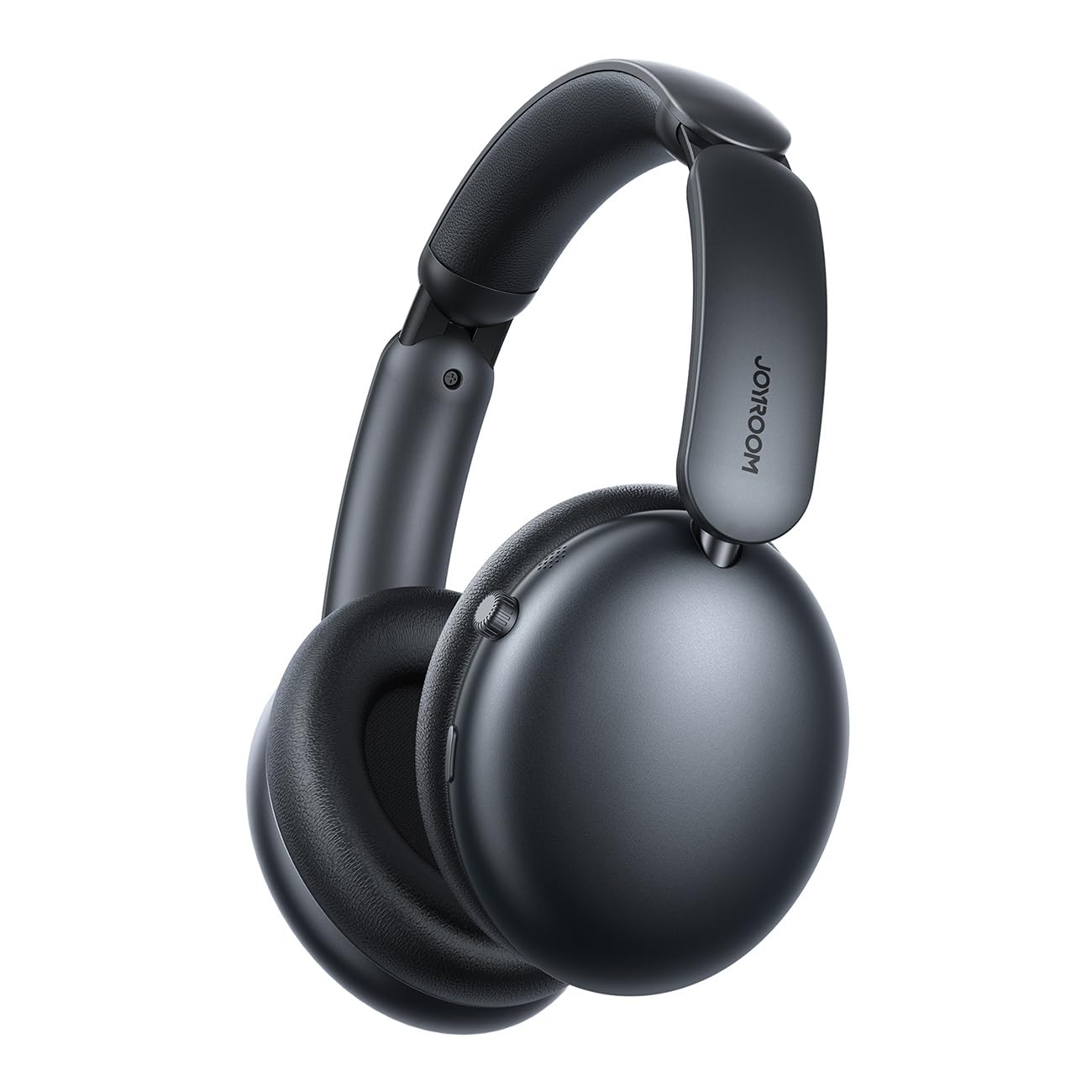
Foto 1: N'ihu view of the Joyroom JR-JH1 headphones, showcasing the earcups and adjustable headband.
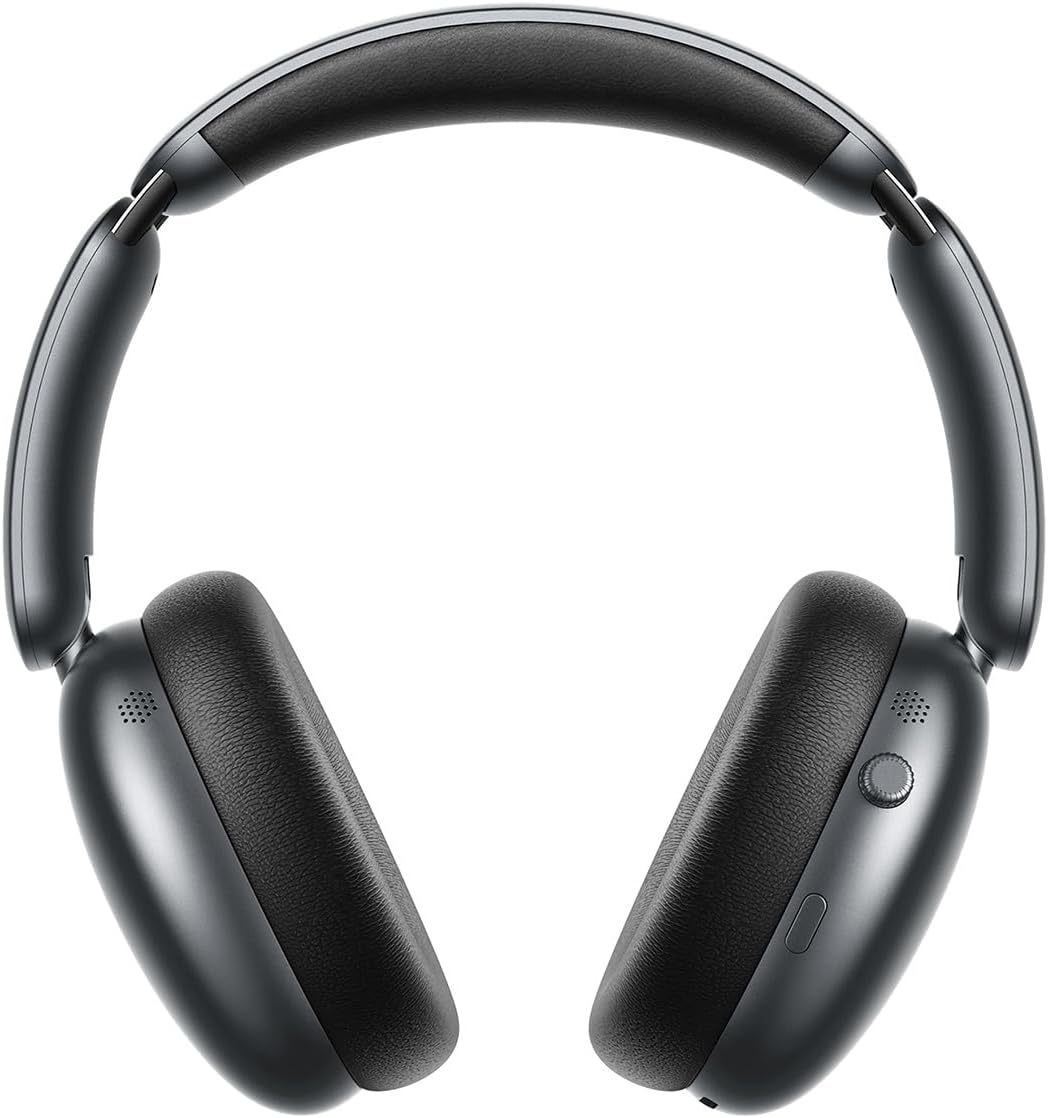
Foto 2: Akụkụ view of the Joyroom JR-JH1 headphones, highlighting the digital crown and other control buttons on the earcup.

Foto 3: N'okpuru view of the Joyroom JR-JH1 headphones, illustrating the charging port and any auxiliary input ports.
The headphones feature soft memory foam ear cushions and an automatically adjustable headband for extended comfort. The foldable design allows for easy portability and storage in the included travel case.
Melite
1. Ịchaji ekweisi
Before first use, fully charge your headphones. A full charge takes approximately 1.5 to 2 hours.
- Connect the charging cable to the charging port on the headphones (refer to Figure 3 for port location).
- Jikọọ nsọtụ nke ọzọ nke eriri ahụ na isi iyi ike USB (dịka ọmụmaatụ, nkwụnye mgbidi, ọdụ ụgbọ USB kọmputa).
- The LED indicator will show charging status (e.g., red for charging, blue/off for fully charged).
2. Njikọ Bluetooth
Pair your headphones with your device to enable wireless audio.
- Hụ na ekweisi ndị ahụ agbanyụrụ ma gbanyụọ ha.
- Press and hold the Power button (usually located on one of the earcups) until the LED indicator flashes rapidly (e.g., blue and red alternately), indicating pairing mode.
- On your device (smartphone, tablet, laptop, etc.), go to Bluetooth settings and turn Bluetooth on.
- Chọọ maka available devices. Select "JR-JH1" from the list.
- Once connected, the LED indicator on the headphones will typically show a solid blue light or flash slowly.
The headphones use Bluetooth 5.4 for a stable and efficient connection. They are compatible with desktop computers, tablet computers, laptops, mobile phones, and game controllers.
Ntuziaka ọrụ
Gbanyụọ/ Gbanyụọ
- Ike Na: Pịa ma jide bọtịnụ ike maka ihe dịka sekọn 3 ruo mgbe ihe ngosi LED na-enwu.
- Gbanyụọ: Pịa ma jide bọtịnụ ike maka ihe dịka sekọnd 5 ruo mgbe ihe ngosi LED gbanyụrụ.
Egwu Egwu
- Gwuo/kwụsịtụ: Press the Multi-function button (often the Power button or a dedicated play/pause button).
- Elu elu/ala: Rotate the digital crown upwards to increase volume, downwards to decrease volume.
- Track na-esote: Pịa bọtịnụ Multi-function ugboro abụọ.
- Gara aga Track: Triple-pịa bọtịnụ Multi-function.
Njikwa Oku
- Azịza/Kwụsị Oku: Pịa bọtịnụ Multi-function ozugbo.
- Jụ oku: Pịa ma jide bọtịnụ ọtụtụ ọrụ maka sekọnd iri na abụọ.
Nkagbu Noise nọchiri anya (ANC)
The JR-JH1 features Hybrid Active Noise Cancellation, reducing ambient noise by up to -40dB.
- Mee ka ANC rụọ ọrụ/gbanyụọ ya: Press the dedicated ANC button (refer to product diagram for location). The LED indicator for ANC will illuminate when active.
- Ụdị nghọta: Some models may feature a transparency mode. If available, a short press of the ANC button might cycle through ANC On, Transparency Mode, and ANC Off.
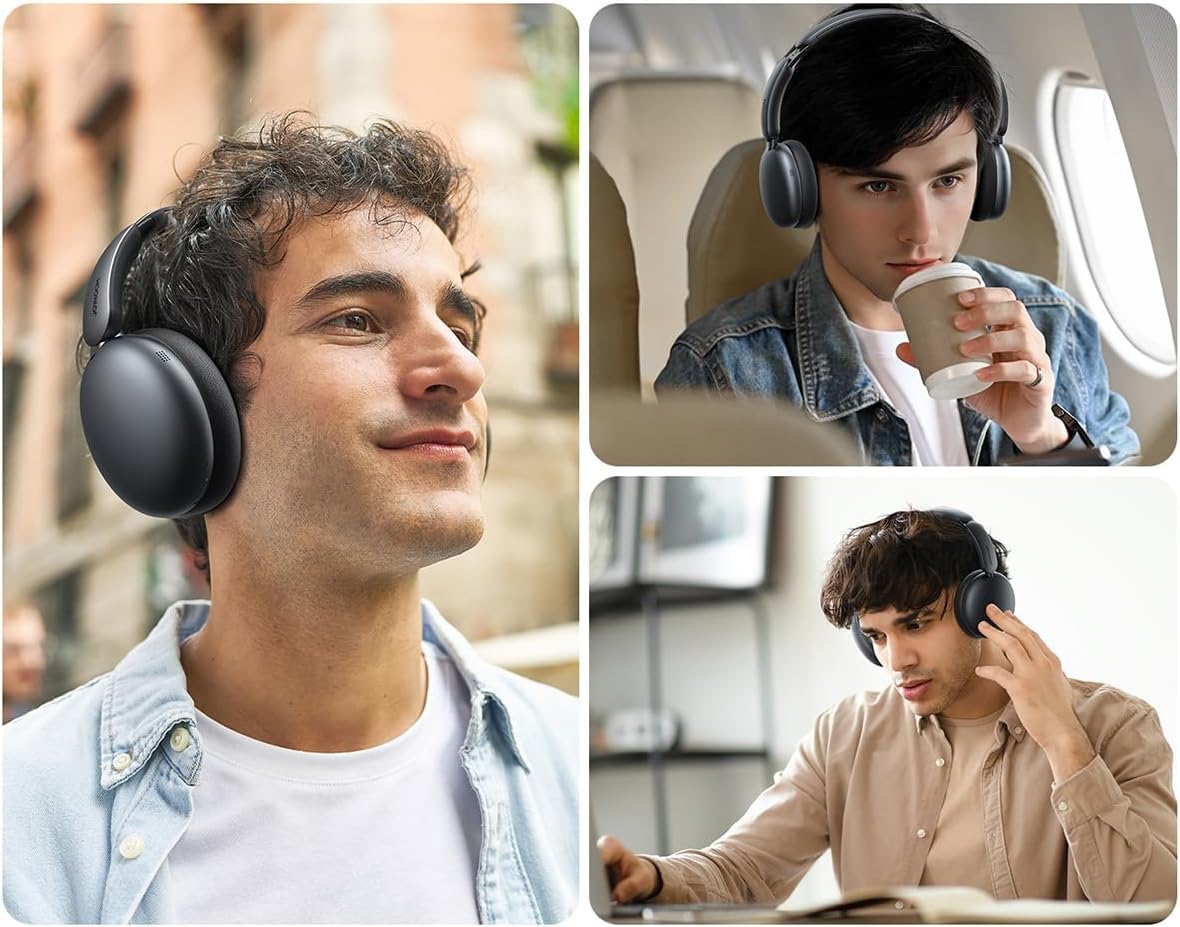
Foto 4: Gbawara view illustrating the internal components, including the 40mm drivers and ANC technology.
Nlekọta
Nhicha
- Jiri ákwà dị nro ma kpọọ nkụ hichaa mpụta nke ekweisi.
- Maka ohiri isi ntị, jiri obere ude hichaa ya nke ọma.amp cloth and allow to air dry completely before use. Do not use harsh chemicals or abrasive materials.
Nchekwa
- When not in use, store the headphones in their travel case to protect them from dust and damage.
- Zere ịchekwa na oke okpomọkụ ma ọ bụ oke iru mmiri.
Nchọpụta nsogbu
| Nsogbu | Ihe nwere ike ime | Ngwọta |
|---|---|---|
| Igwe ekweisi anaghị agba ọkụ. | Batrị dị ala. | Chajie ekweisi nke ọma. |
| Enweghị ụda. | Not paired, volume too low, device issue. | Ensure headphones are paired. Increase headphone and device volume. Check device audio output settings. |
| Enweghị ike ijikọ na ngwaọrụ. | Headphones not in pairing mode, device Bluetooth off, interference. | Put headphones in pairing mode. Ensure device Bluetooth is on. Move closer to the device. Turn off other Bluetooth devices. |
| ANC adịghị arụ ọrụ. | ANC not activated, improper fit. | Ensure ANC is turned on. Adjust headphones for a snug fit over your ears. |
Nkọwapụta
| Njirimara | Nkọwa |
|---|---|
| Nlereanya | JR-JH1 |
| Teknụzụ Njikọta | Ikuku |
| Nkwukọrịta ikuku | Bluetooth 5.4 |
| Njikwa mkpọtụ | Hybrid Active Noise Cancellation (up to -40dB) |
| Ndị ọkwọ ụgbọ ala | 40mm |
| Mgbochi | 32 Ohm |
| Mmetụta | 110 dB |
| Nzaghachi ugboro ugboro | 2480 MHz |
| Oge Nchaji | Approx. 1.5 - 2 hours |
| Battery Life (Normal Mode) | Ruo awa iri abụọ |
| Battery Life (ANC Mode) | Ruo awa iri abụọ |
| Ụdị njikwa | Button Control, Digital Crown |
| Ntinye ntị | Ntị karịa |
| Ihe onwunwe | Acrylonitrile Butadiene Styrene (ABS) |
| Ibu Ibu | 234 grams |
| Ọkwa Nguzogide mmiri | Ọ bụghị mmiri na-eguzogide ọgwụ |
| Akụkụ ngwaahịa | 19.6 x 18.26 x 8 cm |
| Onye nrụpụta | Ụlọ oriri na ọṅụṅụ |
| Mba onye si | China |
Ozi nchekwa
- Do not expose headphones to extreme temperatures, humidity, or liquids.
- Zere ige ntị n'ụda dị elu ruo ogologo oge iji gbochie mmebi ntị.
- Agbalịla ịgbasa ma ọ bụ gbanwee ekweisi. Nke a nwere ike imebi nkwa ahụ ma mebie ya.
- Debe ebe ụmụaka na-apụghị iru.
Akwụkwọ ikike na nkwado
For warranty information and customer support, please refer to the warranty card included in your product packaging or visit the official Joyroom websaịtị. Debe nnata nzụta gị dị ka ihe akaebe nke ịzụrụ maka nkwupụta ikike.


