1. Okwu mmalite
This manual provides essential information for the safe and effective operation of your DEERC F22 RC Plane. Designed for ease of use, this remote-controlled aircraft features a realistic F22 fighter jet design, a 6-axis gyro stabilization system for stable flight, and durable EPP foam construction. Please read this manual thoroughly before your first flight to ensure proper setup and operation.

The DEERC F22 RC Plane features an authentic camouflage design and matte gray finish, providing a realistic fighter jet appearance during flight.
2. Gịnị gụnyere
Your DEERC F22 RC Plane package includes the following components:
- 1 x DEERC F22 RC Plane (Grey)
- 1 x 2.4GHz Remote Controller
- 2 x 3.7V Rechargeable Li-Po Batteries
- 1 x eriri USB
- 2 x Propellers ndị ọzọ
- 1 x Landing Gear Set
- Akwụkwọ ntuziaka onye ọrụ 1 x (akwụkwọ a)

All components included in the DEERC F22 RC Plane package, ready for assembly and flight.
3. Nhazi
3.1. Ịchaji batrị
- Connect the 3.7V Li-Po battery to the USB charging cable.
- Plug the USB charging cable into a standard USB power adapter (not included).
- The indicator light on the USB cable will illuminate during charging and turn off when fully charged.
- Charging time is approximately 60-90 minutes per battery.
3.2. Installing Aircraft Battery
- Open the battery compartment on the underside of the aircraft.
- Carefully insert a fully charged battery into the compartment.
- Connect the battery connector to the aircraft's power port.
- Mechie oghere batrị ahụ nke ọma.
3.3. Ịwụnye Batrị Njikwa Remote
- Mepee mkpuchi batrị na azụ nke ihe njikwa dị anya.
- Insert 2 AA batteries (included) into the compartment, observing correct polarity.
- Mechie mkpuchi batrị.
3.4. Pairing the Aircraft and Remote Controller
- Ensure the aircraft battery is connected and the aircraft is placed on a flat surface.
- Turn on the remote controller. The indicator light on the controller will flash.
- Move the throttle stick (left stick) all the way up, then all the way down.
- The indicator light on the remote controller will become solid, indicating successful pairing.

The package includes two high-capacity Li-Po batteries and a USB charging cable for extended flight time.
4. Ntuziaka ọrụ
4.1. Njikwa ụgbọ elu
- Throttle (Left Stick): Controls the aircraft's altitude (up/down).
- Direction (Right Stick): Controls the aircraft's turning (left/right).
- Speed Mode Button: Toggles between high and low speed modes for different flying experiences.
4.2. Take-off Procedures
- Hand-Throw Take-off: Hold the aircraft firmly, give it full throttle, and gently throw it forward into the wind.
- Ground Take-off: Place the aircraft on a smooth, flat surface (with landing gear attached if desired). Give it full throttle and allow it to gain speed for take-off.
4.3. Flight Stability
The integrated 6-axis gyro stabilization system provides ultra-stable flight, making it easy for beginners to control. If the aircraft loses balance, releasing the throttle will trigger the gyroscope to restore stability.
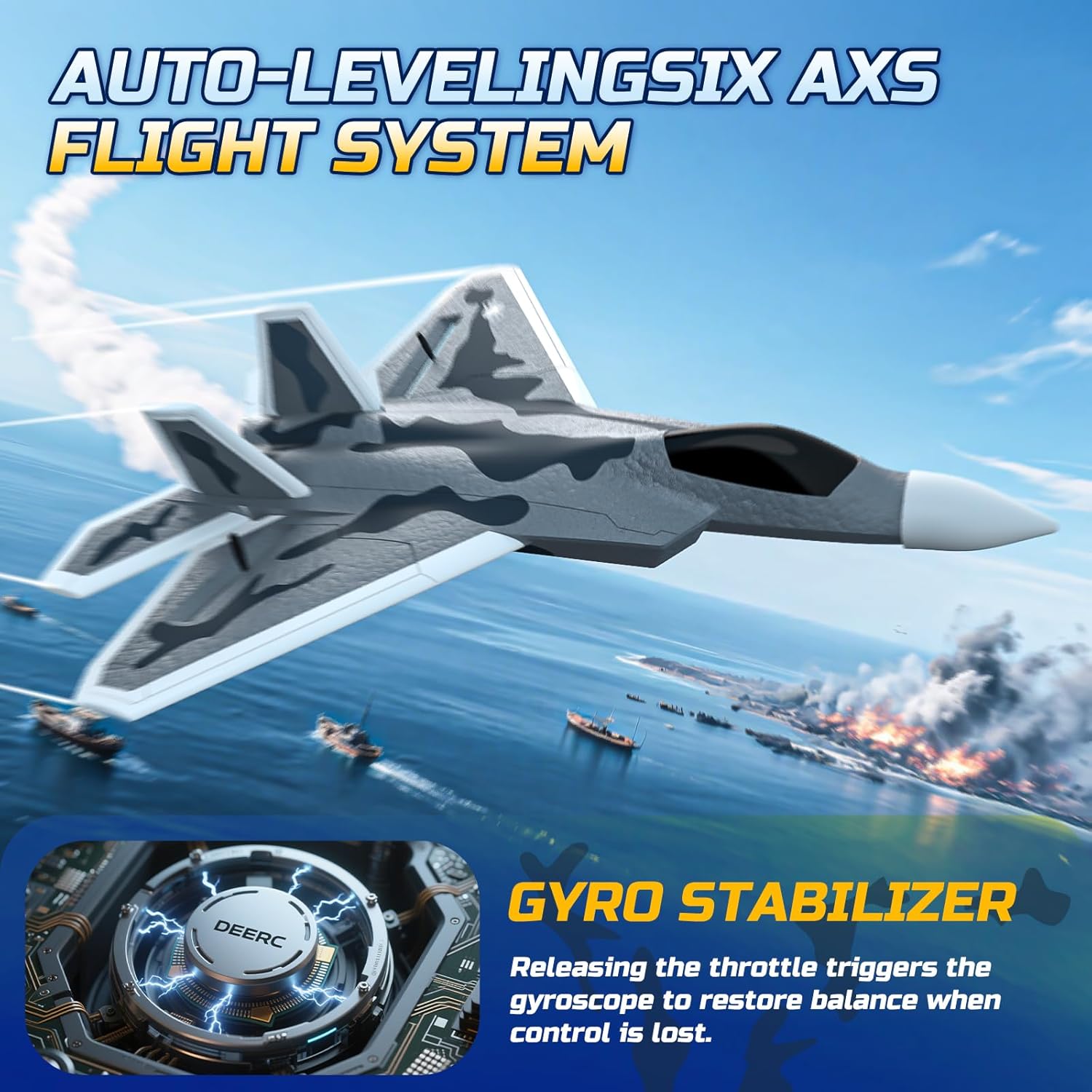
The 6-axis gyro stabilization system ensures smooth and stable flight, ideal for new pilots.

The 2.4GHz remote control system offers long-range control and allows multiple planes to fly simultaneously without interference.
4.4. Official Product Video
This video demonstrates the DEERC F16 RC Plane in flight, showcasing its maneuverability and stability. Note: This video features a similar model (F16) from the same brand, illustrating general flight characteristics.
5. Nlekọta
5.1. Ndochi Propela
If a propeller is damaged, carefully remove it and replace it with a spare propeller from the included accessories. Ensure the new propeller is securely attached.
5.2. Aircraft Body Care
The aircraft is constructed from durable EPP foam, designed to withstand minor impacts. In case of damage, small repairs can often be made using foam-safe adhesive. Avoid exposing the aircraft to extreme temperatures or direct sunlight for prolonged periods.

The durable EPP foam body and soft rubber nose are designed to absorb impacts and resist damage during flights.
6. Nchọpụta nsogbu
- Aircraft not responding: Ensure the aircraft and remote controller are properly paired and both have sufficient battery charge.
- Nkwụsi ike ụgbọ elu na-adịghị mma: Verify that the propellers are correctly installed and undamaged. Ensure the aircraft is launched on a calm day with minimal wind.
- Obere oge ụgbọ elu: Fully charge both batteries before use. Flight time can vary based on throttle usage and wind conditions.
- Propellers not spinning: Check for any obstructions around the propellers. Ensure the battery is connected and the aircraft is powered on.
7. Nkọwapụta
| Akụkụ ngwaahịa | 9.76 x 3.15 x 13.46 sentimita asatọ |
| Ibu Ibu | 12.3 ounces |
| Nọmba Nlereanya ihe | AU4-F22 |
| Onye nrụpụta | DEERC |
| Afọ akwadoro | 0 - 2 years (Note: Adult supervision is recommended for all ages) |
| Batteries (Aircraft) | 2 x 3.7V Li-Po (included) |
| Batrị (Onye njikwa) | 2 x AA (gụnyere) |
| Ugboro njikwa | 2.4GHz |
| Oke njikwa | Ruo 656 ụkwụ |
8. Akwụkwọ ikike na nkwado
DEERC offers a 3-month warranty for both the product and the battery. For any non-human issues, please contact DEERC via Amazon messages or the support email provided in the manual. Most RC plane issues can be resolved with assistance.


