1. Okwu mmalite
Thank you for choosing the TATTMUSE A281M Portable Thermal Printer. This compact and versatile device offers a convenient, inkless printing solution for various needs, from office documents to school notes and travel essentials. This manual provides detailed instructions to help you set up, operate, and maintain your printer for optimal performance.
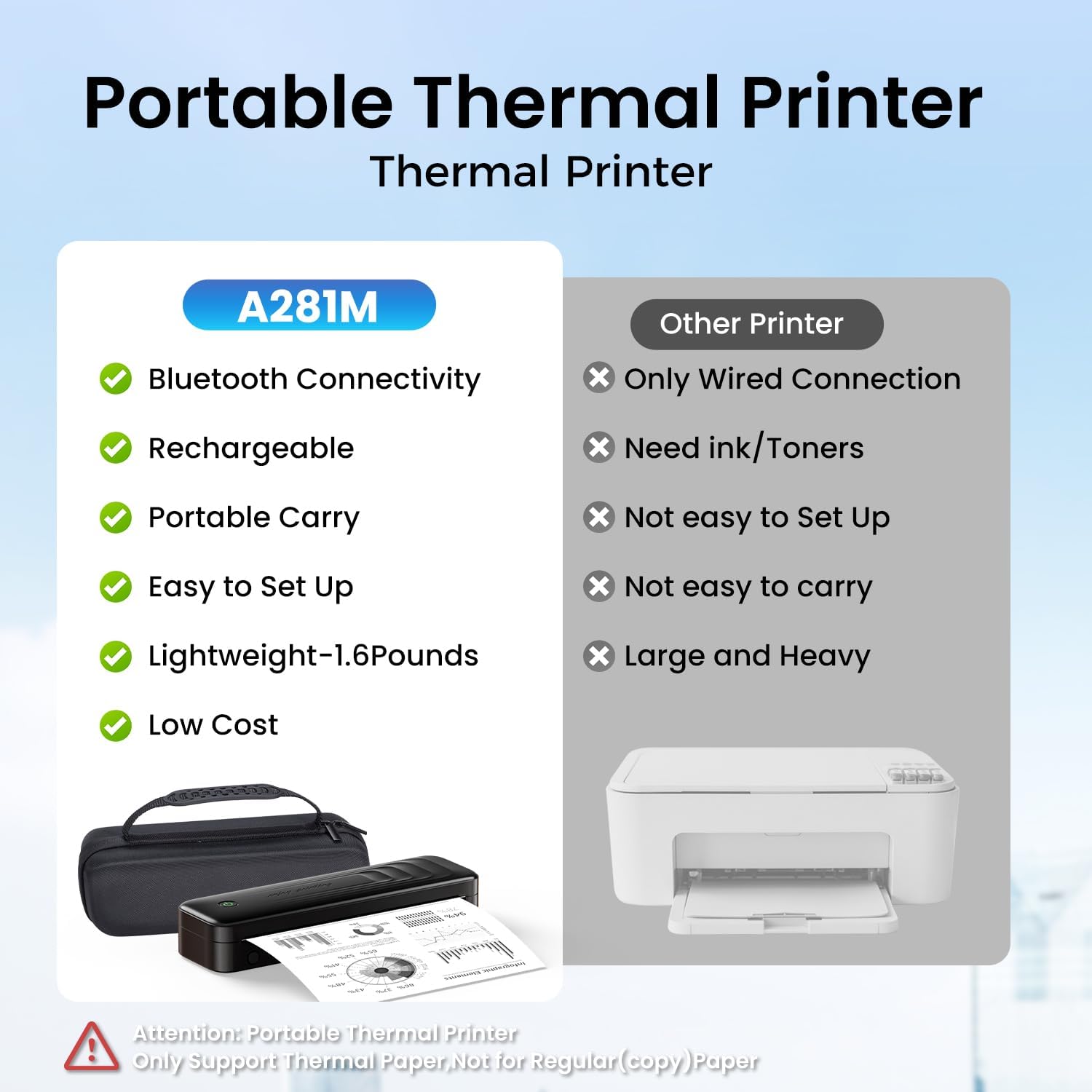
Figure 1.1: The TATTMUSE A281M Portable Thermal Printer offers superior portability and convenience compared to traditional printers, featuring Bluetooth connectivity, a rechargeable battery, and an inkless design.
2. Kedu ihe dị na Igbe ahụ
Biko chọpụta na agụnyere ihe niile edepụtara n'okpuru na ngwugwu gị:
- 1 x Portable Thermal Printer (Model A281M)
- 1 x Portable Printer Carry Case
- 1 Roll 8.5" Thermal Paper
- 1 Roll 4.33" Thermal Paper
- 1 Roll 3.14" Thermal Paper
- 1 Roll 2.08" Thermal Paper
- 1 x USB-C to USB Adapter
- 1 x eriri USB-C
- 1 x Ntuziaka mmalite ngwa ngwa

Figure 2.1: Illustrated view of all components included with your TATTMUSE A281M Portable Thermal Printer.
3. Ntuziaka Nhazi
3.1 Ịchaji ngwa nbipute
Before first use, ensure the printer is fully charged. Connect the provided USB-C cable to the printer and a compatible USB power source (e.g., wall adapter, computer USB port). The indicator light will show charging status.
3.2 Na-ebunye akwụkwọ ọkụ
The TATTMUSE A281M supports various thermal paper sizes and types. To load paper:
- Mepee mkpuchi nke mpempe akwụkwọ.
- Insert the thermal paper roll or single sheet, ensuring the printable side (usually smoother) faces the print head.
- Dezie akwụkwọ ntuziaka ka ọ dabara obosara nke akwụkwọ ahụ.
- Close the paper compartment cover securely.

Figure 3.1: The printer supports various thermal paper formats, including continuous folding, single sheets, inner rolls, and stickers, in sizes such as US Letter, A4, 4.33'', 3.14'', and 2.08''.
3.3 Connecting to a Smartphone (Bluetooth)
- Download the official TATTMUSE printer application from your device's app store (available for Android and iOS).
- Gbaa mbọ hụ na agbanyere Bluetooth na ekwentị gị.
- Open the TATTMUSE app and follow the in-app instructions to connect to your printer. The printer should appear as 'A281M' or similar in the device list.
- Once connected, you can select files or pictures within the app to print.

Figure 3.2: Simple three-step process for smartphone printing: Download the app, connect via Bluetooth within the app, and select your file ibipụta.
3.4 Connecting to a PC/Laptop (USB)
- Download the necessary printer drivers from the official websaịtị: a281m.labelife.cc. Drivers are available for Windows 10/11, Linux, ChromeOS, and macOS.
- Use the provided USB-C cable to connect the A281M printer to your computer.
- Once the driver is installed and the printer is connected, open your document or image and select 'A281M' from the printer list in your application's print dialogue.

Figure 3.3: Connect your printer to a laptop or PC via USB after downloading the appropriate drivers from the provided websaịtị.
4. Ntuziaka ọrụ
4.1 Mbipụta bụ isi
After connecting your printer via Bluetooth or USB, you can initiate printing from your chosen device. Ensure your document or image is properly formatted for the thermal paper size you are using. The printer will automatically feed the paper and produce the printout.

Figure 4.1: Experience exceptional print clarity with high-definition output, ensuring sharp and clear text and graphics.
4.2 Ụdị na Nha Akwụkwọ Akwadoro
The A281M printer is designed exclusively for thermal paper. It does not support regular copy paper. It is compatible with five different paper sizes and three types:
- Nha: US Letter (8.5'' x 11''), A4, 4.33'', 3.14'', 2.08''
- Ụdị: Roll thermal paper, Fold thermal paper, Ordinary thermal paper
Always use high-quality thermal paper to ensure optimal print results and printer longevity.
5. Nlekọta
5.1 Inkless Technology
This printer utilizes thermal technology, eliminating the need for ink cartridges, toner, or ribbons. This design prevents common ink-related issues such as clogs and messy clean-ups.
5.2 Nhicha
To maintain print quality and extend the life of your printer, periodically clean the print head and paper path. Use a soft, lint-free cloth lightly dampetinyere ya na mmanya isopropyl. Gbaa mbọ hụ na agbanyụrụ ngwa nbipute wee kepu ya na ike tupu ihicha ya.
5.3 Thermal Paper Care
Thermal paper can be sensitive to heat, light, and certain chemicals. Store thermal paper in a cool, dry place away from direct sunlight and heat sources to prevent fading and maintain print quality over time.
6. Nchọpụta nsogbu
If you encounter issues with your TATTMUSE A281M printer, please refer to the following common problems and solutions:
| Nsogbu | Ihe nwere ike ime | Ngwọta |
|---|---|---|
| Printer not connecting via Bluetooth | Bluetooth off, app not open, printer not discoverable. | Ensure Bluetooth is on, open the app, restart printer, try pairing again. |
| PC/Laptọọpụ anaghị amata igwe nbipute | Driver not installed, incorrect USB cable, loose connection. | Install/reinstall drivers from a281m.labelife.cc, use original USB-C cable, ensure secure connection. |
| Poor print quality (faint, blurry) | Low battery, poor quality thermal paper, dirty print head. | Charge printer fully, use recommended thermal paper, clean print head. |
| Paper jams or tears | Improper paper loading, damaged paper, foreign object in paper path. | Reload paper correctly, inspect paper for damage, carefully remove any obstructions. |
| Igwe nbipute anaghị agbanye | Battery depleted, power button issue. | Charge the printer for at least 30 minutes, press and hold the power button. |
7. Nkọwapụta
| Njirimara | Nkọwa |
|---|---|
| Aha Nlereanya | A281M |
| Teknụzụ obibi akwụkwọ | Igwe nbipute thermal nwere ike ibugharị |
| Teknụzụ Njikọta | Bluetooth, USB Ụdị C |
| Mmepụta ngwa nbipute | Monochrome |
| Ọsọ mbipụta kacha (Monochrome) | 15 ppm |
| Mkpebi Mbipụta Kachasị Elu (B&W) | 300 dpi |
| Ogo mgbasa ozi kacha | 8.5'' x 11'' |
| Nha mpempe akwụkwọ akwadoro | 8.5'' x 11'', A4, 4.33'', 3.14'', 2.08'' Inches |
| Ụdị Ink | No Ink (Thermal) |
| Batrị | 2600mAh Lithium Polymer (gụnyere) |
| Akụkụ ngwaahịa | 10.24 x 3.07 x 1.77 sentimita asatọ |
| Ibu Ibu | 2.79 pound |
| Ngwa dakọtara | Laptops, PC, Smartphones, Tablets (Android, iOS, Windows 10/11, Linux, ChromeOS, macOS) |
8. Akwụkwọ ikike na nkwado
8.1 Ozi akwụkwọ ikike
Your TATTMUSE A281M Portable Thermal Printer comes with a ikike ikike. Please refer to the warranty card included in your package for specific terms and conditions, including coverage duration and claim procedures.
8.2 Nkwado ndị ahịa
For technical assistance, troubleshooting, or any inquiries regarding your product, please visit the official TATTMUSE store or contact customer support through the details provided in your product documentation. You can also find more information and resources on the TATTMUSE Store on Amazon.


