1. Okwu mmalite
Thank you for choosing the ZEBRONICS EnergiPod 10R1 Power Bank. This device is designed to provide portable power for your electronic devices. Please read this manual carefully before use to ensure proper operation and to maximize the lifespan of your power bank.
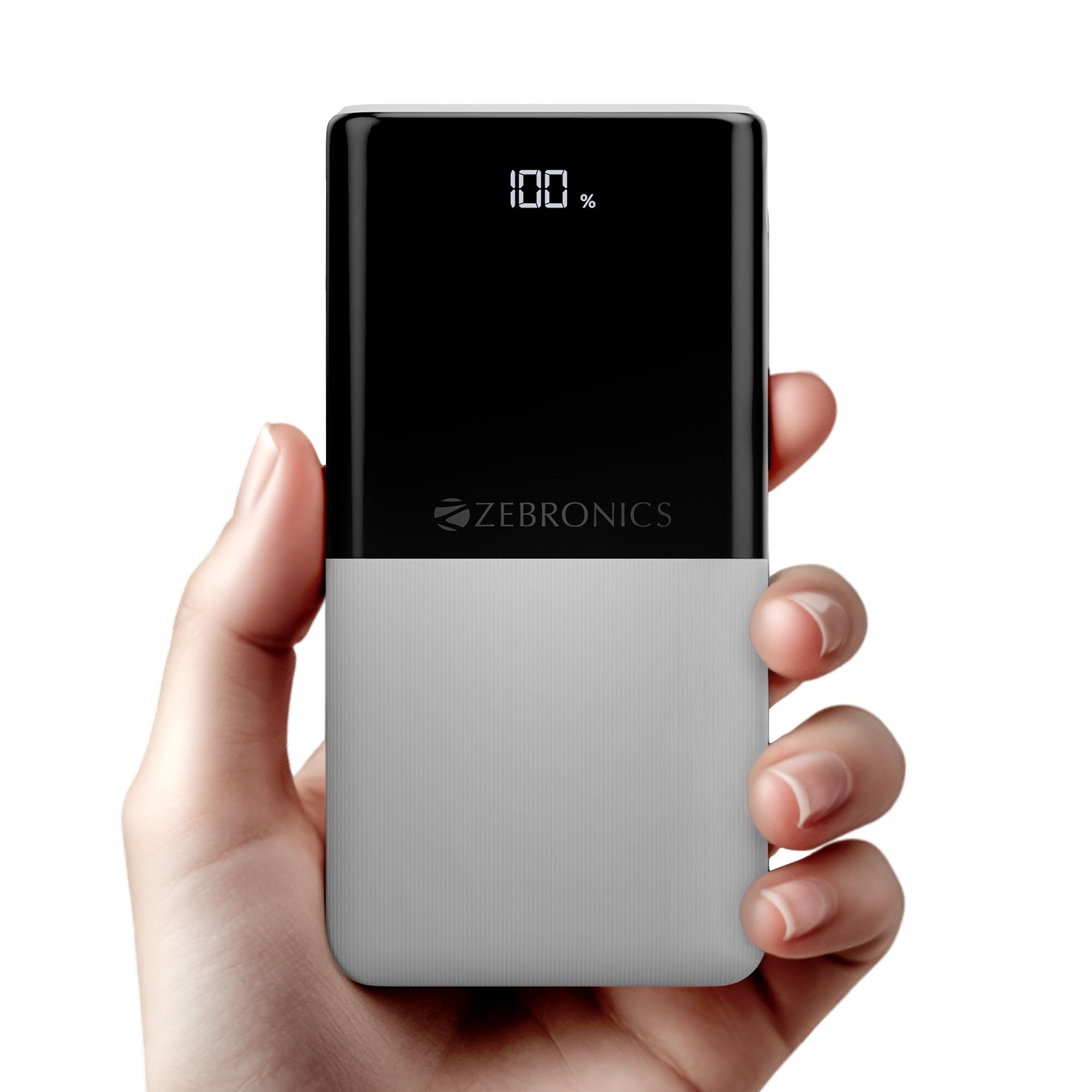
Image: The ZEBRONICS EnergiPod 10R1 Power Bank in white, highlighting its compact and modern design.
Kedu ihe dị na igbe:
- EnergiPod 10R1 Power Bank - 1 unit
- Eriri Nchaji - 1 unit
- Ntuziaka Koodu QR - otu nkeji
2. Ozi nchekwa
To prevent damage to the power bank or injury to yourself and others, please observe the following safety precautions:
- Ewepụla ụlọ akụ ọkụ ọkụ na oke okpomọkụ (karịa 45°C ma ọ bụ n'okpuru 0°C).
- Avoid dropping, disassembling, or attempting to repair the device yourself.
- Debe ụlọ akụ ọkụ ka ọ ghara ịdị na mmiri, mmiri, na ihe ndị na-ere ọkụ.
- Jiri naanị eriri nchaji na nkwụnye ọkụ gbaara agbamu.
- Do not use the power bank if it is damaged or swollen.
- Debe ebe ụmụaka na-apụghị iru.
3. Akụrụngwa Ngwaahịa
-
Ike 10000mAh: Na-enye ample power for multiple charges of smartphones and other devices.

Image: The power bank showing its 10000mAh capacity and 22.5W fast charging output.
- 22.5W Super Fast Charging (PD 3.0 PPS): Supports rapid charging for compatible devices.
-
Dual Type-C & USB Port: Equipped with multiple output options for versatile charging.

Foto: Zuru ezu view of the power bank's ports, including Type-C PD 3.0 (Input/Output), USB Output, and Type-C Input.
-
Pasent LEDtage egosi: Digital display shows the remaining battery percentage na ọkwa nchaji.

Image: The power bank's LED display showing 100% charge, along with its physical dimensions.
-
Nchedo nchekwa: Built-in safeguards against overcharge, overload, and short-circuit.

Image: The power bank depicted with a protective shield, illustrating its short circuit, overcharge, and overload protection features.
- Metal Outlook: Sleek and compact design with a patterned finish for enhanced grip.
4. Nhazi
Nchaji Mbụ nke Ụlọ Nchekwa Ike:
- Connect the provided USB Type-C charging cable to the Type-C1 input port on the power bank.
- Connect the other end of the cable to a compatible USB wall adapter (not included) or a computer's USB port.
- Ngosipụta LED ga-egosi pasentị nchajitage. Allow the power bank to charge until it reaches 100% for optimal initial use.
It is recommended to fully charge the power bank before its first use.
5. Ntuziaka ọrụ
Ịchaji ngwaọrụ mpụga:
- Connect your device's charging cable to one of the power bank's output ports (Type-C1 or USB-A).
- Connect the other end of the cable to your smartphone, tablet, or other compatible device.
- Ụlọ akụ ike ga-amalite ịchaji ngwaọrụ gị ozugbo. Ngosipụta LED ga-egosi ụgwọ fọdụrụ na ụlọ akụ ike.
- Disconnect your device once it is fully charged or when you wish to stop charging.
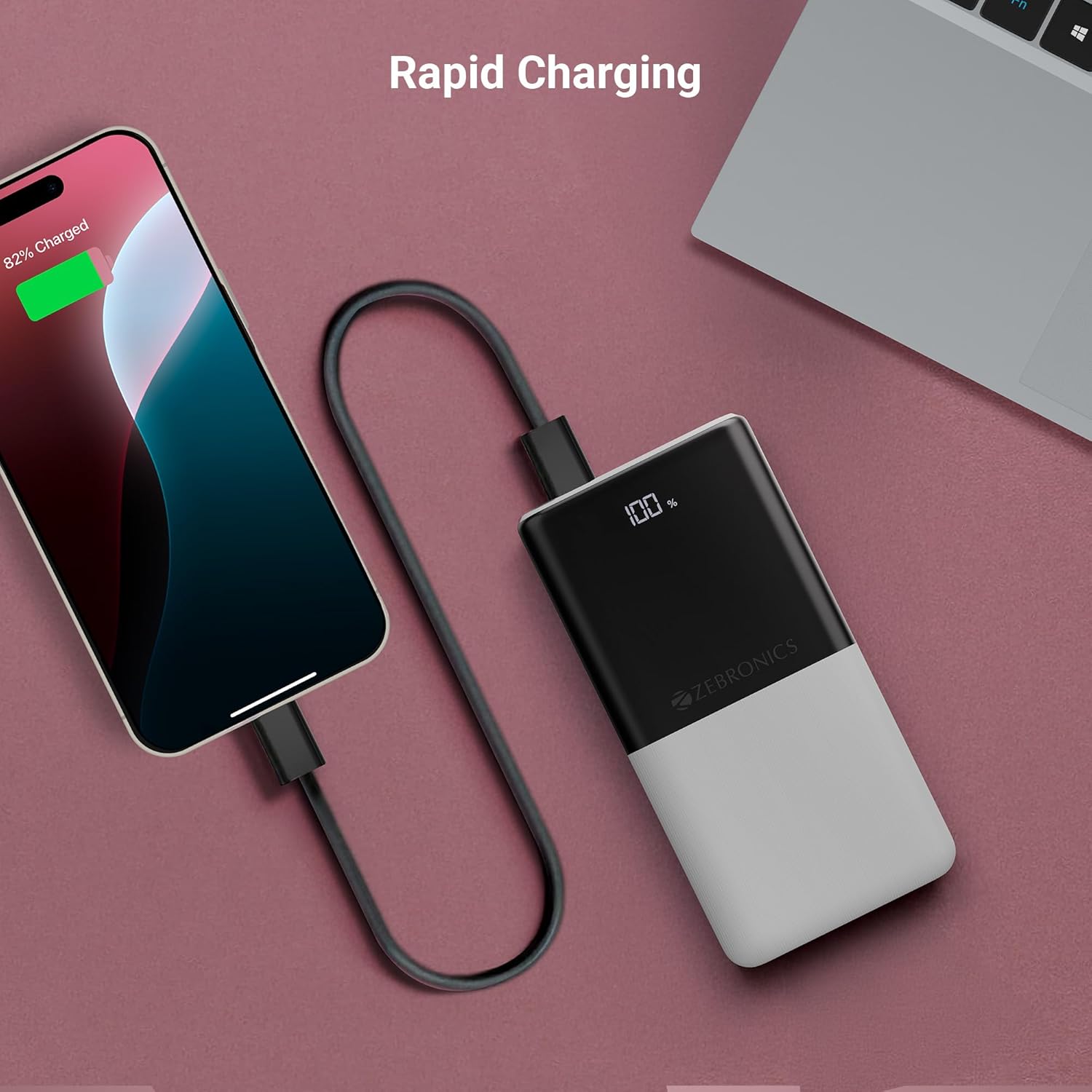
Image: The power bank actively charging a smartphone, demonstrating its rapid charging capability.
Ịchaji Power Bank:
Refer to the "Initial Charging of the Power Bank" section (Section 4) for instructions on how to recharge your power bank.
6. Nlekọta
- Nhicha: Jiri akwa dị nro dị nro hichaa elu ụlọ akụ ike. Ejila ihe na-ehicha mmiri mmiri ma ọ bụ ihe abrasive.
- Nchekwa: Chekwaa ụlọ akụ ọkụ ahụ n'ebe dị jụụ, kpọrọ nkụ na-adịghị na ìhè anyanwụ kpọmkwem na oke okpomọkụ.
- Nlekọta batrị: Maka ahụike batrị kacha mma, chajie ya nke ọma ma wepụ ego n'ime ụlọ akụ ike ahụ ma ọ dịkarịa ala otu ugboro n'ime ọnwa atọ ọ bụrụ na ọ naghị arụ ọrụ mgbe niile.
7. Nchọpụta nsogbu
Okwu na azịza ndị nkịtị:
-
Ụlọ akụ Power anaghị akwụ ụgwọ:
- Hụ na eriri chaja ahụ jikọtara nke ọma na ma ụlọ akụ ike ma ebe ọkụ eletrik si apụta.
- Nwaa eriri chaja ma ọ bụ ihe nkwụnye mgbidi dị iche.
- Nyochaa na isi iyi ike na-arụ ọrụ.
-
Ngwaọrụ anaghị akwụ ụgwọ site na ụlọ akụ ọkụ:
- Check if the power bank has sufficient charge (refer to the LED display).
- Ensure your device's charging cable is properly connected to both the power bank and your device.
- Nwaa eriri chaja dị iche ma ọ bụ ọdụ mmepụta dị iche na bank ike.
- Jide n'aka na ngwaọrụ gị dakọtara na nkọwapụta mmepụta nke ụlọ akụ ike.

Image: The power bank demonstrating its compatibility by charging both a tablet and a smartphone simultaneously.
-
LED Display Not Working or Inconsistent:
- Gbaa mbọ hụ na akwụgoro ụlọ akụ ọkụ nke ọma.
- If the issue persists after charging, contact customer support.
8. Nkọwapụta
| Ụdị | ZEBRONIKA |
| Aha Nlereanya | EnergiPod 10R1 |
| Nọmba Nlereanya ihe | ZEB-PB 12 |
| Ike batrị | 10000 mAh |
| Ike mmepụta | 22.5W (Max) |
| Type-C1 Port Output | DC 5V/3A, 9V/2.22A, 12V/1.67A, 3.3~11V/2A (PPS) |
| USB-A mmepụta | DC 5V/3A, 9V/2A, 12V/1.85A |
| Type-C1 Input Port | DC 5V/3A, 9V/2A, 12V/1.5A |
| Type-C2 Input Port | DC 5V/2.4A |
| Ụdị njikọ | USB Ụdị C |
| Eji akwadoro | Phone, Tablet |
| Ibu Ibu | 230 g |
| Akụkụ ngwugwu | 16.8 x 9.9 x 2.4 cm |
| Mba onye si | India |
9. Akwụkwọ ikike na nkwado
Ozi akwụkwọ ikike:
The ZEBRONICS EnergiPod 10R1 Power Bank comes with a standard manufacturer's warranty. Please refer to the QR Code Guide included in the box or visit the official ZEBRONICS websaịtị maka nkọwa na usoro akwụkwọ ikike.
Nkwado ndị ahịa:
If you encounter any issues or have questions regarding your power bank, please contact ZEBRONICS customer support. Contact details can typically be found on the official ZEBRONICS websaịtị ma ọ bụ na nkwakọ ngwaahịa.
For online support, you may visit the Ụlọ Ahịa ZEBRONICS na Amazon.


