1. Okwu mmalite
Thank you for choosing the Biyoso X61 5.4 Bluetooth Earbuds. This manual provides essential information for setting up, operating, and maintaining your new wireless earphones. Please read it carefully to ensure optimal performance and longevity of your device.
Kedu ihe dị na igbe:
- 1 pair of Biyoso X61 Earbuds
- 1 USB-C Nchaji
- 1 USB-C eriri USB
- 1 Akwụkwọ ntuziaka onye ọrụ
2. Ngwaahịa gafereview
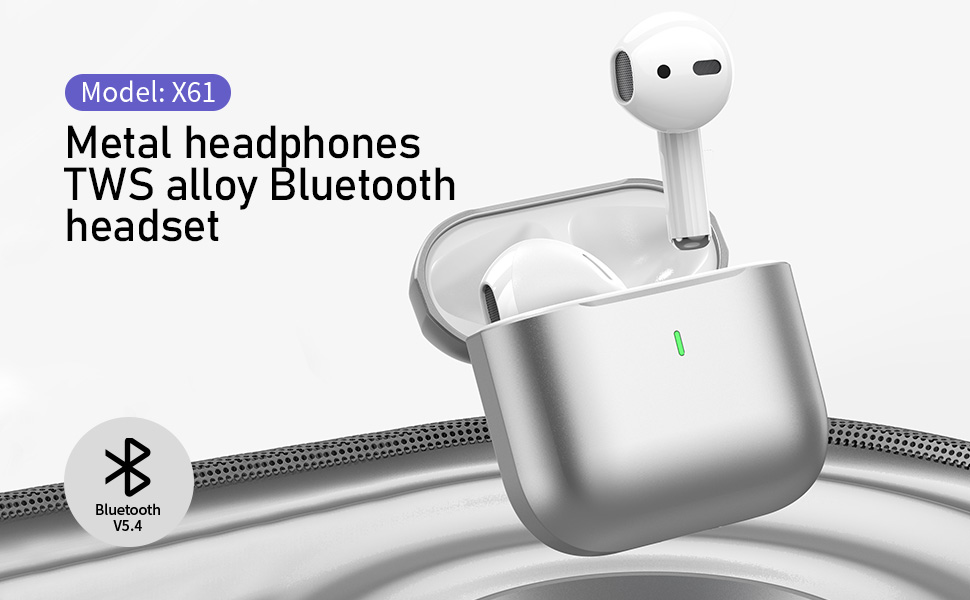
The Biyoso X61 earbuds feature Bluetooth 5.4 technology for stable connectivity and HiFi stereo sound. They are designed for comfortable semi-in-ear wear and offer intuitive touch controls for managing audio and calls.
Akụkụ ndị bụ isi:
- TWS Bluetooth 5.4: Ensures stable, fast transmission with minimal signal loss.
- Ogologo ndụ batrị: Up to 4.5 hours of listening time per charge, with the charging case providing up to 20 hours total.
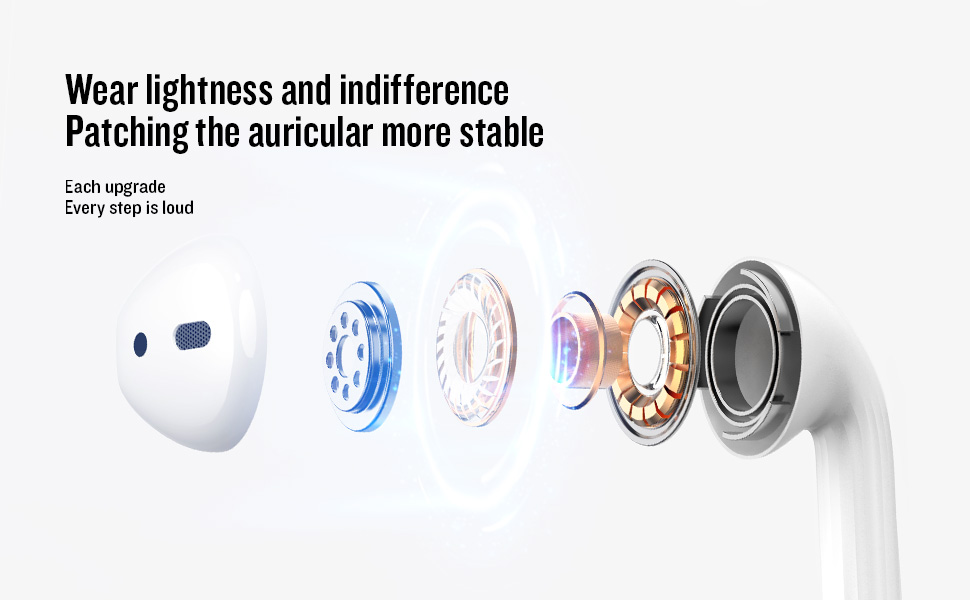
- Semi-In-Ear Design: Offers comfortable wear and non-destructive high-definition sound.
- IPX5 Mgbochi mmiri: Protects against dust, sweat, and water splashes.
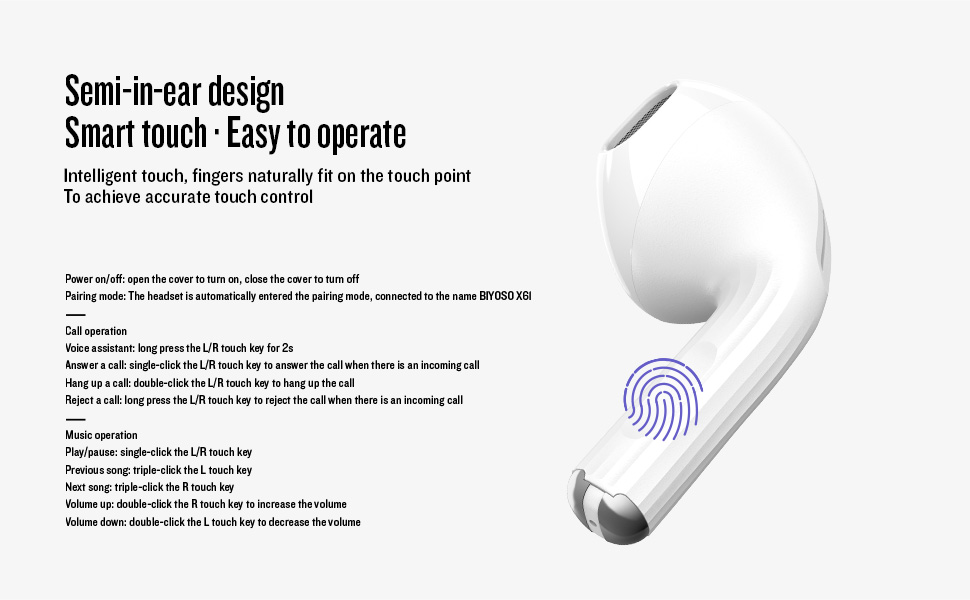
- Njikwa mmetụ aka: Manage playback, volume, and calls directly from the earbuds.
3. Nhazi
3.1 Ịchaji ntị na akpa
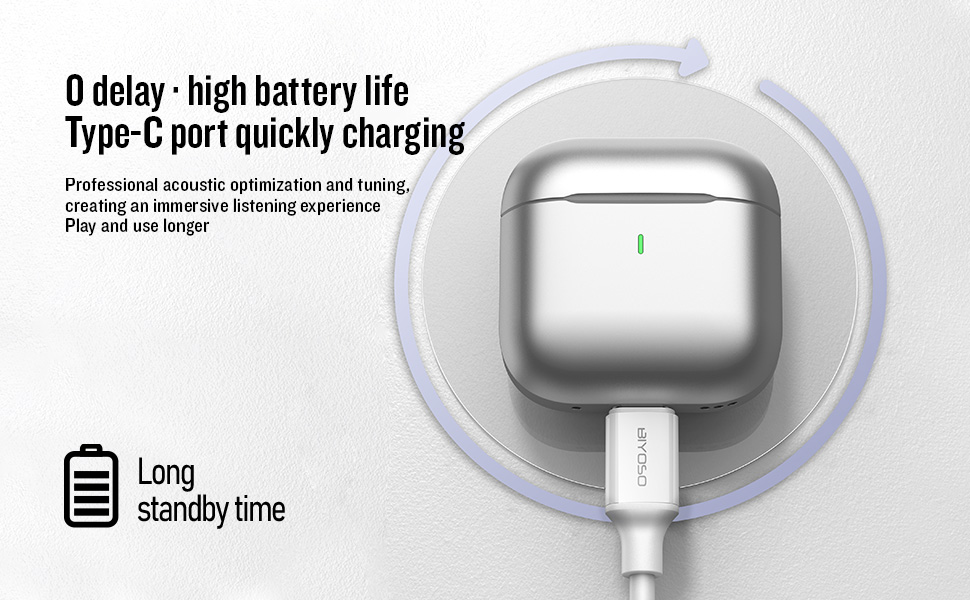
Before first use, fully charge the earbuds and the charging case. Connect the provided USB-C cable to the charging port on the case and a power source. The charging case battery full time is approximately 1.2 hours.
3.2 Jikọọ na ngwaọrụ gị
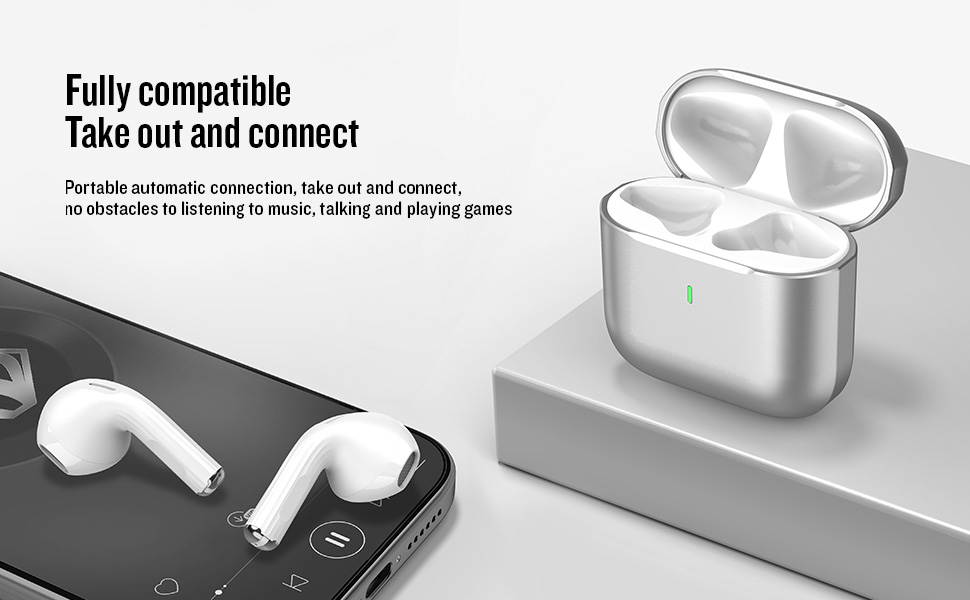
- Gbanyụọ/ Gbanyụọ: Open the charging case cover to automatically power on the earbuds. Close the cover to power them off.
- Mmakọ Mmakọ: The earbuds will automatically enter pairing mode when the case is opened.
- Jikọọ: On your device, enable Bluetooth and search for "BIYOSO X61" in the list of available devices. Select it to connect.
- Njikọta akpaaka: Once paired, the earbuds will automatically connect to your device when removed from the charging case.
3.3 Product Introduction Video
Watch this official product introduction video for a visual guide to the Biyoso X61 Earbuds.
Video 3.1: Official Biyoso X61 Earbuds Product Introduction. This video provides an overview of the earbuds' features and basic usage.
4. Ntuziaka ọrụ
4.1 Njikwa mmetụ
The Biyoso X61 earbuds feature intuitive touch controls on the stem for easy management of audio and calls.
Call Operation:
- Enyemaka Olu: Long press the L/R touch key for 2 seconds.
- Zaa oku: Single-click the L/R touch key.
- Kpoo oku: Double-click the L/R touch key.
- Jụ oku: Long press the L/R touch key.
Ọrụ egwu:
- Gwuo/kwụsịtụ: Single-click the L/R touch key.
- Abụ gara aga: Triple-click the L touch key.
- Abụ na-esote: Triple-click the R touch key.
- Olu elu: Double-click the R touch key.
- Olu ala: Double-click the L touch key.
- Ịgbanwe Ụdị Ntị: Hold the stem.
4.2 Yiri ekwe ntị
Gently insert the earbuds into your ears. The semi-in-ear design provides a comfortable and secure fit for various activities.
5. Nlekọta
5.1 Nhicha
Regularly clean your earbuds and charging case to ensure optimal performance and hygiene. Use a soft, dry, lint-free cloth. Do not use abrasive materials or harsh chemicals.
5.2 Nchekwa
When not in use, store the earbuds in their charging case to protect them from dust and damage. Keep the case in a cool, dry place away from extreme temperatures.
5.3 Mmiri Nguzogide
The Biyoso X61 earbuds and charging case are IPX5 rated, meaning they are resistant to dust, sweat, and water splashes. They are not designed for submersion in water. Avoid exposing them to heavy rain or showering with them.
6. Nchọpụta nsogbu
If you encounter any issues with your Biyoso X61 earbuds, please refer to the following common solutions:
- Enweghị ogo ụda/adịghị mma:
- Gbaa mbọ hụ na ekwe ntị na-anọdụ ala nke ọma na ntị gị.
- Lelee ọkwa olu na ma ngwaọrụ gị yana ntị ntị.
- Gbaa mbọ hụ na ejirila chaja ntị nke ọma.
- Jikọọkwa ntị ntị na ngwaọrụ gị.
- Igwe ntị anaghị ejikọta:
- Gbaa mbọ hụ na agbanyere Bluetooth na ngwaọrụ gị.
- Ensure earbuds are removed from the charging case.
- Gbanyụọ Bluetooth na ngwaọrụ ndị ọzọ dị nso iji zere nsogbu.
- Try resetting the earbuds (refer to the full user manual for specific reset instructions if needed).
- Okwu ịchaji:
- Nyochaa na ejikọrọ eriri USB-C nke ọma na ma ikpe ahụ yana isi iyi ike.
- Hụ na kọntaktị chaja dị na ntị ntị na n'ime akpa ahụ dị ọcha ma kpọọ nkụ.
- Gbalịa eriri USB-C dị iche ma ọ bụ ihe nkwụnye ọkụ.
Ọ bụrụ na nsogbu ahụ ka dị, biko kpọtụrụ nkwado ndị ahịa.
7. Nkọwapụta
| Njirimara | Nkọwapụta |
|---|---|
| Aha Nlereanya | X61 |
| Ụdị | Biyoso |
| Teknụzụ Njikọta | Ikuku (Bluetooth 5.4) |
| Teknụzụ nzikọrịta ozi ikuku | Bluetooth |
| Oke Bluetooth | 10 mita |
| Ntinye ntị | Na Ntị |
| Ụdị Ihe | Na Ntị |
| Njikwa mkpọtụ | Nkagbu mkpọtụ mkpọtụ |
| Nzaghachi ugboro ugboro | 20 kHz |
| Mmetụta | 90 dB |
| Mgbochi | 32 ohms |
| Nha ọkwọ ụgbọ ala ọdịyo | 8 millimeters |
| Usoro njikwa | Metụ aka |
| Ndụ batrị (Earbuds) | Ruo awa 4.5 (olu 80%) |
| Total Listening Time (with case) | Ruo awa iri abụọ |
| Charging Case Battery Full Time | awa 1.2 |
| Ọkwa Nguzogide mmiri | IPX5 |
| Ibu Ibu | 0.15 ounces |
| Ihe onwunwe | Ọla, plastik |
8. Akwụkwọ ikike na nkwado
8.1 Ozi akwụkwọ ikike
Biyoso products are covered by a limited warranty against defects in materials and workmanship. Please refer to the warranty card included in your product packaging for specific terms and conditions. Keep your proof of purchase for warranty claims.
8.2 Nkwado ndị ahịa
For technical assistance, troubleshooting, or warranty inquiries, please contact Biyoso customer support. Contact details can be found on the official Biyoso websaịtị ma ọ bụ na kaadị akwụkwọ ikike.


