1. Okwu mmalite
Welcome to the ACwO Dwots 111 Wireless Earbuds user manual. These earbuds are designed to provide a superior audio experience with advanced features like 10mm Spatial Drivers, Noise Cancellation Mics, and dedicated audio modes. Please read this manual carefully to ensure proper use and maintenance of your device.

Image: ACwO Dwots 111 Crimson Red earbuds in their charging case, showcasing imewe mara mma.
2. Kedu ihe dị na Igbe ahụ
Your ACwO Dwots 111 package includes the following items:
- ACwO Dwots 111 Wireless Earbuds (Left and Right)
- Nchaji case
- Igwe nchaji USB
- Akwụkwọ ntuziaka onye ọrụ
- Akwụkwọ ikike kaadị
- Eartips (nha dị iche iche)
3. Ngwaahịa gafereview
The ACwO Dwots 111 earbuds feature a compact and ergonomic design for comfortable wear. The charging case provides extended battery life and protects your earbuds when not in use.

Image: The ACwO Dwots 111 earbuds resting in their open charging case, highlighting the internal design and charging contacts.
Akụkụ ndị bụ isi:
- Spatial Audio Drivers: For an immersive sound experience.
- Ndụ Batrị ruo awa 75: Extended playtime with the charging case.
- Dedicated Cinematic & Bass Mode: Optimize audio for movies or deep bass.
- 4 Noise Cancellation Mics: Ensures clear calls even in noisy environments.
- Bluetooth V5.4: For stable and efficient wireless connectivity.
- IPX5 Mgbochi mmiri: Protection against sweat and light splashes.

Image: Visual representation of key features including Spatial Audio, 75-hour battery life, Cinematic & Bass Modes, and 4 Noise Cancellation Mics.
4. Nhazi
4.1 Ịchaji ntị na akpa
Tupu ojiji nke mbụ, chajie nke ọma ekwe ntị na akpa nchaji.
- Jikọọ eriri chaja USB na ọdụ chaja dị na akpa ahụ na isi iyi ike.
- Ihe ngosi LED na ikpe ahụ ga-egosi ọkwa nchaji.
- Once fully charged, the indicators will change or turn off.
Ụgwọ zuru ezu na-enye ihe ruru awa 75 nke ngụkọta oge egwuregwu na ikpe nchaji.
4.2 Jikọọ na ngwaọrụ gị
The ACwO Dwots 111 earbuds feature Instant Auto Connect for quick pairing.
- Mepee igbe nchaji. Igwe ntị ga-abanye na ọnọdụ njikọta na-akpaghị aka.
- Na ngwaọrụ gị (smartphone, mbadamba, laptọọpụ), gbanye Bluetooth.
- Chọọ maka available Bluetooth devices and select "ACwO DWOTS 111" from the list.
- Ozugbo ejikọtara, ị ga-anụ olu nkwenye.
The earbuds support Bluetooth V5.4 for stable and low-energy connections up to 10 meters.
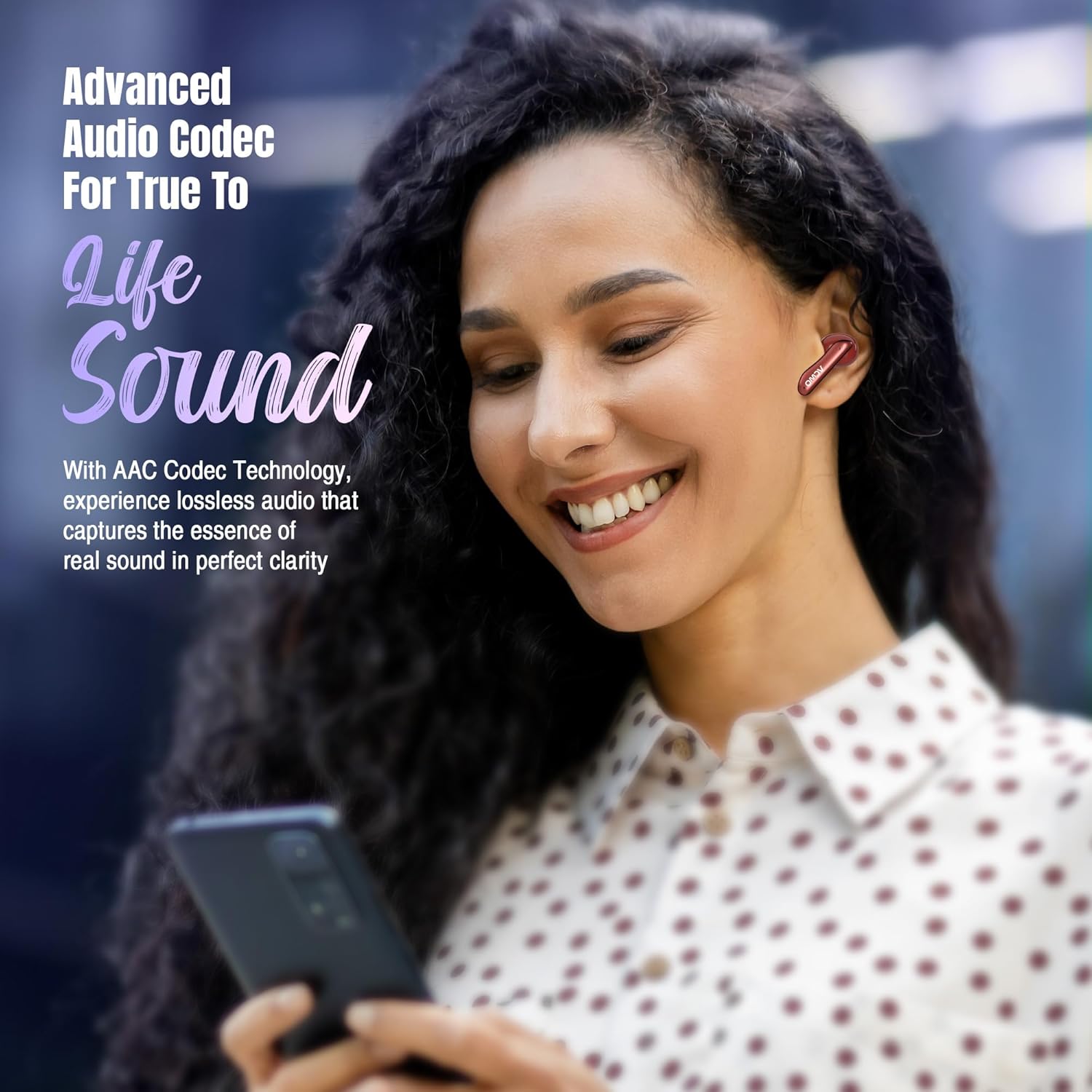
Image: A smartphone displaying a successful Bluetooth connection to the ACwO Dwots 111, illustrating the ease of pairing with Bluetooth v5.4.
4.3 Yiri ekwe ntị
Maka ụda dị mma na nkasi obi, hụ na ọ dabara nke ọma.
- Họrọ eartips kacha dabara na ntị gị.
- Gently insert each earbud into your ear canal and twist slightly to secure.
- The earbuds are designed to be sleek, light, and comfortable for all-day wear.

Image: A hand gently holding the ACwO Dwots 111 earbuds and their case, illustrating their sleek, light, and comfortable design for extended wear.
5. Ntuziaka ọrụ
The ACwO Dwots 111 earbuds feature intuitive touch controls for various functions.
5.1 Njikwa mmetụ
| Omume | Ọrụ |
|---|---|
| Otu mgbata | Kpọọ/Kwụsị Egwu, Zaa/Kwụsị Oku |
| Pịa ugboro abụọ (mkpọ ntị aka ekpe) | Egwu gara aga |
| Pịa ugboro abụọ (mbọchị ntị aka nri) | Track na-esote |
| Pịa ugboro atọ | Activate Voice Assistant (Google Assistant/Siri) |
| Pịa ogologo (2 sekọnd) | Switch between Cinematic Mode and Bass Mode |
| Long Press (Earbud) during call | Jụ oku |
5.2 Ụdị ọdịyo
Enhance your listening experience with dedicated audio modes:
- Ụdị sinima: Provides a surround sound experience, bringing movies and games to life.
- Ụdị Bass: Delivers heart-thumping lows for a deep, dynamic audio experience.
To switch between modes, long press the multi-function touch area on either earbud for 2 seconds.

Image: An ACwO Dwots 111 earbud overlaid on a movie screen, visually representing the immersive experience of the Dedicated Cinematic Mode.

Image: A detailed illustration of the 10mm BasS Boom X Hi-Fi drivers alongside an ACwO Dwots 111 earbud, demonstrating the powerful audio delivery in Dedicated Bass Mode.
5.3 Njikwa oku
The Dwots 111 earbuds are equipped with 4 Noise Cancellation Mics, enhanced by AI-ENC and SONIC SHIELD technology, ensuring crystal-clear voice quality during calls.
- Oku azaa: Otu pịa ma ọ bụ ekwe ntị.
- Oku ngwụcha: Otu pịa ma ọ bụ ekwe ntị.
- Jụ oku: Pịa aka ntị nke ọ bụla n'ime ha ogologo oge.
5.4 Onye enyemaka olu
Access your device's voice assistant (Google Assistant or Siri) by triple tapping either earbud.

Image: A comprehensive collage highlighting various features such as charging indicators, IPX5 water and sweat resistance, compatibility with Google Assistant and Siri, low latency (50ms), iOS and Android compatibility, and instant auto-connect.
6. Nlekọta
6.1 Nhicha
- Jiri akwa dị nro, kpọrọ nkụ na-adịghị na-ehicha ntị ntị na chaja mgbe niile.
- Ejila kemịkalụ siri ike ma ọ bụ ihe abrasive.
- Hichaa kọntaktị chajị dị na ntị ma na nke dị n'ime ya iji hụ na chajị ya nke ọma.
6.2 Mmiri Nguzogide
The ACwO Dwots 111 earbuds are IPX5 water resistant, meaning they are protected against low-pressure water jets from any direction. This makes them suitable for workouts and light rain.
- Ejila nkpu ntị ntị n'ime mmiri.
- Ensure the earbuds are dry before placing them back in the charging case to prevent damage.
7. Nchọpụta nsogbu
If you encounter any issues with your ACwO Dwots 111 earbuds, please refer to the following common solutions:
| Nsogbu | Ngwọta enwere ike |
|---|---|
| Igwe ntị anaghị ejikọta ọnụ | Hụ na e nwere ọkụ eletrik na ntị gị. Gbanyụọ ma gbanye Bluetooth na ngwaọrụ gị. Chefuo ngwaọrụ ahụ na ntọala Bluetooth wee jikọta ya ọzọ. |
| Enweghị ụda sitere na otu ntị ntị | Place both earbuds back in the case, close, then reopen. Check earbud battery level. |
| Obere olu ma ọ bụ ogo ụda adịghị mma | Adjust volume on your device. Ensure eartips provide a good seal. Clean earbud mesh. |
| Okwu ịchaji | Ensure charging cable is securely connected. Clean charging contacts on earbuds and case. Try a different charging cable or power adapter. |
| Igwe ntị na-akwụsị ugboro ugboro | Ensure no obstacles between earbuds and device. Stay within 10 meters Bluetooth range. |
8. Nkọwapụta
| Njirimara | Nkọwa |
|---|---|
| Aha Nlereanya | DWOTS111 |
| Teknụzụ Njikọta | Ikuku (Bluetooth) |
| Ụdị Bluetooth | 5.4 |
| Oke Bluetooth | 10 mita |
| Nha ọkwọ ụgbọ ala ọdịyo | 10 Millimita |
| Ụdị ọkwọ ụgbọ ala ọdịyo | Ọkwọ ụgbọala dị ike |
| Oke ugboro ugboro | 20 Hz - 20,000 Hz |
| Mgbochi | 32 Ohm |
| Ndụ batrị | Ruo elekere 75 (ya na igbe nchaji) |
| Njikwa mkpọtụ | Passive Noise Cancellation (4 Noise Cancellation Mics for calls) |
| Ọkwa Nguzogide mmiri | IPX5 (mmiri na-eguzogide) |
| Ụdị njikwa | Njikwa aka, Njikwa olu |
| Ngwa dakọtara | Ekwentị, mbadamba, Laptọọpụ, Kọmputa |
| Ihe onwunwe | Plastic |
| Ibu Ibu | 35 grams |
| Akụkụ ngwaahịa | 3.8 x 5.3 x 1.8 cm |
9. Akwụkwọ ikike na nkwado
Your ACwO Dwots 111 earbuds come with a warranty. Please refer to the included Warranty Card for details on coverage and terms.
Nkwado ndị ahịa:
For any queries, technical assistance, or warranty claims, please contact ACwO customer support:
- Email: help@acwo.com
- Nọmba nkwado ndị ahịa: +91 9320420001
Onye nrụpụta: ACwO Lifestyle Pvt Ltd, Plot No. 58-60, 1st Floor, Apple Industrial Hub, Pelhar, Dist. Palghar, Maharashtra - 401208
Packer: ACWO LIFESTYLE PRIVATE LIMITED Borivali, Mumbai, Maharashtra - 400092, India


