1. Okwu mmalite
The Xigmatek Aqua V AIR is a high-performance mid-tower PC case designed for gaming enthusiasts. It features a spacious interior, optimized airflow, and tempered glass panels on the front and side to showcase your components. Equipped with seven 120mm ARGB fans, it supports graphics cards up to 410mm in length and is compatible with motherboards featuring hidden connectors for a clean build.
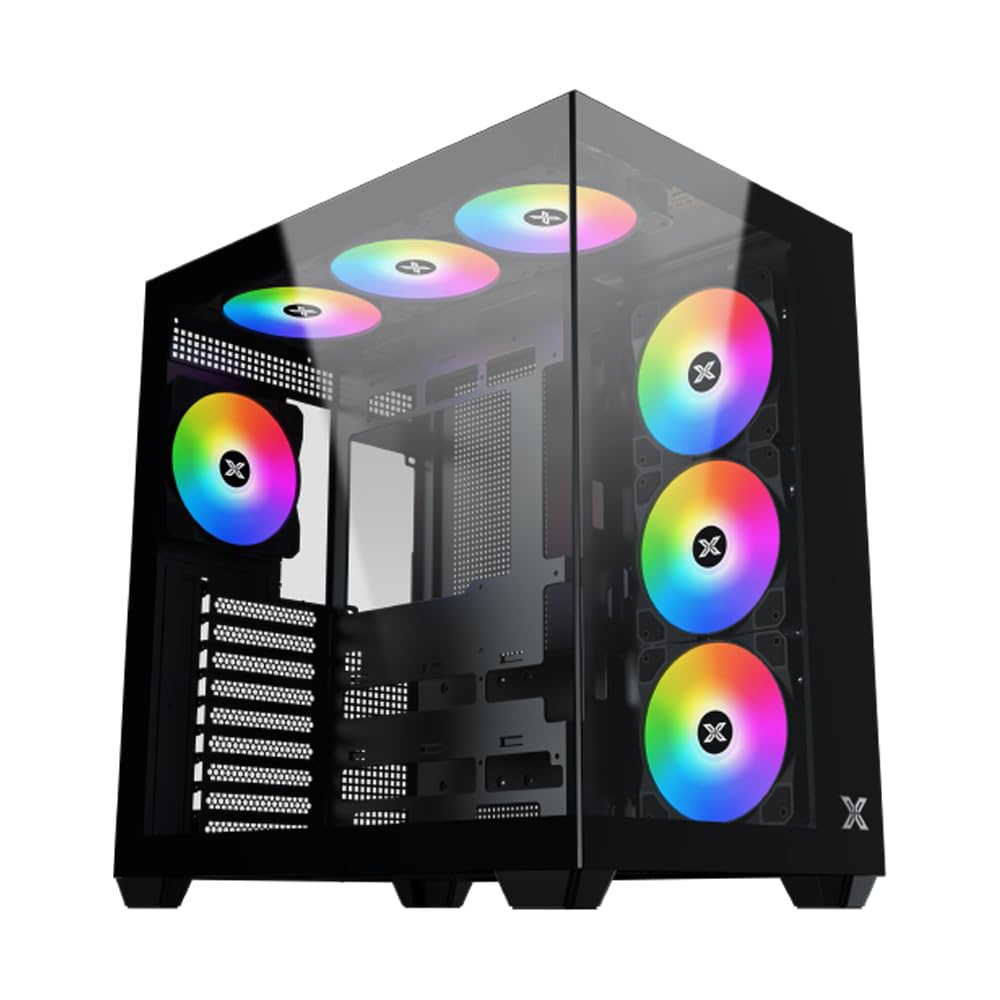
Ọgụgụ 1: N'ozuzu view of the Xigmatek Aqua V AIR PC Case.
2. Atụmatụ igodo
- Ihe: Constructed from high-quality steel for durability and reliability.
- Akụkụ: 427 x 285 x 455 mm (L x W x H), offering a spacious interior.
- Sistemu jụrụ oyi: Supports up to three 120mm or two 140mm fans for optimal cooling performance.
- Nkwado Radiator: Compatible with 240/280/360mm radiators on the top, bottom, and rear for versatile cooling options.
- Panel I/O: Features 2x USB 3.0 ports, 1x USB-C port, and HD audio for convenient connectivity.
- Ndakọrịta Motherboard: Supports ATX, Micro ATX, and Mini ITX motherboards, including those with hidden connectors.
- Ogologo GPU: Accommodates graphics cards up to 410mm in length.
- Nkwado Nchekwa: Na-enye ample space for multiple storage drives.
3. Nkọwapụta
| Njirimara | Nkọwa |
|---|---|
| Ụdị | Xigmatek |
| Nọmba nlereanya | EN45820 |
| Usoro | Aqua V AIR BLACK |
| Agba | Nwa |
| Akụkụ (L x W x H) | 42.7 x 28.5 x 45.5 cm |
| Ibu ngwaahịa | 8.8 kilogram |
| Ihe onwunwe | Alloy Steel, Igwe ọkụ |
| Ndakọrịta Motherboard | ATX, Micro ATX, Obere ITX |
| Ụdị ikpe | Ụlọ elu etiti |
| Eji akwadoro | Gaming, High-Performance Computing |
| USB 3.0 ọdụ ụgbọ mmiri | 2 |
| Ọdụ ụgbọ mmiri USB-C | 1 |
| Usoro jụrụ oyi | Water (Liquid Cooling Support) |
| Nha Fans | 120 Millimeters (Pre-installed ARGB fans) |
| Ụdị mgbago PSU | Ugwu ala |
4. Ntọala na nwụnye
This section provides general guidance for installing components into your Xigmatek Aqua V AIR PC case. Always refer to the specific manuals for your motherboard, power supply, and other components for detailed instructions.
4.1 Na-akwado ikpe ahụ
- Unpack the PC case and remove all packaging materials.
- Carefully remove the tempered glass side panel(s) and front panel (if applicable) to access the interior. Store them safely to prevent damage.
- Identify the accessory box, which typically contains screws, cable ties, and other small parts.
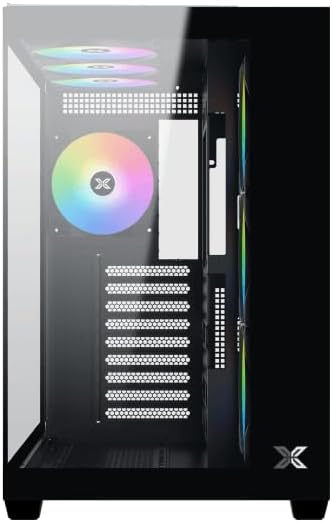
Ọgụgụ 2: Ime view ewepụrụ akụkụ akụkụ.
4.2 Nwụnye motherboard
- Install the I/O shield (if not pre-installed on your motherboard) into the rear opening of the case.
- Align your ATX, Micro ATX, or Mini ITX motherboard with the standoffs inside the case. Ensure all standoffs match the screw holes on your motherboard.
- Secure the motherboard with the appropriate screws provided in the accessory kit.

Figure 3: Motherboard tray and cable management area.
4.3 Ngwa na-enye ike (PSU) nwụnye
- Locate the PSU mounting area at the bottom rear of the case.
- Slide your PSU into position, ensuring the fan faces downwards (if the case has a bottom vent) or upwards.
- Chekwaa PSU site na skru site n'azụ ikpe ahụ.
4.4 Ntinye draịva nchekwa
The case supports various storage configurations. Refer to the case diagram for specific drive bay locations.
- Install 2.5" SSDs or 3.5" HDDs into the designated drive bays or mounting brackets.
- Secure the drives with screws.
4.5 Kaadị eserese (GPU) nwụnye
- Wepu ihe mkpuchi oghere PCIe dị mkpa n'azụ ikpe ahụ.
- Tinye kaadị eserese gị n'ime oghere PCIe kwesịrị ekwesị na motherboard.
- Chekwaa kaadị eserese ahụ na skru.
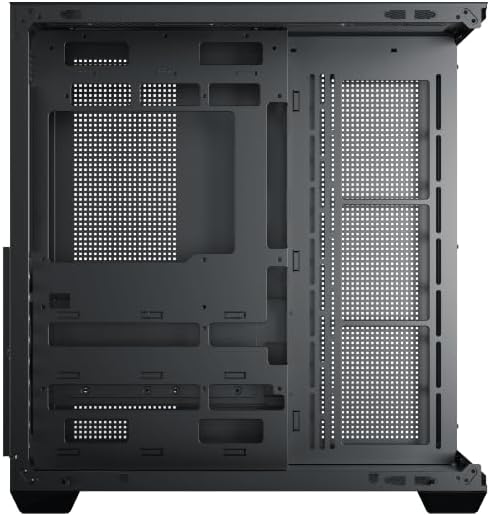
Figure 4: Components installed inside the case.
4.6 Njikwa eriri
Utilize the cable routing cutouts and tie-down points behind the motherboard tray to manage cables for improved airflow and aesthetics.
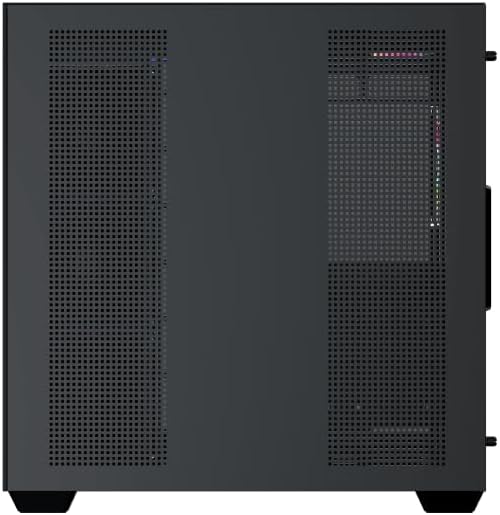
Figure 5: Top panel and I/O ports.
5. Ntuziaka ọrụ
5.1 Na-agbanye ike
Once all components are securely installed and connected, close the side panels. Connect your power cable to the PSU and press the power button on the case's front I/O panel.
5.2 ARGB njikwa fan
The Xigmatek Aqua V AIR comes with pre-installed ARGB fans. These fans can typically be controlled via:
- Ngwa ngwa motherboard: If your motherboard supports ARGB synchronization, connect the fan's ARGB cables to the motherboard's 3-pin 5V ARGB header and use the motherboard's software (e.g., ASUS Aura Sync, MSI Mystic Light, Gigabyte RGB Fusion) to customize lighting effects.
- Onye njikwa agbakwunyere: If your case includes a built-in ARGB controller, use the dedicated button on the I/O panel to cycle through various lighting modes and colors.
6. Nlekọta
Ndozi mgbe niile na-enyere aka hụ na arụmọrụ kacha mma yana ogologo ndụ nke akụrụngwa PC gị.
6.1 Nhicha uzuzu uzuzu
The Xigmatek Aqua V AIR case is equipped with dust filters to prevent dust buildup. Locate and gently remove the dust filters (typically on the top, front, and bottom). Clean them with compressed air or by rinsing with water. Ensure they are completely dry before reattaching.
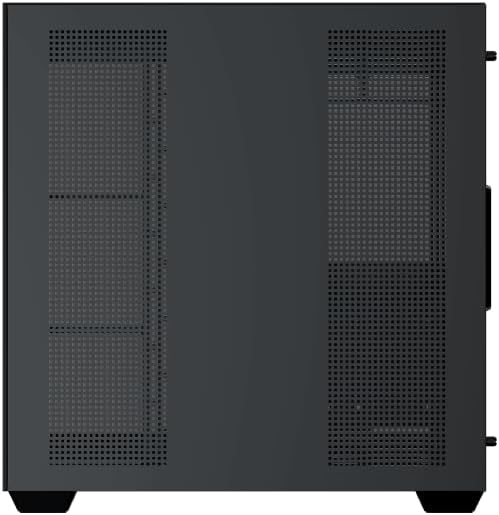
Figure 6: Bottom dust filter.
6.2 Nhicha izugbe
Use a soft, dry cloth to wipe down the exterior of the case. For tempered glass panels, use a glass cleaner and a microfiber cloth to avoid streaks. Avoid using abrasive cleaners or solvents.
7. Nchọpụta nsogbu
Ọ bụrụ na ị na-enwe nsogbu, tụlee usoro nchọpụta nsogbu ndị a na-emekarị:
- Enweghị ike:
- Ensure the PSU is switched on and properly connected to the wall outlet and motherboard.
- Check all power connections to components (motherboard, CPU, GPU, drives).
- Verify the front panel power switch cable is correctly connected to the motherboard.
- Ndị Fans anaghị agba ọsọ / RGB anaghị arụ ọrụ:
- Lelee ma ejikọrọ eriri igwe fan na motherboard ma ọ bụ njikwa fan.
- Ensure ARGB cables are connected to the correct 3-pin 5V ARGB header (not 4-pin 12V RGB).
- If using a controller, ensure it has power and is functioning correctly.
- ekpo oke ọkụ:
- Ensure all fans are spinning and oriented correctly for optimal airflow (intake/exhaust).
- Hichaa ihe nzacha uzuzu na ihe ndị dị n'ime.
- Nyochaa ngwa nju oyi CPU na igwe nju oyi GPU nọ ọdụ nke ọma ma na-arụ ọrụ.
8. Akwụkwọ ikike na nkwado
The Xigmatek Aqua V AIR PC Case comes with a Akwụkwọ ikike onye nrụpụta afọ 2. For technical support, warranty claims, or further assistance, please contact Xigmatek customer service or visit their official websaịtị.
Biko dowe ihe akaebe nke ịzụrụ ihe maka ebumnuche ikike.


