1. Okwu mmalite
This manual provides detailed instructions for the Varmilo Sword68 Sakura 65% Hotswap Wireless RGB Mechanical Keyboard. Please read this manual thoroughly before using the product to ensure proper operation and to maximize its lifespan. This keyboard features a full 6063 aluminum CNC case, multiple connectivity options, hot-swappable switches, and customizable RGB lighting.
2. Ozi nchekwa
- Debe ahụigodo ahụ ka ọ ghara ịbanye na mmiri mmiri na oke mmiri iji gbochie mmebi.
- Zere ikpughe ahụigodo na oke okpomọkụ.
- Anwala ịkwasa ma ọ bụ gbanwee ahụigodo, n'ihi na nke a nwere ike mebie akwụkwọ ikike ma bute mmebi.
- Jiri naanị eriri USB-C enyere maka ịchaji na njikọ wired.
- Debe ebe ụmụaka na-apụghị iru.
3. Ihe ngwugwu
Chọpụta na ihe niile dị na ngwugwu:
- Varmilo Sword68 Mechanical Keyboard
- USB-C USB
- Ọkpụkpọ igodo (nwere ike ịgụnye)
- Ihe ndọpụta mgbanwe (nwere ike itinye ya)
4. Nhazi
4.1 Nchaji izizi
Before first use, connect the keyboard to a USB power source using the provided USB-C cable. The keyboard features a 4000mAh rechargeable battery. A full charge is recommended for optimal wireless performance.
4.2 Nhọrọ Njikọta
The Varmilo Sword68 supports three connection modes:
- Wired (USB-C): Connect the keyboard directly to your computer using the USB-C cable. The keyboard will automatically switch to wired mode.
- Bluetooth Bluetooth:
- Turn on the keyboard and switch to Bluetooth mode (refer to the keyboard's function keys for mode switching).
- On your device (PC, laptop, smartphone, tablet), enable Bluetooth and search for new devices.
- Select 'Varmilo Sword68' from the list of available devices to pair.
- 2.4 GHz Wireless:
- Insert the 2.4 GHz USB receiver into an available USB port on your computer.
- Switch the keyboard to 2.4 GHz wireless mode (refer to the keyboard's function keys for mode switching). The keyboard should automatically connect to the receiver.
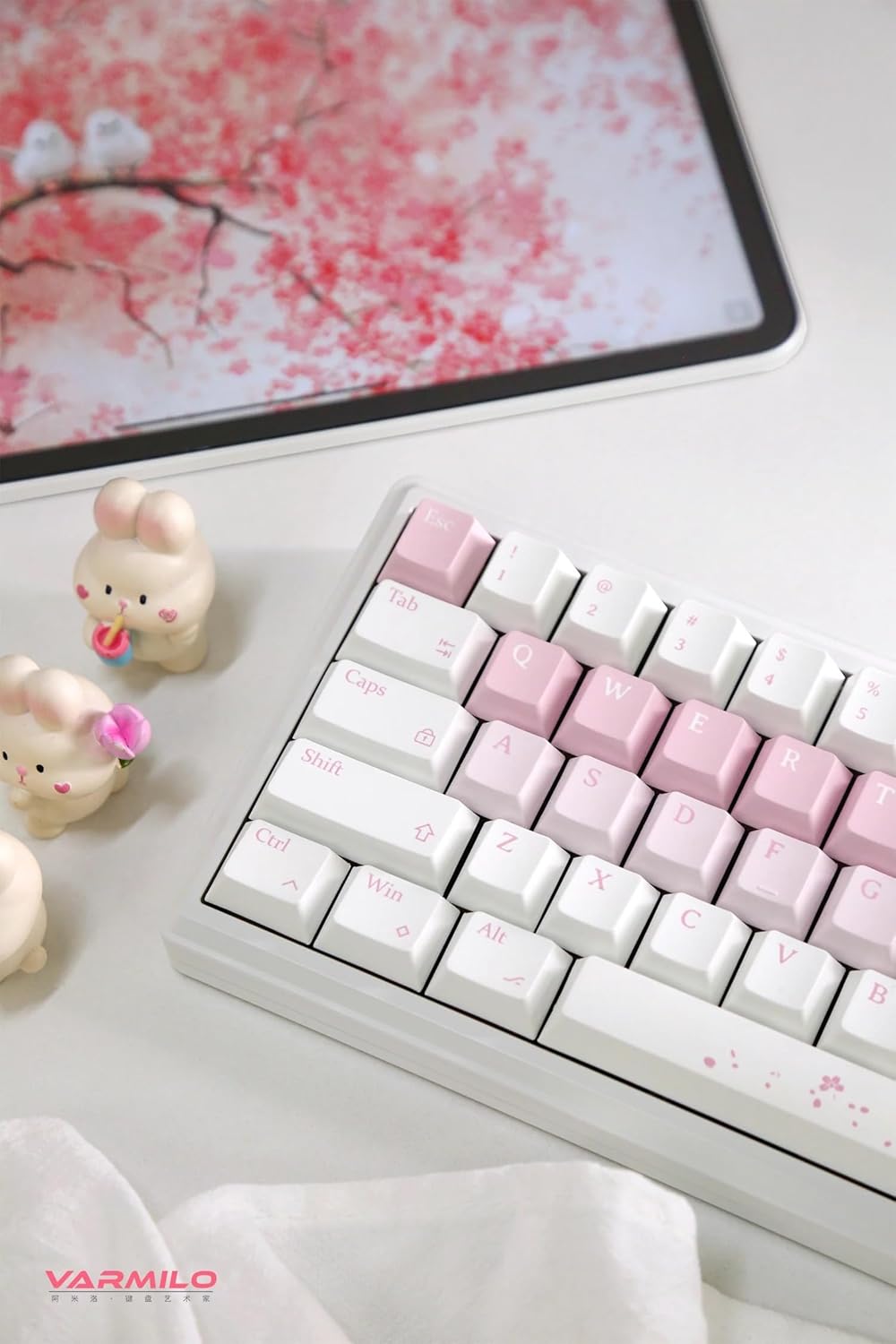
Image: The Varmilo Sword68 keyboard set up on a desk, demonstrating its compact size and aesthetic design alongside a tablet.
5. .rụ ọrụ
5.1 Ọrụ ahụigodo bụ isi
The Varmilo Sword68 functions as a standard 65% mechanical keyboard. All keys perform their labeled functions. For secondary functions (accessed via the Fn key), refer to the keycap legends or the custom software.

Foto: nkọwa zuru ezu view of the Varmilo Sword68 keyboard's right side, highlighting the white and pink keycaps and the Sakura-themed spacebar and escape key.
5.2 Ntughari RGB
The keyboard features RGB backlighting. Lighting effects and colors can be customized using the dedicated software. Refer to the software's instructions for detailed customization options.
5.3 Custom Layout Control
The Varmilo Sword68 supports custom layout control through its software. This allows users to remap keys, create macros, and personalize the keyboard's functionality to suit their workflow or gaming preferences.
5.4 Mgbanwe ọkụ-Swappable
The PCB is hot-swappable, allowing users to change mechanical switches without soldering. This feature supports both plate mount and PCB mount stabilizers. To replace a switch:
- Jiri nwayọ wepụ okpu igodo ahụ site na iji ihe ndọpụta okpu igodo ahụ.
- Use a switch puller to carefully extract the switch from the PCB.
- Align the pins of the new switch with the holes on the PCB and press firmly until it clicks into place. Ensure pins are not bent.

Foto: A nso nso view of the Varmilo Sword68 keyboard, showcasing the arrangement of its white and pink keycaps and the decorative spacebar.
6. Nlekọta
6.1 Ihicha ahụigodo
Iji nọgide na-enwe ọdịdị na ọrụ nke keyboard ahụ:
- Kwụpụ kiiboodu site na isi mmalite ike niile tupu ihicha.
- Jiri akwa dị nro na-enweghị ntụpọ dampened with water or a mild cleaning solution to wipe the keycaps and case.
- Maka uzuzu na ihe mkpofu dị n'etiti ihe mkpuchi igodo, jiri ikuku a kpọchiri akpọchi ma ọ bụ obere ahịhịa.
- Zere iji kemịkalụ siri ike ma ọ bụ ihe na-emebi emebi.
6.2 Mkpuchi igodo na Nlekọta Mgbanwe
The Double Shot ABS keycaps are durable. If removing keycaps or switches, do so gently to avoid damaging the components or the PCB.
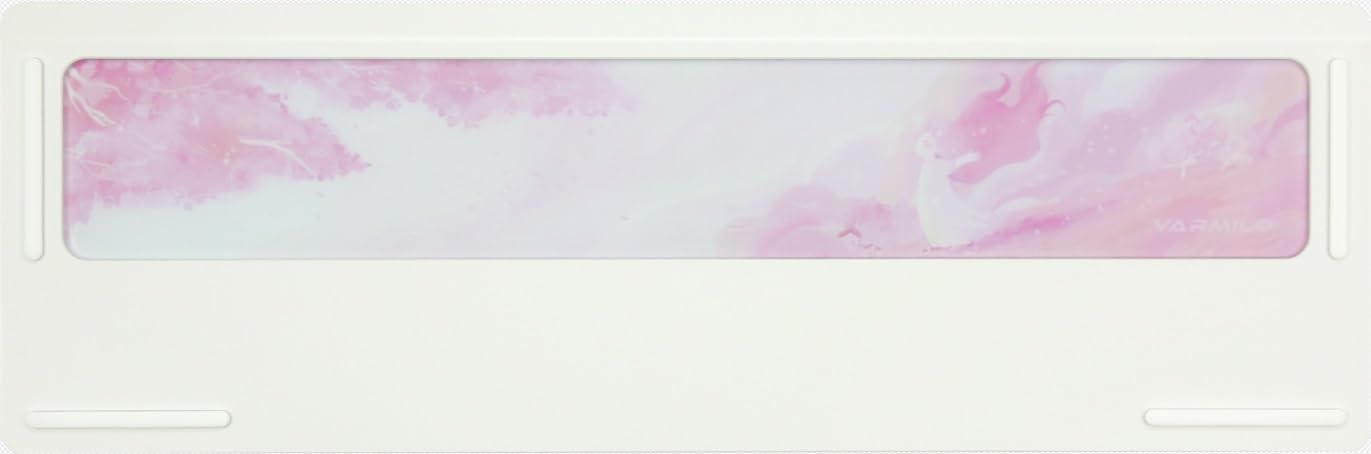
Image: The underside of the Varmilo Sword68 keyboard, revealing the frosted glass weight and rubber feet for stability.
7. Nchọpụta nsogbu
- Ahụigodo anaghị aza: Ensure the USB-C cable is securely connected or that the wireless receiver is properly inserted and the keyboard is in the correct mode (wired, Bluetooth, 2.4 GHz). Check battery level if in wireless mode.
- Nsogbu njikọ Bluetooth: Ensure the keyboard is in pairing mode and your device's Bluetooth is enabled. Try removing previous pairings and re-pairing.
- RGB ọkụ anaghị arụ ọrụ: Check the software settings for RGB control. Ensure the keyboard is not in a low-power mode that disables lighting.
- Igodo anaghị edebanye aha: For hot-swappable switches, ensure the switch is fully seated and its pins are not bent. Try replacing the switch if the issue persists.
- Intermittent wireless connection: Ensure the keyboard is within range of the receiver/device and there are no significant obstructions or interference sources.
8. Nkọwapụta
| Ụdị | Varmilo |
| Nlereanya | Sword68 |
| ASIN | B0DMXL67WS |
| Teknụzụ Njikọta | Bluetooth, USB-C |
| Nkọwa ahụigodo | Mechanical |
| Atụmatụ pụrụ iche | Backlit, Hot-Swappable, Rechargeable |
| Nkwado agba azụ azụ kiiboodu | RGB |
| Ihe onwunwe | Aluminom, polycarbonate |
| Ike batrị | 4000mAh |
| Isi okwu | ABS gbara okpukpu abụọ |
| Mmetụta ụda | 3x Poron foam, 2x PET foam, 1x IXPE foam |
| Ihe gbasara ikpe | 6063 Aluminum CNC with electrophoresis finish |
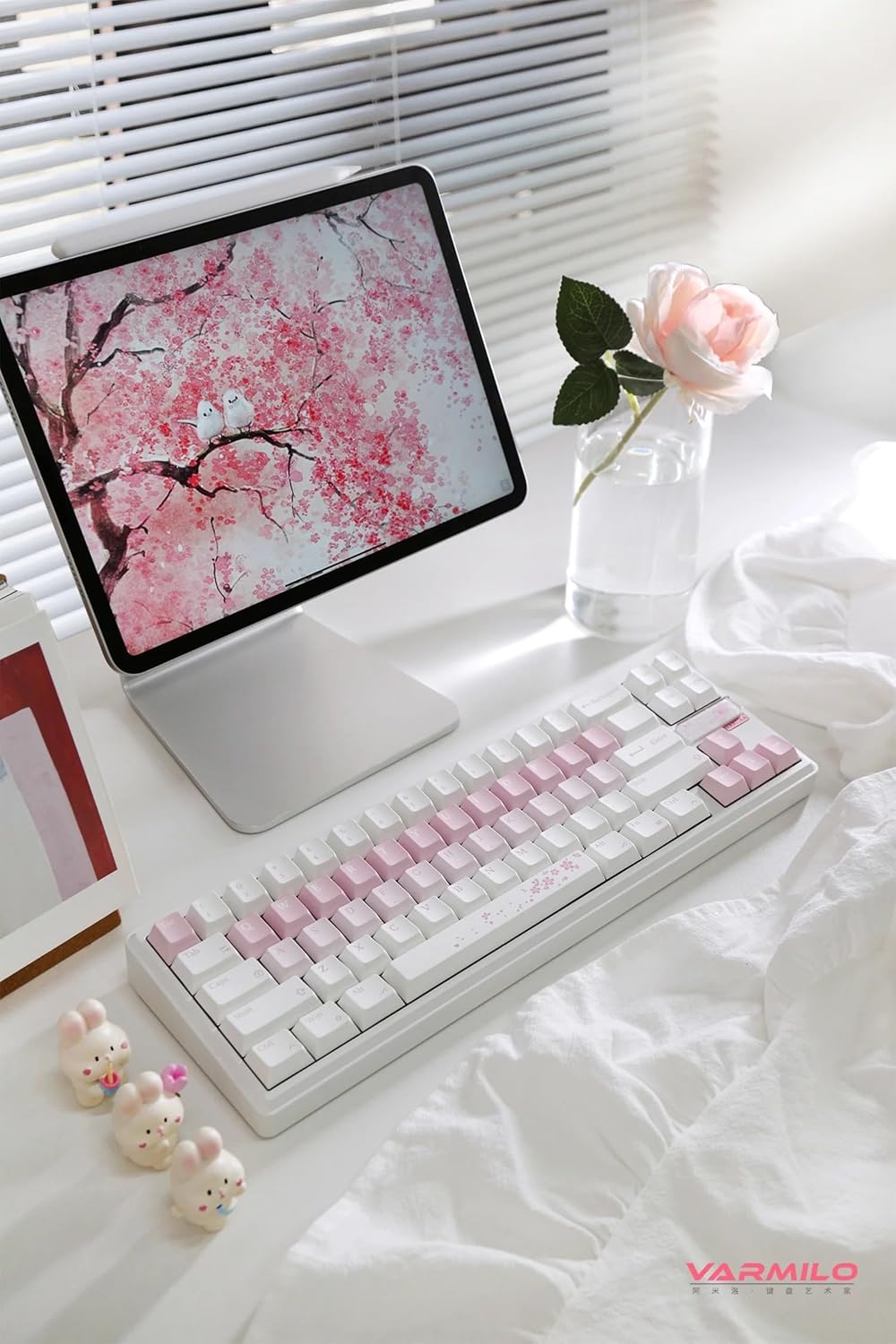
Foto: A zuru ezu view of the Varmilo Sword68 keyboard in a desk setup, showcasing its elegant design and compact form factor.
9. Akwụkwọ ikike na nkwado
For warranty information, technical support, or service inquiries, please refer to the official Varmilo websaịtị ma ọ bụ kpọtụrụ nkwado ndị ahịa ha ozugbo. Debe akwụkwọ nnata ịzụrụ maka akwụkwọ ikike.


