1. Okwu mmalite
Thank you for choosing the pTron Basspods P181 True Wireless Stereo (TWS) Earbuds. These earbuds are designed to provide a high-quality audio experience with advanced features for convenience and durability. This manual will guide you through the setup, operation, and maintenance of your new earbuds.
2. Kedu ihe dị na Igbe ahụ
- pTron Basspods P181 TWS ekwe ntị
- Nchaji case
- USB Type-C Nchaji USB
- Akwụkwọ ntuziaka onye ọrụ
- S/M/L Size Eartips (one set pre-installed)
3. Ngwaahịa gafereview

Figure 1: pTron Basspods P181 Earbuds in their open charging case.

Figure 2: Key features including 13mm dynamic drivers, 300mAh charging case, Type-C charging port, and DC5V/1A charging input.
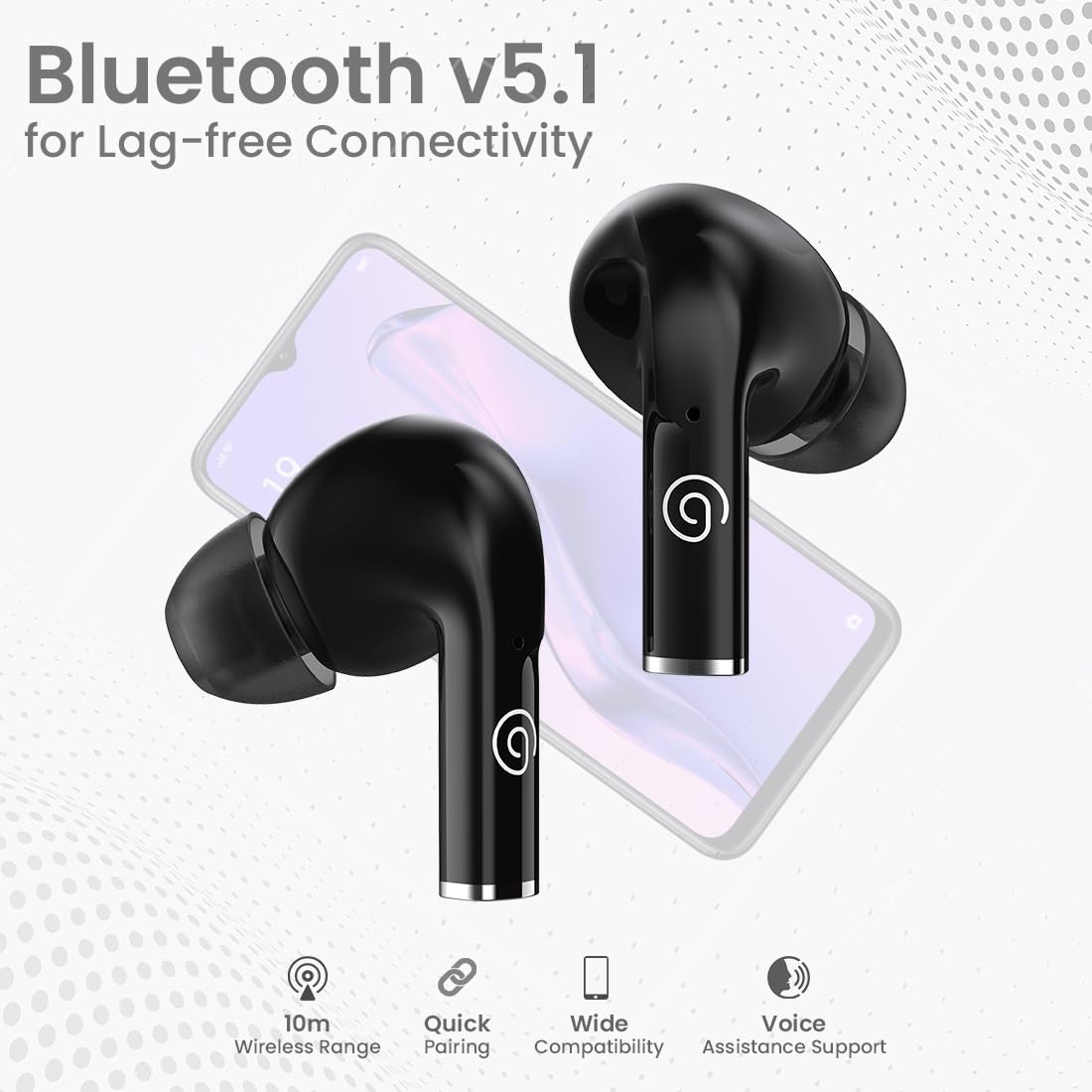
Figure 3: Bluetooth 5.1 for lag-free connectivity, featuring a 10-meter wireless range, quick pairing, wide compatibility, and voice assistance support.
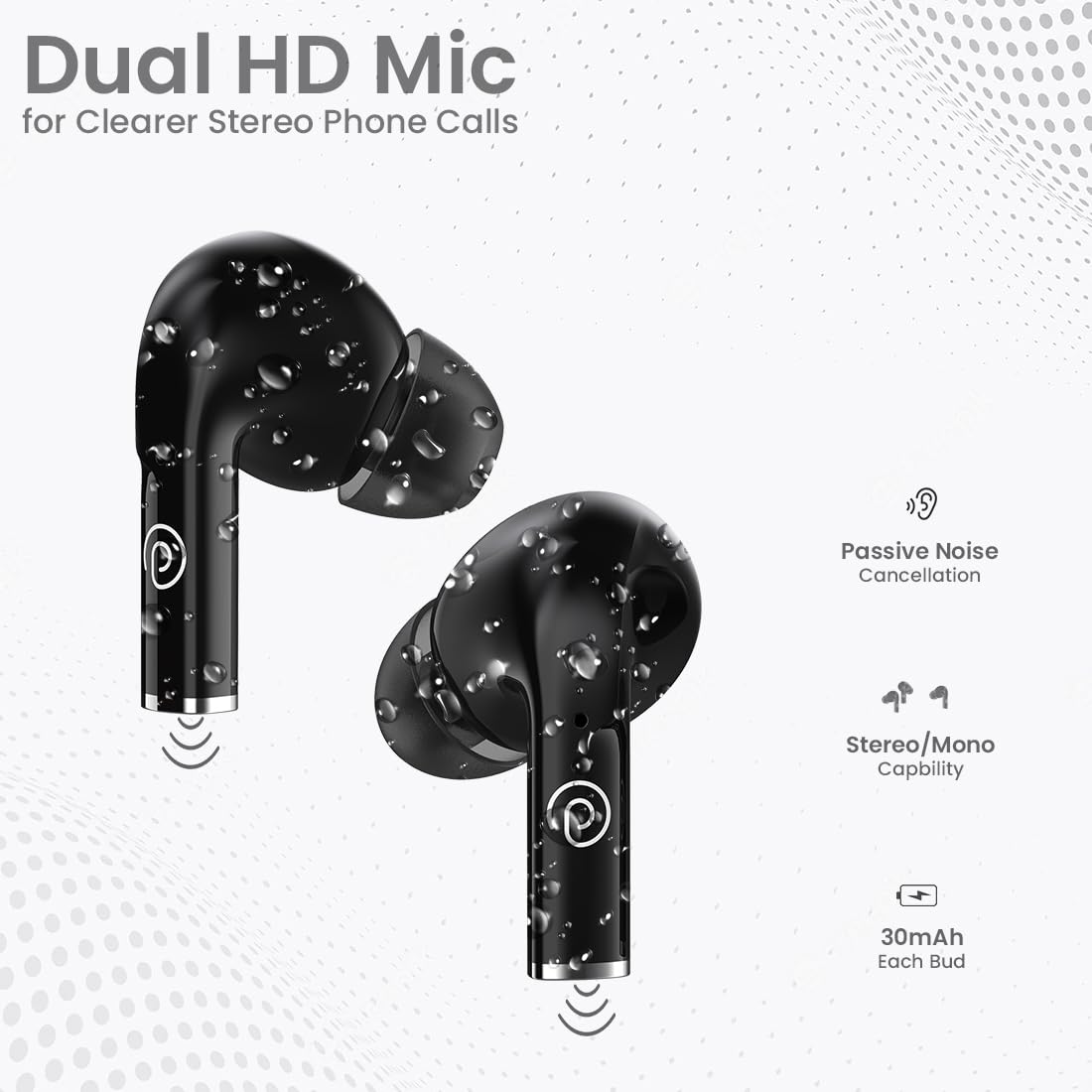
Figure 4: Dual HD Microphones for clear stereo phone calls, passive noise cancellation, stereo/mono capability, and 30mAh battery in each earbud.

Figure 5: Touch sensor controls for easy music and call management, including Play/Pause, Call Answer, Call Hangup, Next Track, Previous Track, and Voice Assistance.
4. Nhazi ntuziaka
4.1 Nchaji izizi
Before first use, fully charge the earbuds and the charging case. Connect the provided USB Type-C cable to the charging port on the case and a compatible power source (DC5V/1A). The indicator light on the case will show charging status. A full charge typically takes 1-1.5 hours.
4.2 Ijikọ na ngwaọrụ
- Gbaa mbọ hụ na ejirila chaja ntị nke ọma.
- Mepee igbe nchaji. Igwe ntị ga-abanye na ọnọdụ njikọta na-akpaghị aka.
- On your smartphone or tablet, enable Bluetooth.
- Chọọ maka available Bluetooth devices and select "pTron Basspods P181".
- Ozugbo ejikọtara ya, ntị ntị ga-egosi njikọ na-aga nke ọma.
The earbuds atụmatụ 1-Step Pairing na Jikọọ na akpaghị aka, meaning they will automatically connect to the last paired device when removed from the case.
5. Ntuziaka ọrụ
5.1 Njikwa mmetụ
The pTron Basspods P181 earbuds feature intuitive touch controls on each earbud. Refer to the following table for common functions:
| Omume | Ọrụ |
|---|---|
| Otu mgbata (L/R) | Play/Pause Music, Answer Call |
| Pịa ugboro abụọ (L/R) | Kwụsị oku |
| Triple tap (Right) | Track na-esote |
| Triple tap (Left) | Egwu gara aga |
| Long press (L/R) | Mee ka onye enyemaka olu rụọ ọrụ |
5.2 Stereo/Mono Mode
The earbuds can be used in either stereo (both earbuds) or mono (single earbud) mode. Simply remove one earbud from the case to use it independently. To switch back to stereo, take out the other earbud.
6. Ịchaji
The pTron Basspods P181 provide up to 32 hours of total playtime with the included charging case. Each earbud has a 30mAh battery, and the charging case has a 300mAh capacity.
- To charge the earbuds, place them back into the charging case. They will automatically begin charging.
- To charge the case, connect it to a power source using the Type-C cable.
- Charging time for both earbuds and case is approximately 1-1.5 hours.
7. Nlekọta
To ensure the longevity and optimal performance of your pTron Basspods P181 earbuds, follow these maintenance guidelines:
- Nhicha: Jiri akwa dị nro na-ehicha ihe ntị ntị na chaja mgbe niile. Zere iji kemịkalụ siri ike ma ọ bụ ihe na-emebi emebi.
- Nguzogide mmiri: The earbuds are IPX4 water/sweat resistant, making them suitable for workouts and light rain. Do not submerge them in water or expose them to heavy downpours. Ensure they are dry before placing them back in the charging case.
- Nchekwa: Store the earbuds in their charging case when not in use to protect them from dust and damage.
- Okpomọkụ: Zere ikpughe ekwe ntị na oke okpomọkụ (ọkụ ma ọ bụ oyi) n'ihi na nke a nwere ike imetụta ndụ batrị yana ịrụ ọrụ.
8. Nchọpụta nsogbu
Ọ bụrụ na ị hụ nsogbu na ntị ntị gị, gbalịa ngwọta ndị a:
- Enweghị ogo ụda/adịghị mma:
- Hụ na ejikọtara ntị ekwe ntị nke ọma ma jikọọ ha na ngwaọrụ gị.
- Lelee ọkwa olu na ma ngwaọrụ gị yana ntị ntị.
- Clean any debris from the earbud nozzles and eartips.
- Gbalịa ịtọgharịa ntị ntị (tụ aka na ndị nrụpụta websaịtị maka ntuziaka nrụpụta akọwapụtara ma ọ bụrụ na ọ dị mkpa).
- Earbuds anaghị akwụ ụgwọ:
- Gbaa mbọ hụ na ejikọrọ eriri chajị na echekwabara na ikpe ahụ yana isi iyi ike.
- Verify the charging case has sufficient power.
- Hichaa kọntaktị ịchaji na ma ntị ntị yana akpa ahụ.
- Okwu ijikọ:
- Gbanyụọ Bluetooth na ngwaọrụ gị, wee gbanye ya ọzọ.
- Forget the "pTron Basspods P181" from your device's Bluetooth list and attempt to pair again.
- Gbaa mbọ hụ na ọ nweghị ngwaọrụ Bluetooth ọzọ na-egbochi njikọ ahụ.
9. Nkọwapụta
| Njirimara | Nkọwa |
|---|---|
| Aha Nlereanya | Basspods P181 |
| Ụdị | Obot |
| Teknụzụ Njikọta | Ikuku (Bluetooth 5.1) |
| Oke Bluetooth | 10 mita |
| Nha ọkwọ ụgbọ ala ọdịyo | 13 Millimita |
| Ụdị ọkwọ ụgbọ ala ọdịyo | Ọkwọ ụgbọala dị ike |
| Mgbochi | 32 Ohm |
| Njikwa mkpọtụ | Mwepu ụda (nkwụsị mkpọtụ mkpọtụ) |
| Igwe okwu | Dual HD Mic for Clear Calls |
| Ụdị njikwa | Njikwa aka |
| Ọkwa Nguzogide mmiri | IPX4 Water/Sweat Resistant |
| Ike batrị earbud | 30mAh (each bud) |
| Ịchaji Ike batrị Case | 300mAh |
| Nchaji ọdụ ụgbọ mmiri | Ụdị-C |
| Oge ịkwụ ụgwọ | 1-1.5 Awa |
| ngụkọta oge egwuregwu | Ruo elekere 32 (ya na igbe nchaji) |
| Ngwa dakọtara | Cellphones, Tablets |
| Ihe onwunwe | Acrylonitrile Butadiene Styrene (ABS) |
| Ibu Ibu | 43 grams |
| Akụkụ ngwaahịa | 6 x 4.5 x 2.4 cm |
| Mba onye si | China |
10. Videos ngwaahịa
Vidiyo 1: Mkpebi dị mkpirikpiview of the pTron Basspods P181 TWS Earbuds, showcasing key features and design. This video is provided by the seller.
Video 2: Detailed product presentation of the pTron Basspods P181 TWS Earbuds, covering various aspects of functionality and user experience. This video is provided by the seller.
11. Akwụkwọ ikike na nkwado
The pTron Basspods P181 comes with a Akwụkwọ ikike nke onye nrụpụta afọ 1 from the date of purchase, covering manufacturing defects only.
Maka nkwado ndị ahịa, biko kpọtụrụ:
- Ekwentị: 040-67138888
- Email: support@ptron.in


