1. Okwu mmalite
This manual provides essential information for the safe and effective use of your OneTouch Ultra Plus Flex Blood Glucose Monitoring System. Please read it thoroughly before using the device. This system is designed to help individuals with diabetes monitor their blood glucose levels.
Ihe gụnyere:
- 1 OneTouch Ultra Plus Flex Blood Glucose Meter
- Ngwaọrụ Ịkụnye Ọkụ OneTouch Delica Plus 1
- 10 OneTouch Delica Plus 33g Lancets
- Obere akpa
- Akwụkwọ ntuziaka (akwụkwọ a)
Note: OneTouch Ultra Plus Test Strips are sold separately and are required for blood glucose testing.

Image 1.1: Contents of the OneTouch Ultra Plus Flex Bonus Pack, including the meter, lancing device, lancets, and carrying pouch.
2. Nhazi
2.1 Meter Setup
- Fanye batrị: The meter comes with a pre-installed lithium metal battery. If replacing, ensure correct polarity.
- Ike izizi: Pịa ma jide OK button until the meter turns on. Follow on-screen prompts to set date, time, and measurement units (mg/dL or mmol/L).
2.2 Lancing Device Setup (OneTouch Delica Plus)
- Wepu okpu: Twist the lancing device cap off.
- Fanye Lancet: Insert a sterile OneTouch Delica Plus lancet firmly into the lancet holder.
- Twist Off Protective Disk: Twist the protective disk off the lancet and save it for safe disposal.
- Dochie okpu: Dochie mkpuchi ngwaọrụ mkpọchi ahụ.
- Adjust Depth Setting: Rotate the depth wheel to select your desired penetration depth. Start with a shallower setting (e.g., 1 or 2) and adjust as needed for a sufficient blood sample. The OneTouch Delica Plus offers 13 depth settings for personalized comfort.
- Prime Device: Pull back the sliding barrel until it clicks, indicating the device is primed.

Image 2.1: The OneTouch Delica Plus lancing device, designed for comfortable blood sampling with adjustable depth settings.
3. Ntuziaka ọrụ
3.1 Performing a Blood Glucose Test
- Prepare Test Strip: Dispense one OneTouch Ultra Plus test strip from its vial. Close the vial immediately to protect remaining strips.
- Fanye eriri ule: Insert the test strip into the meter's test port. The meter will turn on automatically.
- Nweta ọbara SampLe: Use the primed lancing device to prick the side of your fingertip. Gently squeeze your finger to form a small drop of blood.
- Tinye ọbara SampLe: Touch the tip of the test strip to the blood drop. The blood will be drawn into the strip. Hold until the meter beeps and the test begins.
- Gụọ nsonaazụ: Your blood glucose result will appear on the display in approximately 5 seconds.

Image 3.1: Visual guide illustrating the four steps to take a blood glucose reading with the OneTouch Ultra Plus Flex system.
3.2 ColorSure Technology
The OneTouch Ultra Plus Flex meter features ColorSure Technology, which provides instant feedback on your blood glucose readings. After each test, the meter displays your result along with a color indicator:
- Acha anụnụ anụnụ: Indicates a low blood glucose reading.
- Akwụkwọ ndụ akwụkwọ ndụ: Indicates a blood glucose reading within your target range.
- Uhie: Indicates a high blood glucose reading.
These color indicators help you quickly understand your results and take appropriate action as advised by your healthcare professional.

Image 3.2: The ColorSure Technology display on the OneTouch Ultra Plus Flex meter, visually categorizing blood glucose readings.
3.3 App Connectivity (OneTouch Reveal® App)
The OneTouch Ultra Plus Flex meter can sync your blood glucose data with the OneTouch Reveal® app, available for Fitbit and Apple apps. This allows you to:
- Track your blood glucose trends over time.
- Identify patterns and insights related to your readings.
- See the impact of daily activities, like steps or exercise, on your blood sugar.
Download the OneTouch Reveal® app from the App Store or Google Play to connect your meter and enhance your diabetes management.

Image 3.3: The OneTouch Ultra Plus Flex meter integrating with the OneTouch Reveal app on a mobile device for comprehensive data tracking.
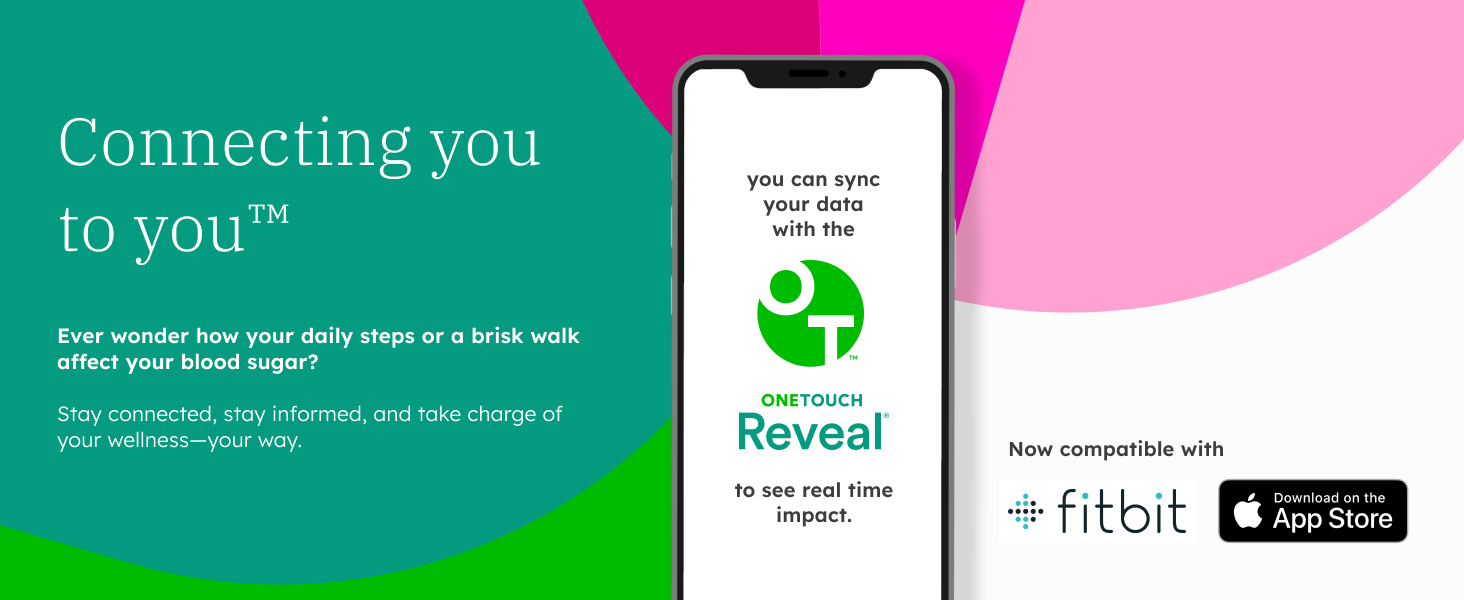
Image 3.4: The OneTouch Reveal app's compatibility with Fitbit and Apple apps, enabling users to sync and analyze their health data.
4. Nlekọta na nlekọta
4.1 Cleaning the Meter and Lancing Device
- Wipe the exterior of the meter and lancing device with a soft cloth dampened with mild soap and water, or a 70% isopropyl alcohol wipe.
- Do not immerse the meter or lancing device in water or any cleaning solution.
- Ensure no liquid enters the test strip port or battery compartment.
4.2 Nchekwa
- Store the meter and lancing device in the provided carrying pouch.
- Keep them in a cool, dry place, away from direct sunlight and extreme temperatures.
- Store test strips in their original vial with the cap tightly closed.
4.3 nnọchi batrị
The OneTouch Ultra Plus Flex meter uses one CR2032 lithium metal battery. When the low battery indicator appears on the display, replace the battery promptly to ensure continuous operation.
- Mepee mkpuchi mkpuchi batrị n'azụ mita.
- Wepu batrị ochie.
- Fanye batrị CR2032 ọhụrụ nwere akụkụ dị mma (+) chere ihu n'elu.
- Mechie mkpuchi nke batrị batrị nke ọma.
5. Nchọpụta nsogbu
If you encounter issues with your OneTouch Ultra Plus Flex system, refer to the following common problems and solutions:
| Nsogbu | Ihe nwere ike ime | Ngwọta |
|---|---|---|
| Mita anaghị agba ọkụ. | Dead or incorrectly inserted battery. | Replace battery or ensure it is inserted correctly. |
| Ozi mperi na ngosi. | Refer to the specific error code in the full user manual for detailed instructions. Common causes include insufficient blood sample, expired test strip, or damaged strip. | Repeat test with a new strip and sufficient blood sample. Ensure strips are not expired. |
| Ọgụgụ na-ezighi ezi. | Expired test strips, improper storage, contamination, or meter malfunction. | Check strip expiration date. Ensure proper storage. Clean meter. Perform a control solution test. If issues persist, contact customer support. |
| Lancing device not pricking skin. | Device not primed, lancet not inserted correctly, or depth setting too shallow. | Prime the device. Ensure lancet is fully inserted. Adjust depth setting to a higher number. |
If you continue to experience problems, please contact OneTouch Customer Support for assistance.
6. Nkọwapụta
- Aha nlereanya: OneTouch Ultra Plus Flex
- Isi mmalite ike: 1 Lithium Metal battery (CR2032, included)
- Ngalaba nha: mg/dL or mmol/L (user selectable)
- Oge ule: Ihe dị ka sekọnd iri atọ
- Ebe nchekwa: Stores blood glucose results (refer to full manual for capacity)
- Njikọta: Bluetooth (for OneTouch Reveal® app)
- Okpomọkụ arụ ọrụ: (Refer to full manual for specific range)
- Akụkụ: 6.34 x 3.86 x 2.24 inch (akụkụ ngwugwu)
- Arọ: 5.93 ounces (Package Weight)
- Onye nrụpụta: Nyocha ndụ
7. Ozi nchekwa dị mkpa
- This device is for in vitro diagnostic use only. Do not use for diagnosis or screening of diabetes.
- Consult your healthcare professional before making any changes to your medication, diet, or exercise program based on your blood glucose results.
- Keep the meter, lancing device, lancets, and test strips out of reach of children.
- Dispose of used lancets and test strips properly in a sharps container.
- Do not use expired test strips or lancets.
- Always wash and dry your hands thoroughly before and after handling the device and performing a test.
8. Akwụkwọ ikike na nkwado
The OneTouch Ultra Plus Flex Blood Glucose Monitoring System is manufactured by LifeScan. For warranty information, technical support, or to report any issues with your device, please refer to the contact information provided in the full product documentation or visit the official OneTouch websaịtị.
It is recommended to register your product to receive important updates and support.


