1. Ozi nchekwa dị mkpa
Please read all safety instructions carefully before using your Xiaomi TV S Mini LED 75" 2025. Keep this manual for future reference.
- Isi mmalite ike: Connect the TV only to an AC power source as indicated on the label.
- Igwe ikuku: Gbaa mbọ hụ na ikuku ikuku zuru oke na gburugburu TV. Akwụsịla oghere ikuku.
- Mmiri na mmiri: Ewepụla TV na mmiri ozuzo ma ọ bụ mmiri. Edokwala ihe jupụtara na mmiri mmiri na TV.
- Nhicha: Wepụ TV ahụ tupu ị sachaa ya. Jiri ákwà dị nro ma kpọọ nkụ. Zere iji ihe nhicha mmiri mee ihe.
- Ije ozi: Anwala ịnye ngwaahịa a n'onwe gị. Tụtụ aka n'aka ndị ọrụ ruru eru.
- Nkwanye: Place the TV on a stable, level surface or mount it securely to a wall using a compatible VESA mount.
2. Ihe ngwugwu
Chọpụta na ihe niile dị na ngwugwu:
- Xiaomi TV S Mini LED 75" 2025
- Njikwa anya
- Igwe ọkụ ọkụ
- TV Stand Components (if included)
- Akwụkwọ ntuziaka (akwụkwọ a)
3. Ntuziaka Nhazi
3.1 Unpacking the TV
Carefully remove the TV from its packaging. It is recommended to have two people for this process due to the size and weight of the 75-inch model.
3.2 Installing the TV Stand (Optional)
If you are not wall-mounting the TV, attach the included stand components according to the separate stand installation guide. Ensure all screws are tightened securely.
3.3 Mgbidi mgbidi (nhọrọ)
The Xiaomi TV S Mini LED 75" 2025 supports VESA wall mounts with a pattern of 400 x 300 mm. Use appropriate wall-mounting hardware and consult a professional for installation to prevent injury or damage.
3.4 Njikọta Peripherals
Connect your devices to the TV's input ports. Refer to the back panel image for port locations.
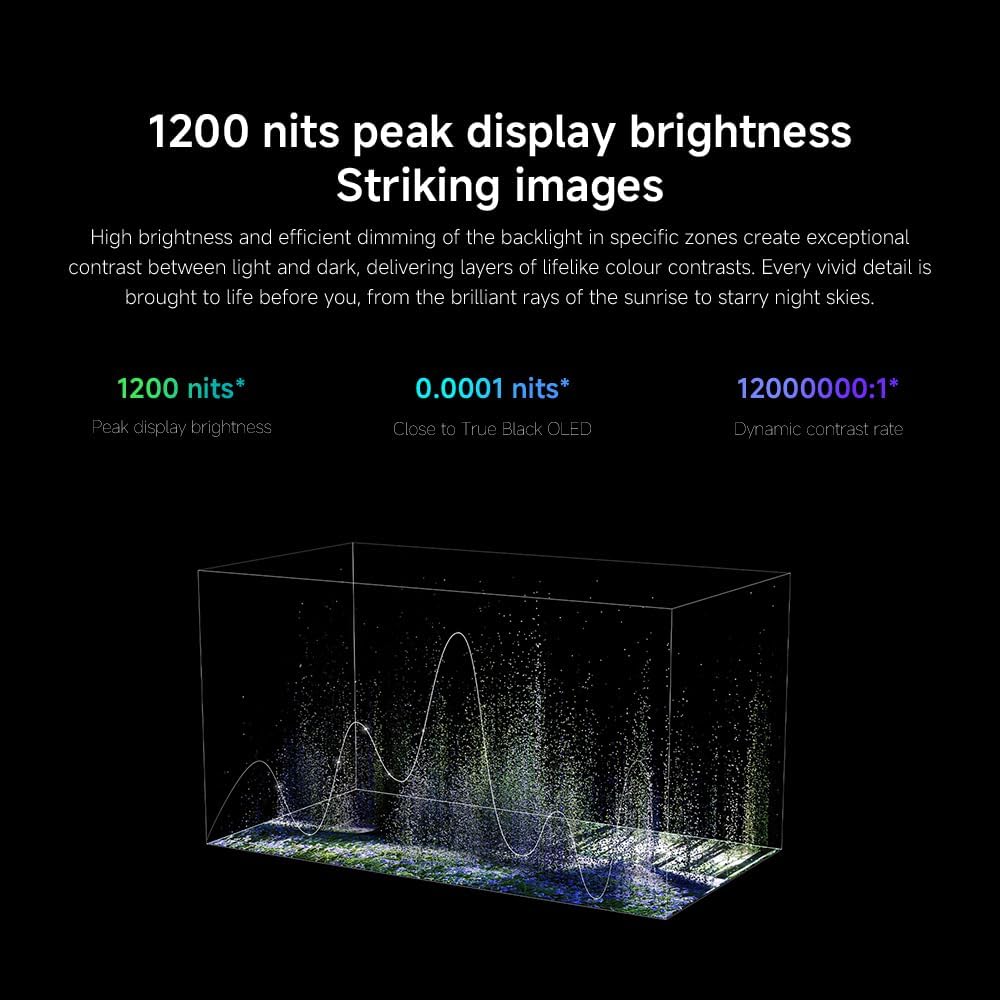
Foto: N'azụ view of the TV displaying available connection ports.
- Ike: Jikọọ eriri ọkụ na TV wee banye na nkwụnye ọkụ.
- HDMI: Connect Blu-ray players, game consoles, or other HDMI devices.
- USB: Jikọọ ngwaọrụ nchekwa USB maka ịkpọghachi mgbasa ozi.
- Ethernet: Maka njikọ ịntanetị ejikọrọ.
- Antenna/Cable: Connect your antenna or cable TV input.
3.5 Ike mbido na nhazi oge mbụ
After connecting all cables, plug in the TV and press the power button on the remote control. Follow the on-screen instructions to complete the initial setup, including network connection, Google account login, and channel scanning.

Foto: N'ihu view of the Xiaomi TV S Mini LED 75" 2025.
4. Ntuziaka ọrụ
4.1 Remote Control Overview
The included remote control provides access to all TV functions. Familiarize yourself with the button layout for easy navigation.
4.2 Ọrụ ndị bụ isi
- Ike: Pịa ka ịgbanwuo ma ọ bụ gbanyụọ TV.
- Olu: Use the +/- buttons to adjust the sound level.
- Ọwa: Jiri bọtịnụ CH +/- ka ịgbanwee ọwa.
- Ntinye: Select the desired input source (HDMI, AV, etc.).
- Ụlọ: Access the Google TV home screen.
4.3 Smart TV atụmatụ (Google TV)
Your Xiaomi TV runs on Google TV, offering a personalized entertainment experience.

Image: Google TV interface with app icons and content suggestions.
- Ngwa: Budata ma wụnye ngwa na Ụlọ Ahịa Google Play.
- Enyemaka Olu: Use the built-in Google Assistant for voice commands.
- Nkwanye ọdịnaya: Google TV provides personalized recommendations based on your viewing àgwà.

Image: Using the Hey Google voice assistant to search for content.
4.4 Ntọala ngosi
Hazie ntọala foto ka ebuli gị elu viewahụmahụ.
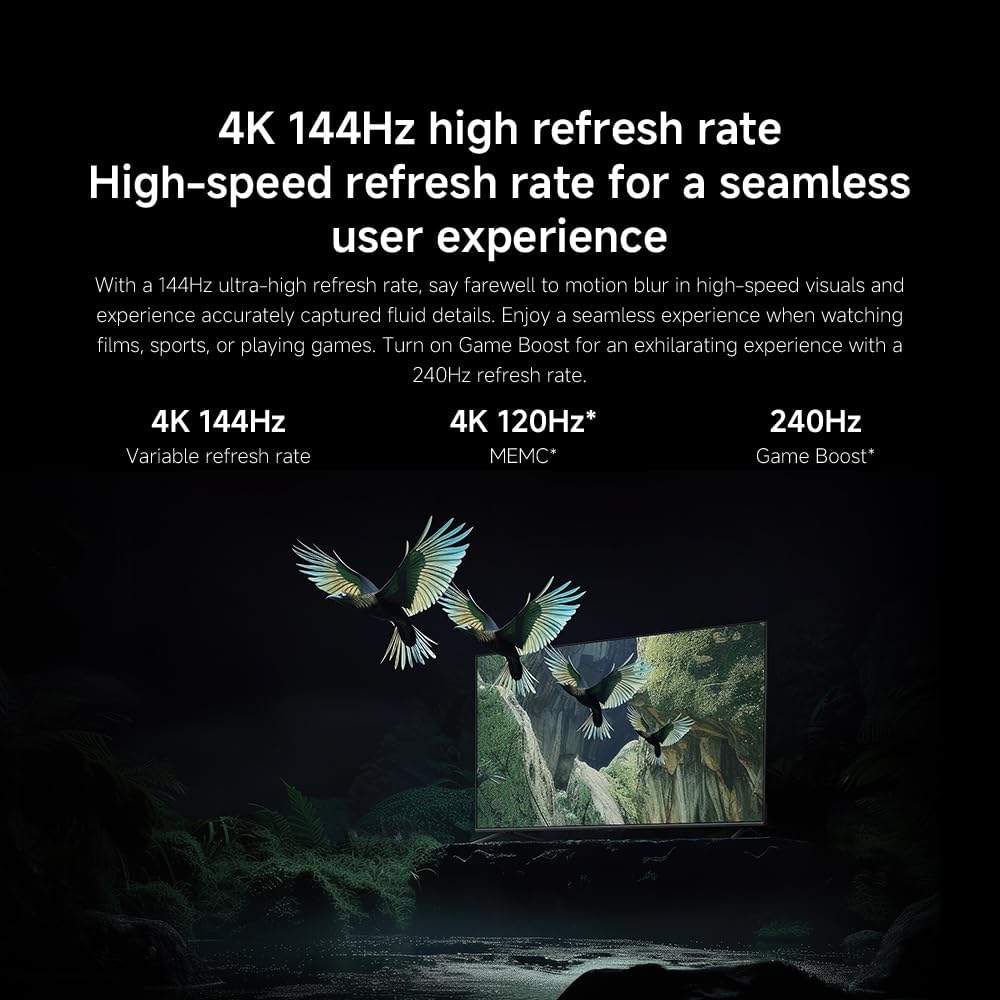
Foto: Ofeview of the TV's advanced display technologies.
- Ụdị foto: Select from various preset modes (e.g., Standard, Vivid, Movie, Game) or customize your own.
- Icha ọkụ/ọdịiche: Fine-tune these settings for optimal visual clarity. The TV features 1200 nits peak brightness for stunning visuals.
- Agba: Adjust color saturation and tint. The QD-MiniLED display offers accurate color reproduction.
- Ọnụego ume ọhụrụ: The TV supports a 144Hz refresh rate for ultra-smooth motion.
- AI Engine: The powerful AI engine enhances image quality automatically.

Image: Visual representation of the 144Hz refresh rate for seamless motion.
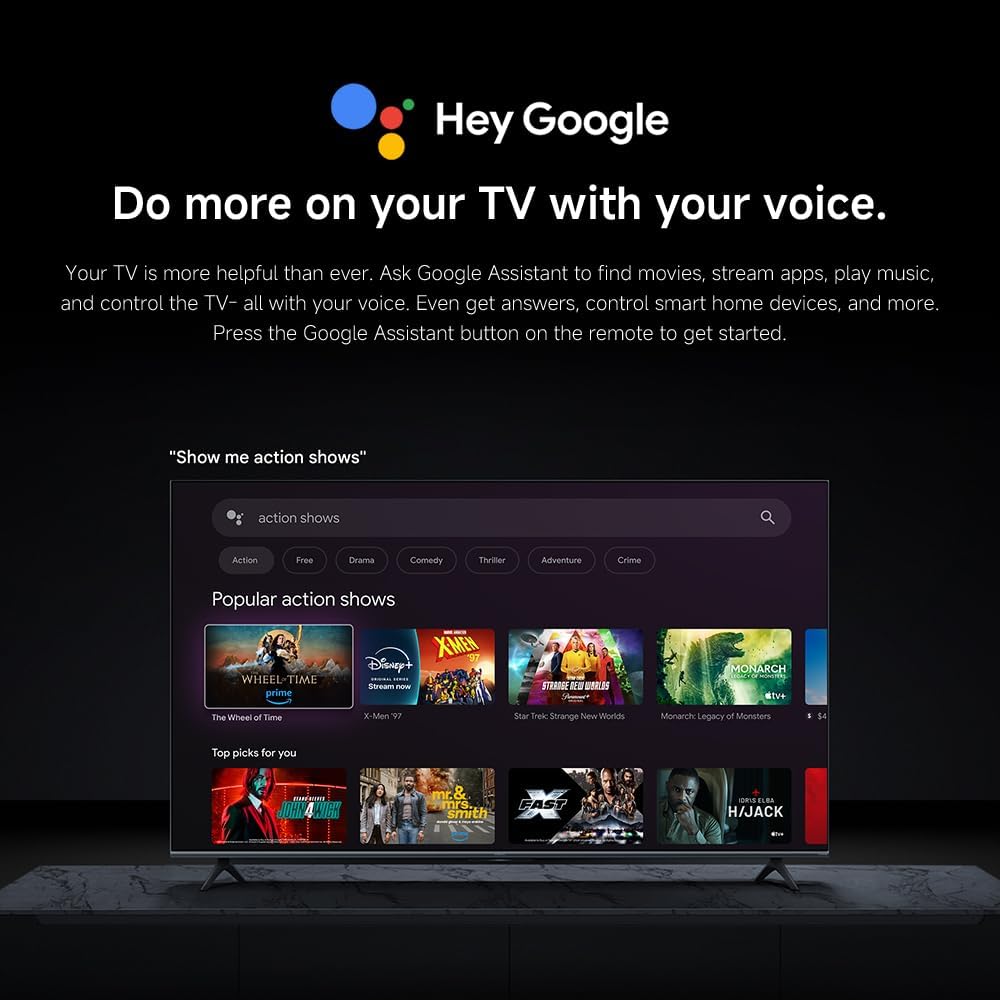
Image: The Quad cortex A73 processor, responsible for AI image enhancement and performance.
4.5 Ntọala ọdịyo
Configure audio output and sound enhancements.

Image: Depiction of the TV's quality audio-visual experience.
- Ọnọdụ ụda: Choose from preset sound modes (e.g., Standard, Movie, Music) or customize.
- Dolby Atmos: Enable Dolby Atmos for an immersive audio experience.
4.6 Njikọta
The TV offers various connectivity options.
- Bluetooth: Connect Bluetooth-enabled devices such as headphones or speakers.
- Wi-Fi: Connect to your home wireless network for internet access.
- Apple AirPlay: Stream content directly from your Apple devices.
Image: Apple AirPlay functionality for streaming from Apple devices.
5. Nlekọta
5.1 Na-ehicha ihuenyo ahụ
Iji hichaa ihuenyo ahụ, buru ụzọ wepụ TV ahụ. Jiri nwayọ hichaa ihuenyo ahụ na ákwà dị nro nke na-enweghị ntụpọ. Maka akara siri ike, jiri obere dampen the cloth with water or a specialized screen cleaner, then wipe dry immediately. Do not spray liquid directly onto the screen.
5.2 Mmelite ngwanrọ
The TV may receive software updates periodically to improve performance and add new features. Ensure your TV is connected to the internet to receive these updates. You can check for updates manually in the TV's settings menu.
6. Nchọpụta nsogbu
Ọ bụrụ na ị na-enwe nsogbu na TV gị, rụtụ aka na azịza ndị a na-ahụkarị:
| Nsogbu | Ngwọta enwere ike |
|---|---|
| Enweghị ike | Check if the power cable is securely connected to the TV and the power outlet. Ensure the outlet is functional. |
| Enweghị foto, mana ụda dị | Nyochaa isi mmalite ntinye ziri ezi ahọpụtara. Lelee njikọ eriri na ngwaọrụ mpụga. |
| Enweghị ụda, mana foto dị | Lelee ọkwa olu wee mechie ọkwa. Gbaa mbọ hụ na ejikọrọ eriri ọdịyo nke ọma. |
| Njikwa anya anaghị arụ ọrụ | Dochie batrị. Hụ na ihe mgbochi ọ bụla adịghị n'etiti remote na TV. |
| Àgwà foto na-adịghị mma | Adjust picture settings (brightness, contrast, sharpness). Check antenna or cable connection. Ensure content source is high quality. |
| Smart TV features unresponsive | Check internet connection. Restart the TV by unplugging it for a few minutes and plugging it back in. |
If the issue persists after trying these steps, contact customer support.
7. Nkọwapụta
Key technical specifications for the Xiaomi TV S Mini LED 75" 2025:
| Njirimara | Nkọwapụta |
|---|---|
| Ụdị | XIAOMI |
| Nọmba nlereanya | 59292 |
| Nha ihuenyo | 75 sentimita asatọ |
| Ngosipụta teknụzụ | 4K UHD, LED, QD-MiniLED |
| Mkpebi | 4K (3840 x 2160) |
| Ọnụego ume ọhụrụ | 144 Hz |
| Ọnụ na-egbuke egbuke | 1200 nits |
| Sistemụ nrụọrụ | Google TV |
| Nhazi | Quad Cortex A73 |
| RAM | 3 GB |
| Nchekwa | 32 GB |
| Teknụzụ ọdịyo | Dolby Atmos |
| Njikọta | Bluetooth, Wi-Fi, Apple AirPlay |
| Akụkụ ngwaahịa (ya na nkwụnye) | 42.5D x 166.8W x 102.8H cm |
| Ibu ngwaahịa (ya na nkwụnye) | 31 n'arọ |
| Ụlọ elu VESA | 400 x 300 mm |
| Ngwa gụnyere | TV, remote control, power cable |
8. Akwụkwọ ikike na nkwado
Your Xiaomi TV S Mini LED 75" 2025 is covered by a manufacturer's warranty. Please refer to the warranty card included in your package for specific terms and conditions. For technical support, service inquiries, or to purchase accessories, please visit the official Xiaomi websaịtị ma ọ bụ kpọtụrụ ụlọ ọrụ enyere ikike.
Akụrụngwa dị n'ịntanetị: For additional information, FAQs, and software downloads, visit the official Xiaomi support page.


