Nnọọ
Thank you for choosing the boAt Nirvana Crystl True Wireless Earbuds. This manual provides essential information for setting up, operating, and maintaining your earbuds. Please read it carefully to ensure optimal performance and longevity of your device.
Ngwaahịa gafereview
Vidiyo: Efereview of the boAt Nirvana Crystl True Wireless Earbuds, showcasing their design and key features.
Atụmatụ igodo
- Up to 32 dB Active Noise Cancellation for an immersive audio experience.
- boAt 360° Spatial Audio for captivating, cinematic sound.
- Ruo awa iri na abụọ nke oge egwuregwu zuru oke na akpa chaja.
- Quad Mics with ENx Technology for crystal-clear calls.
- boAt Hearables App compatibility for personalized settings and controls.
- Bluetooth v5.3 for stable and efficient wireless connectivity.
- Multipoint Connectivity to seamlessly switch between two devices.
- boAt Adaptive EQ by Mimi for tailored listening based on your hearing profile.
- In-Ear Detection for automatic play/pause functionality.
- Google Fast Pair for quick and easy initial setup.
Kedu ihe dị na Igbe ahụ
- TWS ekwe ntị
- Ịchaji eriri
- Additional Earbuds (Eartips)
- Akwụkwọ ntuziaka onye ọrụ
Na-amalite
Ịchaji ihe ntị na akpa
Before first use, fully charge your boAt Nirvana Crystl earbuds and charging case. Connect the provided USB cable to the charging port on the case and a compatible power source. The charging time is approximately 2.5 hours for a full charge. A 10-minute charge provides up to 220 minutes of playback.
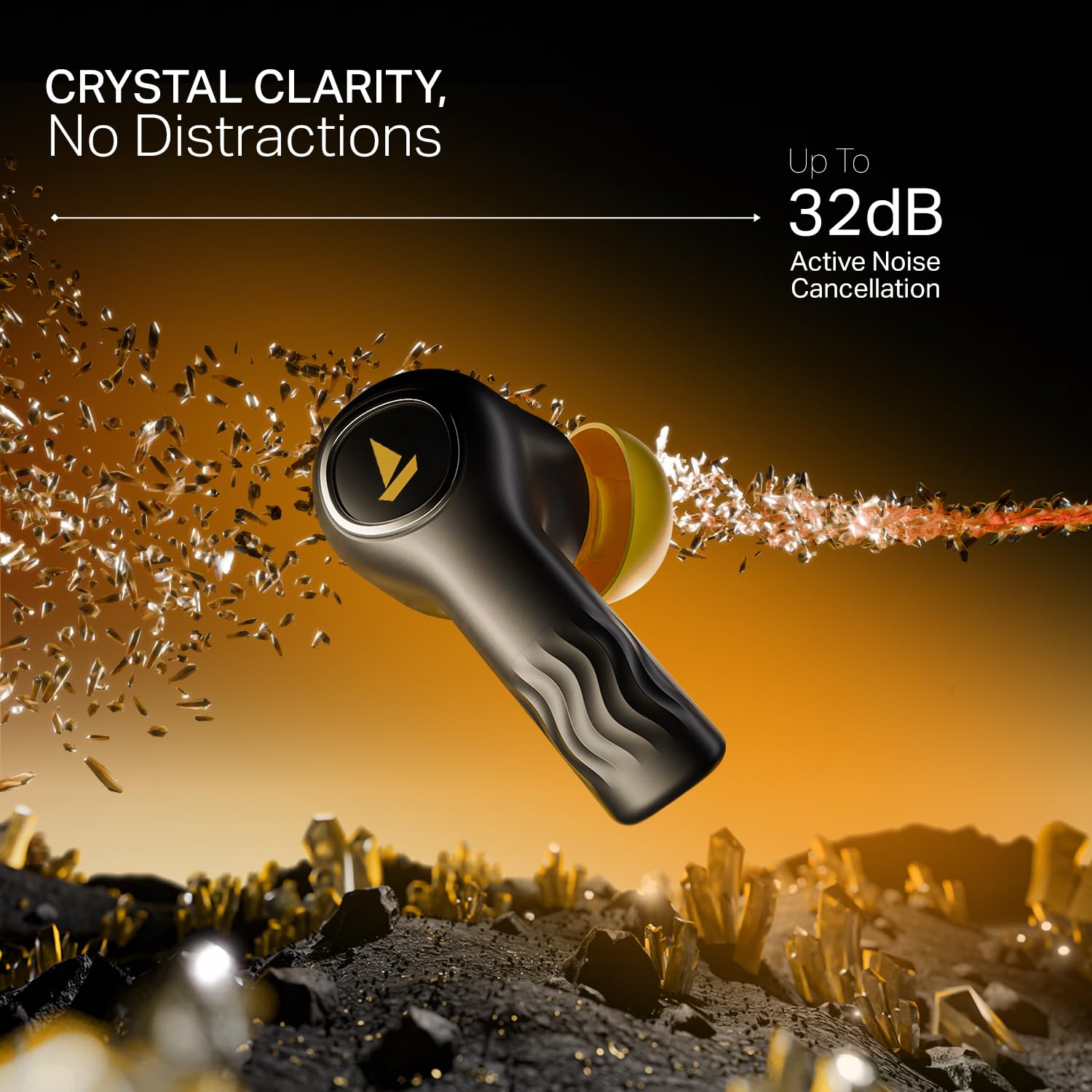
Image: The boAt Nirvana Crystl earbuds and case, illustrating the 100-hour playback and fast charging capabilities.
Ijikọ ekwe ntị gị
Initial Pairing (Google Fast Pair):
- Mepee igbe nchaji. Igwe ntị ga-abanye na ọnọdụ njikọta na-akpaghị aka.
- On your Android device, a Google Fast Pair notification will appear. Tap to connect.
- For other devices, go to your device's Bluetooth settings and select "Nirvana Crystl" from the available devices.
Na-emezigharị: The earbuds will automatically connect to the last paired device when taken out of the case.
boAt Hearables App Compatibility
Download the boAt Hearables App from your device's app store. The app allows you to customize touch functions, enable Spatial Audio, adjust the equalizer with boAt Adaptive EQ by Mimi, view battery levels, and manage connectivity status.
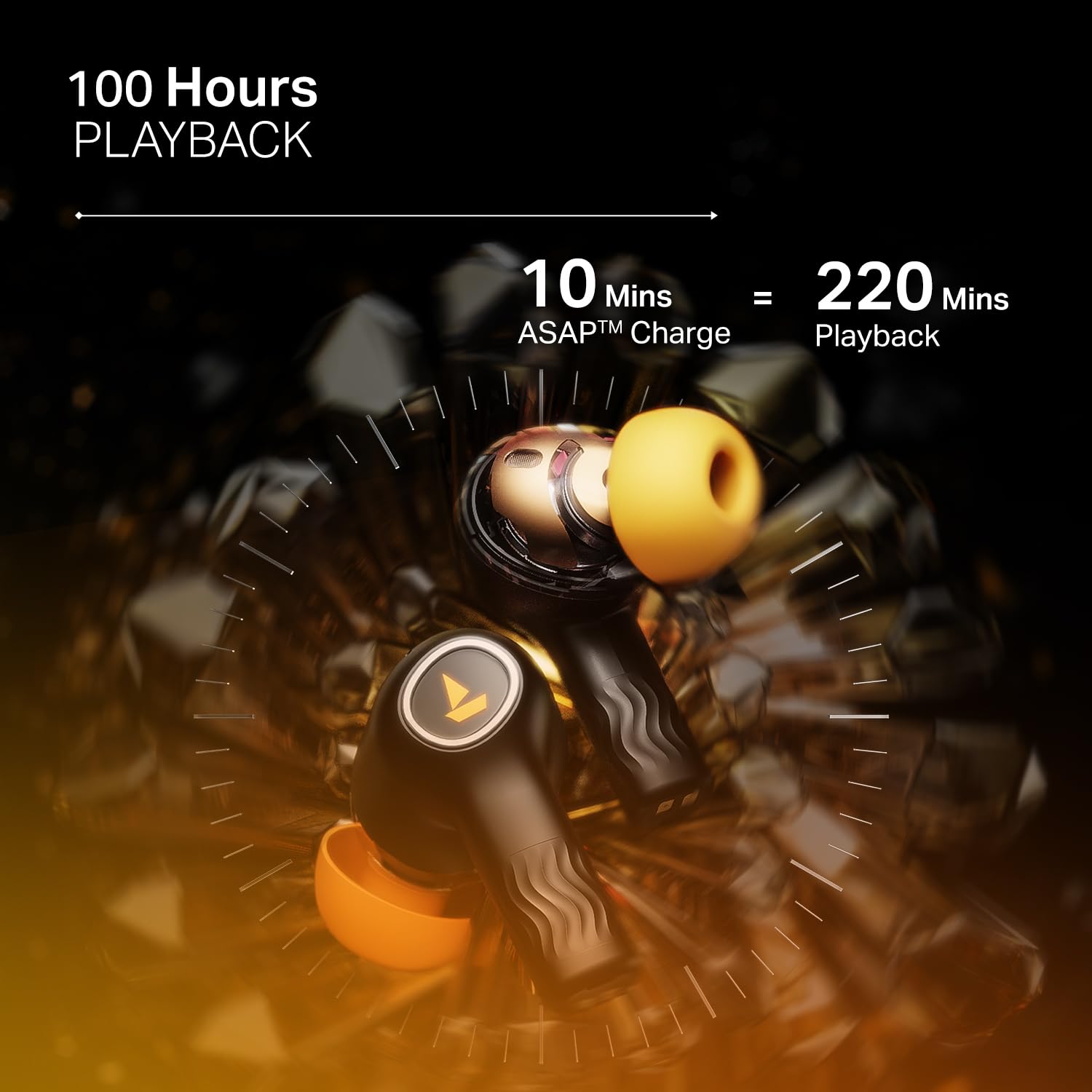
Image: The boAt Hearables App interface, demonstrating options for noise cancellation, equalizer, and spatial audio settings.
Ịrụ ọrụ ekweisi gị
Nkagbu Noise nọchiri anya (ANC)
The Nirvana Crystl earbuds feature Active Noise Cancellation up to 32 dB, allowing you to minimize ambient sounds and focus on your audio. Activate or deactivate ANC through the boAt Hearables App or via the earbud touch controls.

Image: A boAt Nirvana Crystl earbud depicted with visual effects representing the active noise cancellation feature.
boAt 360° Spatial Audio
Experience immersive audio with boAt 360° Spatial Audio, creating a rich, multi-dimensional soundscape for music, movies, and games. This feature can be enabled via the boAt Hearables App.

Image: A person experiencing immersive sound with boAt Nirvana Crystl earbuds, illustrating the 360° Spatial Audio feature.
Quad Mics with ENx Technology
The earbuds are equipped with four microphones and ENx Technology to ensure enhanced clarity during calls, effectively reducing background noise for clear communication.
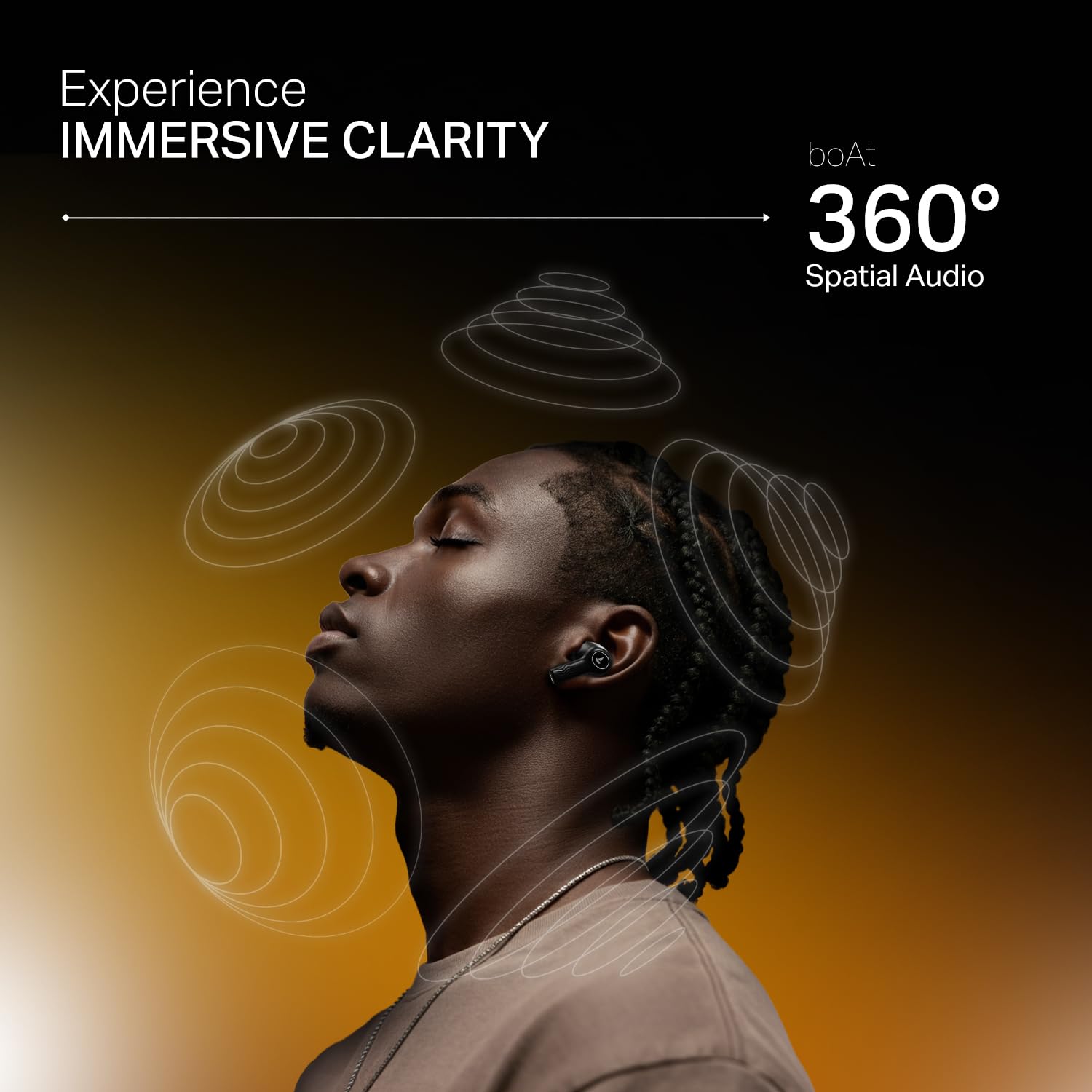
Image: A person making a call with boAt Nirvana Crystl earbuds, emphasizing the clarity provided by 4-mic ENx Technology.
Multipoint Njikọta
Connect your Nirvana Crystl earbuds to two devices simultaneously and switch between them seamlessly without re-pairing. For example, you can listen to music on your tablet and answer calls on your phone.
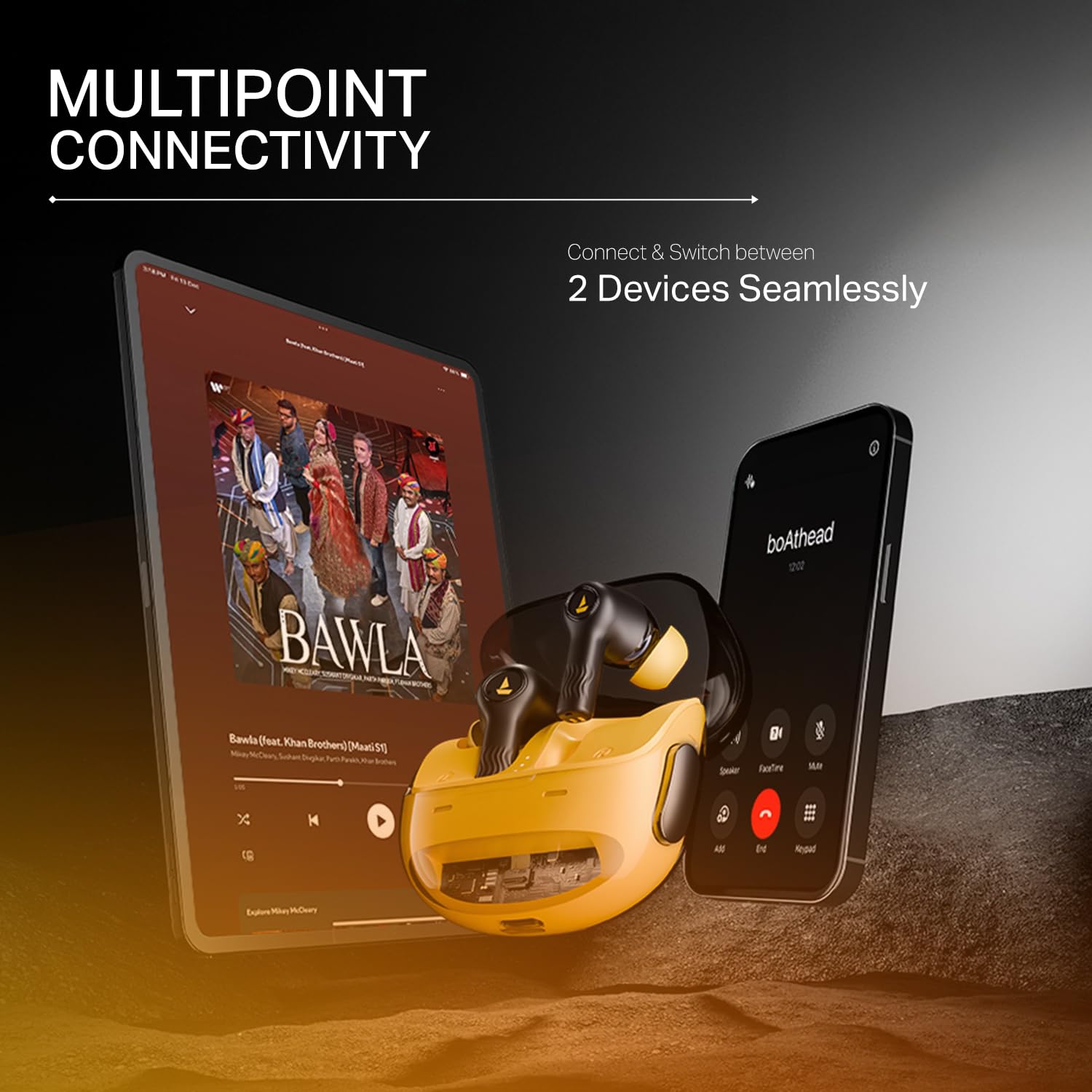
Image: The boAt Nirvana Crystl earbuds shown connected to both a smartphone and a tablet, illustrating multipoint connectivity.
Nchọpụta n'ime-ntị
The earbuds feature in-ear detection. Music or video playback will automatically pause when you remove an earbud and resume when you place it back in your ear.
Njikwa mmetụ
The earbuds feature intuitive touch controls for managing playback, calls, and activating features. These controls can be customized through the boAt Hearables App to suit your preferences.
Nlekọta na nlekọta
- Nhicha: Jiri akwa dị nro na-ehicha ihe ntị ntị na chaja mgbe niile. Zere iji kemịkalụ siri ike ma ọ bụ ihe na-emebi emebi.
- Nchekwa: Chekwaa ntị ntị n'akpa chaja ha mgbe anaghị eji ya iji chebe ha ma debe ya ebubo.
- Nguzogide mmiri: The earbuds are water-resistant. However, they are not waterproof. Avoid submerging them in water or exposing them to heavy rain. Dry them thoroughly if they get wet.
- Okpomọkụ: Zere ikpughe ekwe ntị na oke okpomọkụ (ọkụ ma ọ bụ oyi) n'ihi na nke a nwere ike imetụta ndụ batrị yana ịrụ ọrụ.
Nchọpụta nsogbu
- Igwe ntị anaghị ejikọta: Gbaa mbọ hụ na ekwe ntị abụọ nọ na igbe nchaji, wee mepee mkpuchi ka ịmalite ọnọdụ njikọta. Lelee ntọala Bluetooth nke ngwaọrụ gị.
- Naanị otu earbud na-arụ ọrụ: Place both earbuds back in the case, close the lid, wait a few seconds, then open it again. This often resets the connection.
- Ogo ụda adịghị mma: Ensure the earbuds are properly seated in your ears and try different sized eartips for a better seal. Check the audio source and app equalizer settings.
- Earbuds anaghị akwụ ụgwọ: Ensure the charging cable is securely connected to both the case and the power source. Check for any debris in the charging port.
- Nsogbu njikọta: Move closer to your paired device. Ensure there are no major obstructions between the earbuds and your device.
Nkọwa nka nka
| Njirimara | Nkọwapụta |
|---|---|
| Aha Nlereanya | Nirvana Crystl |
| Njikwa mkpọtụ | Nkagbu mkpọtụ mkpọtụ (ruo 32 dB) |
| Teknụzụ Njikọta | Bluetooth v5.3 |
| Ndụ batrị | 100 Hours (Total Playback) |
| Oge Nchaji | Awa 2.5 |
| Igwe okwu | Quad Mics with ENx Technology |
| Usoro njikwa | Metụ aka |
| Ọkwa Nguzogide mmiri | Mmiri na-eguzogide |
| Ngwa dakọtara | Cellphones, Laptops, Tablets |
| Ihe onwunwe | Plastic |
| Ibu Ibu | 120 grams |
| Akụkụ ngwaahịa | 6 x 2 x 5 cm |
| Onye nrụpụta | Imagine Marketing Ltd |
Akwụkwọ ikike na nkwado
For detailed warranty information, product registration, and customer support, please visit the official boAt website or contact their customer service directly. You can reach the manufacturer at info@imaginemarketingindia.com.
Onye nrụpụta: Imagine Marketing Ltd
Email: info@imaginemarketingindia.com


