1. Okwu mmalite
This manual provides detailed instructions for the installation, setup, operation, and maintenance of your ASD 2 Pack 2x4 Smart RGBW LED Flat Panel Lights. Please read this manual thoroughly before installation and retain it for future reference.
The ASD Smart RGBW LED Flat Panel Light offers versatile lighting solutions with selectable color temperatures (3500K, 4000K, 5000K), full RGB color control, and smart app integration for convenient management via Wi-Fi, Alexa, and Google Assistant.
2. Ozi nchekwa
- Nchekwa Eletriki: Installation must be performed by a qualified electrician in accordance with national and local electrical codes. Ensure power is disconnected at the circuit breaker before installation or maintenance.
- Voltage: This fixture operates on 120-277V. Verify your supply voltage matches the fixture's requirements.
- Eji ime ụlọ naanị: This product is designed for indoor use in dry and damp locations. Do not expose to water or excessive moisture.
- Ijikwa: Handle the LED panel with care to avoid damage to the light source or housing.
- Okpomọkụ: Do not cover the fixture with insulating material. Ensure adequate ventilation around the fixture.
3. Ihe ngwugwu
Ngwungwu gị kwesịrị ịnwe ihe ndị a:
- 2 x ASD 2x4 Smart RGBW LED Flat Panel Lights
- 1 x Akwụkwọ ntuziaka
- Necessary mounting hardware for recessed installation
Note: Additional accessories for surface mount or suspended installation (e.g., ASD Surface Mounting Frame, suspension kits) are sold separately.
4. Nkọwapụta
| Njirimara | Nkọwapụta |
|---|---|
| Nọmba nlereanya | A-BLP-24D40SM-RGB |
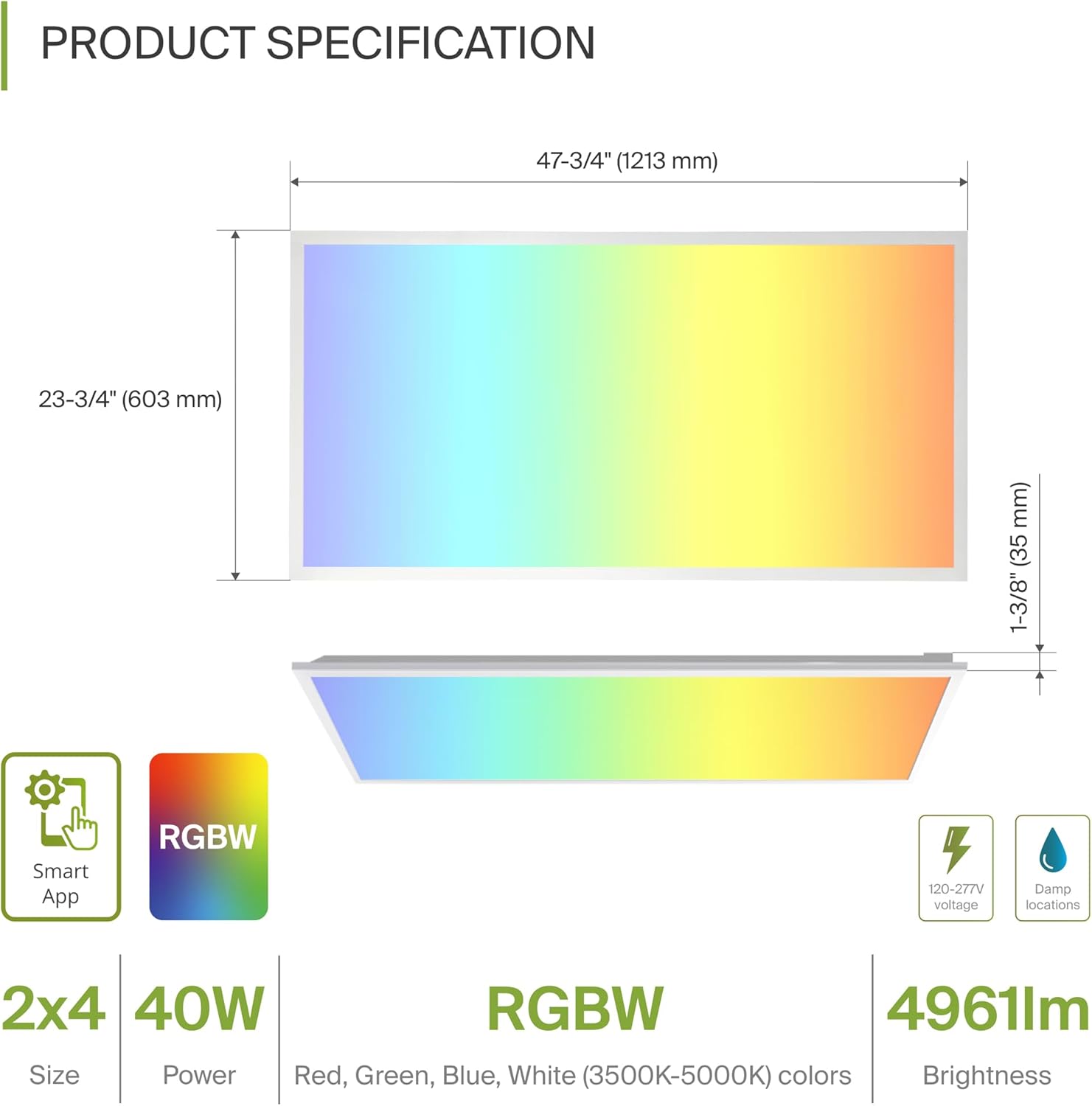
| Akụkụ (L x W x H) | 47.74" x 23.74" x 1.37" (1213mm x 603mm x 35mm) |
| Wattage | 40 Watt |
| Icha ọkụ | 4961 Lumen |
| Okpomọkụ agba | 3500K, 4000K, 5000K Selectable (White Light) |
| Nhọrọ agba | RGBW (16.7 million colors) |
| Voltage | 120-277 volts |
| Usoro njikwa | ASD Smart App (Wi-Fi), Alexa, Google Assistant |
| Ihe onwunwe | Aluminum, Iron, Polycarbonate |
| Ogologo ndụ | Awa 54,000 |
| Asambodo | UL, DLC Premium |
5. Nwụnye
The ASD Smart RGBW LED Flat Panel Light supports three primary mounting options: recessed, surface, and suspended. Ensure all electrical connections are made safely and securely.
5.1 Mounting Options Overview
- Ugwu ewepụrụ: For installation into standard T-bar grid ceilings.
- Ugwu elu: Requires an ASD Surface Mounting Frame (ASIN: B07GGMMJCV), sold separately.
- Ngwugwu a kwụsịtụrụ: Requires a suspension kit (e.g., ASD-CHS4), sold separately.
5.2 Recessed Installation Steps
Follow these steps for recessed installation in a T-bar grid ceiling:
- Kwadebe mmeghe: Ensure the ceiling grid opening is appropriate for a 2x4 panel.
- Lift Mounting Clips: Lift all mounting clips along the edges of the panel. Turn the mounting clip head outwards.
- Jikọọ Wiring: Connect the electrical wires (Neutral, Live, Ground) from your building's power supply into the junction box on the back of the panel. Ensure wire colors match (N, L, G) and use appropriate wire nuts for secure connections.
- Ogwe ọnọdụ: Carefully place the panel into the ceiling grid opening.
- Mpempe akwụkwọ echedoro: Adjust the panel into place, ensuring the mounting clips are securely fastened to the ceiling's T-bar grid.
6. Setup: Smart App Control
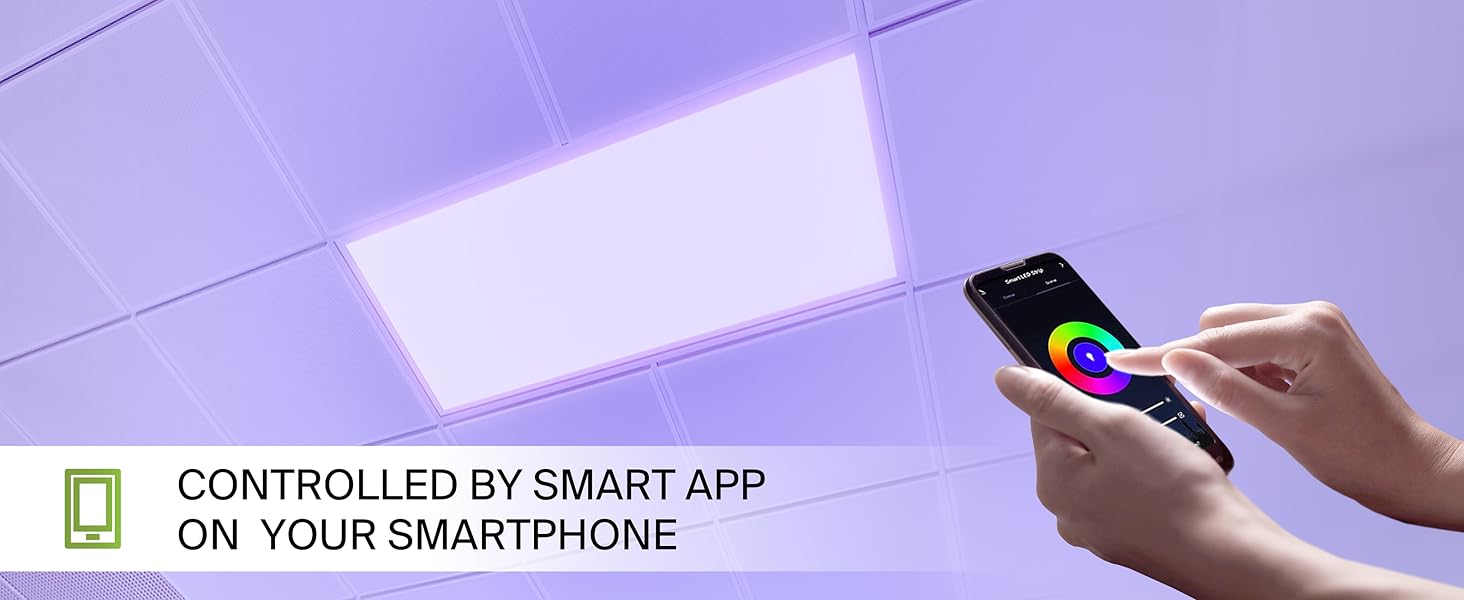
The ASD Smart RGBW LED Flat Panel Light is controlled via the ASD Smart App, compatible with Wi-Fi, Alexa, and Google Assistant.
6.1 Download the ASD Smart App
Scan the QR codes below or visit your app store to download the ASD Smart App:
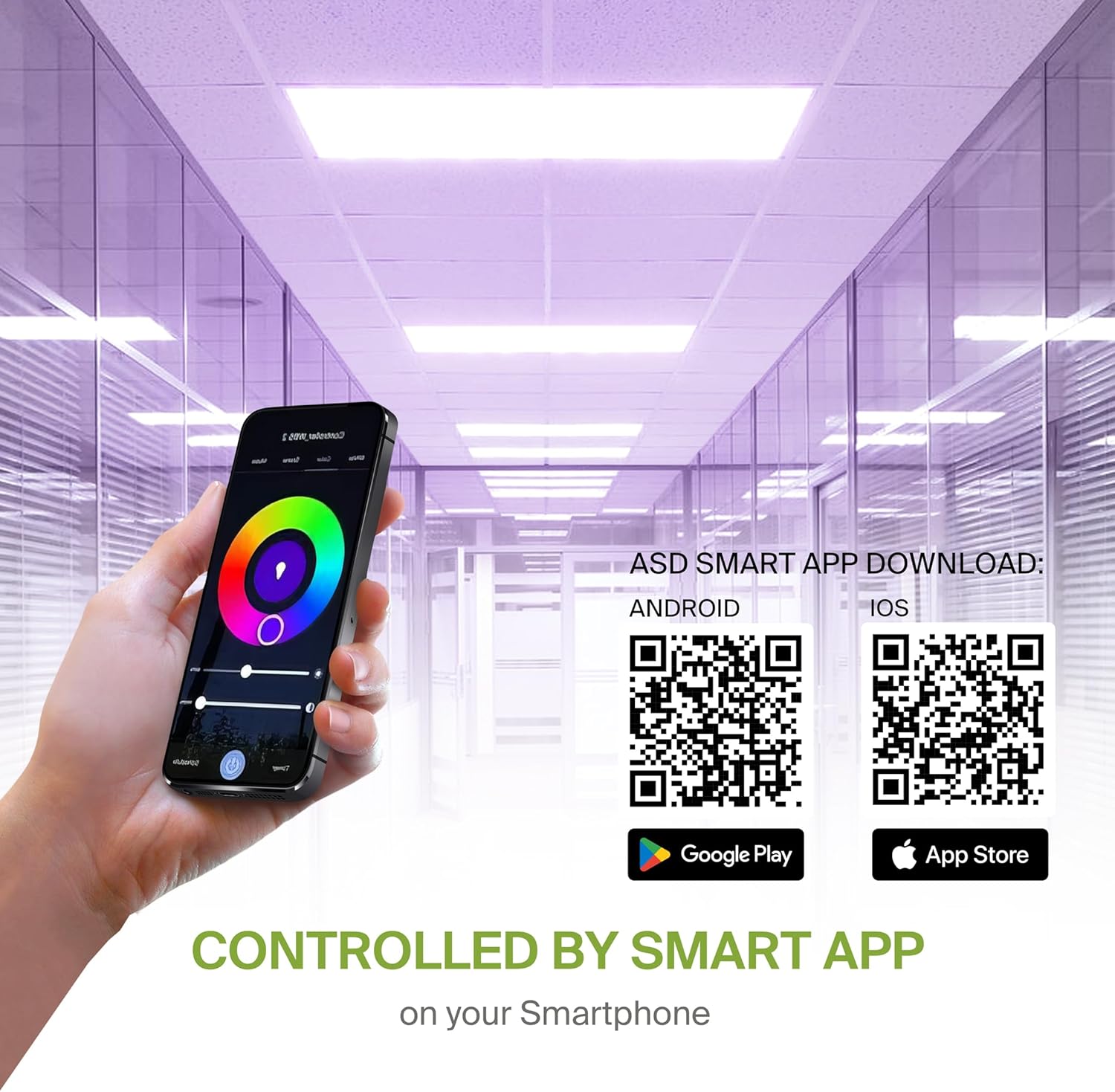
- Android: Ụlọ ahịa Google Play
- iOS: Ụlọ ahịa Apple App
6.2 Wi-Fi Connection and Pairing
After downloading the app, follow the in-app instructions to create an account and connect your LED panel to your Wi-Fi network. A stable 2.4GHz Wi-Fi connection is required for smart functionality.
6.3 Ntinye aka onye enyemaka olu
The fixture is compatible with Alexa and Google Assistant. Refer to the ASD Smart App's integration guide to link your lighting system with your preferred voice assistant for voice control.
7. Ntuziaka ọrụ
Utilize the ASD Smart App to access the full range of features for your LED panel.
7.1 Color Changing and CCT Tuning
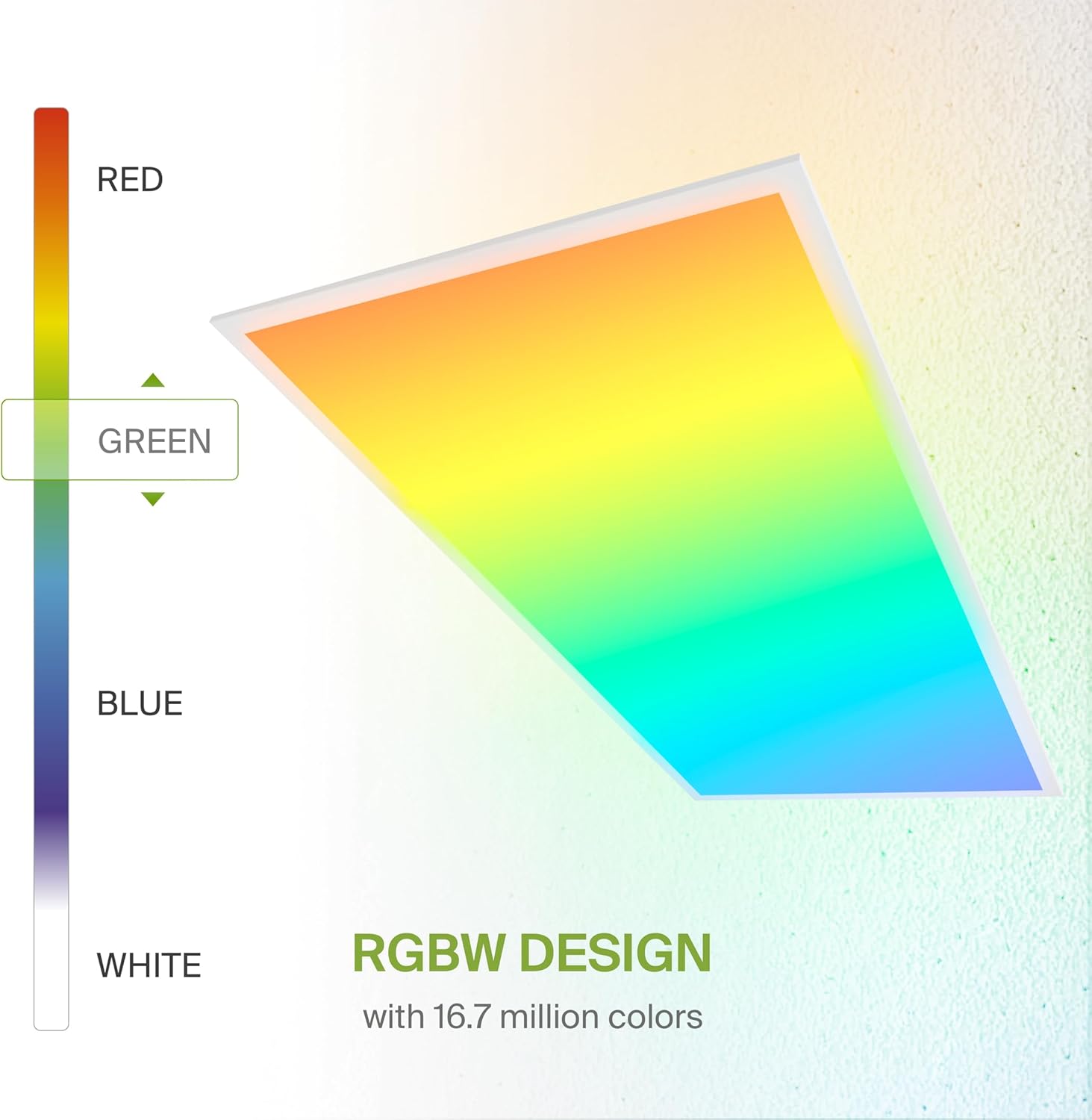
- Agba RGB: Select from 16.7 million colors to create custom ambiances.
- White Light (CCT): Adjust the white light color temperature between 3500K (Warm White), 4000K (Cool White), and 5000K (Daylight).
7.2 na-emepe emepe
Smoothly dim the light output from 0-100% using the app or voice commands to achieve desired brightness levels.
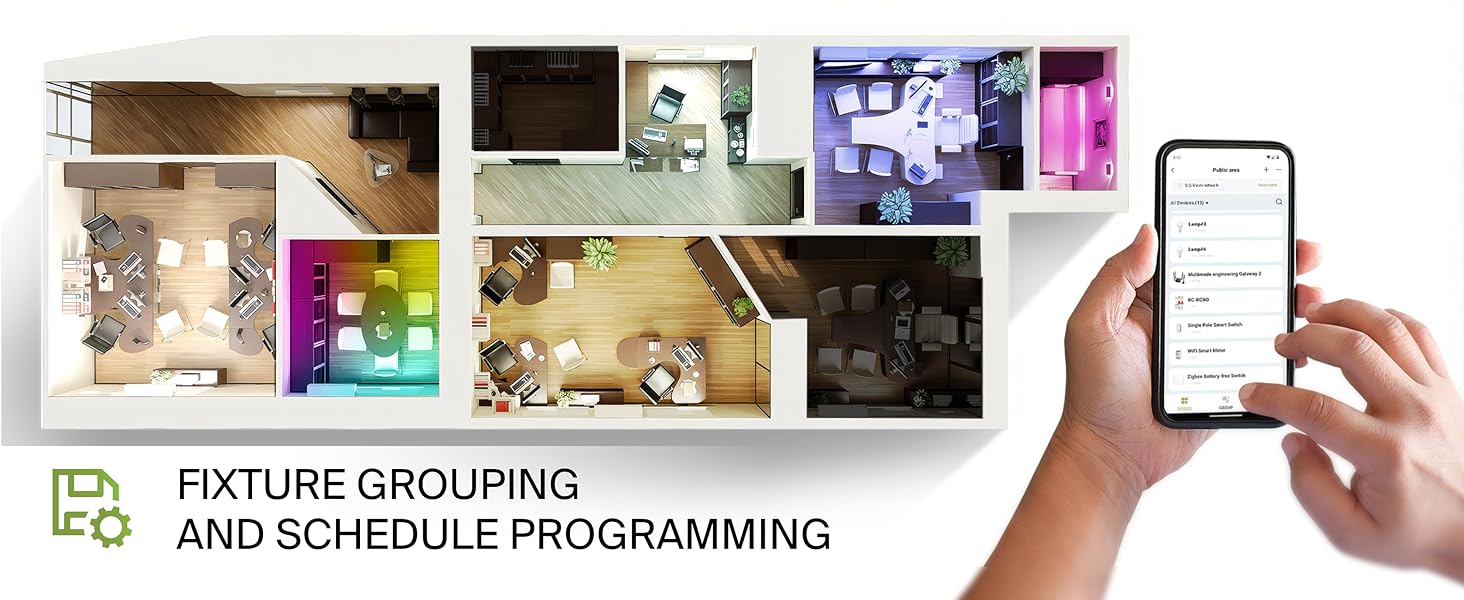
7.3 Fixture Grouping and Scheduling
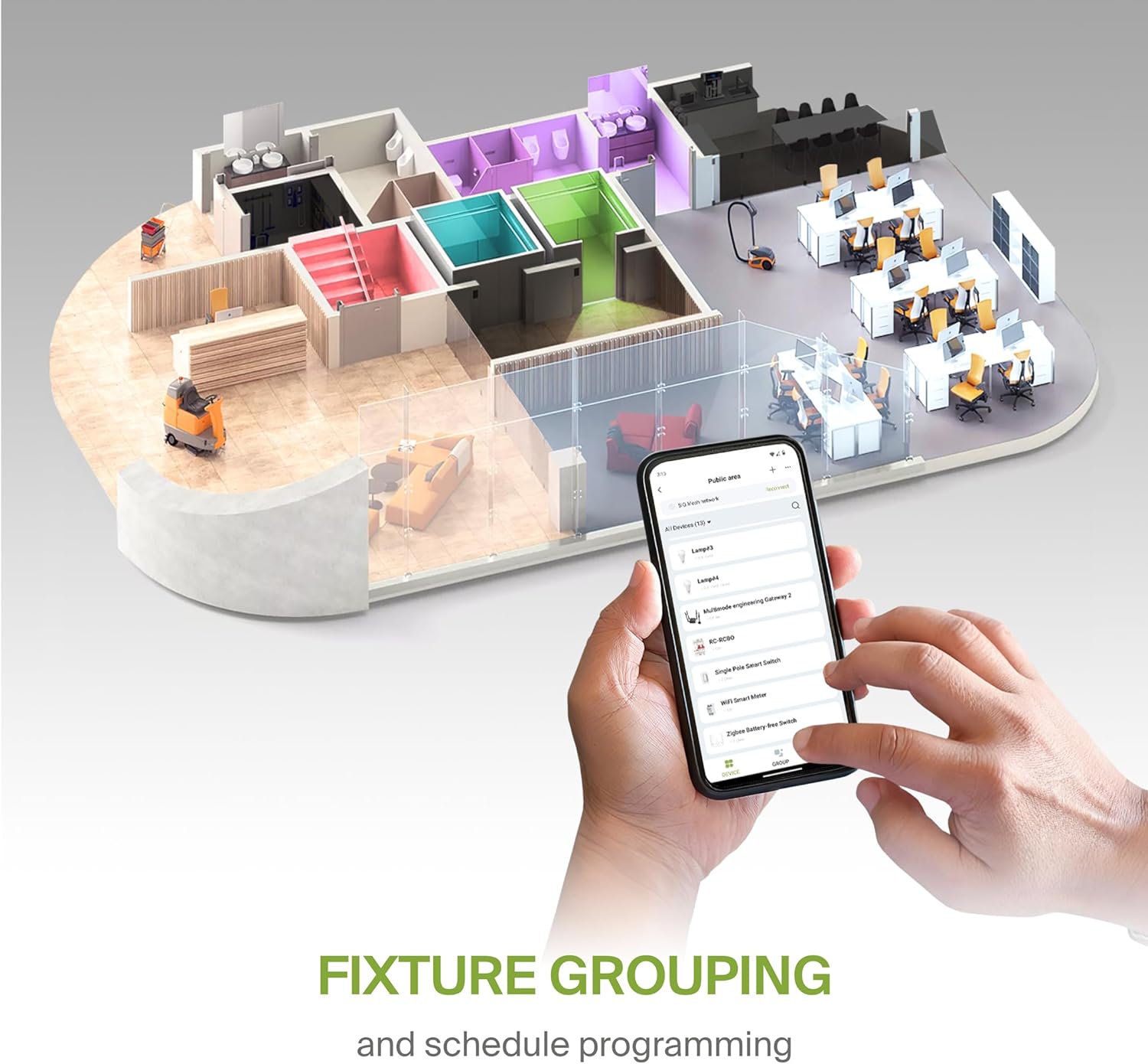
- Ịchịkọta: Combine multiple ASD Smart LED panels to control them simultaneously.
- Ịhazi oge: Set automated on/off times, color changes, and dimming levels based on your daily routine or specific events.
8. Nlekọta
To ensure optimal performance and longevity of your LED panel, follow these simple maintenance guidelines:
- Nhicha: Kwupu ike tupu ihicha. Jiri nro dị nro, kpọrọ nkụ, ma ọ bụ ntakịrị damp cloth to wipe the surface of the panel. Avoid abrasive cleaners or solvents that could damage the finish or lens.
- Nyocha: Periodically inspect the wiring and mounting for any signs of wear or damage. Address any issues promptly.
9. Nchọpụta nsogbu
If you encounter issues with your ASD Smart RGBW LED Flat Panel Light, refer to the following common troubleshooting steps:
- Ìhè anaghị agbanwu:
- Lelee ihe mgbawa sekit iji hụ na enyere ọkụ eletrik na ihe nkwụnye ahụ.
- Nyochaa na njikọ niile nke wiring echekwabara na ezi.
- Ensure the light switch (if applicable) is in the ON position.
- Okwu Njikọta ngwa:
- Ensure your Wi-Fi network is active and stable (2.4GHz band).
- Restart your Wi-Fi router and the LED panel (by cycling power).
- Confirm your smartphone is connected to the same Wi-Fi network as the light.
- Try re-pairing the device through the ASD Smart App.
- Inconsistent Color/Brightness:
- Gbaa mbọ hụ na emelitere ngwa ahụ ka ọ bụrụ ụdị kachasị ọhụrụ.
- Check for any interference with the Wi-Fi signal.
- If controlling multiple lights, verify they are correctly grouped in the app.
For further assistance, please contact ASD customer support.
10. Akwụkwọ ikike na nkwado
ASD na-enye ihe Akwụkwọ ikike dị afọ 5 for this product, covering defects in materials and workmanship under normal use. Please retain your proof of purchase for warranty claims.
For technical support, warranty inquiries, or additional information, please visit the official ASD websaịtị ma ọ bụ kpọtụrụ ngalaba ọrụ ndị ahịa ha.


