Okwu mmalite
The Logitech Signature M550 mouse is designed for enhanced comfort and productivity, featuring SmartWheel scrolling for versatile navigation. It offers seamless wireless connectivity and silent clicks, making it suitable for various computing environments. This manual provides instructions for setting up, operating, maintaining, and troubleshooting your Signature M550 mouse.
Atụmatụ igodo
- Mkpọgharị SmartWheel: Provides both line-by-line precision and super-fast scrolling, automatically switching modes based on your scrolling speed.
- Nhazi Ergonomic: Contoured shape with a soft thumb area and rubber side grips for comfortable use over extended periods.
- Teknụzụ SilentTouch: Reduces click noise by over 90% compared to standard Logitech mice, creating a quieter workspace.
- Njikọta abụọ: Connects via Bluetooth Low Energy or the Logi Bolt USB receiver, offering a reliable wireless connection up to 10 meters.
- Ndakọrịta ọtụtụ Platform: Works with Windows, macOS, Linux, iPadOS, Android, and is Works With Chromebook Certified.
- Ndụ batrị agbatịkwuru: Up to 24 months of battery life with the included AA battery.
- Bọtịnụ enwere ike ime: Features 3 programmable buttons for customized functionality.
Melite
Follow these steps to set up your Logitech Signature M550 mouse:
- Fanye batrị: Open the battery compartment on the underside of the mouse and insert the included AA battery, ensuring correct polarity.
- Ike Na: Turn on the mouse using the On/Off switch located on the bottom.
- Choose Connection Method:
- Logi Bolt USB nnata: Plug the Logi Bolt USB receiver into an available USB port on your computer. The mouse should connect automatically.
- Bluetooth:
- Press and hold the Easy-Switch button on the bottom of the mouse until the LED light starts blinking rapidly, indicating pairing mode.
- On your computer or device, go to Bluetooth settings and select "Logitech M550" from the list of available devices to pair.
- Install Software (Optional): For advanced customization of buttons and SmartWheel settings, download and install the Logitech Options+ software from the official Logitech websaịtị.

Figure 1: Connect via Bluetooth or Logi Bolt USB Receiver.
Ntuziaka ọrụ
The Logitech Signature M550 mouse is designed for intuitive use. Here are some key operational aspects:
- Mkpọgharị SmartWheel: The scroll wheel automatically switches between line-by-line precision and hyper-fast scrolling. Scroll slowly for precise control, or flick the wheel for rapid navigation through long documents or web ibe.
- Left and Right Clicks: Standard left and right click functionality. The SilentTouch technology ensures minimal noise during clicks.
- Bọtịnụ enwere ike ime: The mouse features additional buttons that can be customized using the Logitech Options+ software. This allows you to assign specific functions, shortcuts, or gestures to these buttons for increased productivity.
- Multi-Device Switching: If you have paired the mouse with multiple devices using Bluetooth, use the Easy-Switch button on the bottom of the mouse to quickly switch between connected devices.
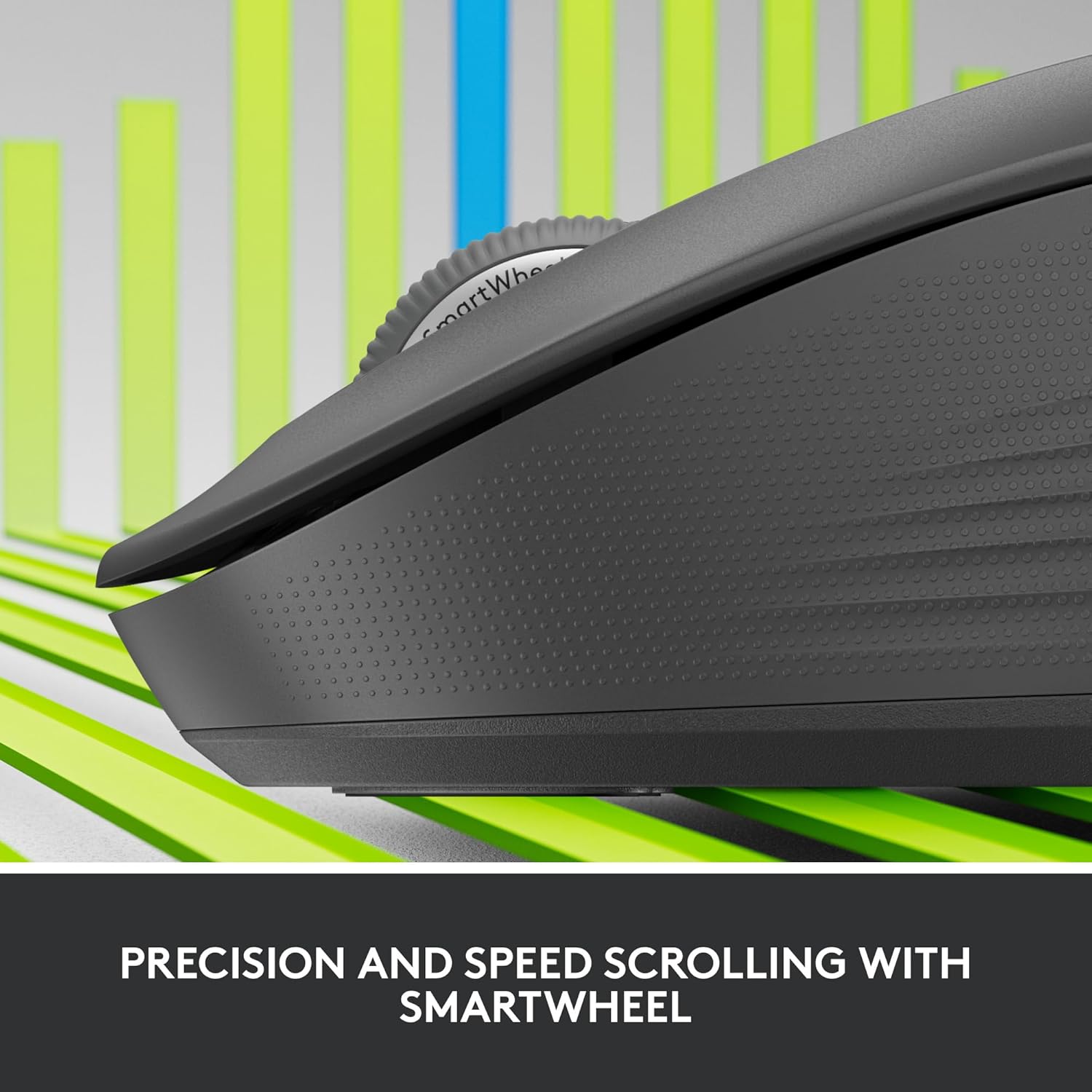
Figure 2: Precision and Speed Scrolling with SmartWheel.

Figure 3: Experience 90% Less Clicking Noise.
Nlekọta
- Nhicha: Jiri akwa dị nro na-enweghị ntụpọ dampened with water or an electronics cleaner to wipe the surface of the mouse. Avoid using harsh chemicals or abrasive materials.
- Ngbanwe batrị: The mouse uses one AA battery. When the battery indicator light (if present) signals low power, or if performance degrades, replace the battery. The battery compartment is located on the underside of the mouse.
- Nchekwa: Mgbe a naghị eji ya ruo ogologo oge, gbanyụọ òké ahụ iji chekwaa ndụ batrị. Debe ya n'ebe dị jụụ ma kpọọ nkụ, ebe anwụ na-anaghị apụta kpọmkwem.
Nchọpụta nsogbu
| Nsogbu | Ngwọta enwere ike |
|---|---|
| Òké anaghị aza |
|
| Ntugharị cursor na-adịghị agbanwe agbanwe ma ọ bụ na-awụlikwa elu |
|
| Enweghị ike ijikọ site na Bluetooth |
|
Nkọwapụta
| Njirimara | Nkọwa |
|---|---|
| Nlereanya | M550 |
| Teknụzụ Njikọta | Wireless (Bluetooth Low Energy, Logi Bolt USB Receiver) |
| Anya ikuku ikuku | Ruo mita 10 (32.81 ft) |
| Nchọpụta mmegharị | Ngwa anya |
| Mkpebi Mmegharị (DPI) | 4000 dpi |
| Bọtịnụ | 3 Button(s), 3 Programmable Button(s) |
| Mpempe akwụkwọ mpịakọta | Yes (SmartWheel) |
| Ụdị batrị | 1 x AA (gụnyere) |
| Ndụ batrị | Ruo ọnwa isii |
| Agba | Graphite |
| Ibu Ibu | 4.6 ounces |
| Akụkụ ngwugwu | 6.89 x 4.65 x 2.52 sentimita asatọ |
| Ndakọrịta | Windows, macOS, Linux, iPadOS, Android, Works With Chromebook Certified |

Figure 4: Key features and specifications of the Logitech Signature M550 mouse.

Figure 5: The perfect fit for your hand, illustrating M550 and M550 L sizes.
Akwụkwọ ikike na nkwado
Maka ozi gbasara akwụkwọ ikike na nkwado teknụzụ, biko gaa na Logitech gọọmentị websaịtị ma ọ bụ kpọtụrụ ndị ọrụ ahịa Logitech. Debe ihe akaebe ịzụrụ ihe gị maka nkwupụta nkwa.
Nkwado Logitech Websaịtị: nkwado.logi.com


