1. Okwu mmalite
The Creative Zen Air Pro are lightweight True Wireless in-ear headphones designed for an immersive audio experience. They feature Active Noise Cancellation (ANC) to block out distractions, Ambient Mode to stay aware of your surroundings, and support for next-generation Bluetooth LE Audio for high-quality, uninterrupted streaming. With an IPX5 rating, these earbuds are sweatproof and splashproof, making them suitable for various activities.

Figure 1.1: Creative Zen Air Pro Earbuds and Charging Case. The image shows the black earbuds nestled in their open charging case, ready for use or charging.
2. Nhazi
2.1 Ịchaji ntị na akpa
Before first use, fully charge the Creative Zen Air Pro earbuds and their charging case. The earbuds offer up to 9 hours of playtime on a single charge, and the charging case provides up to 33 hours of total playtime.
- Tinye ntị ntị n'ime akpa nchaji.
- Connect the charging case to a USB power source using a compatible USB-C cable.
- Ihe ngosi LED na ikpe ahụ ga-egosi ọkwa nchaji.

Figure 2.1: Charging the Creative Zen Air Pro. The image illustrates the charging case placed on a wireless charging pad, highlighting its extended battery life.
2.2 Njikọ Bluetooth
To pair your Creative Zen Air Pro with a device:
- Hụ na earphones dị n'ime akpa chaja ma mkpuchi ahụ emeghee.
- Na ngwaọrụ gị, mee ka Bluetooth rụọ ọrụ ma chọọ ngwaọrụ ọhụrụ.
- Select "Creative Zen Air Pro" from the list of available devices.
- Ozugbo ejikọtara ya, ekweisi ndị a dị njikere maka ojiji.
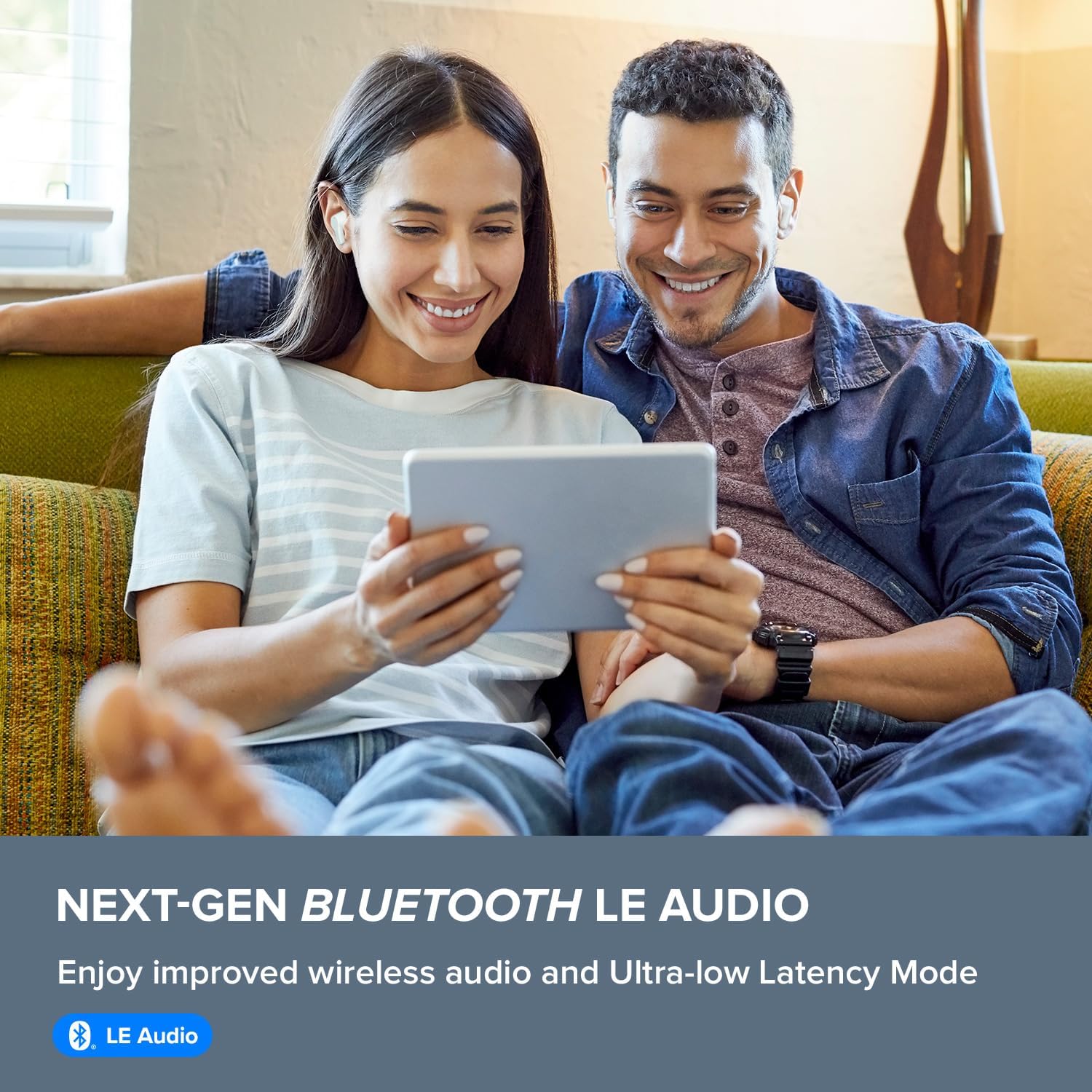
Figure 2.2: Bluetooth LE Audio Connectivity. This image shows a couple enjoying content on a tablet while wearing the earbuds, emphasizing the next-gen Bluetooth LE Audio feature.
2.3 Ịtinye eriri ntị
For optimal sound quality and noise cancellation, ensure a proper fit. Gently insert the earbuds into your ear canal and twist slightly to secure them. Experiment with different ear tip sizes if necessary to find the most comfortable and secure fit.
3. Na-arụ ọrụ ihe ntị ntị
3.1 Njikwa mmetụ
The Creative Zen Air Pro earbuds feature intuitive touch controls for managing playback, calls, and noise control modes. Refer to the quick start guide included with your product for specific tap sequences for various functions.
3.2 Active Noise Cancellation (ANC) and Ambient Mode
The earbuds are equipped with Active Noise Cancellation to reduce unwanted ambient sounds, allowing you to focus on your audio. Ambient Mode allows you to hear your surroundings without removing the earbuds, which is useful for awareness in busy environments.

Figure 3.1: Ambient Mode and Active Noise Cancellation. The image shows a man comfortably using the earbuds while reading on a tablet, illustrating the versatility of noise control features.
3.3 Call Experience
The Creative Zen Air Pro features a total of 6 microphones and is enhanced by advanced AI-powered Deep Neural Network (DNN) technology for ultra-clear call quality, minimizing background noise during conversations.

Figure 3.2: Microphone Placement for Clear Calls. This diagram highlights the feedforward and feedback microphones on the earbud, which contribute to superior call clarity.
3.4 Creative App
Download the Creative app on your smartphone to access additional features, customize settings, update firmware, and fine-tune your audio experience with an equalizer.
4. Nlekọta
4.1 Nhicha
Regularly clean your earbuds and charging case to maintain optimal performance and hygiene. Use a soft, dry, lint-free cloth. Do not use abrasive materials or harsh chemicals. Gently remove any earwax or debris from the ear tips and speaker mesh.
4.2 Mmiri Nguzogide
The Creative Zen Air Pro earbuds have an IPX5 water-resistance rating, meaning they are protected against low-pressure water jets from any direction. This makes them suitable for workouts and light rain. However, they are not designed for submersion in water.

Figure 4.1: IPX5 Water Resistance. The image shows a man engaged in outdoor activity while wearing the earbuds, highlighting their splashproof design.
5. Nchọpụta nsogbu
If you encounter issues with your Creative Zen Air Pro earbuds, try the following steps:
- Enweghị ụda/ụda na-anaghị akwụsị akwụsị: Ensure earbuds are charged and properly paired. Check the volume level on both the earbuds and your connected device. Try re-pairing the earbuds.
- Earbuds anaghị akwụ ụgwọ: Ensure the charging cable is securely connected to both the case and the power source. Check for any debris in the charging port. Make sure the earbuds are correctly seated in the case.
- Okwu ijikọ: Turn off Bluetooth on your device and turn it back on. Forget the earbuds from your device's Bluetooth list and attempt to pair again. Ensure no other devices are trying to connect simultaneously.
- Mmelite femụwe: Regularly check for and install firmware updates via the Creative app. Updates can resolve performance issues and introduce new features.
- Itọgharịa ntị ntị: If issues persist, consult the Creative support website or the Creative app for instructions on how to perform a factory reset.
6. Nkọwapụta
| Njirimara | Nkọwapụta |
|---|---|
| Aha Nlereanya | Creative Zen Air Pro (Black) |
| Nọmba nlereanya | EF1090 |
| Teknụzụ Njikọta | Ikuku (Bluetooth) |
| Ụdị Bluetooth | 5.3 |
| Njikwa mkpọtụ | Nkagbu mkpọtụ nọ n'ọrụ |
| Ndụ batrị (Earbuds) | Ruo awa 9 |
| ngụkọta oge egwuregwu (ya na ikpe) | Ruo awa 33 |
| Ụdị ọkwọ ụgbọ ala ọdịyo | 10 mm Ọkwọ ụgbọala Na-agbanwe agbanwe |
| Ọkwa Nguzogide mmiri | IPX5 (Ọsụsọ na-anaghị agbaze, na-egbochi ịgbawa mmiri) |
| Oke ugboro ugboro | 20 Hz - 20,000 Hz |
| Ụdị njikwa | Njikwa Mgbasa Ozi, Ime Ime Obodo |
| Akụkụ ngwaahịa | 4.33 x 3.46 x 1.53 sentimita asatọ |
| Ibu Ibu | 5.5 ounces |
7. Akwụkwọ ikike na nkwado
Your Creative Zen Air Pro earbuds come with a standard manufacturer's warranty. For detailed warranty information, technical support, or to access additional resources, please visit the official Creative website or contact Creative customer service. The product package includes a user manual for initial setup and guidance.


