Okwu mmalite
Welcome to the user manual for your boAt Airdopes 311 Pro Truly Wireless Earbuds. This guide provides essential information on setting up, operating, maintaining, and troubleshooting your earbuds to ensure an optimal audio experience. Please read this manual thoroughly before using the product.
Kedu ihe dị na Igbe ahụ
The boAt Airdopes 311 Pro package includes the following components:
- Earbuds boAt Airdopes 311 Pro
- Nchaji case
- Nkịta ntị (nha dị iche iche)
- USB Type-C Nchaji USB
- Akwụkwọ ntuziaka onye ọrụ

Image: boAt Airdopes 311 Pro earbuds securely placed within their transparent charging case.
Ngwaahịa gafereview
The boAt Airdopes 311 Pro earbuds are designed for wireless audio with several key features:
- Audio na-emikpu: Equipped with 10mm drivers for a clear sound experience.
- Ogologo oge egwuregwu: Ruo awa iri anọ na ise nke egwuregwu zuru oke na akpa chaja.
- Ụdị nkwụsị dị ala: Beast Mode provides 50ms low latency for gaming and video.
- Nchaji ngwa ngwa: ASAP Charging offers quick power boosts.
- Nguzogide mmiri: IPX4 rating protects against splashes and sweat.
- Kpochapụ oku: Dual microphones with ENx Technology for voice calls.
- Bluetooth v5.3: For stable and efficient wireless connectivity.
- Nhazi nghọta: A minimalistic and modern aesthetic.

Image: A visual summary of the boAt Airdopes 311 Pro's main features, including its dual microphones, extended battery life, low-latency mode, and transparent design.
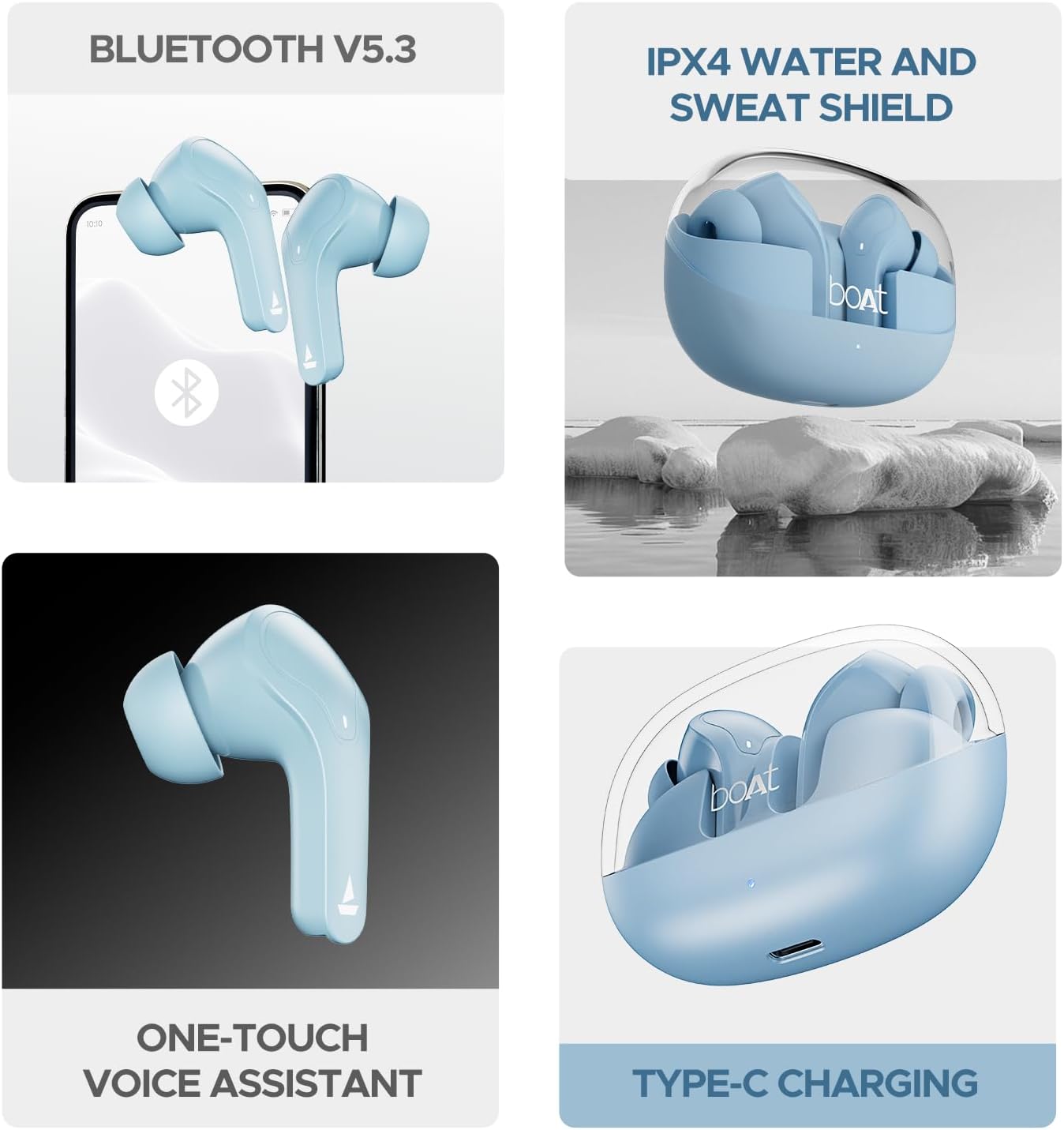
Image: The boAt Airdopes 311 Pro charging case with its transparent lid, showcasing the earbuds and their minimalist design.
Ịchaji ihe ntị na akpa
To ensure optimal performance, fully charge the earbuds and charging case before first use.
- Ịchaji ikpe ahụ: Connect the USB Type-C charging cable to the charging port on the case and to a power source. The LED indicator on the case will show charging status.
- Ịchaji ekwe ntị: Place the earbuds into their respective slots in the charging case. Ensure they are correctly seated. The earbuds will automatically begin charging.
The earbuds feature ASAP Charging technology, providing approximately 150 minutes of playtime with just 10 minutes of charging.

Image: Illustration highlighting the 50-hour total playback time and the rapid charging capability of the boAt Airdopes 311 Pro, where 10 minutes of charge provides 150 minutes of playtime.
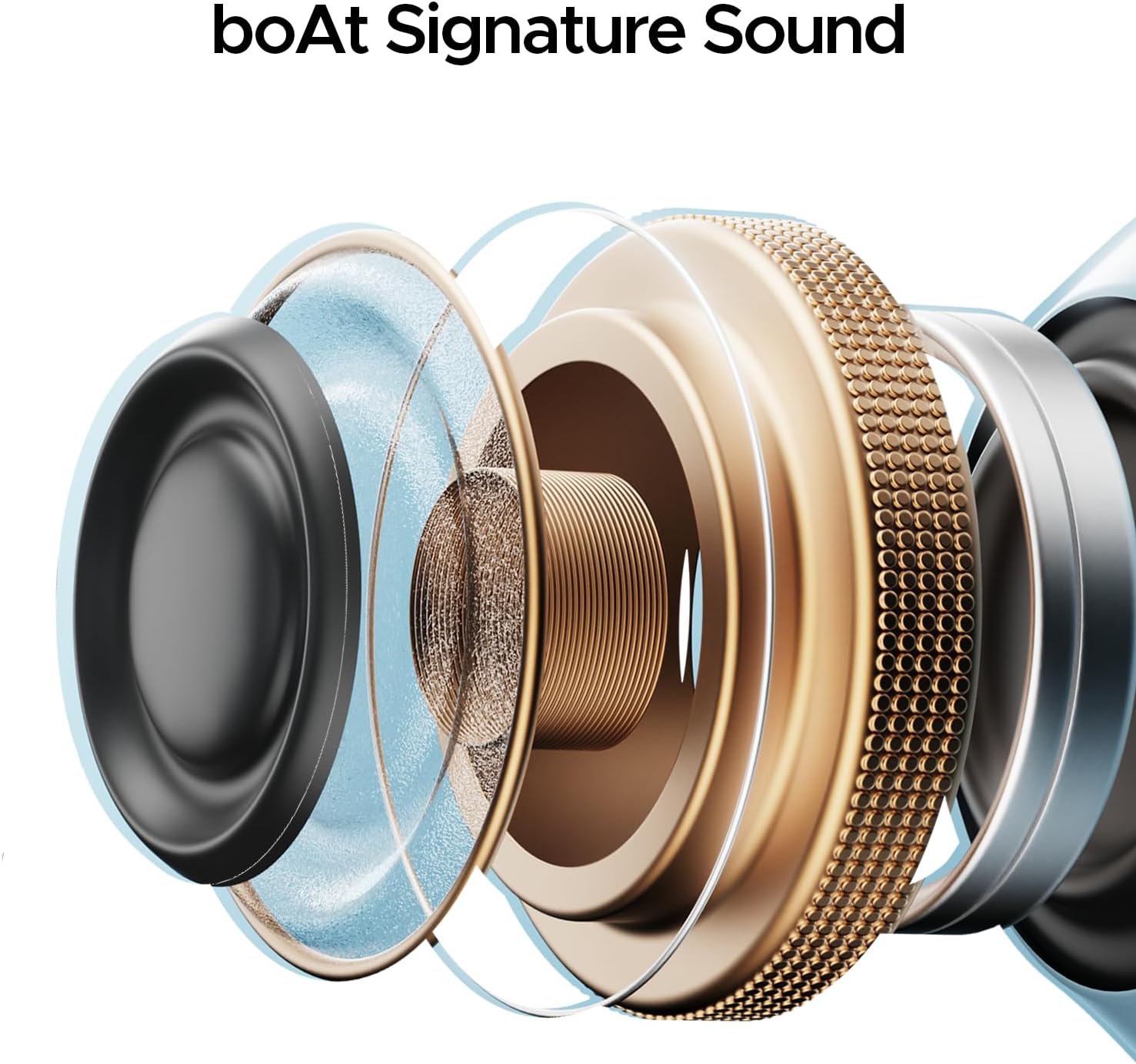
Foto: nkọwa zuru ezu view of the boAt Airdopes 311 Pro charging case, specifically showing the Type-C charging port located at the bottom.
Ntọlite na mbido mbụ
Follow these steps to pair your boAt Airdopes 311 Pro with your device:
- Ike Na: Open the charging case lid. The earbuds will automatically power on and enter pairing mode.
- Mee ka Bluetooth rụọ ọrụ: Na ekwentị gị ma ọ bụ ngwaọrụ ọzọ, mee ka Bluetooth rụọ ọrụ.
- Họrọ Ngwaọrụ: In the list of available Bluetooth devices, search for "Airdopes 311 Pro" and select it to connect.
- nkwenye: Once connected, you will hear an audio prompt, and the LED indicator on the earbuds will change, indicating successful pairing.
- Njikọta: Igwe ntị ntị ga-ejikọta ya na ngwaọrụ ejikọrọ ikpeazụ na-akpaghị aka mgbe ewepụrụ ya na ikpe ahụ, ma ọ bụrụhaala na agbanyere Bluetooth na ngwaọrụ ahụ.
The earbuds utilize Bluetooth v5.3 for a stable and efficient wireless connection.
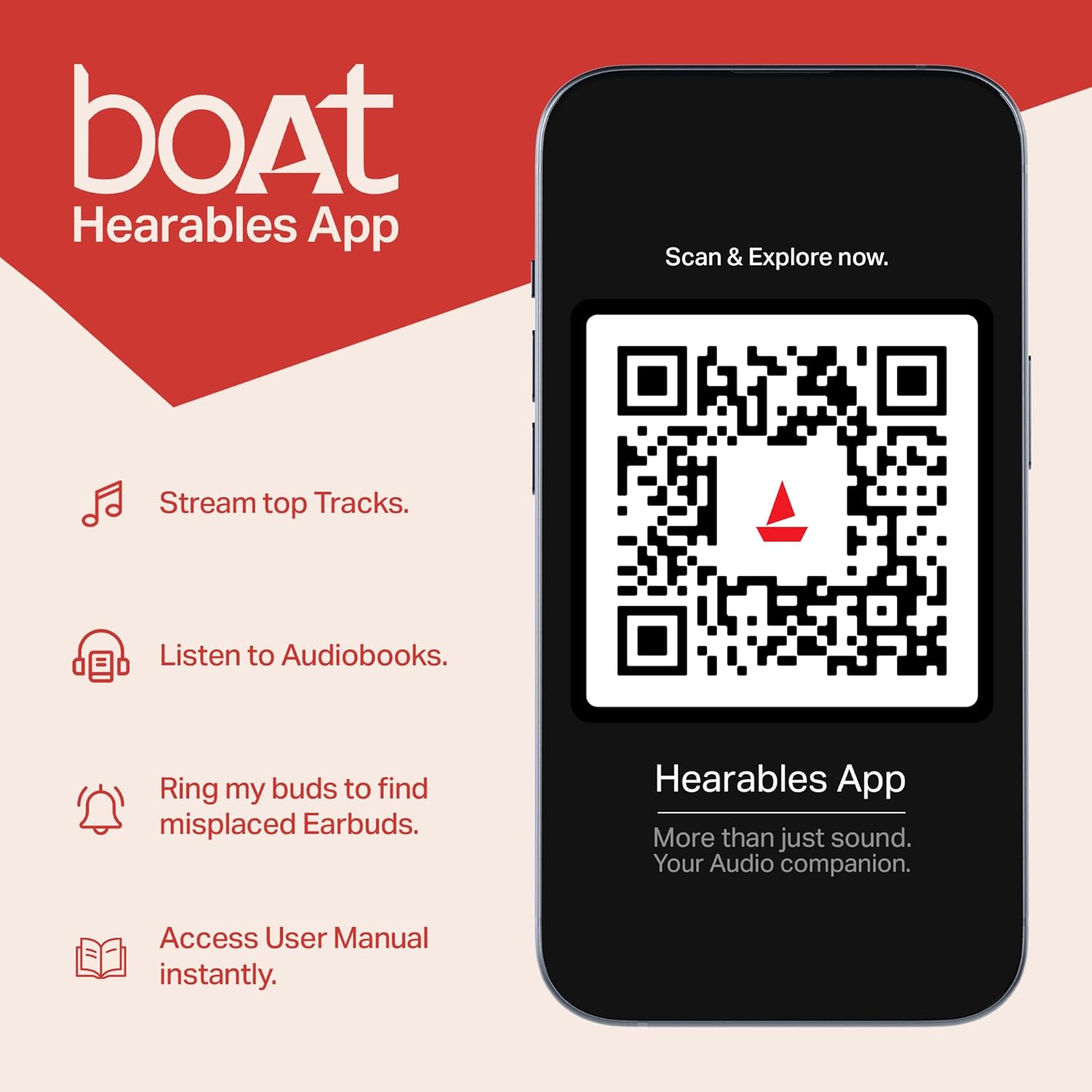
Image: A smartphone screen showing the Bluetooth connection symbol alongside the boAt Airdopes 311 Pro earbuds, illustrating the Bluetooth v5.3 pairing process.
Operating Your Earbuds: Touch Controls
The boAt Airdopes 311 Pro features intuitive touch controls on each earbud. The following table outlines the common functions:
| Ọrụ | Omume |
|---|---|
| Kpọọ/kwụsịtụ egwu | Otu mgbata na ntị ntị |
| Track na-esote | Pịa na ntị ntị aka nri ugboro abụọ |
| Egwu gara aga | Kpatụ ntị ugboro abụọ n'akụkụ aka ekpe |
| Zaa/Kwụsị Oku | Otu mgbata na ntị ntị |
| Jụ oku | Pịa ogologo na ntị ntị ọ bụla |
| Mee ka onye enyemaka olu rụọ ọrụ | Pịa ugboro atọ na ntị ntị |
| Gbanwee Ọnọdụ Anụmanụ | Long press on the Right earbud (specific gesture may vary, refer to product guide for exact details) |

Image: A single boAt Airdopes 311 Pro earbud illustrating its one-touch voice assistant activation capability through its integrated touch controls.
Beast Mode (Low Latency Gaming)
The Beast Mode is designed to provide a low-latency audio experience, reducing audio delay to approximately 50ms. This feature is particularly beneficial for gaming and video streaming, ensuring synchronized audio and visuals.
To activate or deactivate Beast Mode, perform the designated touch control action (e.g., a long press on the right earbud, as per specific product instructions).

Image: An illustration of the boAt Airdopes 311 Pro earbuds in use, emphasizing the 'BEAST Mode' for 50ms low-latency gaming, suitable for immersive gaming experiences.
Ọrụ oku
The Airdopes 311 Pro are equipped with dual microphones featuring ENx Technology. This technology enhances voice clarity during calls by filtering out environmental noise, ensuring your voice is heard clearly by the recipient.
Foto: nkọwa zuru ezu view of a boAt Airdopes 311 Pro earbud, highlighting its internal dual microphones and ENx Technology, designed for clear voice calls.
Nguzogide mmiri (IPX4)
The boAt Airdopes 311 Pro earbuds have an IPX4 water resistance rating. This means they are protected against splashing water from any direction. They are suitable for use during workouts or in light rain, but they are not designed for submersion in water.
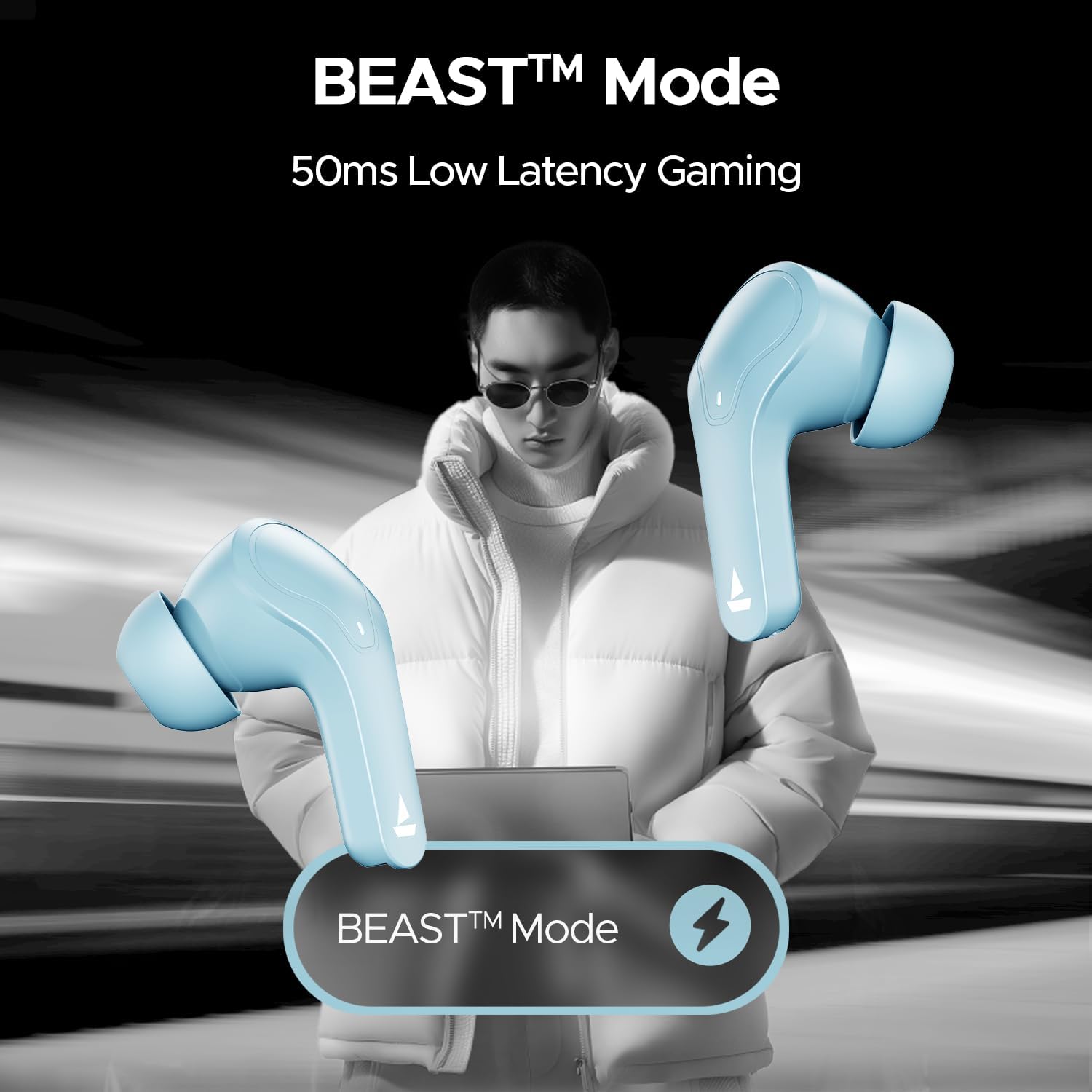
Image: The boAt Airdopes 311 Pro earbuds and their charging case, visually representing their IPX4 water and sweat resistance, suitable for active use.
Nlekọta na nlekọta
Proper care helps extend the lifespan of your earbuds:
- Nhicha: Jiri akwa dị nro na-ehicha ihe ntị ntị na chaja mgbe niile. Zere iji ihe na-emebi emebi ma ọ bụ kemịkalụ siri ike.
- Ndụmọdụ ntị: Remove and clean the ear tips periodically to prevent wax buildup. Ensure they are completely dry before reattaching.
- Nchekwa: Store the earbuds in their charging case when not in use to protect them from dust and damage.
- Ndụ batrị: To preserve battery health, avoid fully discharging the earbuds or case frequently. Charge them regularly.
- Zere Oke Ọnọdụ: Do not expose the earbuds to extreme temperatures, humidity, or direct sunlight for prolonged periods.
Nchọpụta nsogbu
If you encounter issues with your boAt Airdopes 311 Pro, refer to the following common solutions:
| Nsogbu | Ngwọta enwere ike |
|---|---|
| Igwe ntị anaghị ejikọta ọnụ | Hụ na e nwere ọkụ eletrik na ntị gị. Gbanyụọ ma gbanye Bluetooth na ngwaọrụ gị. Chefuo ngwaọrụ ahụ na ntọala Bluetooth wee jikọta ya ọzọ. |
| Naanị otu earbud na-arụ ọrụ | Place both earbuds back in the case, close the lid, wait a few seconds, then open and try again. Ensure both earbuds are charged. |
| Obere olu ma ọ bụ ogo ụda adịghị mma | Adjust volume on your device. Clean ear tips and earbud grilles. Try different sized ear tips for a better seal. |
| Earbuds anaghị akwụ ụgwọ | Ensure the charging cable is securely connected. Check the charging port for debris. Verify the charging case has power. |
| Njikwa mmetụ anaghị anabata ya | Gbaa mbọ hụ na ntị ntị dị ọcha ma kpọọ nkụ. Malitegharịa ekwentị ntị site n'itinye ha na akpa ahụ wee wepụ ya. |
Nkọwapụta ngwaahịa
Below are the technical specifications for the boAt Airdopes 311 Pro:
| Njirimara | Nkọwa |
|---|---|
| Aha Nlereanya | Airdopes 311 Pro |
| Nọmba nlereanya | 1000003311 |
| Teknụzụ Njikọta | Bluetooth |
| Teknụzụ nzikọrịta ozi ikuku | Bluetooth v5.3 |
| Ụdị ọkwọ ụgbọ ala ọdịyo | Onye ọkwọ ụgbọ ala dị ike (10mm) |
| Ndụ batrị | Ruo elekere 50 (ya na igbe nchaji) |
| Oge Nchaji | 10 minutes for 150 minutes playtime (ASAP Charging) |
| Oge Latịn | 50 Milliseconds (Ụdị anụ ọhịa) |
| Ọkwa Nguzogide mmiri | IPX4 (mmiri na-eguzogide) |
| Usoro njikwa | Metụ aka |
| Atụmatụ Njikwa Mkpọtụ | Basic noise control for voice calls (ENx Technology) |
| Ihe onwunwe | Plastic |
| Ibu Ibu | gram 110 (ihe dị ka 3.88 ounces) |
| Akụkụ ngwaahịa | 1.54 x 3.58 x 5 sentimita asatọ |
| Ngwa dakọtara | Smartphones, Laptops, Desktops, Tablets, Gaming Consoles, Smart Speakers, Televisions, Car Audio Systems, Cellphones |
boAt Hearables App
Enhance your experience with the boAt Hearables App. The app provides additional functionalities such as:
- Access to music and audiobooks.
- A feature to locate misplaced earbuds.
- Instant access to the user manual.
Scan the QR code below or visit the provided link to download the app:
Image: A smartphone screen displaying a QR code for the boAt Hearables App, inviting users to scan and explore its features.
Budata ngwa: https://l.ead.me/bdAX6k
Akwụkwọ ikike na Ozi Nkwado
For warranty details, technical support, or further assistance, please refer to the official boAt websaịtị ma ọ bụ kpọtụrụ ndị ahịa ha ọrụ. Debe akwụkwọ nnata ịzụrụ maka akwụkwọ ikike.


