1. Okwu mmalite
The BTECH BS-22 Wireless Speaker Microphone is designed to provide seamless and clear communication with your BTECH GMRS-PRO and UV-PRO series radios. This device offers enhanced control and customization of your radio settings, ensuring reliable and uninterrupted communication in various environments. Its rugged, weatherproof design and efficient charging capabilities make it suitable for both outdoor adventures and professional use.
2. Kedu ihe dị na Igbe ahụ
- BS-22 Bluetooth Speaker Mic
- Akwụkwọ ntuziaka onye ọrụ
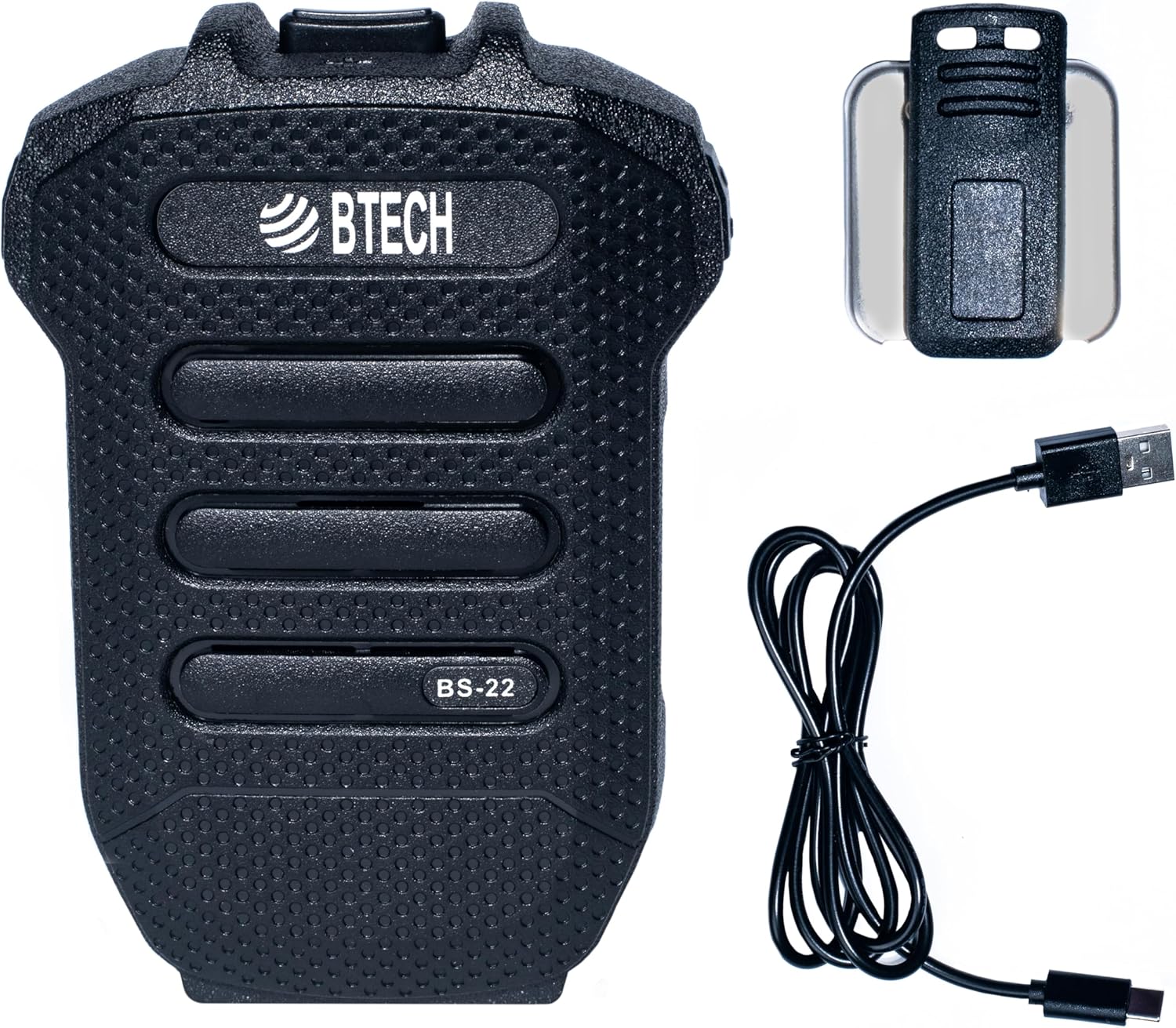
Image 1: BTECH BS-22 Wireless Speaker Mic with included detachable clip and USB-C charging cable.
3. Ngwaahịa gafereview na Atụmatụ
The BS-22 Wireless Speaker Mic integrates several key features for optimal performance:
- Effortless Wireless Integration: Seamlessly connects to BTECH GMRS-PRO and UV-PRO radios via Bluetooth for easy control and communication.
- Nchaji USB-C ngwa ngwa: Equipped with a USB-C port for quick and efficient power replenishment.
- Nkwukọrịta kristal doro anya: Operates via Bluetooth, providing reliable, interference-free communication with clear audio.
- Rugged and Weatherproof: Designed with an IP54 rating, capable of withstanding harsh weather conditions.
- Batrị Lithium arụnyere n'ime ya: Features a 1200 mAh, 3.7V lithium battery for extended use.

Image 2: The BS-22 Wireless Speaker Mic positioned next to a BTECH GMRS-PRO radio, symbolizing their wireless connection.

Image 3: The BS-22 Wireless Speaker Mic shown in splashing water, highlighting its weatherproof (IP54) capabilities.
4. Nhazi ntuziaka
4.1. Charging the BS-22
Before initial use, fully charge your BS-22 Wireless Speaker Mic. The device is equipped with a USB-C port for convenient charging.
- Connect the provided USB-C cable to the charging port on the BS-22.
- Jikọọ nsọtụ nke ọzọ nke eriri USB na isi iyi ike USB dakọtara (dịka ọmụmaatụ, ihe nkwụnye mgbidi, ọdụ USB kọmputa).
- The charging indicator light will illuminate red during charging.
- Ozugbo chajachara nke ọma, ọkụ egosi ga-atụgharị akwụkwọ ndụ akwụkwọ ndụ.
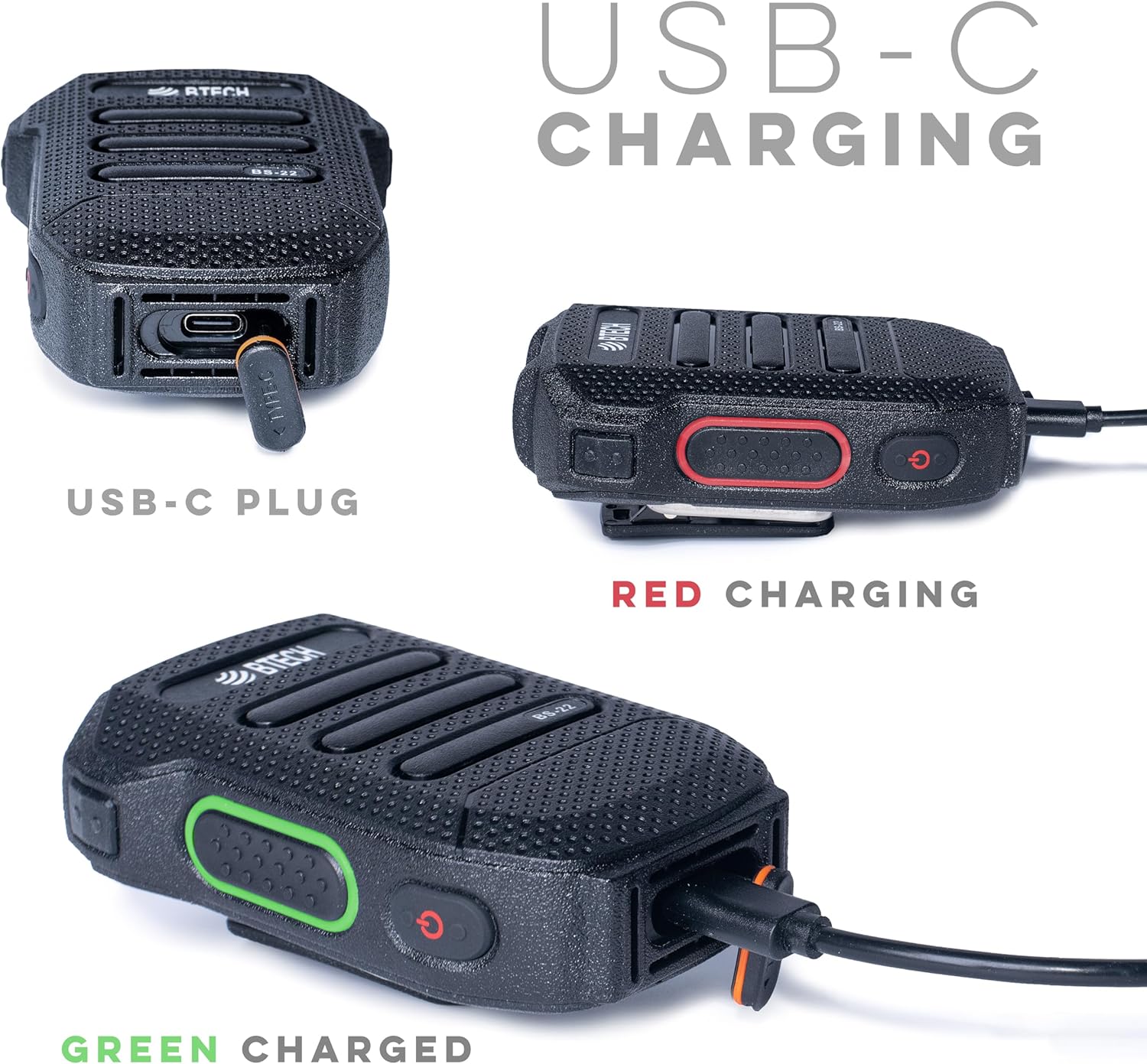
Foto 4: Zuru ezu views of the USB-C charging port and the red (charging) and green (charged) indicator lights.
4.2. Pairing with Your Radio
The BS-22 connects wirelessly to your BTECH GMRS-PRO or UV-PRO radio via Bluetooth.
- Ensure your BTECH radio's Bluetooth feature is enabled and in pairing mode. Refer to your radio's manual for specific instructions on enabling Bluetooth pairing.
- On the BS-22, perform a very quick double press of the side key to activate pairing mode. The device is designed to recognize a rapid double press as a distinct command.
- Look for auditory or visual feedback from the BS-22, such as a beep or a specific light pattern, indicating it has entered pairing mode.
- On your radio, select the BS-22 from the list of available Bluetooth devices to complete the pairing process.
Mara: If the double press is too slow, the device might not register the command correctly, leading to pairing issues. Ensure the presses are rapid and decisive.
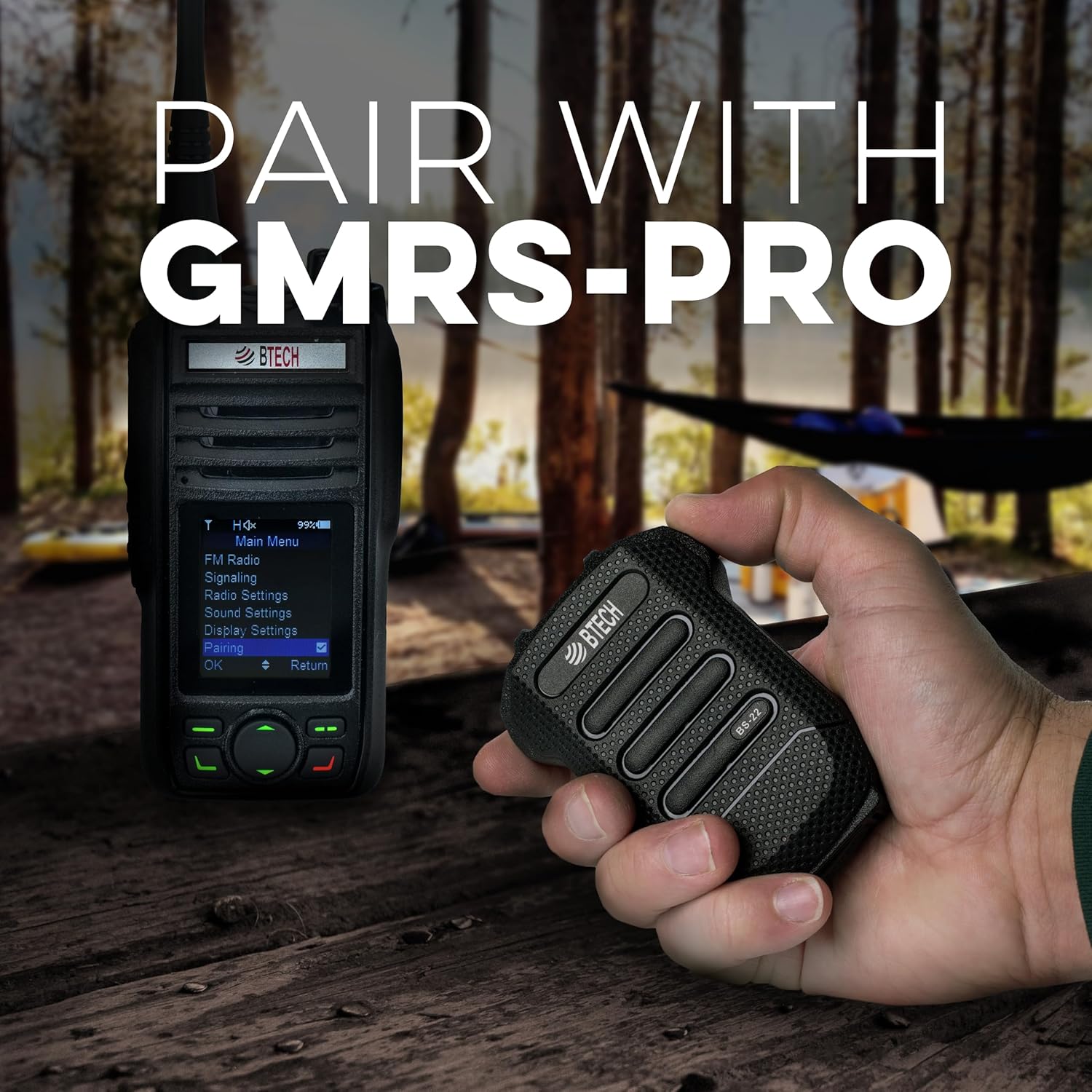
Image 5: Demonstrates the BS-22 being held near a GMRS-PRO radio, with the radio's screen showing the 'Pairing' option.
5. Ntuziaka ọrụ
5.1. Push-to-Talk (PTT) Function
The large button on the front of the BS-22 serves as the Push-to-Talk (PTT) button.
- To transmit, press and hold the PTT button.
- Hapụ bọtịnụ PTT ka ịkwụsị ịnyefe wee laghachi na ọnọdụ nnata.
5.2. Njikwa olu
The BS-22 features dedicated buttons for adjusting the speaker volume.
- Jiri ihe Elu elu button (typically P2) to increase the audio output.
- Jiri ihe Mpịakọta ọnụ button (typically P1) to decrease the audio output.
5.3. Mute/Unmute Function
Iji mebie ma ọ bụ gbanyụọ igwe okwu:
- Mee a very quick double press of the side key to mute or unmute the microphone. This is the same action used for pairing.
- When the speaker is manually muted, the LED on the PTT button may slowly dim and brighten.
- To unmute the speaker if it was muted, a short click of the Volume Up (P2) button may be required.
6. Nlekọta
To ensure the longevity and optimal performance of your BS-22 Wireless Speaker Mic, follow these maintenance guidelines:
- Nhicha: Jiri nwayọ hichaa ngwaọrụ ahụ, damp akwa . Zere iji kemịkalụ siri ike ma ọ bụ ihe nchacha.
- Nchekwa: Store the BS-22 in a cool, dry place away from direct sunlight and extreme temperatures.
- Mkpughe mmiri: While the device is weatherproof (IP54), avoid prolonged submersion in water. Ensure the USB-C port cover is securely closed when not charging to maintain water resistance.
- Nlekọta batrị: Maka ndụ batrị kacha mma, zere iwepụ batrị ahụ mgbe niile. Chajie ngwaọrụ ahụ mgbe niile, ọkachasị ma ọ bụrụ na echekwara ya ruo ogologo oge.
7. Nchọpụta nsogbu
If you encounter issues with your BS-22, refer to the following common troubleshooting steps:
7.1. Pairing Issues or Microphone Muted
If the device is not pairing or the microphone appears muted:
- Pịa ngwa ngwa ugboro abụọ: The most common solution is to ensure you are performing a very quick double press of the side key. If the double press is too slow, the device may not register the command for pairing or mute/unmute.
- Auditory/Visual Feedback: Listen for a beep or observe the LED indicator for confirmation that the device has recognized the double press.
- Radio Bluetooth: Confirm that your radio's Bluetooth is enabled and in pairing mode.
7.2. Speaker Mute/Unmute Behavior
If the speaker is muted and the LED is slowly fading on and out:
- A short click of the Volume Up (P2) button may unmute the speaker without changing the volume level.
7.3. Garbled Audio or Disconnection
If audio becomes garbled or the device disconnects:
- Oke: Bluetooth range can be affected by obstacles and distance. Try reducing the separation between the BS-22 and your radio.
- okirikiri ike: If audio remains unintelligible after moving closer, turn the BS-22 off and then on again to re-establish a clear connection.
8. Nkọwapụta
| Njirimara | Nkọwapụta |
|---|---|
| Aha Nlereanya | BS-22 |
| Teknụzụ Njikọta | Bluetooth, Ikuku |
| Ụdị njikọ | USB-C |
| Isi Iyi Ike | Akwadoro batrị (1 batrị lithium ion achọrọ) |
| Ike batrị | 1200 mAh, 3.7 V (Built-in) |
| Ihe kpatara ụdị igwe okwu | Ejidere |
| Ụkpụrụ Polar | Unidirectional |
| Ntụle ihu igwe anaghị egbochi ya | IP54 |
| Ibu Ibu | 1.5 ounces |
| Akụkụ ngwaahịa (L x W x H) | 53 x 2 x 0.25 sentimita asatọ |
| UPC | 850004124505 |
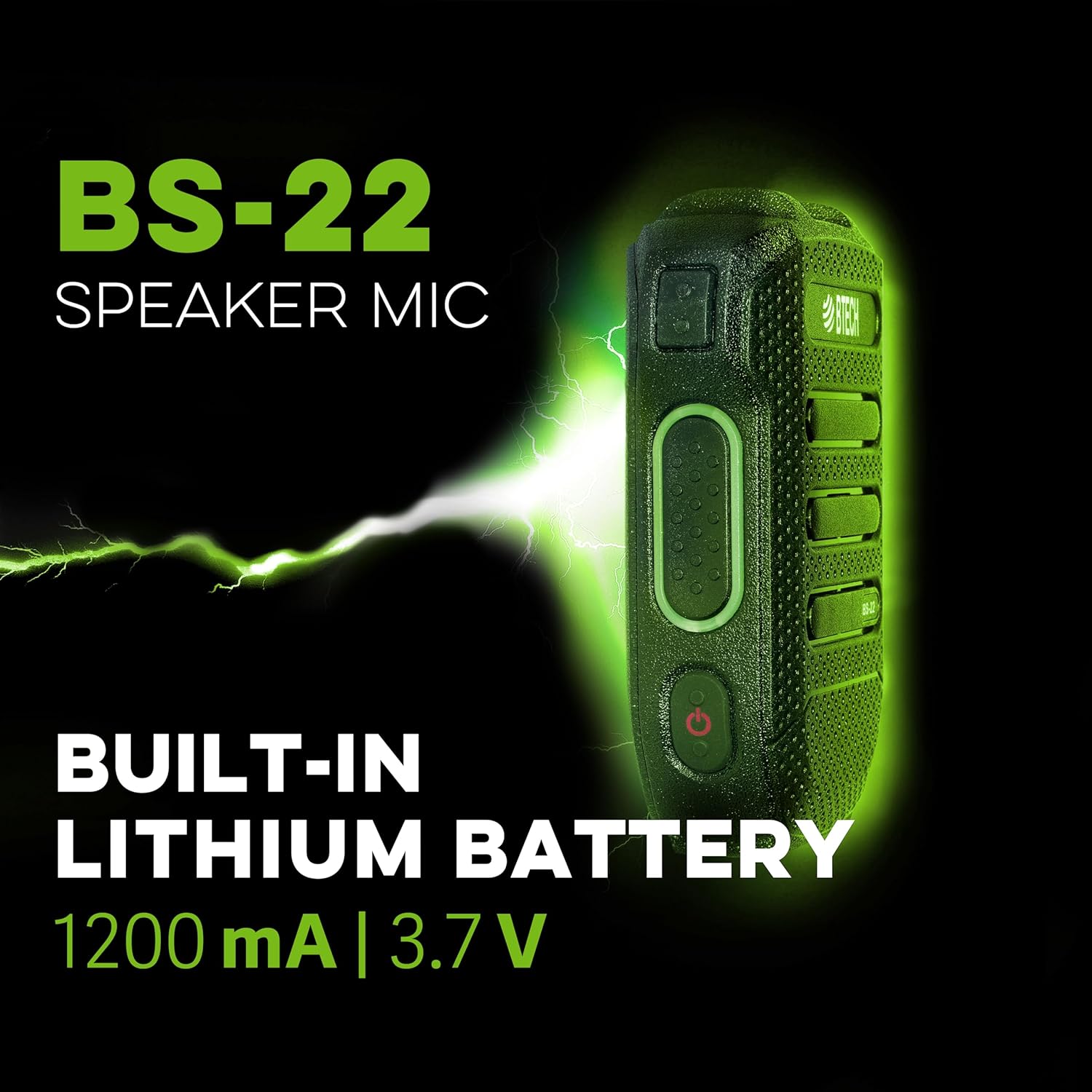
Foto 6: Ọkachamara n'akụkụfile of the BS-22 Speaker Mic, emphasizing its internal 1200 mAh, 3.7V lithium battery.
9. Akwụkwọ ikike na nkwado
BTECH products are designed in the USA (South Dakota) and are backed by a real USA warranty and support. For any issues that may arise, local support is available.
For additional resources, including software downloads and video tutorials, please visit:
- Nbudata ngwanrọ: https://baofengtech.com/download
- Nkuzi YouTube: https://www.youtube.com/c/Baofengtechradio