Okwu mmalite
Thank you for choosing the Baseus Bowie MA10S Wireless Earbuds. This manual provides detailed instructions on how to set up, operate, and maintain your earbuds to ensure optimal performance and longevity. Please read this manual thoroughly before using the product.

Image: The Baseus Bowie MA10S Wireless Earbuds, showing both earbuds and their open charging case with a digital battery display.
Ihe ngwugwu
Gbaa mbọ hụ na ihe niile dị na ngwugwu:
- Baseus Bowie MA10S Wireless Earbuds (Left and Right)
- Nchaji case
- S/M/L Eartips (Left and Right pairs)
- S/M/L Earwings (Left and Right pairs)
- USB-C eriri USB
- Akwụkwọ ntuziaka (akwụkwọ a)

Image: All components included in the Baseus Bowie MA10S package: the earbuds in their charging case, a USB-C charging cable, and various sizes of ear tips and ear wings.
Melite
1. Nchaji mbụ
Before first use, fully charge the earbuds and the charging case. Connect the USB-C charging cable to the charging case and a power source. The digital display on the case will show the battery percentage. The earbuds will charge automatically when placed inside the case.

Image: The Baseus Bowie MA10S charging case demonstrating both USB-C wired charging and wireless charging capabilities, with a clear view of the digital power display showing "100%".
The charging case supports both wired USB-C charging and wireless charging. A full charge provides up to 38 hours of total playtime with the charging case, and 8 hours on a single charge for the earbuds.
2. Njikọ Bluetooth
- Mepee igbe nchaji. Igwe ntị ga-abanye na ọnọdụ njikọta na-akpaghị aka.
- Na ngwaọrụ gị (smartphone, mbadamba, laptọọpụ), gbanye Bluetooth.
- Chọọ maka "Baseus Bowie MA10S" in the list of available Bluetooth devices.
- Select "Baseus Bowie MA10S" to connect. Once connected, a voice prompt will confirm the successful pairing.
The earbuds feature Bluetooth 5.3 for instant pairing, stable connection, and better interference resistance. They also support multipoint connection, allowing seamless pairing to two devices simultaneously.

Image: A visual representation of the Bluetooth 5.3 chip, highlighting its role in providing instant pairing and stable connections.

Image: A man seamlessly connected to both a smartphone and a laptop with the Baseus Bowie MA10S earbuds, illustrating the multipoint connection feature.
3. Baseus App Installation
For enhanced features and customization, download the official Baseus App from your device's app store. The app allows you to:
- Adjust Noise Cancelling levels (10 levels available)
- Select from 12 Preset Equalizers (EQs) or create custom ones
- Customize touch gestures for controls

Image: Screenshots of the Baseus App interface, demonstrating options for ambient sound control, equalizer presets, and custom gesture settings.
Ntuziaka ọrụ
Njikwa mmetụ
The Baseus Bowie MA10S earbuds feature intuitive touch controls. Refer to the following table for default functions. Custom gestures can be configured via the Baseus App.
| Omume | Ọrụ | Ihe ndetu |
|---|---|---|
| Put on / Take off | Gwuo ma kwụsịtụ | Nchọpụta akpaaka |
| Single Tap (L or R) | Toggle Track / Adjust Volume | Customizable in App |
| Long Press (1.5s, L or R) | Noise Cancellation Cycle | ANC > Normal > Transparency mode (default) |
| Long Press (1.5s, L or R) | Spatial Audio Cycle | Music > Theater > Normal (default) |
| Long Press (1.5s, L or R) | Jụ oku | |
| Single Tap (L or R) | Zaa / Kpọọ oku |

Image: A visual guide to the easy tap controls on the Baseus Bowie MA10S earbuds, showing functions like play/pause, track/volume adjustment, call management, and mode cycling.
Active Noise Cancellation (ANC) & Transparency Modes
The earbuds feature Hybrid Active Noise Cancelling technology, reducing disturbing noise by up to 95% (-48dB). Long press either earbud to cycle through ANC, Normal, and Transparency modes.
- Ụdị ANC: Ideal for noisy environments like travel or office, blocking out ambient sound.
- Ụdị nkịtị: Standard audio experience without noise cancellation.
- Ụdị nghọta: Allows you to hear your surroundings while listening to audio, useful for safety or conversations.

Image: A man wearing the Baseus Bowie MA10S earbuds, with a visual overlay indicating the -48dB Hybrid Active Noise Cancellation feature, suggesting a quiet listening experience.

Image: A man walking outdoors while wearing the Baseus Bowie MA10S earbuds, illustrating the Transparent Mode feature which allows awareness of surroundings.
Audio Modes & Spatial Audio
The Bowie MA10S offers three tailored audio modes and immersive spatial audio:
- Ụdị Bass: Enhanced bass for sports or music genres that benefit from powerful low frequencies.
- Ụdị egwu: Balanced audio for daily immersive listening.
- Ụdị egwuregwu: Low-latency audio (0.038s) for synchronized audio and video during gaming.
Activate the Dual Channel Low-Latency (DCLL) mode for gaming to ensure audio and video are in full sync.

Image: The Baseus Bowie MA10S earbuds positioned next to a smartphone displaying a racing game, emphasizing the 0.038s low-latency feature for smooth and seamless gaming.
Experience Baseus Immersive Spatial Audio (BISA) which creates a virtual soundscape, keeping you at the center of the sound. Long press either earbud to cycle through Spatial Audio modes (Music > Theater > Normal).
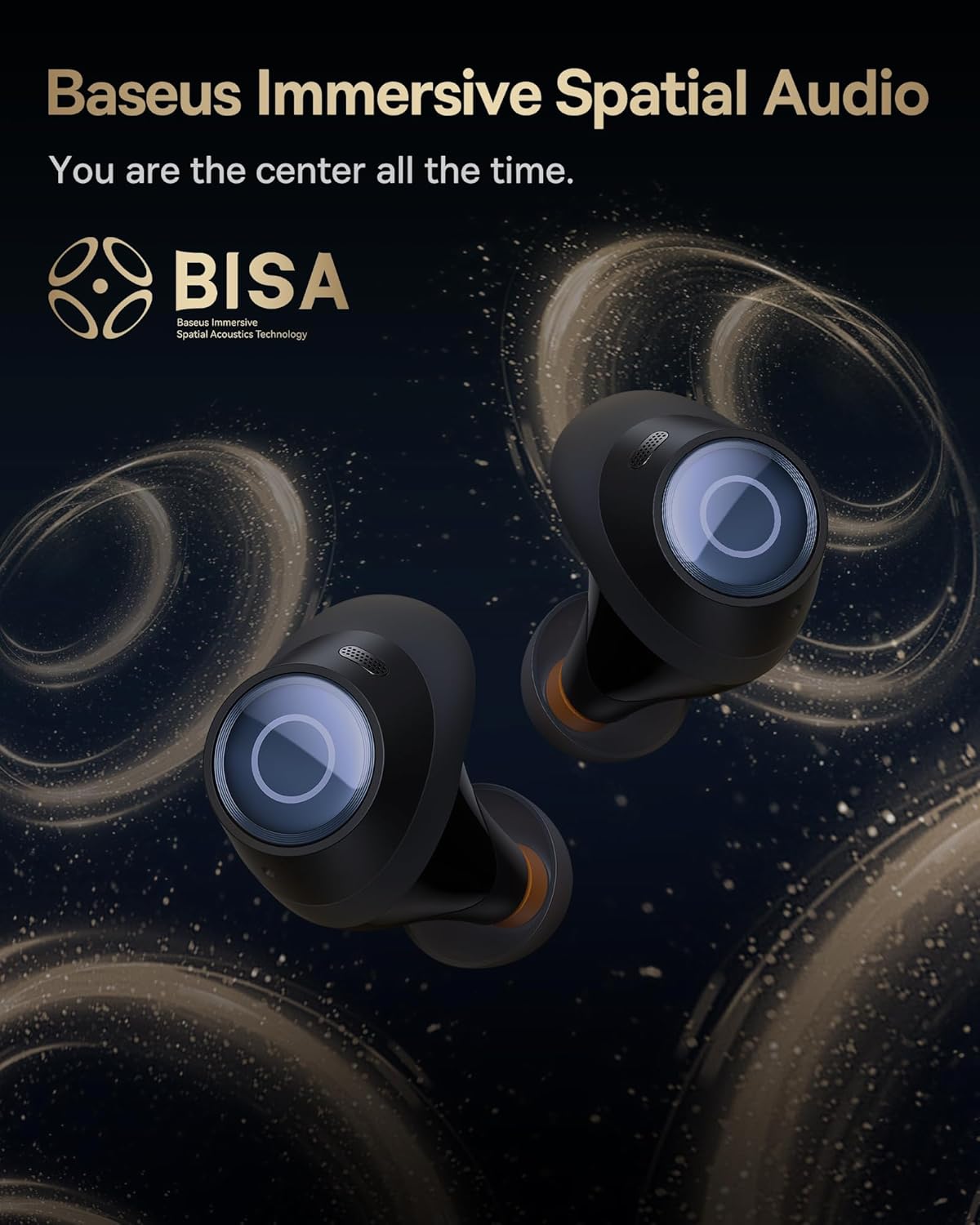
Image: The Baseus Bowie MA10S earbuds highlighted with the "BISA" (Baseus Immersive Spatial Audio) logo, indicating their advanced audio positioning capabilities.
Kpochapụ oku
The earbuds are equipped with 4 Environmental Noise Cancelling (ENC) microphones. These mics capture ambient noise, and an AI algorithm cancels it, ensuring crystal-clear call quality even in noisy environments.

Image: An X-ray like view of the Baseus Bowie MA10S earbuds, illustrating the placement of the 4 Environmental Noise Cancelling (ENC) microphones designed for crystal-clear phone calls.
Ịchaji
Nchaji ntị ntị
Place the earbuds into the charging case. They will automatically begin charging. The case's digital display will show the charging status and battery level.
Case Charging (Wired & Wireless)
- Wired Nchaji: Connect the provided USB-C cable to the charging port on the case and a USB power adapter.
- Nchaji ikuku: Simply place the charging case on a compatible wireless charging pad.
The case features a smart power display, showing the exact battery percentage at a glance.

Foto: A nso nso view of the Baseus Bowie MA10S charging case's built-in digital display, clearly showing "100%", indicating a full charge.
A quick 10-minute wired charge can provide up to 2 hours of playtime.

Image: The Baseus Bowie MA10S charging case connected for fast wired charging, with a graphic indicating "10m = 2H", signifying 10 minutes of charge provides 2 hours of playtime.
Nlekọta
Nhicha
- Jiri ákwà dị nro, kpọrọ nkụ, na-enweghị lint hichaa ntị ntị mgbe niile, ọkachasị ntị ntị na ihe ndị na-eme ka ọ chajịa.
- Remove ear tips and clean any earwax or debris from the earbud nozzles using a small brush or cotton swab.
- Clean the charging case with a soft, dry cloth.
- Ejila ihe mkpocha abrasive, mmanya, ma ọ bụ ihe mgbaze kemịkal.
Nchekwa
Mgbe ị na-ejighị ya, debe ekweisi ntị n'ime akpa chaja ha iji chebe ha ma mee ka ha dị ọkụ. Debe akpa ahụ n'ebe dị jụụ ma kpọọ nkụ, ebe okpomọkụ na-adịghị oke njọ.
Nguzogide mmiri (IPX4)
The Baseus Bowie MA10S earbuds are IPX4 waterproof, meaning they are resistant to splashing water from any direction. This makes them suitable for workouts and light rain. However, they are not designed for swimming or submersion in water. Do not expose them to pressurized water or high-velocity water, such as showering or bathing.

Image: The Baseus Bowie MA10S earbuds shown with water splashing over them, indicating their IPX4 waterproof rating, suitable for sweat and light rain.
Nchọpụta nsogbu
If you encounter issues with your Baseus Bowie MA10S earbuds, please refer to the following common solutions:
- Igwe ntị anaghị ejikọta:
- Gbaa mbọ hụ na ebubo na ekwe ntị.
- Gbanyụọ ma gbanye Bluetooth na ngwaọrụ gị.
- Tinye ntị ntị azụ n'ime akpa ahụ, mechie mkpuchi ahụ, chere sekọnd ole na ole, wee mepee ọzọ iji banye ọzọ na ọnọdụ njikọta.
- Forget "Baseus Bowie MA10S" from your device's Bluetooth list and try pairing again.
- Enweghị ụda ma ọ bụ obere olu:
- Lelee ọkwa olu na ma ngwaọrụ gị yana ntị ntị.
- Ensure earbuds are properly seated in your ears and the ear tips provide a good seal.
- Hichaa irighiri ihe ọ bụla sitere na nozzles ntị.
- Try resetting the earbuds (refer to Baseus App or online resources for specific reset instructions if needed).
- Nsogbu ịchaji:
- Gbaa mbọ hụ na ejikọrọ eriri USB-C nke ọma na ma ikpe yana isi iyi ike.
- Gbalịa eriri USB-C dị iche ma ọ bụ ihe nkwụnye ọkụ.
- For wireless charging, ensure the case is correctly placed on the wireless charging pad.
- Hichaa kọntaktị ịchaji na ma ntị ntị yana n'ime akpa ahụ.
- ANC not effective:
- Ensure ANC mode is activated (long press earbud).
- Check that the ear tips provide a proper seal in your ear canal. Try different sizes of ear tips for a better fit.
For further assistance, please refer to the official Baseus support channels.
Nkọwapụta
| Njirimara | Nkọwa |
|---|---|
| Aha Nlereanya | Baseus Bowie MA10S |
| Teknụzụ Njikọta | Ikuku (Bluetooth 5.3) |
| Oke Bluetooth | 10 mita |
| Njikwa mkpọtụ | Hybrid Active Noise Cancellation (up to -48dB) |
| Igwe okwu | 4 ENC Mics for Clear Calls |
| Ụdị ọkwọ ụgbọ ala ọdịyo | Dynamic Driver (Titanium-plated PU composite diaphragm) |
| Oke ugboro ugboro | 20 Hz - 20,000 Hz |
| Ndụ batrị (Earbuds) | Awa 8 (otu ụgwọ) |
| Ndụ Batrị (Mkpokọta na akpa ahụ) | Awa 38 |
| Ịchaji | USB-C Wired, Wireless Charging |
| Oge Latịn | 38 Milliseconds (Game Mode) |
| Mmiri Nguzogide | IPX4 enweghị mmiri |
| Usoro njikwa | Metụ aka, Ngwa |
| Ngwa dakọtara | Cellphones, Devices with Bluetooth Audio Capability (iOS, Android, Windows, Mac OS, Switch), Laptops, Tablets |
| Ibu Ibu | 4.6 ounces |
| UPC | 850060076268 |
Akwụkwọ ikike na nkwado
For information regarding product warranty, returns, or technical support, please visit the official Baseus websaịtị ma ọ bụ kpọtụrụ ndị ahịa ha ozugbo. Debe nnata nzụta gị dị ka ihe akaebe nke ịzụrụ ihe maka akwụkwọ ikike ọ bụla.
Ụlọ Ahịa Baseus nke Gọọmentị: Ụlọ Ahịa Amazon nke Baseus


