Okwu mmalite
Thank you for choosing the TECURS KB195 Foldable Bluetooth Keyboard. This ultra-portable, multi-device compatible keyboard is designed for convenience and efficiency across various operating systems. This manual provides detailed instructions for setup, operation, maintenance, and troubleshooting to ensure optimal performance.

The TECURS KB195 Foldable Bluetooth Keyboard, demonstrating its compact folded state and its functional unfolded state with a smartphone securely placed on its integrated stand.
Ihe ngwugwu
- 1 x TECURS Foldable Bluetooth Keyboard
- 1 x Ụdị-C eriri USB
- 1 x Akwụkwọ ntuziaka onye ọrụ
- 1 x Akpa na-ebu
Ngwaahịa gafereview
Familiarize yourself with the key components of your TECURS KB195 keyboard:
- Ìhè ihe ngosi: Na-egosi ọnọdụ njikọ na ọkwa batrị.
- Ike mgba ọkụ: To turn the keyboard on or off.
- Nchaji ọdụ ụgbọ mmiri (ụdị-C): Maka ijikọ eriri nchaji.
- Ihe mgbochi mgbochi: Located on the bottom for stability during use.
- Nguzosi Ike Ejikọtara: A magnetic stand designed to hold smartphones or tablets.

Zuru ezu views of the keyboard's key features: the indicator light, power switch, charging port, and anti-slip pads.
Ịchaji ahụigodo
Before initial use, fully charge the keyboard. A full charge takes approximately 2 hours.
- Connect the provided Type-C charging cable to the keyboard's charging port.
- Jikọọ nsọtụ nke ọzọ nke eriri na isi iyi ike USB (dịka ọmụmaatụ, kọmputa, ihe nkwụnye mgbidi).
- Ọkụ ihe ngosi ga-egosi ọnọdụ chajị ma gbanyụọ ya mgbe chajị zuru oke.
The keyboard offers up to 45 hours of continuous working time and 580 days of standby time on a single charge.

The keyboard being charged via its Type-C port, highlighting its impressive battery life of 45 hours of continuous use and 580 hours of standby.
Ntọlite na ijikọ
Na-agbanye/ Gbanyụọ
- To turn on: Locate the power switch and slide it to the 'ON' position.
- To turn off: Slide the power switch to the 'OFF' position.
Njikọ Bluetooth
The keyboard supports connection to up to three devices simultaneously via Bluetooth channels. You can seamlessly switch between them.

The keyboard's ability to connect to multiple devices (smartphone, tablet, PC) via three distinct Bluetooth channels (BT1, BT2, BT3).
- Gbanwuo ahụigodo.
- Pịa ma jide fn + A keys for BT1, Fn + S. maka BT2, ma ọ bụ Fn + D for BT3 until the corresponding indicator light flashes, indicating pairing mode.
- On your device (smartphone, tablet, or PC), enable Bluetooth and search for available devices.
- Select "TECURS Keyboard" (or similar name) from the list of found devices to connect.
- Ozugbo ejikọtara ya, ọkụ ihe ngosi ahụ ga-akwụsị ịgbawa.
Ịgbanwe n'etiti ngwaọrụ
To switch between paired devices, simply press the corresponding function key combination:
- For Device 1: Press fn + A
- For Device 2: Press Fn + S.
- For Device 3: Press Fn + D
Ndakọrịta sistemụ
The keyboard is broadly compatible with major operating systems:
- iOS (iPad, iPhone)
- Android (Smartphones, Tablets)
- Windows (Laptops, PCs)

The keyboard is compatible with Windows, iOS, and Android devices, offering versatile usage.
Ọrụ
Ahụmịhe ntinye akwụkwọ
The keyboard features a QWERTZ layout and scissor-switch keys, designed for improved sensitivity, accuracy, and a quiet, comfortable typing experience.

A detailed look at the scissor-switch key mechanism, engineered for durability and a responsive typing feel, rated for 3 million presses.
Using the Integrated Stand
The magnetic integrated stand can be deployed to securely hold your smartphone or tablet, providing an ergonomic setup for typing.
Ụdị Nchekwa Ike
To conserve battery life, the keyboard automatically enters power-saving mode after 10 minutes of inactivity. To wake it up, press any key, and it will reconnect within 3 seconds.

The keyboard in use within a library, demonstrating its portability and convenience for quiet work environments.
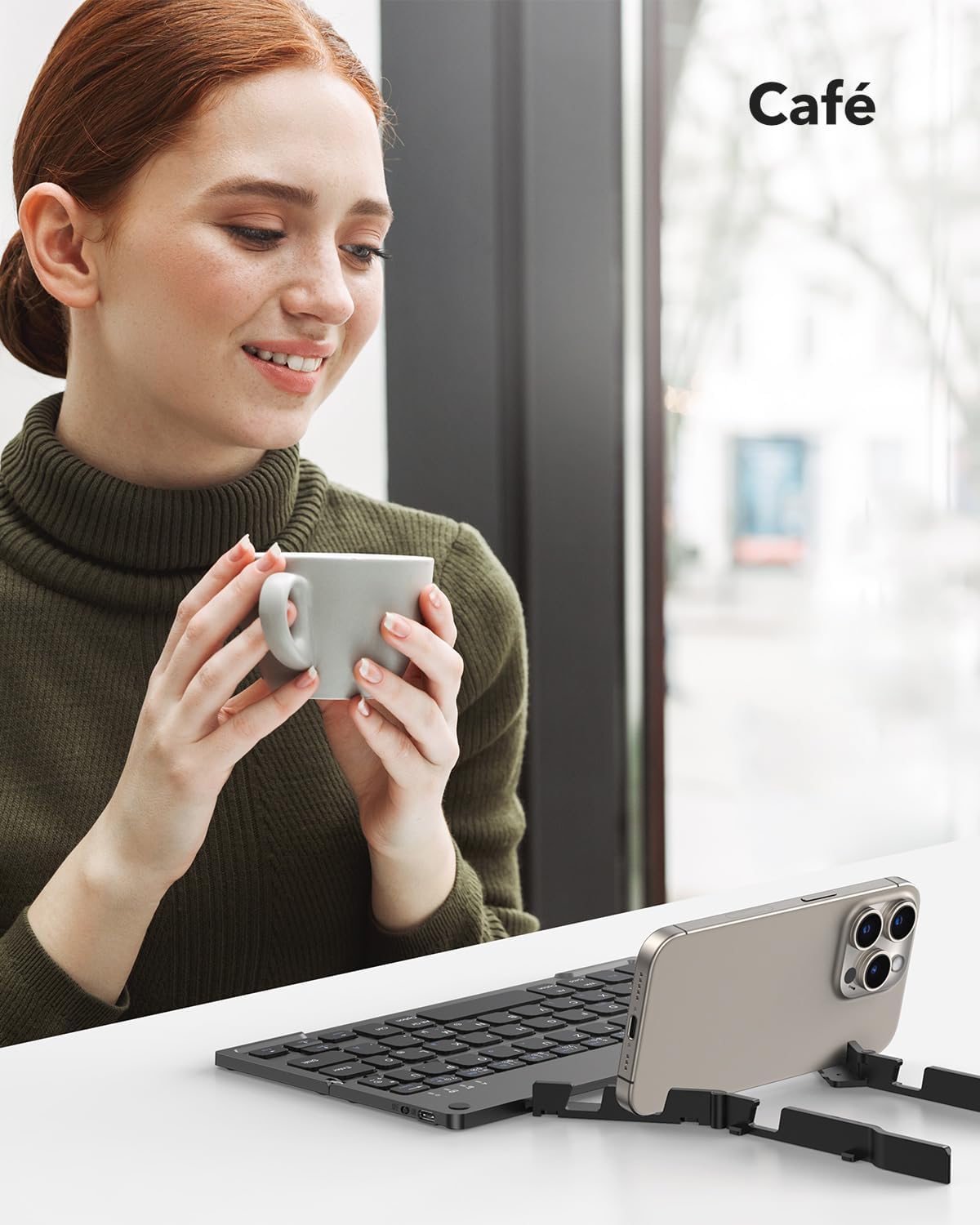
The keyboard being used in a cafe, showcasing its adaptability for various mobile work scenarios.
Nlekọta
Nhicha
- Hụ na agbanyụrụla ahụigodo ahụ tupu ị hichaa ya.
- Use a soft, dry, lint-free cloth to wipe the surface.
- Maka unyi isi ike, ntakịrị dampjiri mmiri ma ọ bụ ihe nhicha dị nro hichaa ákwà ahụ, wee hichaa ya ozugbo.
- Zere iji kemịkalụ siri ike ma ọ bụ ihe na-emebi emebi.
Nchekwa
When not in use, fold the keyboard to protect the keys and make it more compact for storage or travel. Store it in the provided carrying bag to prevent scratches and damage.

The compact dimensions of the keyboard (22.9 x 7.4 x 1.37 cm, 260g) and its portability, fitting easily into a bag for on-the-go use.
Nchọpụta nsogbu
- Keyboard not turning on: Ensure the battery is charged. Connect the Type-C cable and charge for at least 30 minutes.
- Enweghị ike ijikọ site na Bluetooth:
- Ensure the keyboard is in pairing mode (indicator light flashing after pressing Fn + BT channel key).
- Make sure Bluetooth is enabled on your device and it is discoverable.
- Move the keyboard closer to your device (within 10 meters).
- Gbalịa ịmalitegharị ma ahụigodo ma ngwaọrụ gị.
- Keyboard disconnects frequently:
- Ensure the keyboard is within the 10-meter Bluetooth range of your device.
- Lelee maka ndabichi sitere na ngwaọrụ ikuku ndị ọzọ.
- Gbaa mbọ hụ na akwụchara batrị ahụ nke ọma.
- Keys not responding or typing incorrectly:
- Check if the keyboard is connected to the correct operating system mode (e.g., iOS, Android, Windows).
- Restart the keyboard and reconnect it to your device.
- Gbaa mbọ hụ na ọnweghị ihe mkpofu etinyere n'okpuru igodo.
Nkọwapụta
| Njirimara | Nkọwa |
|---|---|
| Ụdị | TECURS |
| Nọmba nlereanya | KB195 |
| Agba | Nwa |
| Teknụzụ Njikọta | Bluetooth |
| Atụmatụ pụrụ iche | Foldable, Integrated Stand |
| Ngwa dakọtara | iPad, Tablet, Smartphone, PC (iOS, Android, Windows) |
| Nkọwa ahụigodo | Multifunctional, QWERTZ Layout, Scissor-Switch Keys |
| Eji akwadoro | Office, Daily Use, Travel |
| Ụdị batrị | Lithium-ion (1 gụnyere) |
| Oge Nchaji | Ihe ruru. awa 2 |
| Oge ọrụ na-aga n'ihu | Ruo awa iri abụọ |
| Oge Njikere | Ruo ụbọchị 580 |
| Akụkụ (Ejiri | | 22.9 x 7.4 x 1.37 cm (ihe dị ka) |
| Ibu | 260 grams (ihe dị ka) |
| Ihe onwunwe | ABS Plastic, Aluminum back casing |
Akwụkwọ ikike na nkwado
For warranty information and customer support, please refer to the documentation included with your purchase or visit the official TECURS website. This manual does not contain specific warranty details.