Okwu mmalite
This user manual provides detailed instructions for operating and maintaining your Insta360 X3 camera. It covers everything from initial setup to advanced shooting techniques, ensuring you can capture high-quality 360-degree content with ease. Please read this manual thoroughly before using your camera to ensure optimal performance and longevity.
Ozi nchekwa
To prevent injury to yourself or others, and to avoid damage to your device, read all safety information before using the device.
- Do not expose the camera to extreme temperatures or direct sunlight for extended periods.
- Keep the camera away from water unless specifically designed for underwater use and properly sealed.
- Use only official Insta360 accessories and chargers.
- Zere ịda ma ọ bụ itinye igwefoto ahụ n'ọnọdụ siri ike.
- Debe ebe ụmụaka na-apụghị iru.
Ngwaahịa gafereview
The Insta360 X3 is a versatile 360-degree action camera designed for capturing immersive content. It features dual lenses, a large touchscreen, and robust construction suitable for various environments.
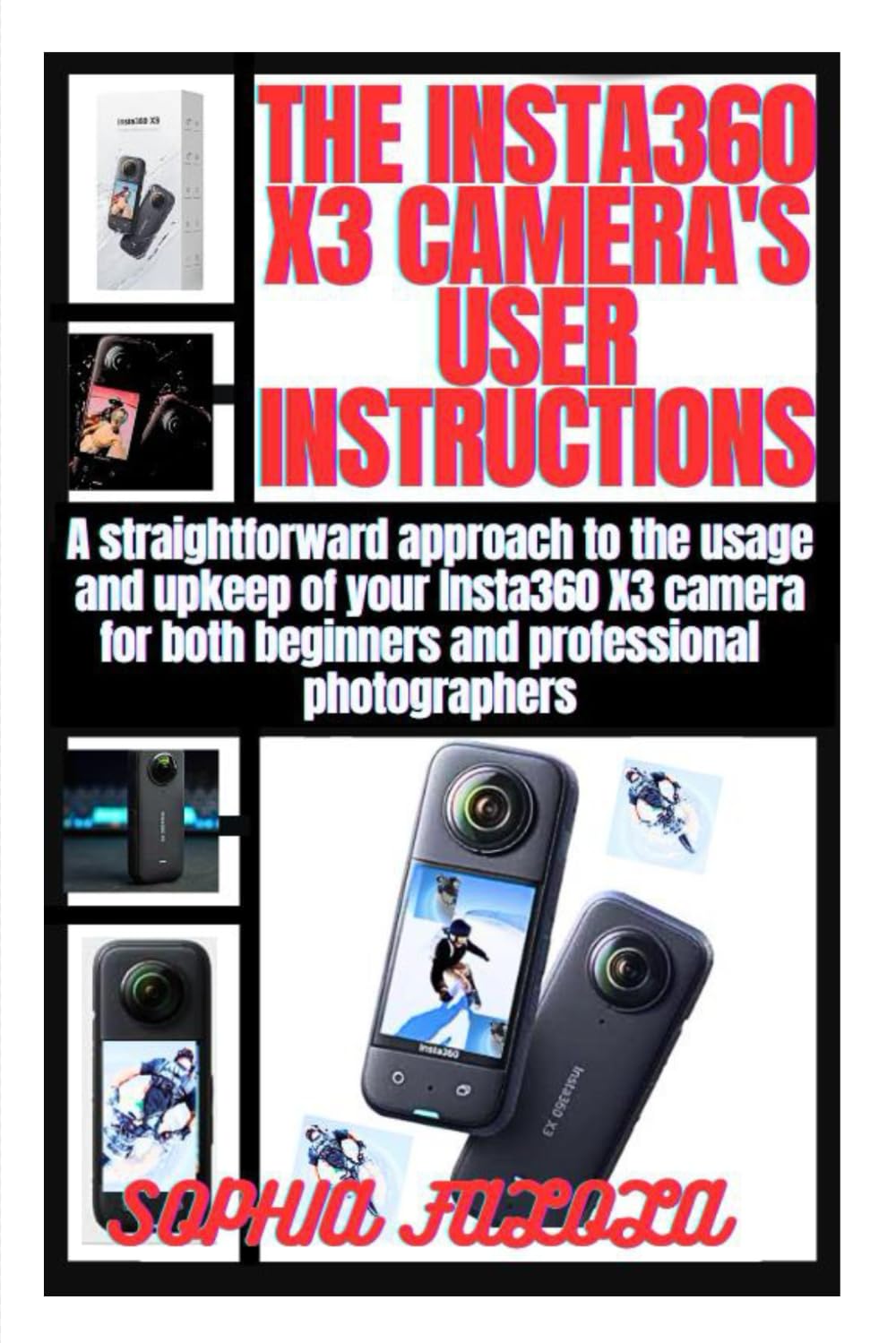
This image displays the front cover of the Insta360 X3 Camera User Manual, featuring the camera itself and the title of the guide.
Isi ihe:
- lenses: Dual ultra-wide-angle lenses for 360-degree capture.
- Ihuenyo mmetụ aka: Intuitive interface for camera control and preview.
- Bọtịnụ ike: For turning the camera on/off and changing modes.
- Bọtịnụ mkpuchi: To start/stop recording or take photos.
- Ọdụ USB-C: Maka ịchaji na ịnyefe data.
- Akụkụ batrị: Houses the removable battery.
- Oghere Kaadị MicroSD: For storage of captured media.
Melite
1. Ịchaji batrị:
- Mepee oghere batrị.
- Insert the Insta360 X3 battery.
- Connect the camera to a power source using the provided USB-C cable. The indicator light will show charging status.
- Charge until the indicator light turns off, indicating a full charge.
2. Inserting a MicroSD Card:
- Gbaa mbọ hụ na agbanyụrụ igwefoto.
- Locate the MicroSD card slot.
- Insert a compatible MicroSD card (UHS-I V30 speed class or above, exFAT format recommended) with the contacts facing the correct direction until it clicks into place.
- Close the slot cover securely to maintain water resistance.
3. Ịgbanwu/ Gbanyụọ:
- To power on, press and hold the Power Button until the screen lights up.
- To power off, press and hold the Power Button until the screen prompts you to shut down, then confirm.
Na-arụ ọrụ
Basic Shooting Modes:
- Standard Video: For general video recording. Tap the shutter button to start/stop.
- Foto: For capturing still images. Tap the shutter button to take a photo.
- Active HDR Video: Enhances dynamic range in challenging lighting conditions.
- Bullet Time: Creates a slow-motion, cinematic effect. Requires the Bullet Time Cord accessory.
Underwater Shooting:
The Insta360 X3 is waterproof to 10 meters (33 feet) without a dive case. For deeper dives or extended underwater use, the dedicated Dive Case is recommended. Ensure all ports are securely closed before submerging the camera.
- Clean the lenses before submerging to avoid water spots.
- Use the underwater mode setting to optimize color balance.
- After use, rinse the camera with fresh water and dry thoroughly.
Nlekọta
Nhicha:
- lenses: Jiri ákwà dị nro, nke na-enweghị lint nke e mere kpọmkwem maka anya anya. Ejila ihe ndị na-eme ka ọ dị nro ma ọ bụ kemịkal siri ike.
- Ahụ: Jiri nwayọ hichaa, damp cloth. Avoid getting water into ports unless they are sealed.
Nchekwa:
- Chekwaa igwefoto n'ebe dị jụụ, kpọrọ nkụ na-adịghị na ìhè anyanwụ kpọmkwem.
- If storing for extended periods, ensure the battery is charged to about 50-60% to preserve battery life.
Nlekọta batrị:
- Zere ịchaji batrị ugboro ugboro.
- Ewepụla batrị ahụ na oke okpomọkụ ma ọ bụ oyi.
- If the battery swells or shows signs of damage, discontinue use immediately.
Nchọpụta nsogbu
| Nsogbu | Ihe nwere ike ime | Ngwọta |
|---|---|---|
| Camera won't turn on. | Low battery; firmware issue. | Charge the battery; perform a firmware update. |
| Footage na-adịghị mma. | Dirty lenses; focus issue. | Clean the lenses; ensure proper lighting. |
| Igwefoto na-ajụ oyi. | SD card error; software glitch. | Reformat or replace SD card; force restart camera. |
| ekpo oke ọkụ. | Prolonged recording in high temperatures. | Allow camera to cool down; use in a well-ventilated area. |
Nkọwapụta
| Njirimara | Nkọwa |
|---|---|
| oghere | F1.9 |
| Ogologo Focal Dakọtara 35mm | 6.7mm |
| Mkpebi foto | 72MP (11968x5984), 18MP (5952x2976) |
| Mkpebi vidiyo | 5.7K@30fps, 4K@60fps (360°); 4K@30fps (Single Lens) |
| Ike batrị | 1800mAh |
| Mkpuchi mmiri | 10m (33ft) without dive case |
| Nchekwa | MicroSD Card (UHS-I V30 or above, exFAT) |
Akwụkwọ ikike na nkwado
For detailed warranty information, please refer to the official Insta360 website or contact their customer support. Typically, Insta360 products come with a standard manufacturer's warranty covering defects in materials and workmanship.
Nkwado ndị ahịa: For technical assistance, troubleshooting beyond this manual, or warranty claims, please visit the official Insta360 support page or contact their customer service team directly. Keep your purchase receipt and product serial number handy when seeking support.
Note: This manual is based on the general features and operation of the Insta360 X3 camera. Specific features or updates may vary with firmware versions. Always refer to the latest official resources for the most up-to-date information.


