Okwu mmalite
Thank you for choosing the Laser TWS Earbuds. These true wireless stereo earbuds are designed to provide a high-fidelity audio experience with convenient features such as an LED battery display, intuitive tap controls, and an ergonomic design for comfortable, extended use. The included rechargeable case ensures your earbuds are always ready for use. This manual will guide you through the setup, operation, and maintenance of your new earbuds.
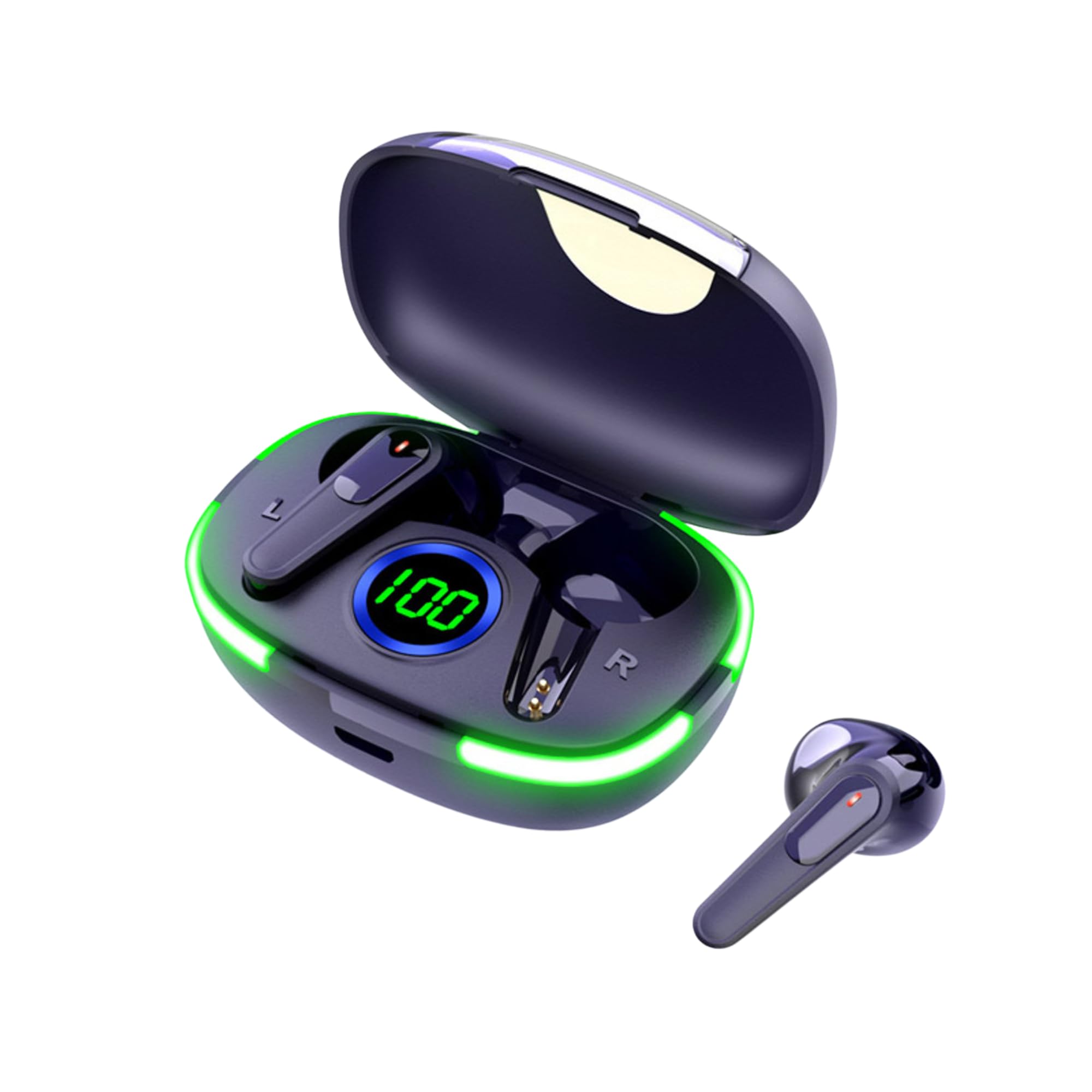
Image: The Laser TWS Earbuds, showcasing the charging case with its LED display and one earbud placed outside the case.
Ihe ngwugwu
Gbaa mbọ hụ na ihe niile dị na ngwugwu:
- 1 x Pair of Laser TWS Earbuds
- 1 x Charging Case with Battery Display
- 1 x Ụdị-C eriri USB
- 1 x Akwụkwọ ntuziaka onye ọrụ
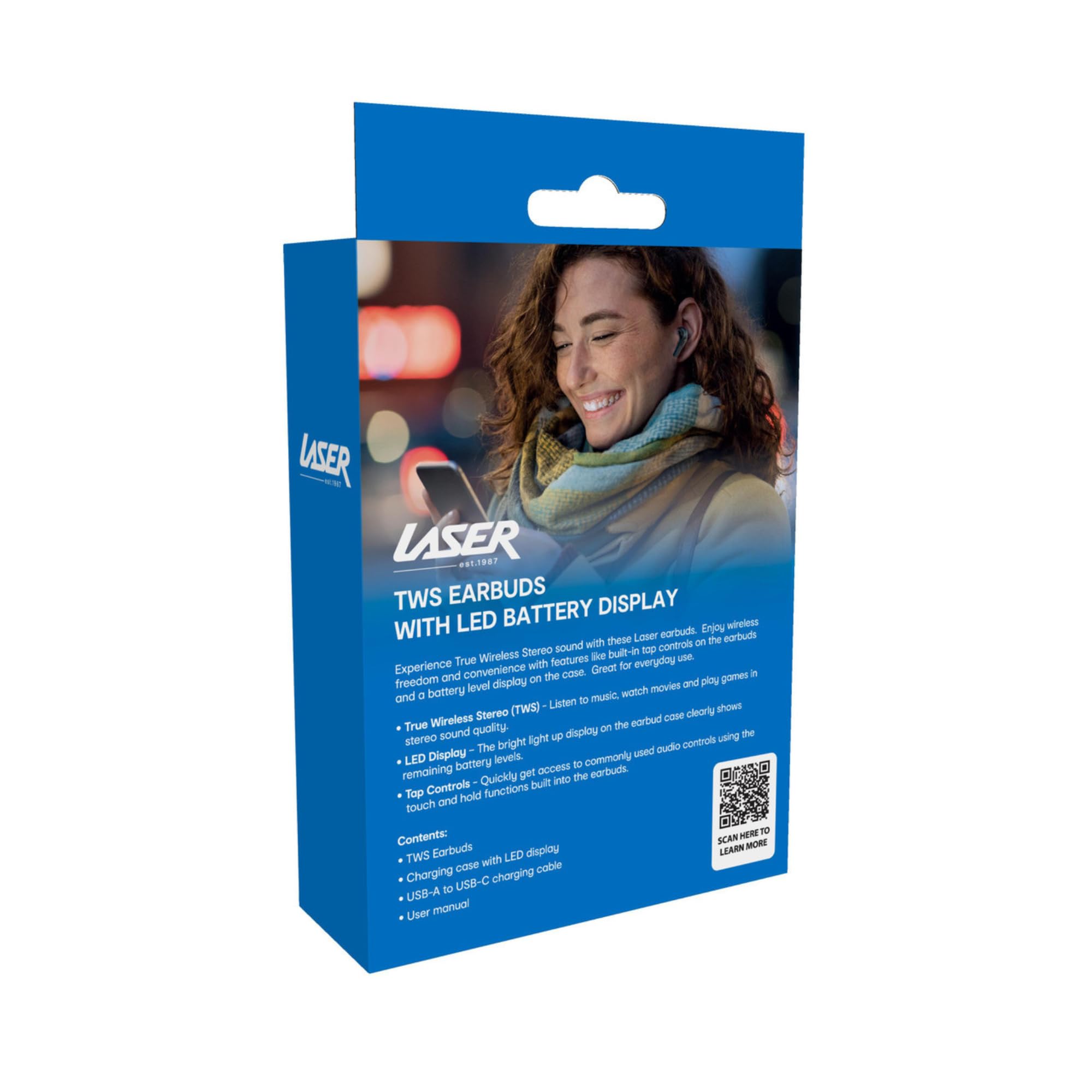
Image: The retail packaging for the Laser TWS Earbuds, indicating contents and features.
Melite
1. Ịchaji ihe ntị na akpa
Before first use, fully charge the earbuds and the charging case. The LED display on the case indicates the battery level.
- Connect the provided Type-C charging cable to the charging port on the case and a USB power source.
- The LED display will show the charging progress. A full charge takes approximately 1 hour.
- The earbuds charge automatically when placed inside the charging case. The case can recharge the earbuds up to 3 times on a single charge.
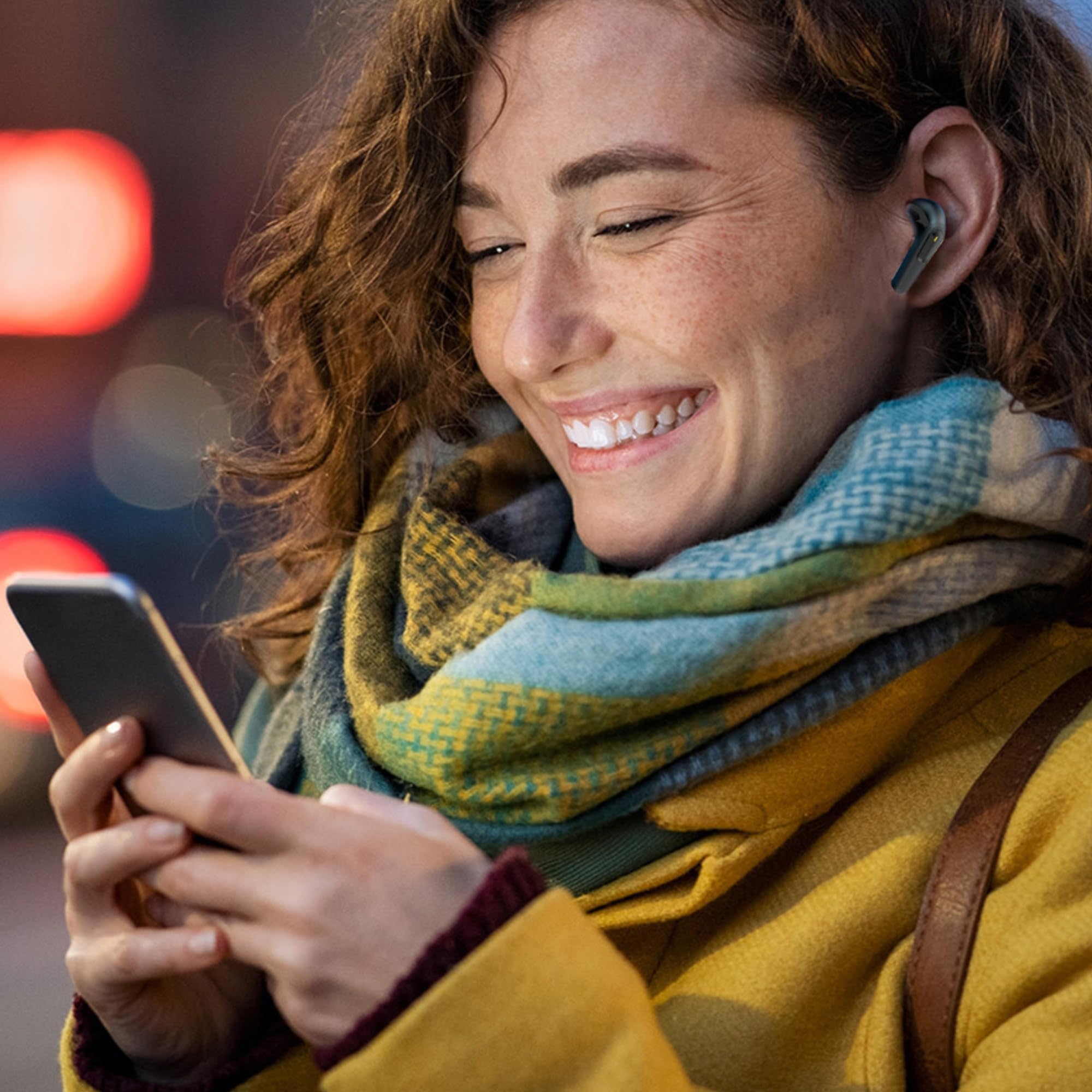
Foto: A nso nso view of the charging case's LED display, showing the battery percentage, indicating the charge level.
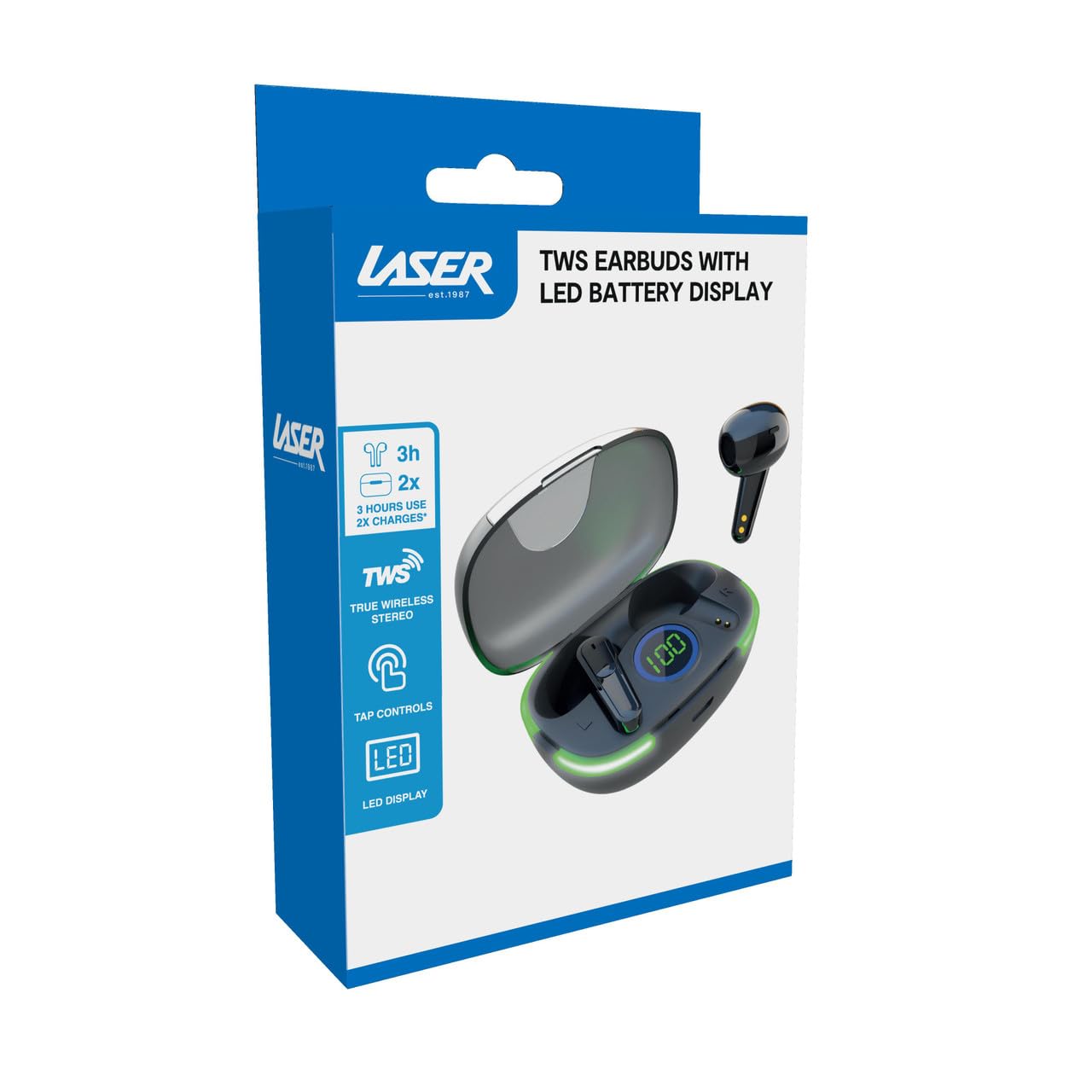
Image: Another close-up of the LED display on the charging case, highlighting the digital battery indicator.
2. Ijikọ na ngwaọrụ
The earbuds use Bluetooth for wireless connectivity.
- Mepee igbe nchaji. Igwe ntị ga-abanye na ọnọdụ njikọta na-akpaghị aka.
- Na ngwaọrụ gị (ama, mbadamba, laptọọpụ), mee ka Bluetooth rụọ ọrụ ma chọọ ngwaọrụ ọhụrụ.
- Select "Laser TWS Earbuds" or "EPS-LT10B-128" from the list of available devices.
- Ozugbo ejikọtara ya, ị ga-anụ olu nkwenye, ekweisi ndị ahụ ga-adịkwa njikere maka ojiji.
- The earbuds support multi-device compatibility, allowing pairing with various devices.
Ntuziaka ọrụ
Yi akwa ntị
The earbuds are designed for ergonomic comfort and a secure fit. Gently insert each earbud into your ear canal and twist slightly to ensure a snug and comfortable position. This helps optimize sound quality and stability.
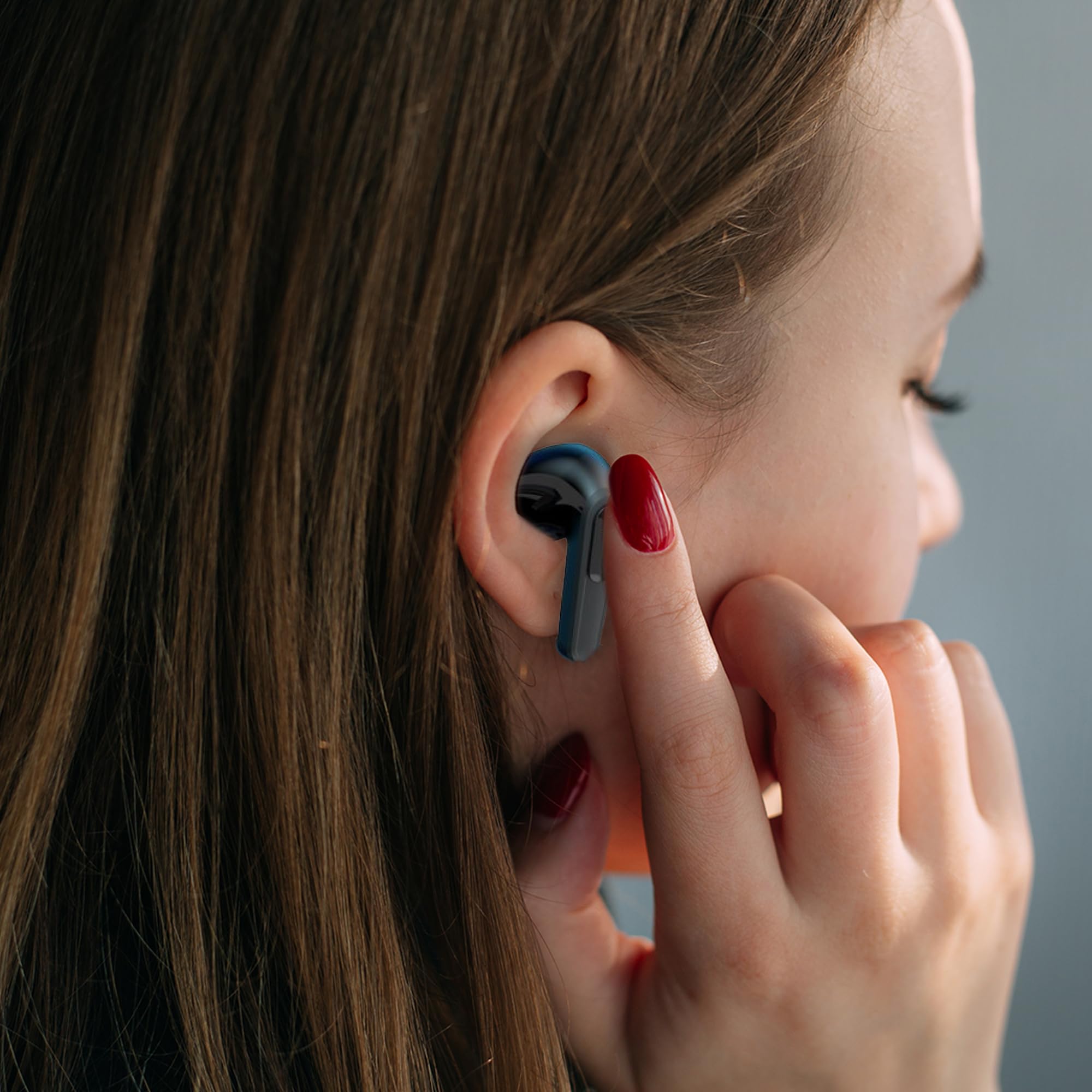
Image: A woman comfortably wearing one of the Laser TWS Earbuds while interacting with her smartphone.
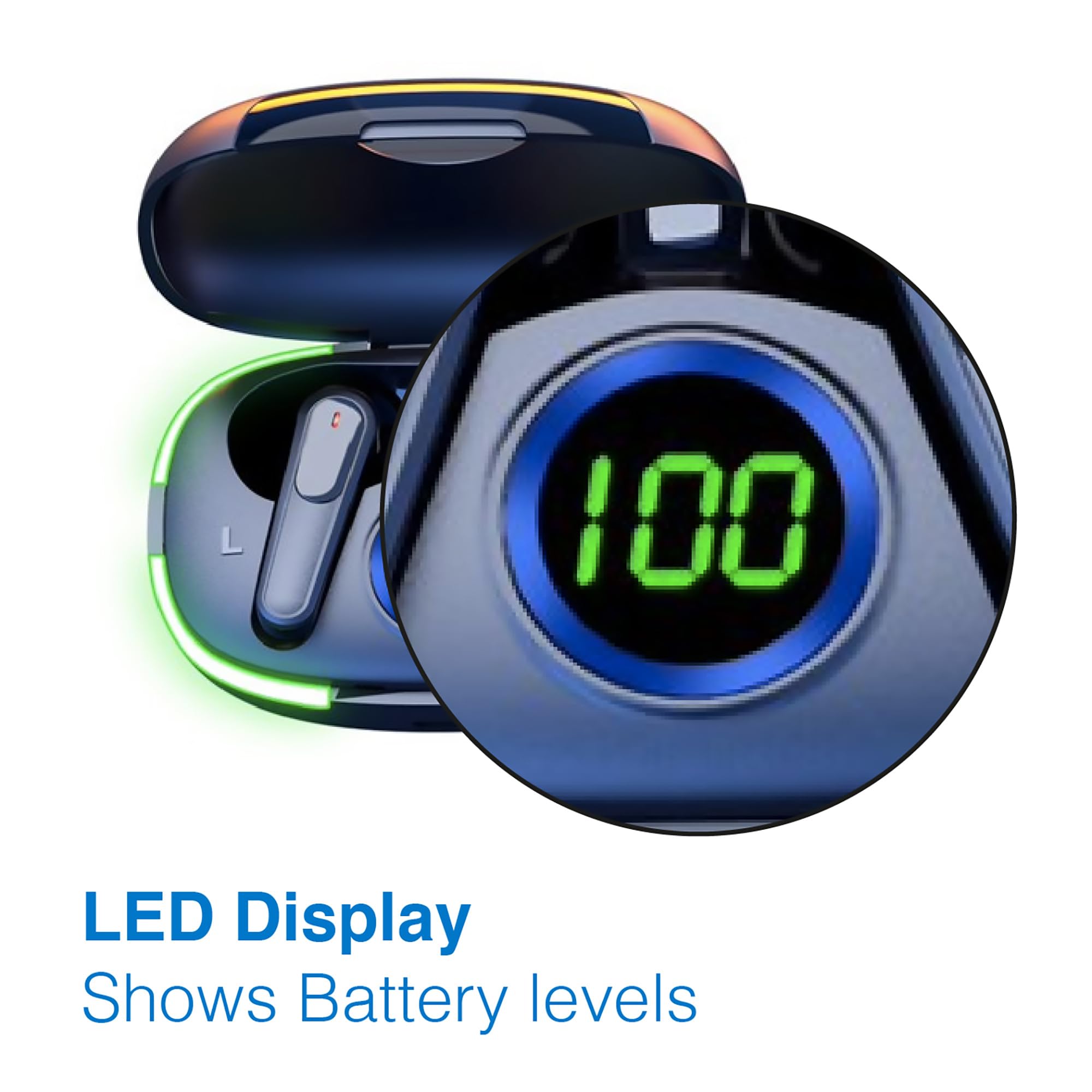
Image: A man walking outdoors, wearing a Laser TWS Earbud, demonstrating the ergonomic design for active use.
True Wireless Stereo Experience
These earbuds provide a true wireless stereo experience, delivering high-fidelity sound with clear channel separation for an immersive audio experience, whether for music, movies, or gaming.
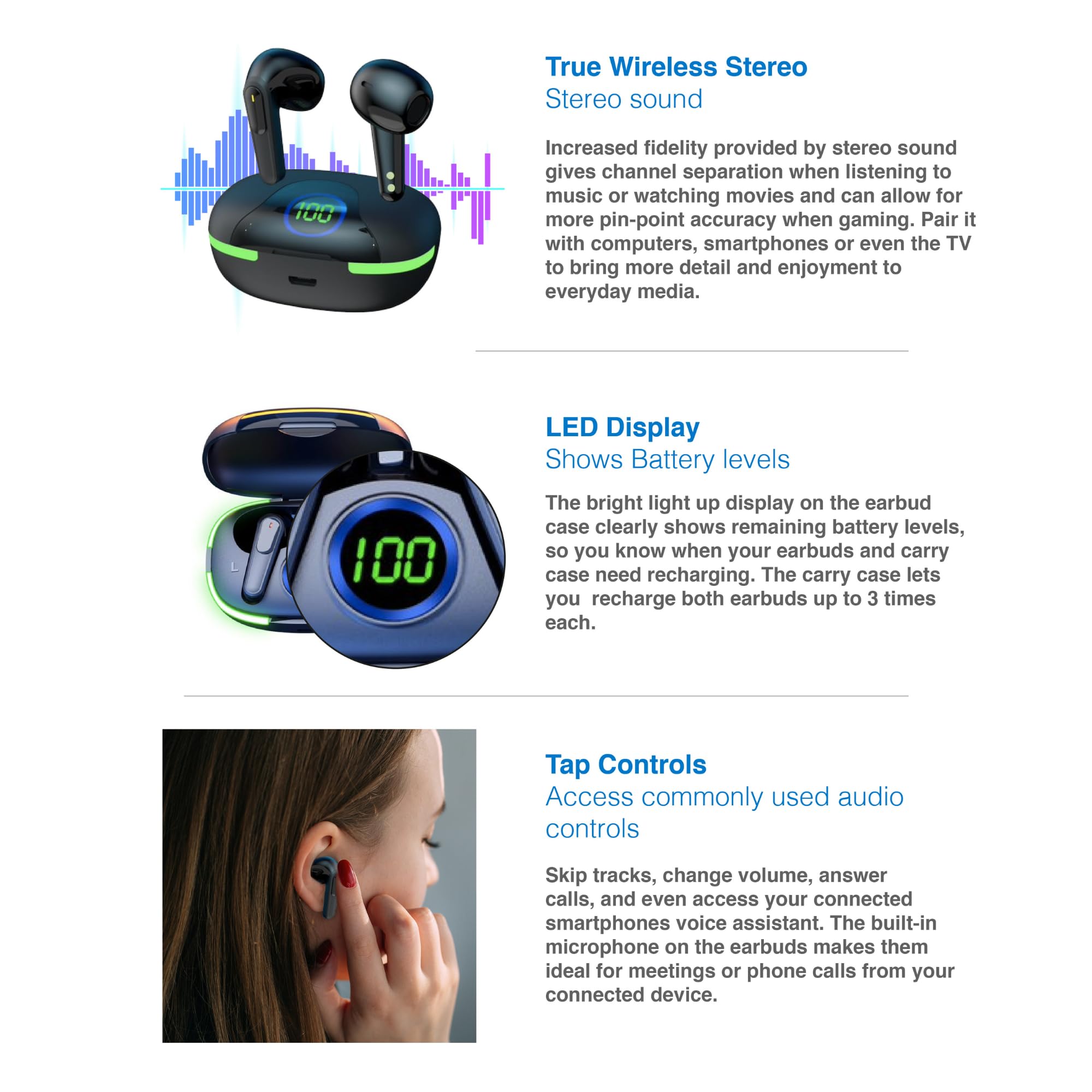
Image: A graphic representation of the True Wireless Stereo feature, showing the earbuds in their case with sound wave visualizations.
Pịa njikwa
The earbuds feature intuitive tap controls for easy management of audio playback and calls without needing to access your connected device.
| Omume | Njikwa |
|---|---|
| Kpọọ/kwụsịtụ egwu | Otu mgbata na ntị ntị |
| Track na-esote | Pịa bọtịnụ ntị aka nri ugboro abụọ |
| Egwu gara aga | Kpatụ ntị ugboro abụọ n'akụkụ aka ekpe |
| Zaa/Kwụsị Oku | Otu mgbata na ntị ntị |
| Jụ oku | Pịa ogologo na ntị ntị ọ bụla |
| Activate Voice Assistant (Siri, Google Assistant, Alexa) | Pịa ugboro atọ na ntị ntị |

Image: A person's hand touching an earbud, illustrating the tap control functionality.
Igwe okwu arụnyere n'ime ya
Each earbud includes a built-in microphone, enabling hands-free calls and meetings without needing to switch to your device.
Nlekọta
- Nhicha: Jiri akwa dị nro, kpọrọ nkụ na-adịghị na-ehicha ntị ntị na chaja mgbe niile. Zere iji ihe na-emebi emebi ma ọ bụ kemịkalụ siri ike.
- Nchekwa: Mgbe ejighị ya, chekwaa earbuds n'ime akpa nchaji ha iji chebe ha ma debe ha ebubo.
- Nlekọta batrị: Iji mee ka batrị dị ogologo, zere iwepụ isi ekwe ntị na igbe ahụ mgbe niile. Chaji ha mgbe niile, ọbụlagodi na ọ bụghị mgbe niile ka a na-eji ha.
- Nguzogide mmiri: These earbuds are not water resistant. Avoid exposure to water, sweat, or high humidity.
Nchọpụta nsogbu
| Nsogbu | Ngwọta |
|---|---|
| Igwe ntị anaghị ejikọta ọnụ | Ensure earbuds are charged. Turn off and on Bluetooth on your device. Forget the device in Bluetooth settings and re-pair. Place earbuds back in case and take them out again. |
| Enweghị ụda sitere na otu ntị ntị | Check battery level of both earbuds. Re-pair the earbuds. Try resetting the earbuds (refer to manufacturer's websaịtị maka ntuziaka nrụpụta akọwapụtara ma ọ bụrụ na ọ dị mkpa). |
| Nchaji anaghị akwụ ụgwọ | Ensure the charging cable is securely connected. Try a different USB power source or cable. |
| Tap controls not responding | Ensure earbuds are properly seated in your ears. Clean the touch sensitive area. Re-pair the earbuds. |
If you encounter persistent issues, please refer to the official Laser support websaịtị maka enyemaka ọzọ.
Nkọwapụta
| Njirimara | Nkọwa |
|---|---|
| Nlereanya | EPS-LT10B-128 |
| Teknụzụ Njikọta | Ikuku Bluetooth |
| Njikwa mkpọtụ | Mwepu ụda |
| Ndụ batrị (Earbuds) | Ihe ruru. Awa 3 |
| Oge Nchaji | Ihe ruru. 1 elekere |
| Nchaji Nchaji N'ime Akpa Nchaji | Ruo ugboro 3 |
| Ogologo ọrụ kacha | 10 mita |
| Ụdị njikwa | Njikwa aka, Njikwa olu |
| Ihe onwunwe | Plastic |
| Ibu Ibu | 30 grams |
| Akụkụ | 62.2 x 42.5 x 32.6 cm (Ngwaahịa) |
| Ọkwa Nguzogide mmiri | Ọ bụghị mmiri na-eguzogide |
Akwụkwọ ikike na nkwado
The Laser TWS Earbuds come with a 1-afọ akwụkwọ ikike site na ụbọchị ịzụrụ. Biko dowe ihe akaebe nke ịzụrụ ihe maka akwụkwọ ikike.
For further support, troubleshooting, or warranty information, please visit the official Laser websaịtị:
You may also contact Laser customer service directly for assistance.


