1. Ngwaahịa gafereview
The Lindy 3m USB 3.2 Gen2 Type-C Active Cable (Model Number: 43348) is designed for high-performance data transfer, video transmission, and charging. This active cable ensures reliable signal integrity over longer distances, making it ideal for connecting various USB-C enabled devices.
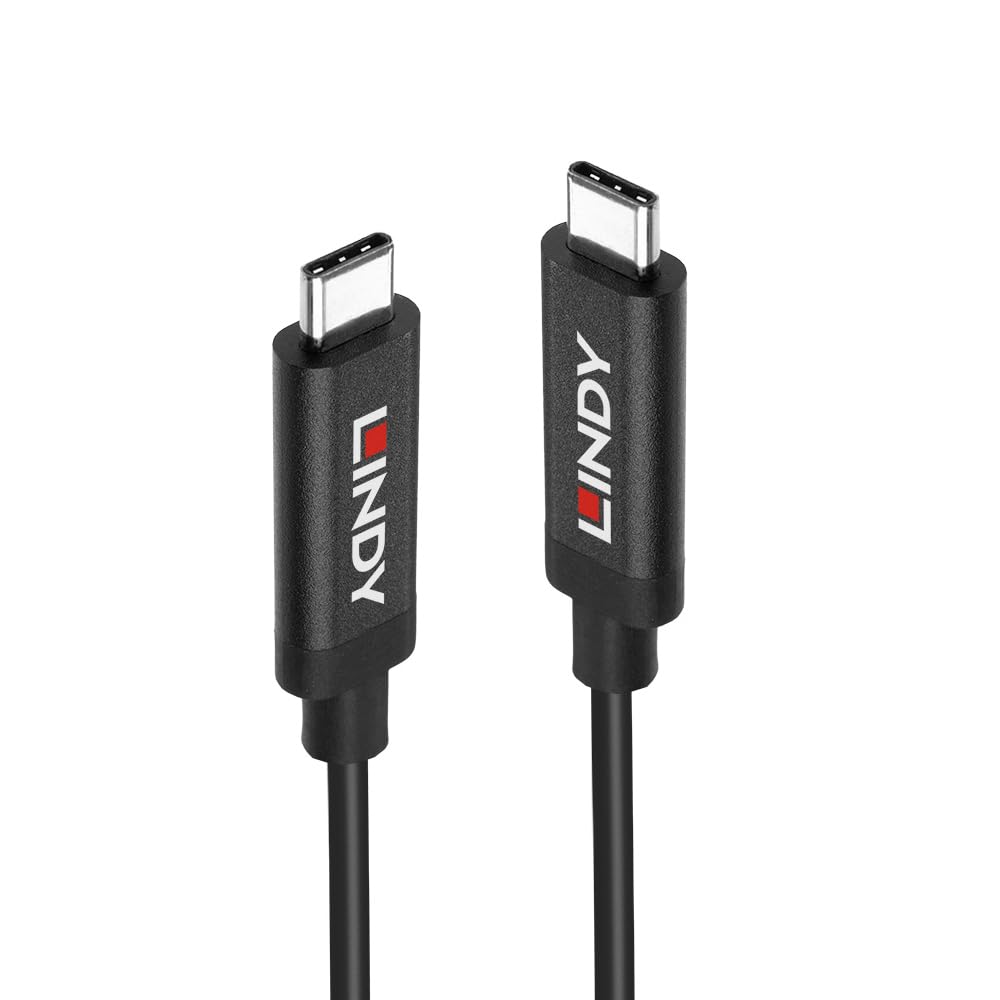
Figure 1.1: The Lindy 3m USB 3.2 Gen2 Type-C Active Cable, showcasing both ends of the cable with their reversible USB-C connectors and Lindy branding.
Akụkụ ndị bụ isi:
- Supports USB 3.2 Gen 2 (10Gbps) transmission and charging standards.
- Supports DisplayPort 1.4 Alternate Mode for audio and video transmission.
- Supports high resolution 8K@60Hz, high definition audio and video transmission.
- Enhanced Active IC Signal Adjustment, providing longer transmission distance.
- Type-C connector is reversible, allowing connection without checking orientation.
2. Nhazi
Setting up the Lindy USB 3.2 Gen2 Type-C Active Cable is straightforward due to its plug-and-play design. No additional drivers or software are typically required for basic functionality.
Nzọụkwụ njikọ:
- Identify the USB-C ports on your source device (e.g., laptop, tablet, docking station) and your target device (e.g., monitor, external hard drive, USB-C hub).
- Gently insert one end of the Lindy USB-C Active Cable into the USB-C port of your source device. The Type-C connector is reversible, so there is no incorrect way to insert it.
- Insert the other end of the Lindy USB-C Active Cable into the USB-C port of your target device.
- Ensure both connections are firm and secure. The cable will automatically establish the necessary data, video, or power connection.
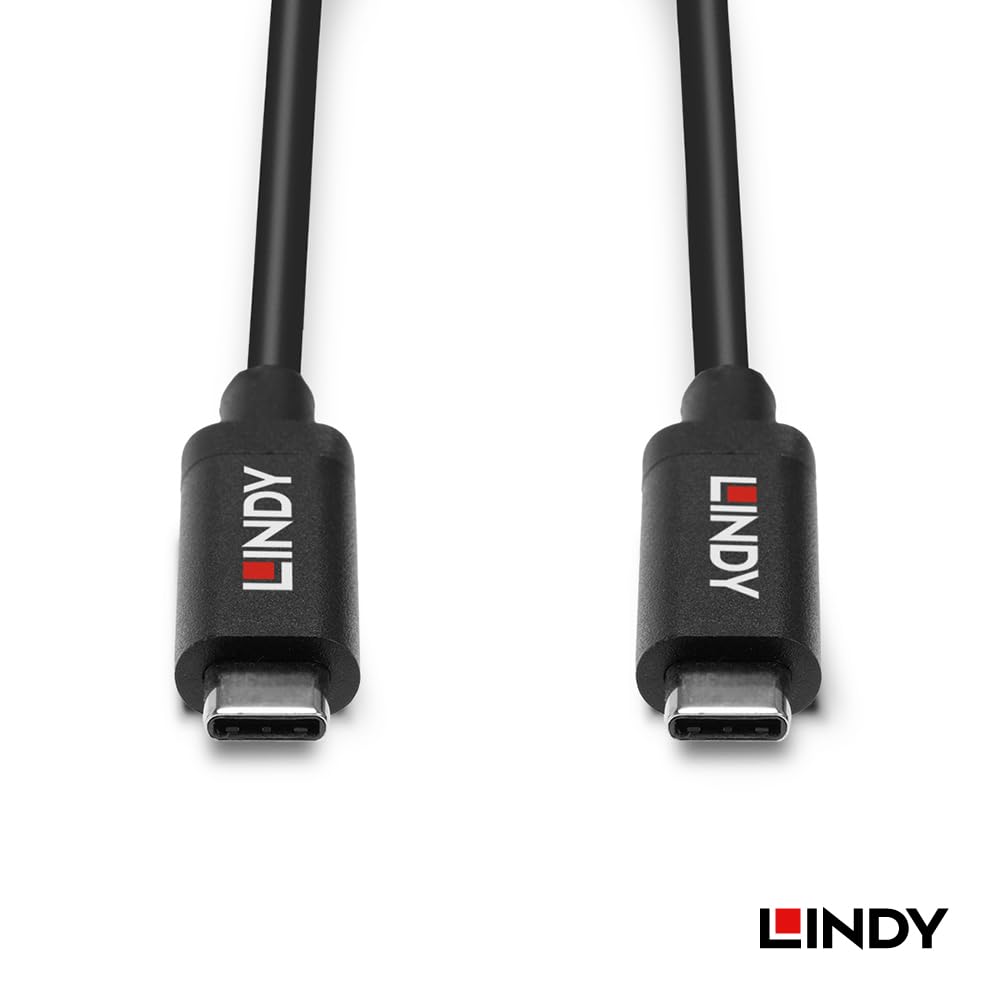
Ọgụgụ 2.1: A zuru ezu view of the Lindy USB-C connectors, highlighting their design for easy and reversible connection.
3. Ntuziaka ọrụ
Once connected, the Lindy USB 3.2 Gen2 Type-C Active Cable operates automatically, facilitating various functions depending on the capabilities of your connected devices.
Nyefee data:
The cable supports USB 3.2 Gen 2 speeds, allowing for data transfer rates up to 10 Gigabits per second (Gbps). This is suitable for transferring large files quickly between compatible devices such as external SSDs, hard drives, and computers.
Video Output (DisplayPort Alternate Mode):
For devices that support DisplayPort Alternate Mode (DP Alt Mode) over USB-C, this cable can transmit high-resolution video and audio. It supports resolutions up to 8K at 60Hz, providing a clear and vibrant display experience on compatible monitors or televisions.
Power Delivery/Charging:
The cable also supports power delivery, enabling charging of compatible devices. The actual charging speed and power output will depend on the power source and the connected device's power requirements.
Active IC Signal Adjustment:
The integrated active IC (Integrated Circuit) within the cable enhances signal integrity, allowing for stable and reliable performance over its 3-meter length. This is particularly beneficial for maintaining high data and video quality over longer cable runs.
4. Nlekọta
Proper care and maintenance will extend the lifespan of your Lindy USB 3.2 Gen2 Type-C Active Cable.
- Nchekwa: When not in use, coil the cable loosely. Avoid tight coiling or sharp bends, as this can damage the internal wires and active components.
- Nhicha: Use a soft, dry, lint-free cloth to clean the cable and its connectors. Do not use liquid cleaners or solvents, as they may damage the cable's insulation or internal electronics.
- Ijikwa: Always grasp the connector housing when plugging or unplugging the cable. Avoid pulling directly on the cable itself, as this can strain the connection points and lead to damage.
- gburugburu: Debe eriri ahụ ka ọ ghara ịnọ n'ebe okpomọkụ dị oke njọ, anyanwụ kpọmkwem, na oke mmiri dị n'ime ya.
5. Nchọpụta nsogbu
If you encounter issues with your Lindy USB 3.2 Gen2 Type-C Active Cable, consider the following troubleshooting steps:
No Signal or Intermittent Connection:
- Lelee njikọ: Ensure both ends of the cable are fully and securely inserted into the respective ports on your devices.
- Test Different Ports: Try connecting the cable to a different USB-C port on both your source and target devices, if available.
- Malitegharịa ngwaọrụ: Sometimes, a simple restart of the connected devices can resolve connectivity issues.
- Nyochaa ndakọrịta ngwaọrụ: Ensure that both your source and target devices support the functions you are trying to use (e.g., USB 3.2 Gen 2 for 10Gbps data, DisplayPort Alt Mode for video output). Not all USB-C ports support all functionalities.
- Test with Another Cable/Device: If possible, test your devices with a different known-working USB-C cable, or test the Lindy cable with different compatible devices to isolate the problem.
Ọsọ mbufe data dị nwayọ:
- Verify USB 3.2 Gen 2 Support: Ensure both connected devices (source and target) support USB 3.2 Gen 2 (10Gbps) speeds. If either device only supports an older USB standard (e.g., USB 2.0 or USB 3.0/3.1 Gen 1), the transfer speed will be limited to the lowest common denominator.
- Check Device Performance: The speed of your storage device (e.g., SSD, HDD) can also be a bottleneck. Ensure your storage device is capable of the desired transfer speeds.
No Video Output or Low Resolution:
- DisplayPort Alt Mode Support: Confirm that your source device's USB-C port supports DisplayPort Alternate Mode. Not all USB-C ports are capable of video output.
- Nyochaa ntinye: Ensure your monitor is set to the correct input source (e.g., USB-C, DisplayPort).
- Ntọala mkpebi: Check your computer's display settings to ensure the desired resolution and refresh rate are selected and supported by both your device and monitor.
6. Nkọwapụta
Detailed technical specifications for the Lindy 3m USB 3.2 Gen2 Type-C Active Cable (Model Number: 43348):
| Njirimara | Uru |
|---|---|
| Ụdị | Lindy |
| Nọmba Nlereanya ihe | 43348 |
| Ụdị njikọ | USB Ụdị C |
| Ụdị USB | USB |
| Njirimara Pụrụ Iche | Data Transfer, High Speed |
| Ọnụego mbufe data | Ruo 10Gbps (USB 3.2 Gen 2) |
| Nkwado vidiyo | DisplayPort 1.4 Alternate Mode (up to 8K@60Hz) |
| Active IC | Yes, for signal adjustment |
| Ogologo eriri USB | 3 mita |
| Akụkụ ngwugwu | 7.87 x 7.09 x 0.71 sentimita asatọ |
| Ibu Ibu | 5.29 ounces |
| Ụbọchị mbụ dị | Ọktoba 23, 2023 |
| Onye nrụpụta | LINDY |
7. Akwụkwọ ikike na nkwado
Lindy products are designed for reliability and performance. For specific warranty information regarding your Lindy 3m USB 3.2 Gen2 Type-C Active Cable (Model Number: 43348), please refer to the warranty card included with your purchase or visit the official Lindy websaịtị.
For technical support, product inquiries, or assistance with troubleshooting beyond the scope of this manual, please contact Lindy customer service through their official channels. Contact information can typically be found on the Lindy websaịtị ma ọ bụ na nkwakọ ngwaahịa gị.
Akụrụngwa dị n'ịntanetị:
- Official Lindy Websaịtị: www.lindy.com (Biko mara: Nke a bụ ebe njide ihe URL. Refer to actual product documentation for correct URL.)


