Okwu mmalite
Thank you for choosing the HAMMER SpeedMotion II Elliptical Trainer. This manual provides essential information for the safe and effective use of your new fitness equipment. Please read it thoroughly before assembly and operation, and keep it for future reference.
The SpeedMotion II offers an innovative and comfortable workout experience, combining dynamic movement with individual intensity control. Its natural, ergonomic design supports effective calorie burning and targets various muscle groups through its 3-fold incline adjustment.

The HAMMER SpeedMotion II Elliptical Trainer provides a full-body workout experience in the comfort of your home, featuring 24 programs, 16 resistance levels, an LCD display, and Bluetooth connectivity.
Ntuziaka nchekwa
- Kpọtụrụ dọkịta tupu ịmalite mmemme mmega ahụ ọhụrụ ọ bụla.
- Gbaa mbọ hụ na agbachiela bolts na mkpụrụ niile nke ọma tupu ejiri nke ọ bụla.
- Place the elliptical trainer on a flat, stable surface.
- Debe ụmụaka na anụ ụlọ n'ebe akụrụngwa nọ mgbe a na-arụ ọrụ.
- Yiri akpụkpọ ụkwụ na uwe egwuregwu kwesịrị ekwesị.
- Kwụsị mgbatị ahụ ozugbo ma ọ bụrụ na ị na-ada mbà, isi ọwụwa, ma ọ bụ nwee mgbu.
- The maximum user weight for this device is 130 kg.
Ntọala na Mgbakọ
The HAMMER SpeedMotion II Elliptical Trainer requires assembly. An instruction manual is included with the product to guide you through the process. It is recommended to lay out all parts and verify them against the parts list before beginning assembly.
- Iwepu: Jiri nlezianya wepụ ihe niile dị na nkwakọ ngwaahịa.
- Nyochaa akụrụngwa: Verify that all parts listed in the assembly guide are present and undamaged.
- Mgbakọ ntọala: Tinye n'ihu na azụ stabilizers na isi etiti.
- Pedal Arms and Flywheel: Assemble the pedal arms and connect them to the flywheel mechanism.
- Ogwe aka: Secure the stationary and moving handlebars.
- Nwụnye njikwa: Mount the LCD console and connect all necessary cables.
- Ndozi anya: Ensure the 3-fold incline adjustment mechanism is correctly installed and functional.
- Nyocha ikpeazụ: Double-check all connections and ensure the elliptical is stable before first use.
Assembly typically takes approximately 45 minutes for one person, following the detailed, illustrated instructions provided.
Ntuziaka ọrụ
Console gafereview

The LCD display provides real-time feedback on your workout, controlled by the intuitive Push & Turn button.
The black-backlit LCD display provides clear visibility of your workout data. Use the central Push & Turn Button for intuitive navigation and selection.
- RPM: Mgbanwe kwa nkeji
- Ọsọ: Ọsọ dị ugbu a
- Ogologo: Total distance covered
- Training Time: Oge mmega ahụ gị
- Calorie Consumption: Kalori echere n'ọkụ
- Ọnụọgụgụ obi: Measured via handgrip sensors
- Ọkwa mgbochi: Current resistance setting
Mmemme mgbatị ahụ
The SpeedMotion II features 24 pre-set training programs to help you achieve your fitness goals. Navigate through the programs using the Push & Turn Button and select the one that suits your needs.
Mmezi Nguzogide
The elliptical trainer uses a manual resistance mechanism. Adjust the resistance level to increase or decrease the intensity of your workout. Higher resistance targets strength, while lower resistance focuses on endurance.
3-Fold Incline Adjustment

Adjust the incline to target different muscle groups: higher incline for glutes and hamstrings, lower incline for quadriceps.
The 3-fold incline adjustment allows you to vary your workout and target different muscle groups. A higher incline emphasizes the glutes and posterior thigh muscles, while a lower incline places more emphasis on the anterior thigh muscles (quadriceps).
Nleba anya ọnụ ọgụgụ obi
Integrated handgrip sensors allow for real-time heart rate monitoring. Grip the sensors firmly during your workout to display your heart rate on the LCD console. This helps you stay within your target heart rate zone for optimal training.
Kinomap & Zwift Compatibility
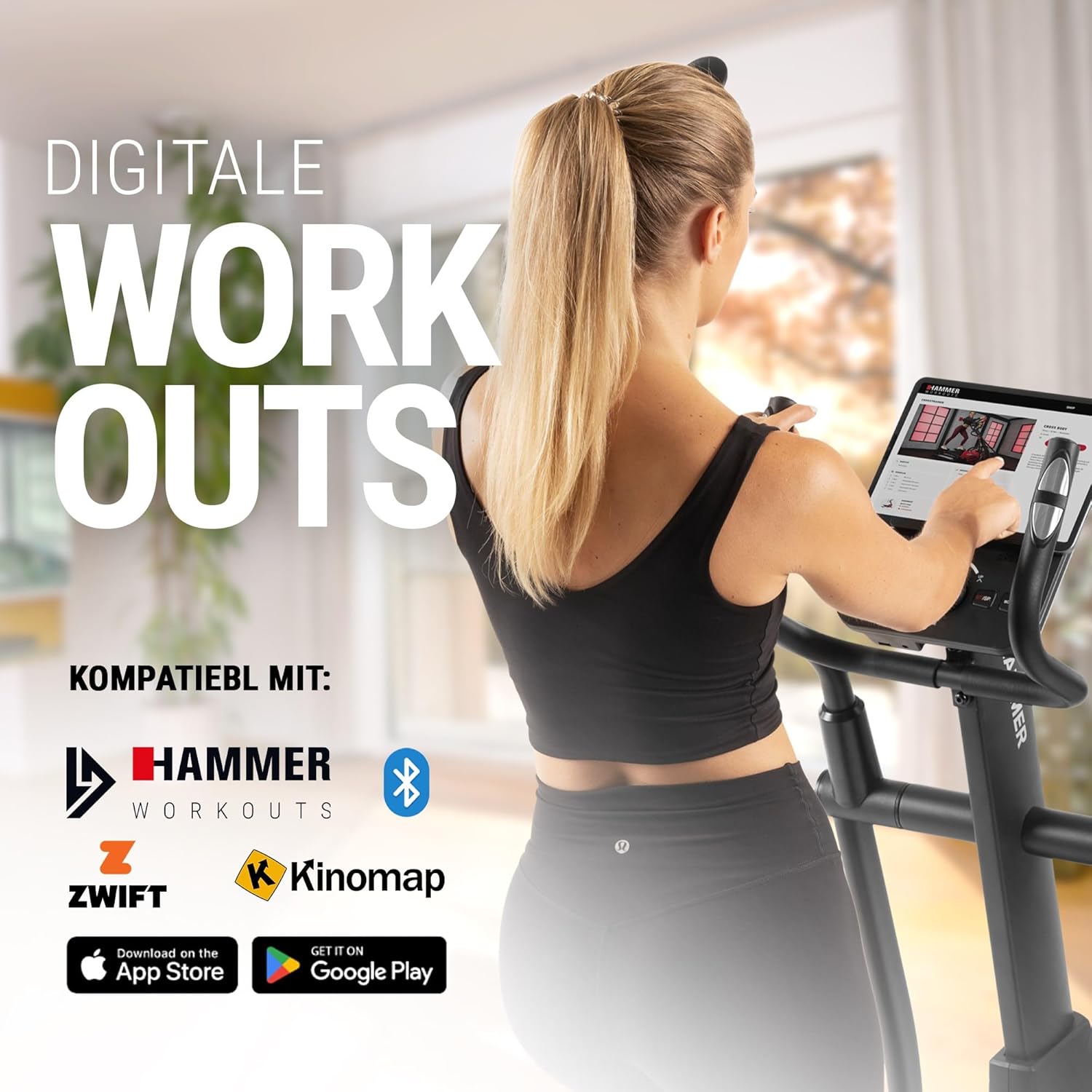
Connect your tablet or smartphone to the elliptical trainer for interactive workouts with Kinomap and Zwift.
The SpeedMotion II is compatible with popular fitness apps like Kinomap and Zwift. Connect your smartphone or tablet via Bluetooth to access virtual training worlds, interactive routes, and track your performance. Download the respective apps from the App Store or Google Play.
Nlekọta
Nlekọta mgbe niile na-eme ka onye nkuzi elliptical gị dị ogologo ndụ ma rụọ ọrụ nke ọma.
- Nhicha: Jiri mgbasa ozi hichaa akụrụngwa ahụamp ákwà mgbe ọ bụla iji wepụ ọsụsọ na ájá. Zenarị ndị na-ehicha ihe abrasive.
- mmanu mmanu: Periodically check moving parts, especially the rollers and tracks, for smooth operation. Lubricate as recommended in the detailed product manual if necessary.
- Na-emechi: Regularly inspect all bolts, nuts, and connections. Tighten any loose components to prevent noise and ensure stability.
- Nchekwa: Store the elliptical trainer in a dry, temperate environment away from direct sunlight and extreme temperatures.

The SpeedMotion II features a quiet drive system, high-quality rollers for smooth movement, and stability adjustments for a secure workout.
Nchọpụta nsogbu
If you encounter issues with your HAMMER SpeedMotion II, refer to the following common troubleshooting tips:
| Nsogbu | Ihe nwere ike ime | Ngwọta |
|---|---|---|
| Squeaking or rattling noises | Loose bolts or connections; lack of lubrication on moving parts. | Check and tighten all visible bolts and nuts. Lubricate joints and rollers as per the main manual. |
| Ngosipụta anaghị arụ ọrụ | Loose cable connection; depleted batteries (if applicable). | Ensure all console cables are securely connected. Check and replace batteries if the unit is battery-powered (AA batteries required, not included). |
| Uneven movement or instability | Uneven floor surface; loose frame components. | Adjust the leveling feet on the stabilizers. Check and tighten all frame connections. |
| Nguzogide anaghị agbanwe | Issue with the resistance mechanism. | Refer to the detailed manual for specific resistance mechanism troubleshooting or contact customer support. |
If the problem persists after attempting these solutions, please contact HAMMER customer support.
Nkọwapụta
| Njirimara | Nkọwapụta |
|---|---|
| Aha Nlereanya | SpeedMotion II |
| Nọmba nlereanya | 11000 |
| Akụkụ (L x W x H) | 160 x 60 x 177 cm |
| Ibu Ibu | 61.9 n'arọ |
| Ibu Onye ọrụ kacha | 130 n'arọ |
| Mass Flywheel | 18 kg (implied from product title, not explicitly in specs table but in product title) |
| Ogologo ogologo | 50 cm |
| Ogologo Pedal | 14 cm (from feature bullets) |
| Ndozi anya | 3-fold manual adjustment |
| Usoro mgbochi | Akwụkwọ ntuziaka |
| Mmemme | 24 (from product title and feature bullets) |
| Ụdị ngosi | Black-backlit LCD, 17.78 cm (7 inches) |
| Njikọta | Bluetooth, Kinomap & Zwift compatible |
| Ụdị ihe | Ọla |
| Isi Iyi Ike | Chọrọ batrị AA (anaghị etinye ya) |
Akwụkwọ ikike na nkwado
Ozi akwụkwọ ikike
Specific warranty details for the HAMMER SpeedMotion II Elliptical Trainer are typically provided with your purchase documentation. Please refer to the warranty card or the official HAMMER website for comprehensive information regarding coverage and terms.
Nkwado ndị ahịa
For technical assistance, spare parts, or any questions regarding your HAMMER SpeedMotion II, please contact HAMMER SPORT customer service. Contact details can usually be found on the official HAMMER websaịtị ma ọ bụ n'ime akwụkwọ ngwaahịa gị.
When contacting support, please have your model number (11000) and proof of purchase readily available.


