1. Ngwaahịa gafereview
The VTech CS1500 DECT cordless phone is designed for home use, offering essential communication features with enhanced convenience. This manual provides instructions for setting up, operating, and maintaining your phone.
Akụkụ ndị bụ isi:
- Dual-Charging Design: Innovative design allows the handset to be charged face up for easy screen viewing or face down for a compact profile.
- Mgbochi oku: Block up to 60 unwanted numbers to prevent nuisance calls.
- ECO DECT Mode: Automatically adjusts radio frequency power based on distance from the base station, ensuring reduced energy consumption.
- Ogologo ndụ batrị: Provides up to 13 hours of talk time and 200 hours of standby time.
- Ngosipụta azụ azụ: Clear, easy-to-read display for optimal visibility.
- Akwụkwọ ekwentị: Store up to 60 names and numbers for quick dialing.
- NJ onye oku na-echere: Stores up to 20 incoming call entries with name, number, time, and date.
- Mgbanwe ọnụọgụgụ ikpeazụ: Easily redial the last 10 numbers called.
- Igwe okwu na-enweghị aka: For convenient conversations.
- Ọrụ ndị ọzọ: Adjustable ringtone volume and melodies, alarm function, mute function, 3-way conference, call transfer, and intercom.

Figure 1: VTech CS1500 DECT Cordless Phone Handset in Charging Base.
2. Ihe ngwugwu
Ensure your package contains the following items:
- VTech CS1500 Handset
- Base Station with Power Adapter
- Ụdọ ekwentị
- Rechargeable Batteries (1 product specific - included)
- Akwụkwọ ntuziaka (akwụkwọ a)
3. Ntuziaka Nhazi
3.1 Ntinye batrị
- Mepee mkpuchi nchekwa batrị n'azụ ekwentị.
- Fanye batrị enwere ike ịchaji, na-elele polarity ziri ezi (+ na -).
- Mechie mkpuchi nke batrị batrị nke ọma.
3.2 Base Station Placement and Connection
- Place the base station on a flat, stable surface, away from heat sources and direct sunlight.
- Connect the small end of the power adapter to the power jack on the base station.
- Plug the large end of the power adapter into a wall outlet.
- Connect one end of the telephone line cord to the telephone line jack on the base station.
- Plug the other end of the telephone line cord into a telephone wall jack.
3.3 Initial Charging and Handset Registration
- Place the handset in the base station to charge. The handset can be placed face up or face down.
- Hapụ ekwentị ahụ ka ọ chajịa ruo opekata mpe awa asaa tupu ejiri ya na mbụ iji hụ na batrị zuru oke.
- The handset is typically pre-registered to the base station. If not, follow the on-screen prompts or refer to the full manual for manual registration steps.

Figure 2: Handset dual-charging design, allowing face-up or face-down placement in the base.

Figure 3: Illustration of the phone's reliable long-range signal within a home environment.
4. Ntuziaka ọrụ
4.1 Ịkpọ na ịnata oku
- Ka ịkpọ oku: Pịa Kwuo okwu button (green phone icon), then dial the number. Alternatively, dial the number first and then press Kwuo okwu.
- Iji nweta oku: Mgbe ekwentị na-ada, pịa Kwuo okwu bọtịnụ.
- Iji kwụsị oku: Pịa Ọgwụgwụ button (red phone icon) or place the handset back in the base station.
4.2 Iji ekwe ntị
Mgbe oku na-aga, pịa Igwe okwu button (speaker icon) to activate hands-free mode. Press it again to return to handset mode.
4.3 Akwụkwọ ekwentị
The phonebook stores up to 60 names and numbers.
- To Add an Entry: Gaa na menu akwụkwọ ndekọ aha, họrọ 'Tinye ọhụrụ', tinye aha na nọmba, wee chekwaa.
- To Dial from Phonebook: Pịa Akwụkwọ ekwentị button, scroll to the desired entry, and press Kwuo okwu.
4.4 Mgbochi oku
Block unwanted calls by adding numbers to the call block list (up to 60 entries).
- Iji gbochie nọmba: During an incoming call or from the Caller ID log, press the Kpọọ Mkpọ button (shield icon) and confirm.

Figure 4: Close-up of the handset highlighting the call block button, used to prevent unwanted calls.
4.5 Caller ID and Call Log
The phone displays the caller's information (if available) and stores the last 20 incoming calls.
- Iji View Ndekọ oku: Pịa CID button or navigate to the Call Log menu. Use the navigation keys to scroll through entries.
- To Dial from Call Log: Select an entry from the Call Log and press Kwuo okwu.

Figure 5: Handset display showing caller ID information and a list of stored incoming calls.
4.6 Last Number Redial
The phone stores the last 10 numbers dialed.
- To Redial: Pịa Reditanti button, scroll to the desired number, and press Kwuo okwu.

Figure 6: Handset display showing a number being redialed, illustrating the last 10 number redial function.
4.7 Ọrụ ndị ọzọ
- Mechie: Mgbe oku na-aga, pịa Ogbi button to temporarily disable your microphone.
- Mkpu: Tọọ mkpu site na menu ekwentị.
- Intercom: If you have multiple handsets, you can make internal calls between them.
- Nzukọ Ụzọ Atọ: Allows three parties to participate in a single call.

Figure 7: A user on a call, with an indicator showing the phone's 13-hour talk time capability.
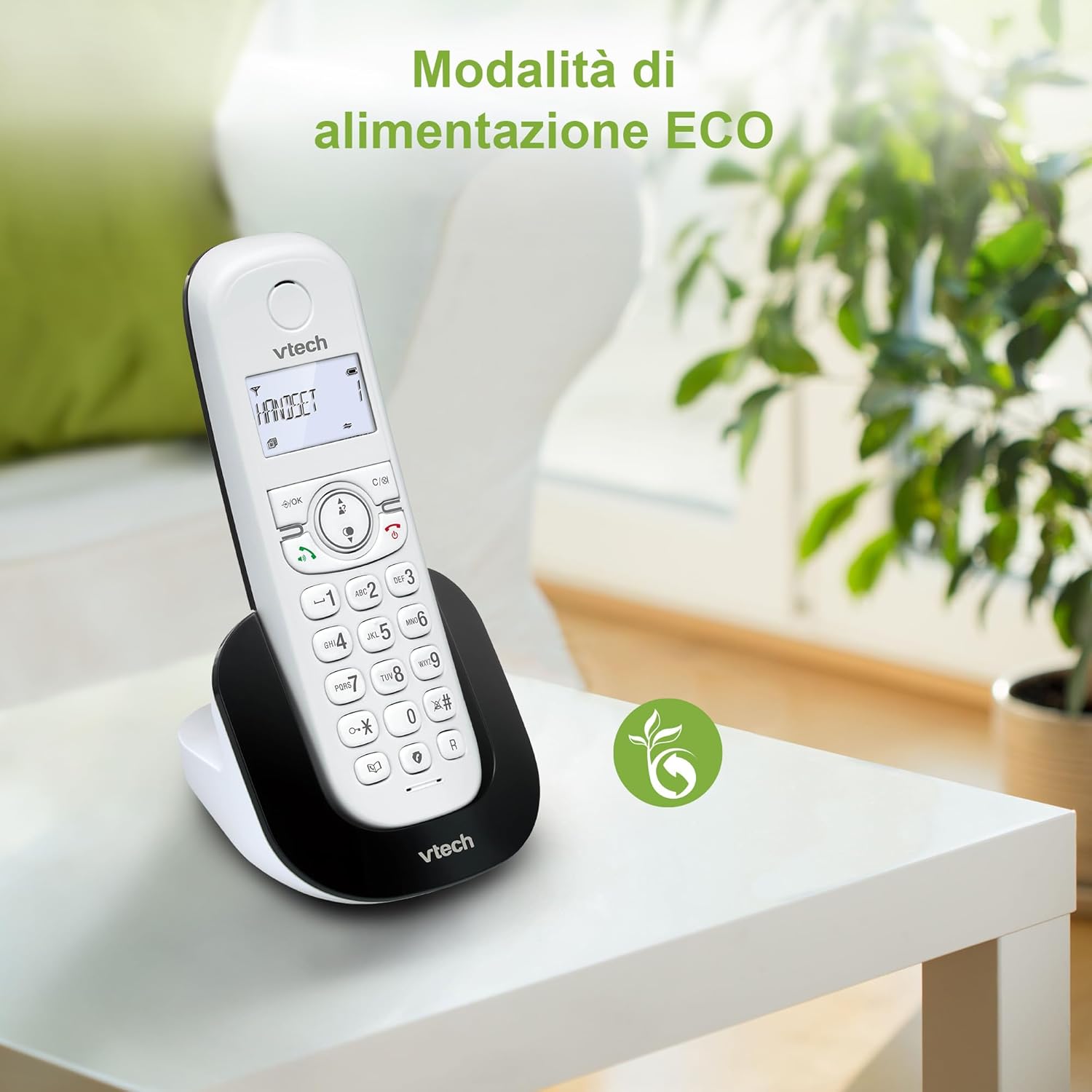
Figure 8: The phone in a home setting, indicating the energy-saving ECO power mode.
5. Nlekọta
5.1 Nhicha
- Jiri nwayọ hichaa ekwentị na ọdụ ọdụ, damp akwa .
- Do not use cleaning sprays or harsh chemicals, as these can damage the surface or internal components.
5.2 Nlekọta batrị
- To maintain optimal battery performance, always return the handset to the base station when not in use.
- Ọ bụrụ na agaghị eji ekwentị ahụ ogologo oge, wepụ batrị ahụ ka ọ ghara ịpụpụ.
- Replace batteries when their performance significantly degrades. Use only VTech-approved replacement batteries.
6. Nchọpụta nsogbu
If you experience issues with your VTech CS1500, try the following solutions:
| Nsogbu | Ngwọta |
|---|---|
| Enweghị ụda ọkpụkpọ | Ensure the base station power adapter and telephone line cord are securely connected. Check if other phones on the same line are working. |
| Enweghị ike ịkpọ/nata oku | Check the telephone line connection. Ensure the handset batteries are charged. If multiple handsets, ensure they are registered. |
| Ogo ụda adịghị mma | Move closer to the base station. Ensure there are no large metal objects or other electronic devices interfering with the signal. |
| Ngosipụta ekwentị ghe oghe | Place the handset in the base station to charge. The battery may be depleted. |
| Ekwentị anaghị akwụ ụgwọ | Ensure the power adapter is connected to the base station and a working wall outlet. Clean the charging contacts on both the handset and base station. |
7. Nkọwapụta
| Njirimara | Nkọwa |
|---|---|
| Ụdị | VTech |
| Nọmba nlereanya | CS1500 |
| Agba | Ọcha |
| Ụdị ekwentị | Enweghị eriri |
| Atụmatụ pụrụ iche | Enweghị eriri |
| Ngwa dakọtara | PSTN |
| Ọnụọgụ nke batrị | 1 (Product Specific - Included) |
| Ihe onwunwe | Plastic |
| Isi Iyi Ike | Akwanyere batrị |
| Ụdị ọkpụkpọ | Otu ahụ igodo |
| Ụdị Sistemu na-aza | Digital (Note: Product description does not explicitly mention an answering machine feature.) |
| Ibu Ibu | 350 grams |
| Onye nrụpụta | VTECH TELECOMMUNICATIONS LTD |
| Mba onye si | China |
8. Akwụkwọ ikike na nkwado
For warranty information and technical support, please refer to the warranty card included with your product or visit the official VTech website. You can typically find support contact details, FAQs, and additional resources there.
VTech Official Websaịtị: www.vephone.com


