1. Okwu mmalite
The Lanaform WL-100C is a versatile device designed to enhance your sleep and wake-up experience through light and sound simulation. It functions as a smart alarm clock, a bedside lamp, and a sleep aid, offering both sunrise and sunset simulations. This manual provides detailed instructions for setting up, operating, and maintaining your WL-100C device.

Image 1.1: Lanaform WL-100C device with its mobile application interface.
2. Ozi nchekwa
- Gụọ ntuziaka niile tupu ojiji ma jide maka nrụtụ aka n'ọdịnihu.
- Do not immerse the device or power adapter in water or other liquids.
- Jiri naanị ihe nkwụnye ọkụ enyere.
- Debe ngwaọrụ ahụ pụọ na isi mmalite okpomọkụ yana ìhè anyanwụ kpọmkwem.
- Anwala ịkwasa ma ọ bụ rụkwaa ngwaọrụ n'onwe gị. Kpọtụrụ ndị ọrụ ruru eru.
- Gbaa mbọ hụ na etinyere ngwaọrụ ahụ n'elu ala kwụsiri ike, dịkwa larịị.
3. Ihe ngwugwu
Chọpụta na ihe niile dị na ngwugwu:
- Lanaform WL-100C Smart Sunrise & Sunset Simulator
- Ihe nkwụnye ọkụ
- Akwụkwọ ntuziaka (akwụkwọ a)
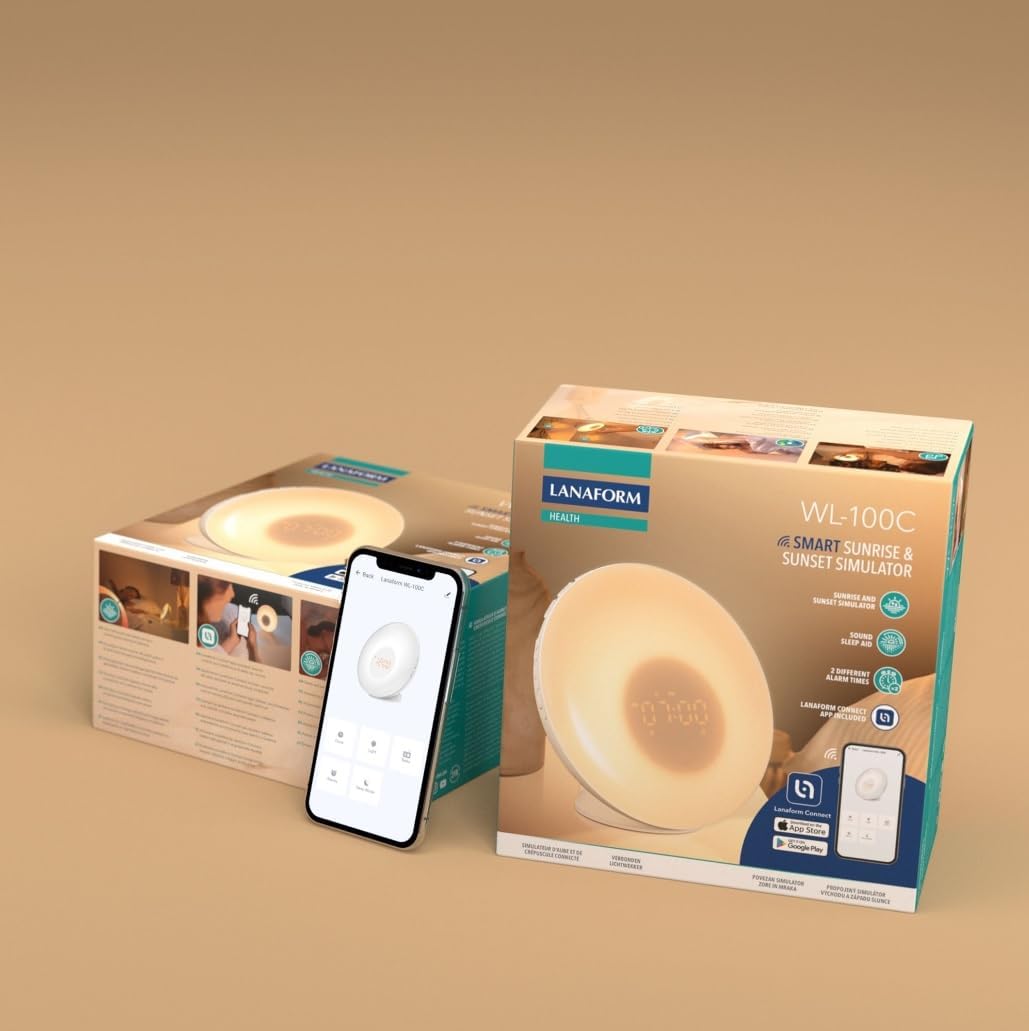
Image 3.1: The Lanaform WL-100C device and its packaging.
4. Ngwaọrụ gafereview
The WL-100C features an intuitive design with accessible controls and a clear display. Familiarize yourself with the main components:
- Ogwe ihu: Light panel, digital time display.
- Top Buttons: Control various functions such as time setting, alarm activation, light intensity, sound selection, and FM radio.
- Ngbanwe azụ: Power input, USB charging port, FM antenna.
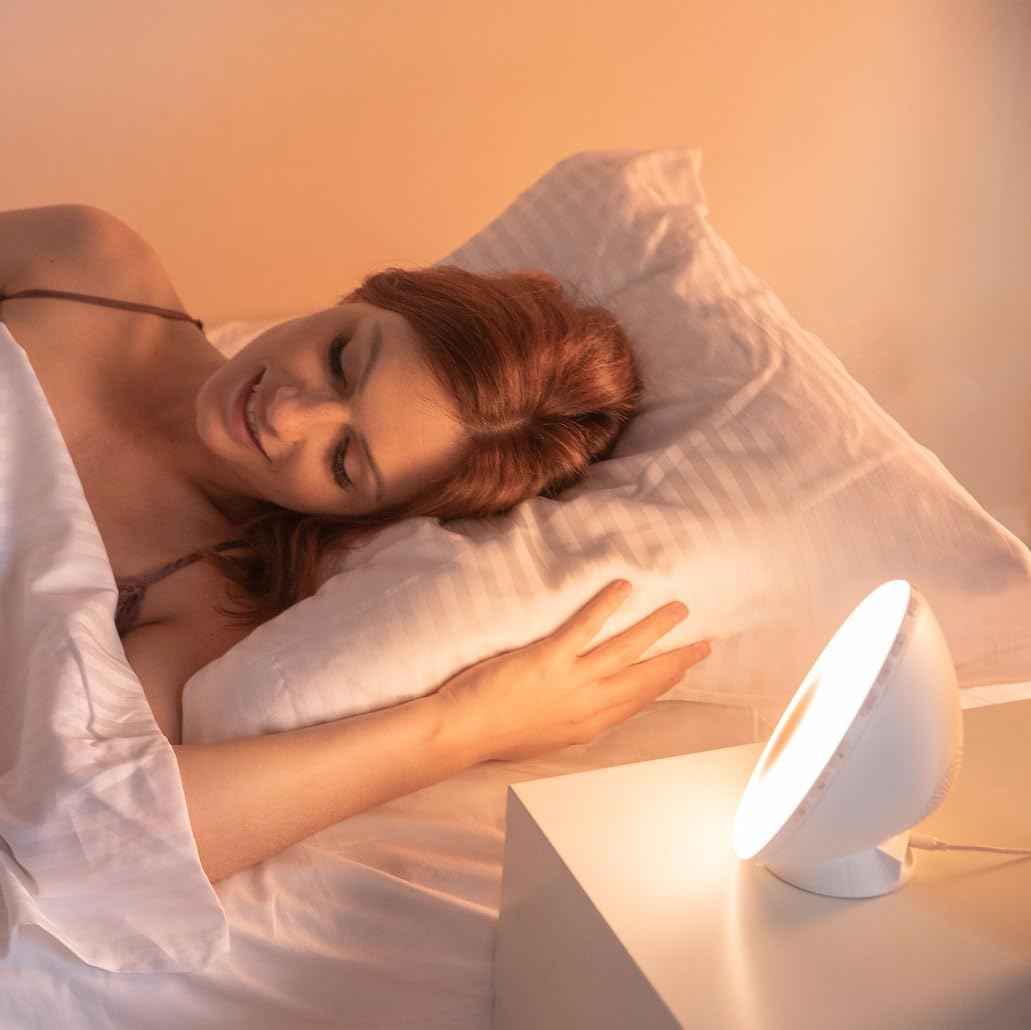
Foto 4.1: N'ihu view of the Lanaform WL-100C device.
5. Nhazi
5.1 Njikọ ike
- Connect the power adapter to the DC input port on the rear of the WL-100C.
- Plug the adapter into a standard wall outlet. The device will power on and the display will illuminate.
5.2 App Installation (Lanaform Connect)
For advanced features and convenient control, download the Lanaform Connect application:
- Scan the QR code provided in the packaging or search for "Lanaform Connect" on the Apple App Store or Google Play Store.
- Wụnye ngwa ahụ na ekwentị gị.
5.3 Njikọ Bluetooth
To connect the device to the Lanaform Connect app:
- Gbaa mbọ hụ na agbanyere Bluetooth na ekwentị gị.
- Open the Lanaform Connect app.
- Follow the in-app instructions to discover and pair with your WL-100C device. The device name will typically appear as "Lanaform WL-100C".

Image 5.1: Controlling the WL-100C via the Lanaform Connect mobile application.
6. Ntuziaka ọrụ
6.1 ịtọ oge
The time can be set manually using the device buttons or automatically via the Lanaform Connect app after pairing.
6.2 Sunrise Simulation (Wake-up Light)
The sunrise simulation gradually increases light intensity over 30 minutes before your set alarm time, transitioning to a bright yellow light to simulate natural dawn.
- Nkwalite: Enable this feature through the alarm settings on the device or via the app.
- Ogologo oge: Fixed at 30 minutes prior to the alarm.
6.3 Sunset Simulation (Sleep Aid)
The sunset simulation gradually decreases light intensity, promoting a peaceful transition to sleep. You can set the duration for 15, 30, or 60 minutes.
- Nkwalite: Select the sunset mode on the device or through the app.
- Ogologo oge: Choose 15, 30, or 60 minutes for the light to dim completely.
6.4 Ntọala mkpu
The WL-100C supports two customizable alarms.
- Ịtọ mkpu: Use the dedicated alarm buttons on the device or the alarm section in the Lanaform Connect app to set desired wake-up times.
- Nhọrọ ụda: Choose from 6 neutral sounds or select an FM radio station as your alarm sound.
- Olu: Adjust the alarm volume to your preference.
6.5 FM Redio arụ ọrụ
The integrated FM radio can be used as an alarm sound or for general listening.
- Na-atụgharị: Use the radio function buttons to scan for and save FM stations.
- Antenna: Ensure the FM antenna on the rear of the device is extended for optimal reception.
6.6 n'akụkụ akwa Lamp Ọrụ
The device can be used as a regular bedside lamp with adjustable brightness and color temperature.
- Icha ọkụ: Adjust light intensity using the dedicated light control buttons or the app.
- Agba: Customize light colors and ambiances via the Lanaform Connect app.
6.7 Ọrụ snooze
When an alarm sounds, press the Snooze button (usually located on top of the device) to temporarily pause the alarm and extend your sleep for a short period (e.g., 9 minutes). The alarm will sound again after the snooze period.
6.8 USB Nchaji Port
A USB port is available on the rear of the device for charging external devices like smartphones.
- Connect your device's USB charging cable to the WL-100C's USB port.
- Ensure the WL-100C is powered on for charging functionality.
6.9 App Control vs. Manual Control
All primary functions of the WL-100C can be controlled manually using the buttons on the device. For more detailed customization, such as specific light ambiances, advanced alarm scheduling, and sound selection, the Lanaform Connect application offers a comprehensive interface.

Foto 6.1: Ofeview of the WL-100C's multiple functions and customizable experience.
7. Nlekọta
7.1 Nhicha
- Tupu ihicha, wepụ ngwaọrụ ahụ na oghere ọkụ.
- Jiri akwa dị nro hichaa mpụta.
- Ejila ihe nhicha, ihe mgbaze, ma ọ bụ kemịkal siri ike mee ihe.
7.2 Nchekwa
If storing the device for an extended period, unplug it and keep it in a cool, dry place, away from direct sunlight and moisture.
8. Nchọpụta nsogbu
| Nsogbu | Ihe nwere ike ime | Ngwọta |
|---|---|---|
| Ngwaọrụ anaghị agbanwu ọkụ. | Ejikọtaghị ihe nkwụnye ọkụ ma ọ bụ mejọrọ. | Ensure the power adapter is securely plugged into the device and a working outlet. Try a different outlet. |
| Oti mkpu anaghị ada ụda. | Mkpu anaghị arụ ọrụ ma ọ bụ olu ya dị oke ala. | Check alarm settings on the device or app. Increase alarm volume. |
| Sunrise/Sunset simulation not working. | Feature not enabled or incorrect settings. | Verify that the simulation is enabled and configured correctly in the alarm or sleep settings. |
| Cannot connect to Lanaform Connect app. | Bluetooth is off or device is out of range. | Ensure Bluetooth is enabled on your smartphone. Bring the device closer to your phone. Restart both the app and the device. |
| Nnabata redio FM na-adịghị mma. | Antenna anaghị agbatị ma ọ bụ na-adịghị ike. | Fully extend the FM antenna. Try repositioning the device for better signal. |
9. Nkọwapụta
- Nọmba nlereanya: 1625
- Akụkụ ngwaahịa (L x W x H): 17.5 x 8.5 x 17.5 cm
- Arọ: 400 grams
- Isi mmalite ike: AC/DC Adapter (Input: 100-240V, Output: 5V)
- Njikọta: Bluetooth
- Atụmatụ: Sunrise/Sunset Simulation, 2 Alarms, FM Radio, 6 Natural Sounds, Snooze Function, USB Charging Port, Bedside Lamp
- Onye nrụpụta: Lanaform
- Mba onye si: Belgium
10. Akwụkwọ ikike Ozi
Lanaform products are manufactured to high-quality standards. For detailed warranty terms and conditions, please refer to the official Lanaform website or the warranty card included with your purchase. Keep your proof of purchase for any warranty claims.
11. Nkwado
For further assistance, technical support, or inquiries regarding your Lanaform WL-100C, please visit the official Lanaform website or contact their customer service department. Contact details can typically be found on the Lanaform websaịtị ma ọ bụ na nkwakọ ngwaahịa gị.
Websaịtị: www.lanaform.com


