Okwu mmalite
The TensCare Unipro is a professional-grade 4-in-1 rehabilitation device designed for pain relief, muscle strengthening, and physiotherapy. It integrates Transcutaneous Electrical Nerve Stimulation (TENS), Electrical Muscle Stimulation (EMS), Interferential Therapy (IFT), and Microcurrent (MIC) therapies. This device is suitable for both clinical and home healthcare settings, offering 70 programs to address various therapeutic needs.
Ozi nchekwa dị mkpa
Contraindications:
- Do not use on individuals with heart problems, including those with pacemakers or other implanted electronic devices.
- Do not use on pregnant individuals.
- Do not use on individuals with epileptic problems.
- Do not apply to broken skin or inflamed areas.
Always consult a healthcare professional before using this device, especially if you have pre-existing medical conditions. Read all labels, warnings, and directions thoroughly before use.
Melite
1. Ngwaọrụ gafereview
Familiarize yourself with the TensCare Unipro device and its components.

Foto 1: N'ihu view of the TensCare Unipro device, showing the display and control buttons.

Foto 2: Akụkụ view of the TensCare Unipro device, illustrating its compact design.

Foto 3: Azu view of the TensCare Unipro device.
2. Ịchaji ngwaọrụ
The Unipro device features a built-in rechargeable Lithium Ion battery. Connect the device to a suitable USB power source using the provided charging cable. A full charge provides over 10 hours of use.
3. Connecting Electrodes
Ensure the device is turned off before connecting electrodes. Plug the lead wires into the device's output ports. Attach the self-adhesive electrode pads to the lead wires. Carefully peel the protective film from the pads and apply them to the desired treatment area on clean, dry skin.
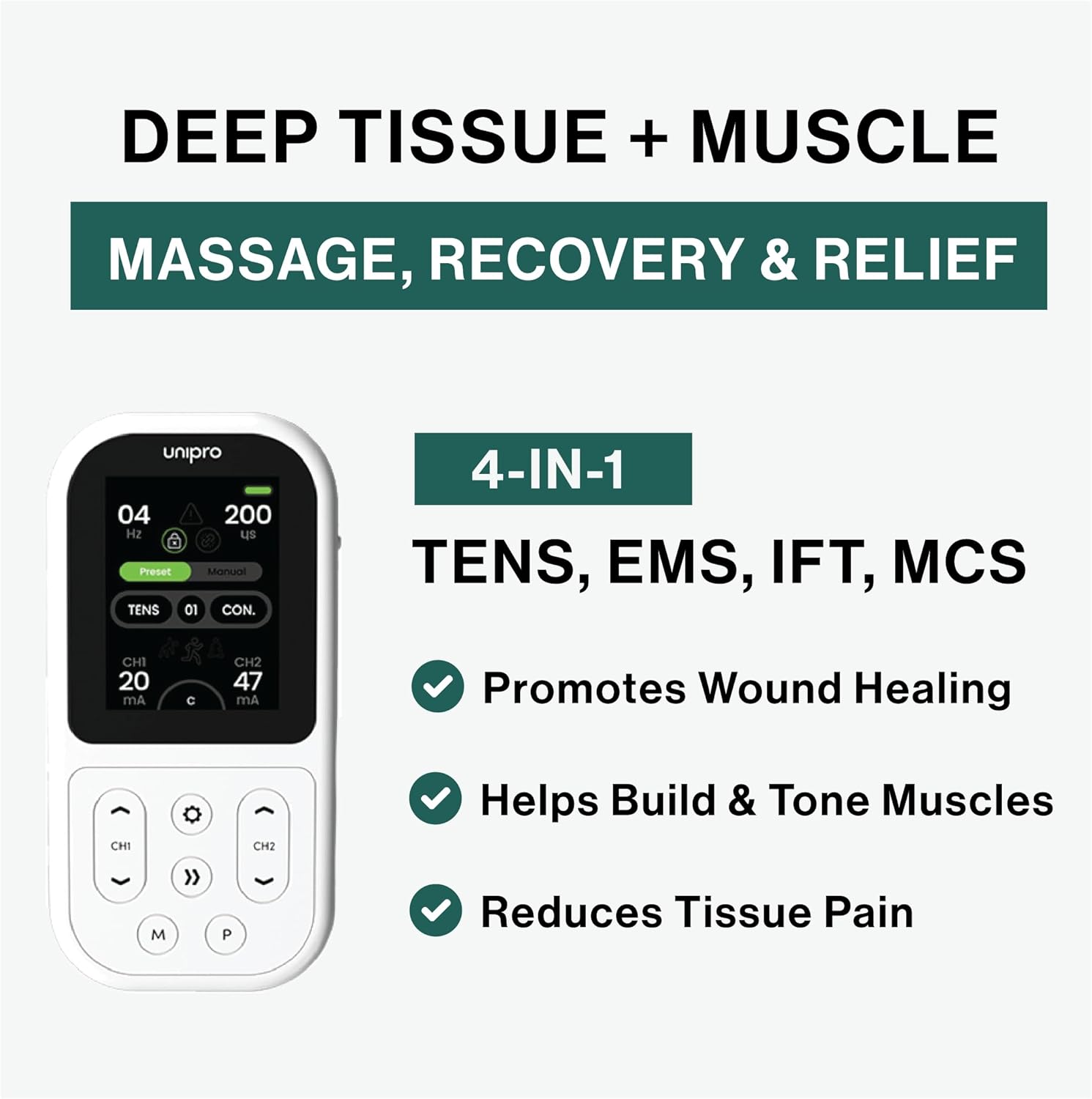
Foto 4: Proper placement of electrode pads on the back for therapy.

Foto 5: Electrode pad placement on the arm for targeted relief.

Foto 6: Electrode pad placement on the shoulder for muscle tension relief.
Na-arụ ọrụ ngwaọrụ
1. Gbanyụọ / gbanyụọ
Press and hold the power button to turn the device on or off. The display will illuminate upon activation.
2. Nhọrọ mmemme
The TensCare Unipro offers 70 pre-set programs across its four therapy modes: TENS, EMS, IFT, and Microcurrent. Use the navigation buttons to browse and select the desired program. The device also allows for custom program settings.

Foto 7: Device display illustrating the wide range of customizable programs available.
3. Adjusting Intensity and Time
Once a program is selected, adjust the intensity levels for each channel using the dedicated controls. Start with the lowest intensity and gradually increase it until a comfortable and effective sensation is achieved. The treatment time can also be adjusted according to your needs.
Ụdị ọgwụgwọ
The TensCare Unipro combines four distinct therapeutic modes:
 TENS (Transcutaneous Electrical Nerve Stimulation)
TENS therapy is used for pain relief by blocking pain signals and boosting endorphins. It is effective for chronic, muscular, and skeletal pain.
 EMS (Mkpali Akwara Anụ ọkụ eletrik)
EMS is used for muscle training, increasing strength, post-injury rehabilitation, and accelerating muscle recovery. It includes advanced muscle mass modes optimized for large muscle groups.
 IFT (Interferential Therapy)
IFT provides deeper penetration for nerve-based relief, reducing inflammation, assisting tissue repair, and accelerating healing. It supports both 2-pole and 4-pole applications.
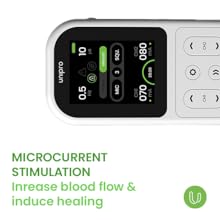 Microcurrent (MIC)
Microcurrent stimulation helps alleviate pain, promotes cellular regeneration, and aids in wound healing by increasing blood flow.
Nlekọta
1. Na-ehicha ngwaọrụ
Jiri nwayọ hichaa ngwaọrụ ahụ, damp akwa . Ejila ihe nhicha abrasive ma ọ bụ imikpu ngwaọrụ n'ime mmiri.
2. Electrode Care
After each use, carefully remove the electrode pads from your skin without pulling the wires. Place them back on their protective film. If the pads lose their stickiness, gently clean them with a damp cloth and allow them to air dry. Replace pads when they no longer adhere properly.
3. Nlekọta batrị
To prolong battery life, charge the device regularly. Avoid completely draining the battery before recharging. Store the device in a cool, dry place when not in use.
Nchọpụta nsogbu
If you experience issues with your TensCare Unipro, consider the following:
- Enweghị ike: Hụ na ngwaọrụ ahụ nwere chajị zuru oke. Jiri eriri USB enyere jikọọ ya na isi iyi ọkụ eletrik.
- No sensation or weak sensation: Check that the electrode pads are firmly attached to your skin and the lead wires are securely connected to both the pads and the device. Increase the intensity gradually. Ensure the pads are not dried out and replace if necessary.
- Irregular sensation: Verify that all connections are secure and the pads are making full contact with the skin.
- Ihuenyo anaghị aza: Nwaa gbanyụọ ngwaọrụ ahụ wee gbanye ya ọzọ. Ọ bụrụ na nsogbu ahụ anọgide, kpọtụrụ ndị ọrụ nkwado ndị ahịa.
Nkọwapụta
| Njirimara | Nkọwa |
|---|---|
| Nọmba nlereanya | K-UNIPRO |
| Akụkụ ngwaahịa | 12.5 x 6.5 x 2.6 cm |
| Ibu Ibu | 100 grams |
| Isi Iyi Ike | Akwadoro batrị (1 batrị lithium ion gụnyere) |
| Ihe onwunwe | Plastic |
| Agba | Ọcha |
| Ụdị ọgwụgwọ | TENS, EMS, IFT, Microcurrent |
| Mmemme | 70 Mmemme |
Akwụkwọ ikike na nkwado
For warranty information and customer support, please refer to the documentation included with your TensCare Unipro device or visit the official TensCare websaịtị. Debe ihe akaebe nke ịzụrụ ihe maka akwụkwọ ikike ọ bụla.


