Okwu mmalite
This manual provides comprehensive instructions for the setup, operation, maintenance, and troubleshooting of your Timex Men's Command Encounter 45mm Watch. Please read this manual carefully to ensure proper use and longevity of your timepiece.
Ngwaahịa gafereview
The Timex Command Encounter is a robust digital watch designed for durability and functionality. It features a 45mm square case, a digital negative display, and is water-resistant up to 100 meters. The watch includes standard timekeeping functions, a chronograph, timer, and alarm.

Foto 1: N'ihu view of the Timex Command Encounter 45mm Watch. This image displays the watch face with its digital negative display, showing the time, date, and various mode indicators like CHRONO, TIMER, and ALARM. The watch features a green case and strap with a camouflage pattern on the display bezel.
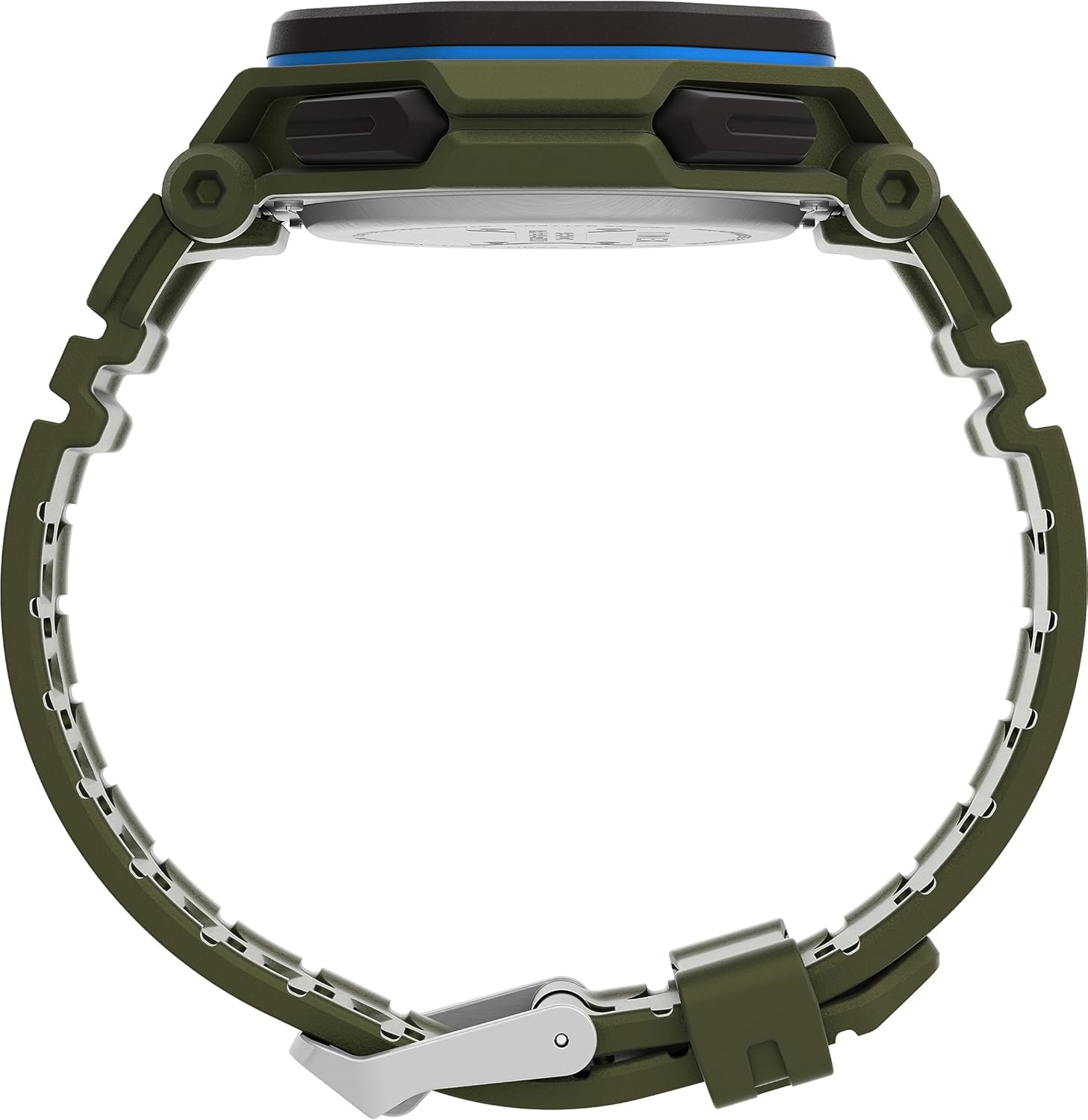
Foto 2: Akụkụ view of the Timex Command Encounter 45mm Watch. This image highlights the profile of the watch, showcasing the robust case design and the textured green strap. The buttons on the side of the watch are also visible.

Ọgụgụ 3: N'azụ view of the Timex Command Encounter 45mm Watch. This image focuses on the stainless steel case back, which is engraved with "TIMEX", "SHOCK RESISTANT", "WATER RESISTANT 100M", and "STAINLESS STEEL BACK". The four screws securing the case back are also visible.
Melite
1. Initial Power On and Battery
Your Timex Command Encounter watch comes with a pre-installed Lithium Metal battery (CR2025). The watch should be ready for use upon arrival. If the display is blank, press any button to activate it. If the watch does not power on, the battery may need replacement (refer to the Maintenance section).
2. Ịtọ oge na ụbọchị
- Pịa MODE button (typically on the lower left) repeatedly until the time setting mode is displayed. The seconds digits will likely be flashing.
- Pịa Tụgharịa button (typically on the lower right) to cycle through the adjustable fields: seconds, hours, minutes, year, month, day.
- Jiri ihe Malite button (typically on the upper right) to increase the value of the flashing field. Hold the button to rapidly advance the digits.
- Ozugbo ntọala niile ziri ezi, pịa bọtịnụ MODE bọtịnụ iji pụọ na ọnọdụ ntọala wee laghachi na ngosipụta oge nkịtị.
Usoro elekere 3. 12/24
While in the time setting mode, when the hour digits are flashing, pressing the Malite button may toggle between 12-hour (with AM/PM indicator) and 24-hour formats. Consult the specific button functions for your model if this does not work as described.
Ntuziaka ọrụ
1. Basic Timekeeping
The watch displays the current time (hours, minutes, seconds) and date (month, day, day of week) in its primary mode. The negative display provides clear visibility in various lighting conditions.
2. INDIGLO® Night-Light
To activate the INDIGLO® night-light, press the INDIGLO button (typically on the upper left). The entire display will illuminate for a few seconds, allowing for easy reading in low-light environments.
3. Chronograph (Agba Nkwụsị)
- Pịa MODE button until "CHRONO" or "STW" appears on the display.
- Pịa Malite ịmalite oge.
- Pịa Malite again to pause timing. Press Malite ịmaliteghachi.
- To record a lap or split time, press SPL/SET while the chronograph is running. The display will momentarily show the lap time.
- To stop the chronograph, press KWỤSỊ.
- To reset the chronograph to zero, press Tụgharịa mgbe ịkwụsị.
4. Timer (Countdown)
- Pịa MODE button until "TIMER" or "TMR" appears on the display.
- Iji tọọ oge ngụkọ, pịa Tụgharịa to select the flashing digit (hours, minutes, seconds). Use Malite iji dozie uru.
- Pịa Malite ibido ngụkọ.
- Pịa Malite ọzọ ka ị kwụsị. Pịa Malite ịmaliteghachi.
- When the timer reaches zero, an alarm will sound. Press any button to stop the alarm.
5. Oti mkpu
- Pịa MODE button until "ALARM" or "ALM" appears on the display.
- Iji tọọ oge mkpu, pịa Tụgharịa to select the flashing digit (hours, minutes). Use Malite iji dozie uru.
- To activate or deactivate the alarm, press SPL/SETAkara ngosi mkpu ga-apụta/pụọ n'anya na ngosipụta ahụ.
- Mgbe mkpu ahụ dara, pịa bọtịnụ ọ bụla iji mee ka ọ ghara ịgbachi nkịtị.
Nlekọta
1. Ịsacha Elekere Gị
Na-ehicha elekere gị mgbe niile site na iji ihe dị nro, damp cloth. For stubborn dirt, a mild soap solution can be used, followed by rinsing with clean water and thorough drying. Avoid using harsh chemicals or abrasive materials, as these can damage the watch case or strap.
2. Mmiri Nguzogide
Your Timex Command Encounter watch is water-resistant up to 100 meters (330 feet). This means it is suitable for showering, swimming, and snorkeling. Do not press any buttons while the watch is submerged in water, as this can compromise the water resistance seal. Avoid exposing the watch to extreme temperature changes, which can also affect the seals.
3. Ngbanwe batrị
The watch uses a CR2025 Lithium Metal battery. Battery life varies depending on usage, especially the frequency of INDIGLO® night-light activation. When the display dims or functions become erratic, it's time to replace the battery. Battery replacement should ideally be performed by a qualified watch technician to ensure the water resistance seal is properly re-seated.
If replacing the battery yourself, carefully remove the four screws on the case back (refer to Figure 3). Gently pry open the case back. Note the battery's orientation before removal. Replace with a new CR2025 battery, ensuring proper polarity. Carefully re-seat the gasket and secure the case back with the screws. Self-replacement may void warranty or compromise water resistance if not done correctly.
Nchọpụta nsogbu
| Nsogbu | Ihe nwere ike ime | Ngwọta |
|---|---|---|
| Ngosipụta bụ oghere ma ọ bụ nchara nchara. | Batrị dị ala ma ọ bụ nwụrụ anwụ. | Dochie batrị CR2025. |
| Oge/Ụbọchị ezighi ezi. | Not set correctly or reset due to battery change. | Soro ntuziaka "Oge na Ụbọchị Ntọala" dị na ngalaba Ntọala. |
| Bọtịnụ anaghị anabata ya. | Watch may be in a locked mode or battery is very low. | Try pressing all buttons to see if any respond. If not, replace battery. If still unresponsive, contact support. |
| Mmiri dị n'ime elekere ahụ. | Compromised water resistance seal (e.g., buttons pressed underwater, extreme temperature changes, damaged gasket). | Immediately take the watch to a qualified watch repair center. Do not attempt to dry it yourself. |
Nkọwapụta
- Nọmba nlereanya: TW2V93700VQ
- Nha ikpe: 45mm
- Ihe eriri: Green (8 inch)
- Ụdị ngosi: Digital Negative Display
- Ihe oghere oghere: Igwe igwe ihe
- Nguzogide mmiri: 100 mita (330 ụkwụ)
- Ụdị batrị: Batrị ígwè Lithium 1 (CR2025)
- Atụmatụ: Chronograph, Timer, Alarm, INDIGLO® Night-Light
- Mba onye si: China
Akwụkwọ ikike na nkwado
Timex watches are manufactured to high standards and come with a limited warranty. For specific warranty details, please refer to the warranty card included with your purchase or visit the official Timex websaịtị. Debe ihe akaebe nke ịzụrụ maka akwụkwọ ikike.
For technical support, service, or parts, please contact Timex Customer Service. Contact information can typically be found on the Timex website or on the packaging.
Official Timex Websaịtị: www.timex.com


