1. Okwu mmalite
This manual provides instructions for the VTech CS2051 DECT 2 Handset Cordless Home Telephone with Answering Machine. It covers setup, operation, maintenance, and troubleshooting to ensure optimal performance of your device. Please read these instructions carefully before using your telephone.
2. Ihe ngwugwu
Chọpụta na ngwungwu gị nwere ihe ndị a:
- 1 x Ntọala Ntọala
- Ekwentị anọ na-enweghị eriri
- Chaja ekwentị abụọ
- 2 x AC Adaptors (for base unit and chargers)
- 2 x Battery Packs (AAA batteries required, included)
- 1 x eriri ekwentị
- 1 x Ntuziaka mmalite ngwa ngwa

Image: The VTech CS2051 system, showing the main base unit with one handset, and a separate charger with the second handset.
3. Nhazi
3.1 Ntinye batrị
- Mepee mkpuchi mkpuchi batrị n'azụ ekwentị ọ bụla.
- Insert the supplied AAA battery pack, ensuring correct polarity.
- Mechie mkpuchi oghere batrị.
- Place each handset on its respective charger or the base unit to charge for at least 16 hours before first use.
3.2 Njikọ Njikọ
- Jikọọ otu njedebe nke eriri eriri ekwentị na ọdụ ụgbọ mmiri LINE dị na ngalaba ntọala.
- Jikọọ nsọtụ nke ọzọ nke eriri ahịrị ekwentị na oghere mgbidi ekwentị gị.
- Connect the AC adaptor to the POWER port on the base unit.
- Plug the AC adaptor into a mains power outlet.
- For the additional charger, connect its AC adaptor to the charger and then to a mains power outlet.
3.3 Handset Registration
Your handsets are typically pre-registered to the base unit. If a handset displays 'Unregistered' or 'Register Handset', follow these steps:
- Na ngalaba ntọala, pịa ma jide IHE bọtịnụ ihe dị ka sekọnd ise ruo mgbe ọkụ akara ndebanye aha na-enwu.
- On the handset, navigate to the 'Registration' menu (refer to the Quick Start Guide for specific menu navigation).
- Select 'Register Handset' and enter the system PIN (default is usually 0000).
- The handset will display 'Registering...' and then 'Handset Registered' upon successful completion.
4. Ntuziaka ọrụ
4.1 Ịkpọ na ịnata oku
- Ka ịkpọ oku: Pịa KWURU button, then dial the number. Alternatively, dial the number first and then press KWURU.
- Iji nweta oku: Mgbe ekwentị na-ada, pịa KWURU bọtịnụ.
- Iji kwụsị oku: Pịa N'ikpeazụ bọtịnụ ma ọ bụ tinye ekwentị ahụ azụ na unit/chaja base.
4.2 Igwe Azịza Dijitalụ
The base unit includes a digital answering machine to record messages when you are unavailable.
- Ozi egwu: Pịa KWURU/Kwụsị button on the base unit. The display will show the number of new messages.
- Na-ehichapụ ozi: During message playback, press the HIchapụ bọtịnụ dị na isi ihe.
- Nhazi: Access the answering machine settings via the handset menu to record your outgoing message or adjust settings.

Image: The base unit of the VTech CS2051, highlighting the digital answering system with a message count display.
4.3 Nuisance Call Blocker
This feature allows you to block unwanted incoming calls.
- Igbochi nọmba: During or after a call, access the call blocker menu on the handset. You can add numbers to a block list.
- Blocking Unknown Numbers: The system can be configured to block calls from numbers not stored in your phonebook or from withheld numbers.

Image: A VTech CS2051 handset, illustrating the call blocker feature for managing unwanted calls.
4.4 Caller ID and Call Waiting
These features require subscription from your telephone service provider.
- NJ onye ọkpụkpọ: The handset display shows the caller's number (and name if stored in your phonebook) before you answer. The phone stores up to 20 incoming call records.
- Oku echere: If you are on a call and another call comes in, you will hear a tone. You can switch between calls.

Image: A close-up of the VTech CS2051 handset display showing an incoming call number, demonstrating the Caller ID feature.
4.5 Igwe okwu
The speakerphone function allows for hands-free conversations.
- Rụọ ọrụ: Mgbe oku na-aga, pịa Ọkà okwu bọtịnụ.
- Iji gbanyụọ: Pịa Ọkà okwu button again or lift the handset to your ear.
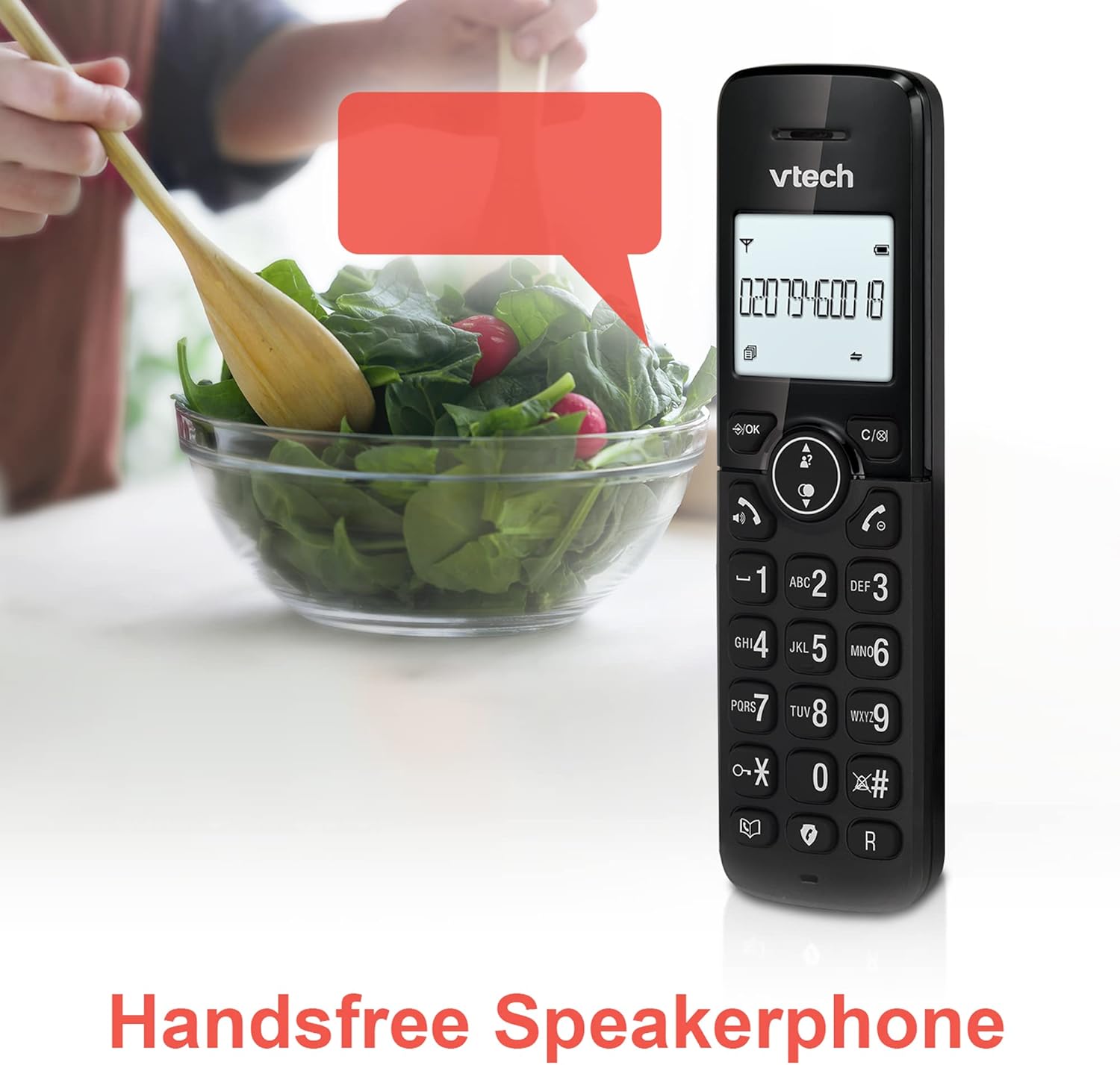
Image: A VTech CS2051 handset positioned for hands-free use, illustrating the speakerphone capability.
4.6 Intercom
You can use the handsets to communicate with each other internally.
- To Initiate: Pịa INT button on one handset and select the desired handset to call.
4.7 Adjustable Ring Volume and Melody
Customize the ringtone and volume to your preference.
- Access the 'Ringtone Settings' or 'Volume Settings' menu on the handset to choose from available melodies and adjust the ring volume.

Image: A VTech CS2051 handset, highlighting the controls for adjusting ring volume and melody settings.
4.8 Alarm and Mute Function
- Mkpu: Tọọ mkpu site na menu ekwentị.
- Mechie: Mgbe oku na-aga, pịa MUTU button to temporarily silence your microphone. Press again to unmute.

Image: Illustrates the alarm function (represented by a clock icon) and the mute function (represented by a musical note icon) available on the VTech CS2051.
5. Nlekọta
- Nhicha: Wipe the telephone and handsets with a soft, damp akwa . Ejila ihe nchacha abrasive ma ọ bụ ihe mgbaze.
- Nlekọta batrị: Ensure handsets are placed on the charger when not in use to maintain battery life. Replace batteries when performance significantly degrades.
- Ebe: Place the base unit in a central location, away from other electrical appliances that may cause interference.
6. Nchọpụta nsogbu
- Enweghị ụda ọkpụkpọ: Ensure the telephone line cord is securely connected to both the base unit and the wall socket. Check if the AC adaptor is properly plugged in.
- Ekwentị anaghị akwụ ụgwọ: Verify the handset is correctly seated in the charger/base unit. Clean the charging contacts on both the handset and charger with a dry cloth.
- Ọdịmma oku/nbichi adịghị mma: Move the base unit away from other electronic devices (e.g., Wi-Fi routers, microwaves). Ensure the handset is within range of the base unit.
- Handset Displays 'Unregistered': Follow the handset registration steps in Section 3.3.
- Igwe Azịza Anaghị Edekọ: Check the answering machine settings via the handset menu to ensure it is enabled and has sufficient recording time.
7. Nkọwapụta
| Njirimara | Nkọwapụta |
|---|---|
| Nlereanya | CS2051 |
| Ụdị ekwentị | DECT Cordless |
| Ọnụọgụ nke ekwe ntị | 2 |
| Ụdị Sistemu na-aza | Digital (up to 15 minutes record time) |
| Nchọpụta onye ọkpụkpọ | Ee (chọrọ ndenye aha) |
| Nuisance Call Blocker | Ee |
| Ngosipụta | 1.8-inch Backlit Display |
| Batrị | 4 batrị AAA achọrọ (gụnyere) |
| Ihe onwunwe | Acrylonitrile Butadiene Styrene (ABS) |
| Isi Iyi Ike | Akwanyere batrị |
| Multiline arụ ọrụ | Ee |
8. Akwụkwọ ikike na nkwado
This VTech CS2051 product is supplied as an Amazon Renewed item. For specific warranty details and support, please refer to the Amazon Renewed program terms and conditions or contact Amazon Renewed customer service directly. VTech provides manufacturing support for its products. For technical assistance or further information, please visit the official VTech support website or consult the full user manual if available from the manufacturer.


