1. Okwu mmalite
The JZAQ A13 Bluetooth Helmet Speakers and Intercom System provides wireless communication and audio playback for motorcycle riders, skiers, cyclists, and other sports enthusiasts. This system features Bluetooth 5.3 connectivity, two-way intercom functionality, noise cancellation, and a waterproof design for reliable performance in various conditions.

Image 1.1: JZAQ A13 Bluetooth Helmet Headset overview.
2. Ihe ngwugwu
Before installation, please verify that all items listed below are present in your package:
- JZAQ A13 Headphone Host
- Hard Earbuds
- Soft Earbuds
- Isi Clip
- Paste Base
- Horn Velcro
- TYPE-C eriri nchaji
- Hard and Soft Velcro Pads
- Akwụkwọ ntuziaka onye ọrụ

Image 2.1: All components included in the JZAQ A13 package.
3. Ngwaahịa gafereview
Familiarize yourself with the main unit and its controls:
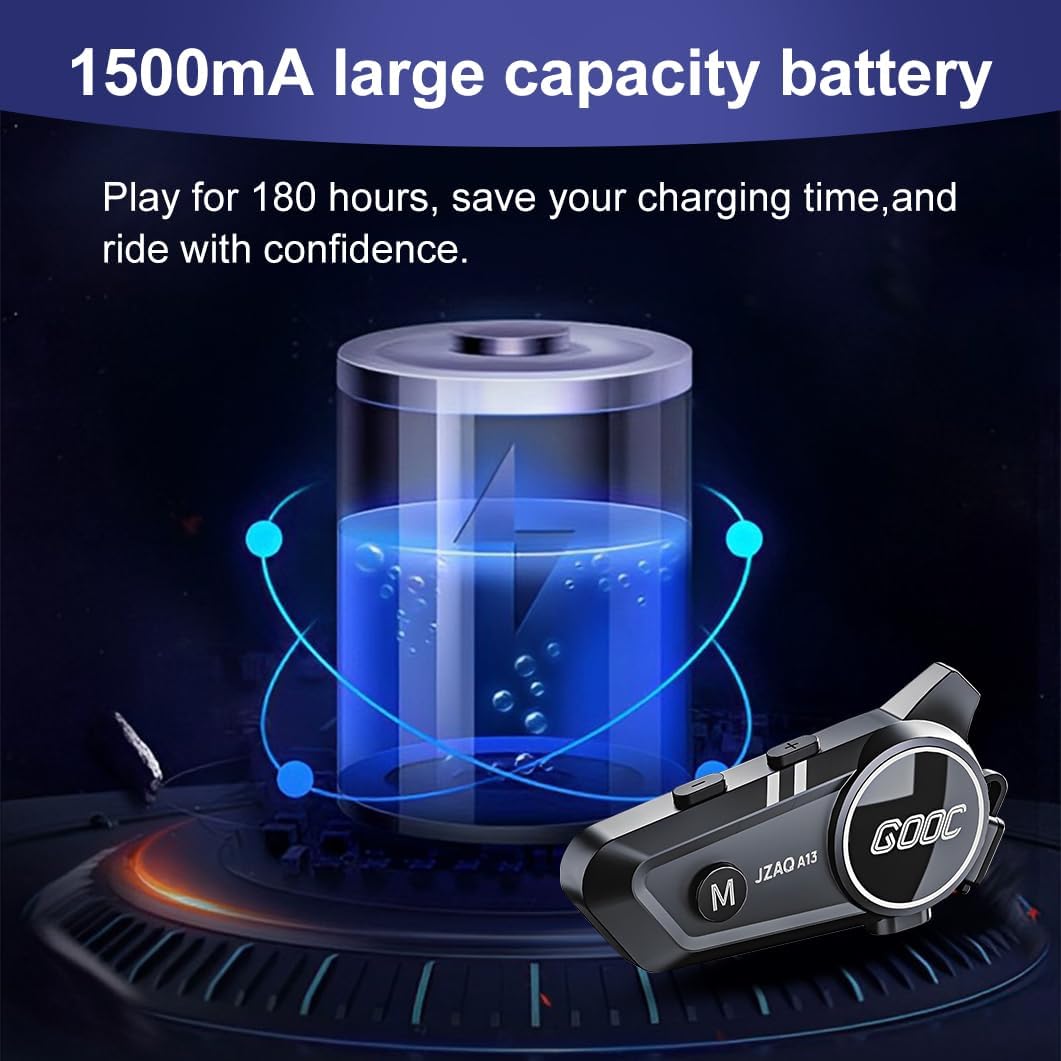
Image 3.1: Diagram illustrating the button functions and ports on the JZAQ A13 unit.
- Power On/Off/Pause/Play/Connect Button: Controls power, music playback, and Bluetooth connection.
- Volume Up/Next Song Button: Increases volume and skips to the next track.
- Volume Down/Previous Song/Voice Assistant Button: Decreases volume, goes to the previous track, and activates the voice assistant.
- Nchaji ọdụ ụgbọ mmiri: USB Type-C port for charging the device.
- Jack ekweisi: Connects the speakers and microphone.
4. Ntọala na nwụnye
4.1 Ịchaji ngwaọrụ
Before first use, fully charge the JZAQ A13 unit. Connect the provided TYPE-C charging cable to the charging port on the unit and a USB power source. A full charge typically takes approximately 2 hours. The device features a 1500mAh battery, providing up to 180 hours of continuous play time.

Image 4.1: Illustration of the 1500mAh large capacity battery.
4.2 Ntinye okpu agha
The JZAQ A13 is designed to be compatible with various helmet types. The speakers are ultra-thin (10mm) to ensure comfort and avoid ear pressure.

Foto 4.2: Ọpụamples of various helmet types compatible with the JZAQ A13.
Follow these steps to install the system in your helmet:
- Nkwanye ọkà okwu: Identify suitable locations within your helmet for the speakers, typically in the ear recesses. Use the provided Velcro pads to secure the speakers.
- Mgbakwunye igwe okwu: Choose between the hard or soft earbuds (microphones) based on your helmet type and preference. Attach the microphone using Velcro in a position that allows clear voice pickup without obstructing your vision or comfort.
- Main Unit Mounting: Use either the clip base or the paste base to attach the main JZAQ A13 unit to the side of your helmet. Ensure it is securely fastened and easily accessible for operation.
- Njikwa USB: Route all cables neatly within the helmet padding to prevent discomfort or interference.

Image 4.3: Step-by-step visual guide for installing the JZAQ A13 system into a helmet.
5. Ntuziaka ọrụ
5.1 Gbanyụọ ma ọ bụ gbanyụọ
- Ike Na: Press and hold the Power button for approximately 3 seconds until the indicator light illuminates.
- Gbanyụọ: Pịa ma jide bọtịnụ Ike ruo ihe dị ka sekọnd atọ ruo mgbe ọkụ ngosi ahụ gbanyụrụ.
5.2 Njikọ Bluetooth
The JZAQ A13 uses Bluetooth 5.3 for stable wireless connectivity.
- Gbaa mbọ hụ na agbanyụrụ ngwaọrụ ahụ.
- Pịa ma jide bọtịnụ Ike ahụ ihe dị ka sekọnd 5-7 ruo mgbe ìhè ihe ngosi ahụ na-acha uhie uhie na acha anụnụ anụnụ n'otu aka ahụ, na-egosi ụdị njikọta.
- On your mobile phone or Bluetooth-enabled device, search for "JZAQ A13" in the Bluetooth settings.
- Select "JZAQ A13" to connect. Once paired, the indicator light will flash blue slowly.
5.3 Nghaghachi egwu
After successful Bluetooth pairing, you can play music from your connected device. The system features Hi-Fi stereo sound and DSP noise reduction technology for clear audio.

Image 5.1: The JZAQ A13 provides clear music playback with noise reduction.
- Gwuo/kwụsịtụ: Pịa bọtịnụ ike otu ugboro.
- Olu elu: Pịa bọtịnụ olu elu (+).
- Olu ala: Pịa bọtịnụ ụda ala (-).
- Abụ na-esote: Pịa ma jide bọtịnụ olu elu (+).
- Abụ gara aga: Pịa ma jide bọtịnụ ụda ala (-).
5.4 Intercom-ụzọ abụọ
The JZAQ A13 supports two-way intercom communication between two riders within a range of up to 200 meters. The universal pairing function allows connection with other compatible intercom systems.

Image 5.2: Illustration of two-way intercom communication between riders.
- Initiate Intercom: Consult the specific instructions for initiating intercom with another JZAQ A13 unit or a universally paired device.
- End Intercom: Press the Power button once during an active intercom call.
5.5 Oku ekwentị
The system supports hands-free calling with automatic answering and DSP noise reduction for clear voice communication.
- Oku azaa: The system will automatically answer incoming calls after a few rings.
- Oku ngwụcha: Pịa bọtịnụ ike otu ugboro.
- Jụ oku: Pịa ma jide bọtịnụ ike maka sekọnd iri na ise.
5.6 Onye enyemaka olu
Activate your smartphone's voice assistant (e.g., Siri) directly from the JZAQ A13.
- Mee ka onye enyemaka olu rụọ ọrụ: Press the Volume Down (-) button twice quickly.
6. Nlekọta
6.1 mkpuchi mmiri
The JZAQ A13 features IPX67 deep waterproof technology with Nano coating, making it suitable for use in rainy or snowy conditions and capable of operating in temperatures as low as -20°F.
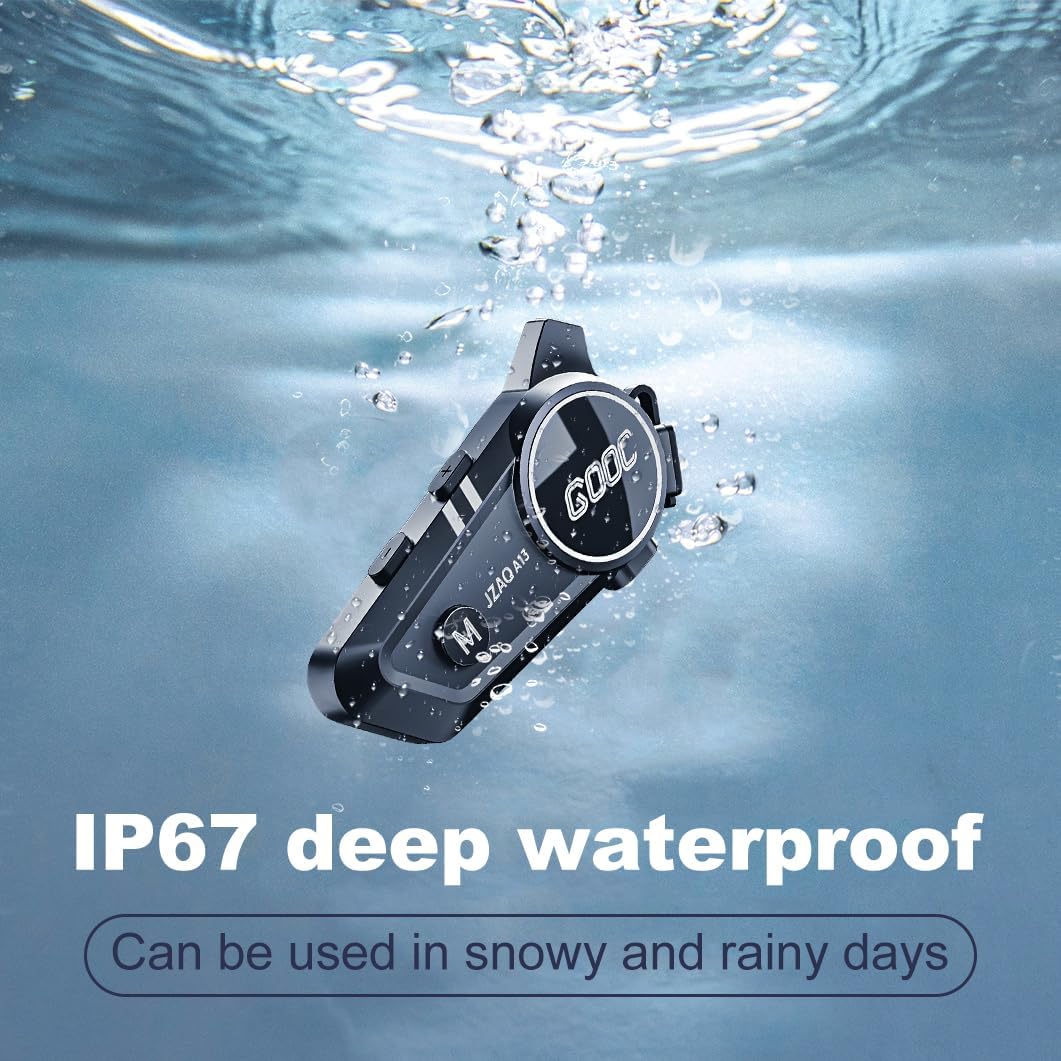
Image 6.1: The JZAQ A13 demonstrating its IP67 deep waterproof capability.
6.2 Nhicha na Nchekwa
- Jiri nwayọ hichaa otu ahụ, damp akwa . Zere iji kemịkalụ siri ike ma ọ bụ ihe nchacha.
- Ensure the charging port cover is securely closed to maintain water resistance.
- Chekwaa ngwaọrụ ahụ n'ebe dị jụụ, kpọrọ nkụ mgbe ọ naghị eji ya.
7. Nchọpụta nsogbu
If you encounter issues with your JZAQ A13, refer to the following common problems and solutions:
| Nsogbu | Ihe nwere ike ime | Ngwọta |
|---|---|---|
| Ngwaọrụ anaghị agbanwu ọkụ | Low battery; Device frozen | Charge the device fully; Perform a hard reset (if applicable, refer to manufacturer for specific steps). |
| Enweghị ike ijikọ ya na ekwentị | Not in pairing mode; Bluetooth off on phone; Device already paired | Ensure device is in pairing mode (flashing red/blue); Turn on phone's Bluetooth; Forget previous connections on phone and re-pair. |
| Enweghị ụda sitere na ndị ọkà okwu | Volume too low; Speakers disconnected; Faulty connection | Increase volume on device and phone; Check speaker connections; Try re-plugging speakers into the main unit. |
| Intercom not connecting | Out of range; Incorrect pairing procedure | Ensure riders are within 200m range; Repeat intercom pairing steps for both units. |
| Poor voice quality during calls/intercom | Microphone position; Excessive wind noise | Adjust microphone closer to mouth; Ensure microphone is shielded from direct wind. |
8. Nkọwapụta
Key technical specifications for the JZAQ A13 Bluetooth Helmet Speakers & Intercom System:
| Njirimara | Nkọwapụta |
|---|---|
| Aha Nlereanya | A13 |
| Ụdị | JZAQ |
| Teknụzụ Njikọta | Ikuku (Bluetooth) |
| Ụdị Bluetooth | 5.3 |
| Ike batrị | 1500mAh |
| Battery Life (Play Time) | Ruo awa 180 |
| Oge Nchaji | Awa 2 |
| Intercom Range | Up to 200 meters (two-way) |
| Ọkwa Nguzogide mmiri | IPX67 (ihe mgbochi mmiri) |
| Njikwa mkpọtụ | Sound Isolation, DSP Noise Reduction |
| Atụmatụ pụrụ iche | Built-In Voice Assistant, Fast Charging, Includes microphone, Lightweight |
| Ibu Ibu | 7.4 ounces (0.21 Kilogram) |
| Okpomọkụ na-arụ ọrụ | -20°F to (unspecified upper limit) |
9. Akwụkwọ ikike na nkwado
The JZAQ A13 Bluetooth Helmet Speakers & Intercom System comes with a 2-afọ akwụkwọ ikike. For any product-related inquiries, technical assistance, or warranty claims, please contact JZAQ customer service through the Amazon Buyer Center. Our customer service team is available to assist you.


